Computer Mouse презентация
Содержание
- 2. What is a computer mouse A computer mouse is a coordinate
- 3. The history of the appearance of a computer mouse On December
- 4. Mouse movements by the displacement sensor In the process
- 5. Direct drive The original design of the mouse movement sensor, invented
- 6. Ball drive In a spherical actuator, the movement of the mouse
- 7. Optical mice of the first generation Optical sensors are designed to
- 8. Optical Laser Mouse In recent years, a new, more sophisticated type
- 9. Induction computer mouse Induction mice use a special mat, working on
- 10. Gyroscopic mouse A mouse equipped with a gyro detects motion not
- 11. Interface connection
- 12. Wireless Mouse The signal wire of the mouse is sometimes seen
- 13. Optical connection The first attempts were the introduction of infrared communication
- 14. Induction mouse Induction mice most often have inductive power from a
- 15. Computer mouse manufacturer
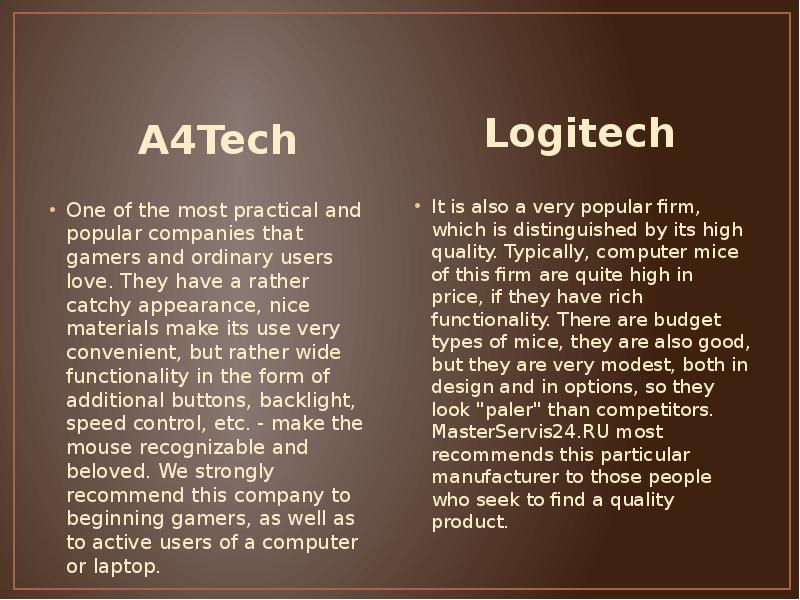
- 16. A4Tech A4Tech
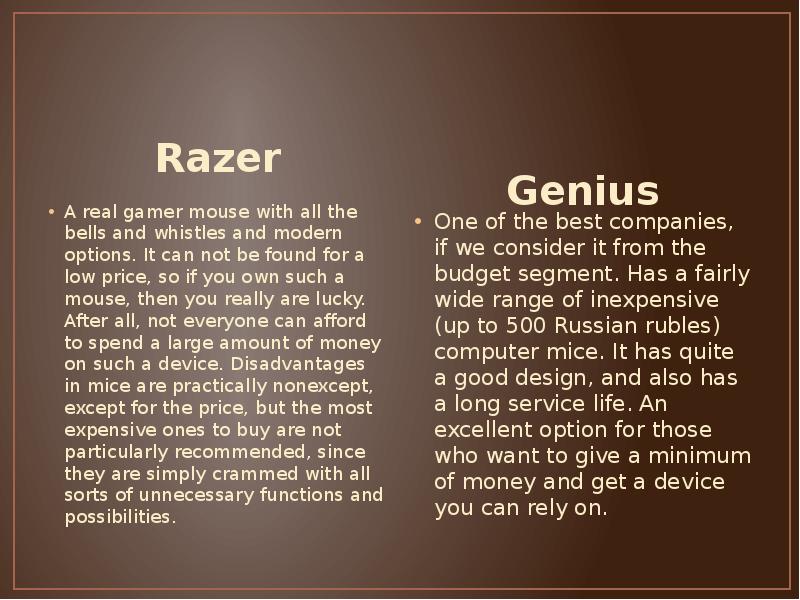
- 17. Razer Razer
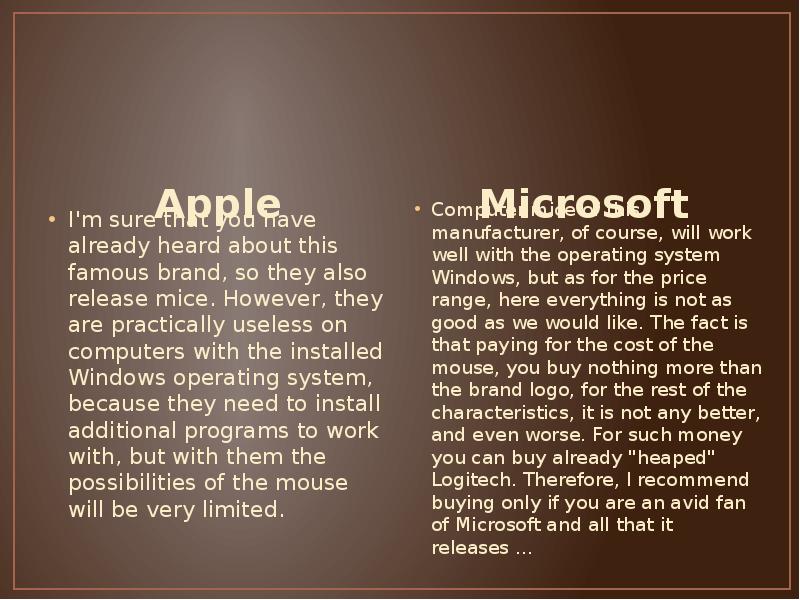
- 18. Apple Apple
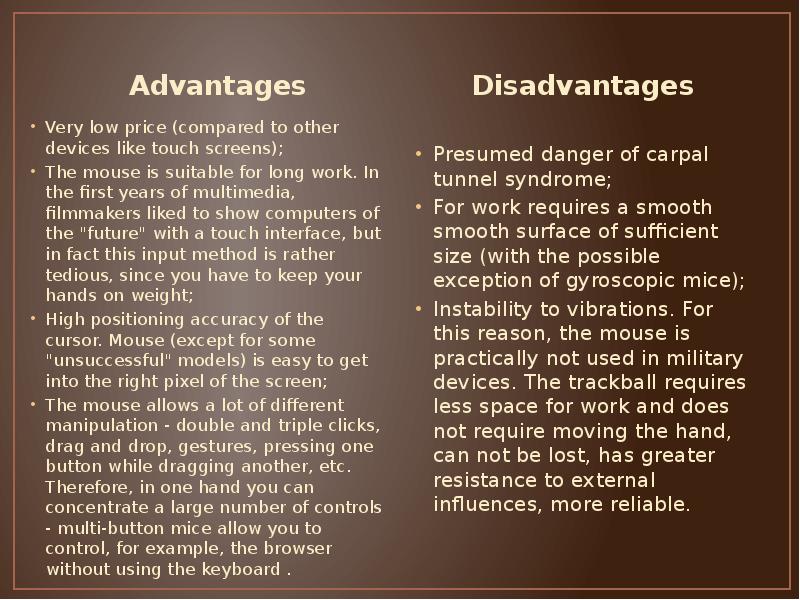
- 19. Advantages and disadvantages of computer mouse
- 20. Advantages Advantages
- 21. Thank you for attention!
- 22. Скачать презентацию



Слайды и текст этой презентации
Слайд 1
Описание слайда:
Computer Mouse
Слайд 2
Описание слайда:
What is a computer mouse
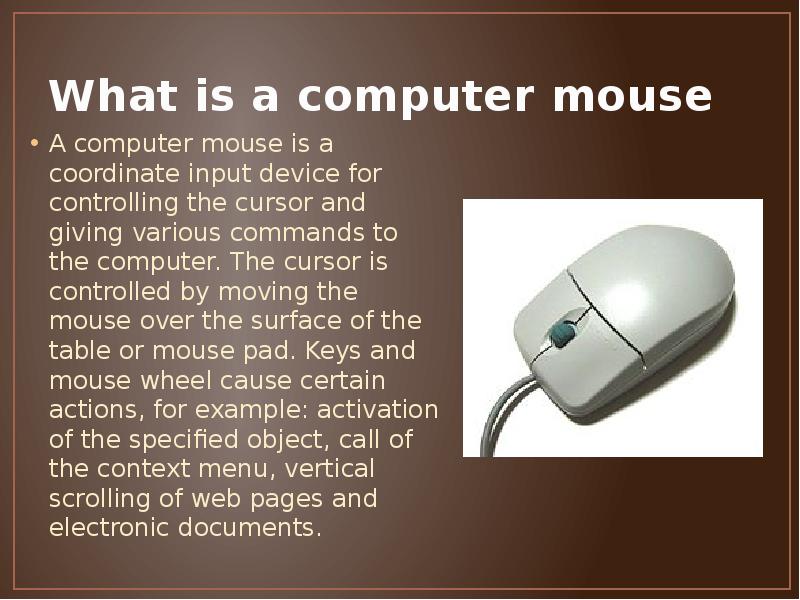
A computer mouse is a coordinate input device for controlling the cursor and giving various commands to the computer. The cursor is controlled by moving the mouse over the surface of the table or mouse pad. Keys and mouse wheel cause certain actions, for example: activation of the specified object, call of the context menu, vertical scrolling of web pages and electronic documents.
Слайд 3
Описание слайда:
The history of the appearance of a computer mouse
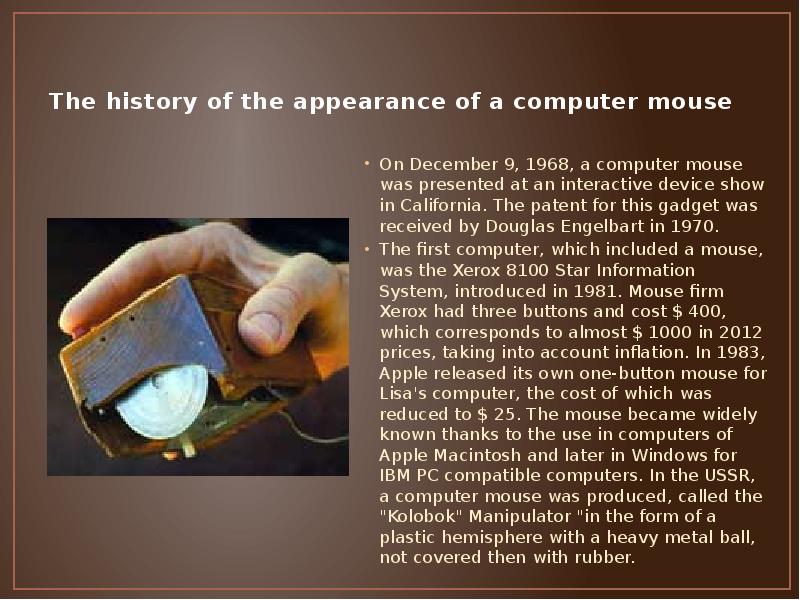
On December 9, 1968, a computer mouse was presented at an interactive device show in California. The patent for this gadget was received by Douglas Engelbart in 1970.
The first computer, which included a mouse, was the Xerox 8100 Star Information System, introduced in 1981. Mouse firm Xerox had three buttons and cost $ 400, which corresponds to almost $ 1000 in 2012 prices, taking into account inflation. In 1983, Apple released its own one-button mouse for Lisa's computer, the cost of which was reduced to $ 25. The mouse became widely known thanks to the use in computers of Apple Macintosh and later in Windows for IBM PC compatible computers. In the USSR, a computer mouse was produced, called the "Kolobok" Manipulator "in the form of a plastic hemisphere with a heavy metal ball, not covered then with rubber.
Слайд 4
Описание слайда:
Mouse movements by the displacement sensor
In the process of "evolution" of a computer mouse, the greatest changes were experienced by the displacement sensors
Слайд 5
Описание слайда:
Direct drive
The original design of the mouse movement sensor, invented by Douglas Engelbart at the Stanford Research Institute in 1963, consisted of two perpendicular wheels protruding from the body of the device. When you move the mouse, the wheels spin each in their own dimension.
This design had many drawbacks and was soon replaced with a ball-drive mouse.
Слайд 6
Описание слайда:
Ball drive
In a spherical actuator, the movement of the mouse is transferred to a rubberized steel ball protruding from the body (its weight and rubber coating ensure good adhesion to the working surface). Two balls pressed to the ball remove its movements in each of the measurements and transmit them to the angle sensors (incremental encoders) that convert these movements into electrical signals.
The main drawback of the ball drive is the contamination of the ball and the shooting rollers, which results in the jamming of the mouse and the need for periodic cleaning of the mouse (in part this problem was smoothed out by metallizing the rollers). Despite the drawbacks, the ball drive has long dominated, successfully competing with alternative sensor circuits. At present, ball mice are almost entirely replaced by optical mice of the second generation.
Слайд 7
Описание слайда:
Optical mice of the first generation
Optical sensors are designed to directly monitor the movement of the working surface relative to the mouse. The elimination of the mechanical component ensured a higher reliability and allowed to increase the resolving power of the detector.
The first generation of optical sensors was represented by various schemes of optocouplers with indirect optical coupling - light-emitting and sensing reflections from the working surface of photosensitive diodes. Such sensors had one common property - they required the presence on the working surface (mouse pad) of special shading (perpendicular or diamond-shaped lines). On some rugs, these hatchings were done with colors that were invisible in ordinary light (such rugs could even have a pattern).
Disadvantages of such sensors are usually called:
The need to use a special rug and the impossibility of replacing it with another. Among other things, the rugs of different optical mice were often not interchangeable and were not produced separately;
The need for a certain orientation of the mouse relative to the rug, otherwise the mouse was not working properly;
The sensitivity of the mouse to the contamination of the rug (after all, it comes into contact with the user's hand) - the sensor hesitantly perceived the hatching in the polluted places of the rug;
High cost of the device.
Слайд 8
Описание слайда:
Optical Laser Mouse
In recent years, a new, more sophisticated type of optical sensor has been developed that uses a semiconductor laser for illumination.
Little is known about the shortcomings of such sensors, but their advantages are known:
Higher reliability and resolution;
The absence of a noticeable glow (a sensor with a sufficiently weak laser illumination of the visible or, possibly, infrared range);
Low power consumption;
There are fully integrated solutions when the backlight laser is performed on the same crystal as the sensor.
Слайд 9
Описание слайда:
Induction computer mouse
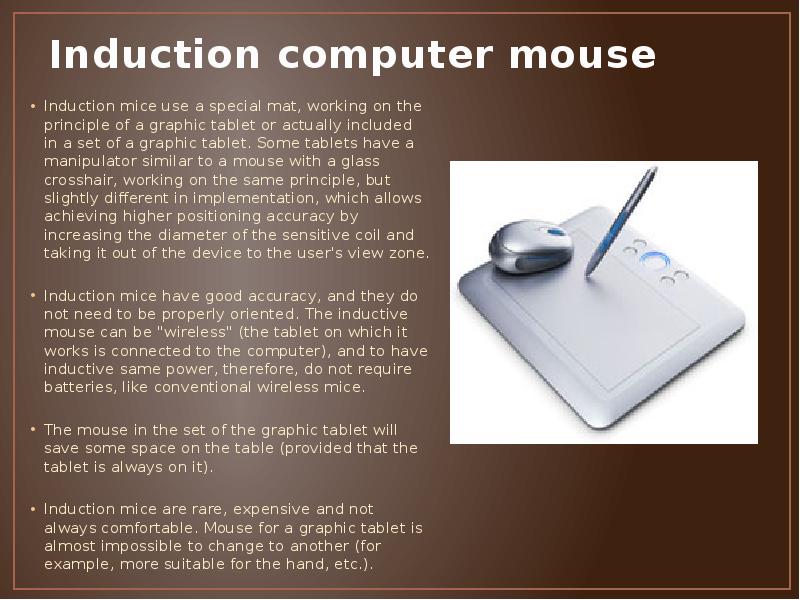
Induction mice use a special mat, working on the principle of a graphic tablet or actually included in a set of a graphic tablet. Some tablets have a manipulator similar to a mouse with a glass crosshair, working on the same principle, but slightly different in implementation, which allows achieving higher positioning accuracy by increasing the diameter of the sensitive coil and taking it out of the device to the user's view zone.
Induction mice have good accuracy, and they do not need to be properly oriented. The inductive mouse can be "wireless" (the tablet on which it works is connected to the computer), and to have inductive same power, therefore, do not require batteries, like conventional wireless mice.
The mouse in the set of the graphic tablet will save some space on the table (provided that the tablet is always on it).
Induction mice are rare, expensive and not always comfortable. Mouse for a graphic tablet is almost impossible to change to another (for example, more suitable for the hand, etc.).
Слайд 10
Описание слайда:
Gyroscopic mouse
A mouse equipped with a gyro detects motion not only on the surface, but also in space: it can be taken from the table and controlled by the movement of the brush in the air.
Gyroscopic sensors are being improved. For example, according to Logitech, mechanical sensors made using MEMS technology, used in MX Air mice, are smaller than traditional gyroscopic ones. To date, the smallest gyroscopic sensor is equipped with mice (NEO MOUSE), developed by the Korean company NEO REFLECTION. Weight "Neo mouse" is only 13 grams, and in size it is not more than a finger battery
Слайд 11
Описание слайда:
Interface connection
Слайд 12
Описание слайда:
Wireless Mouse
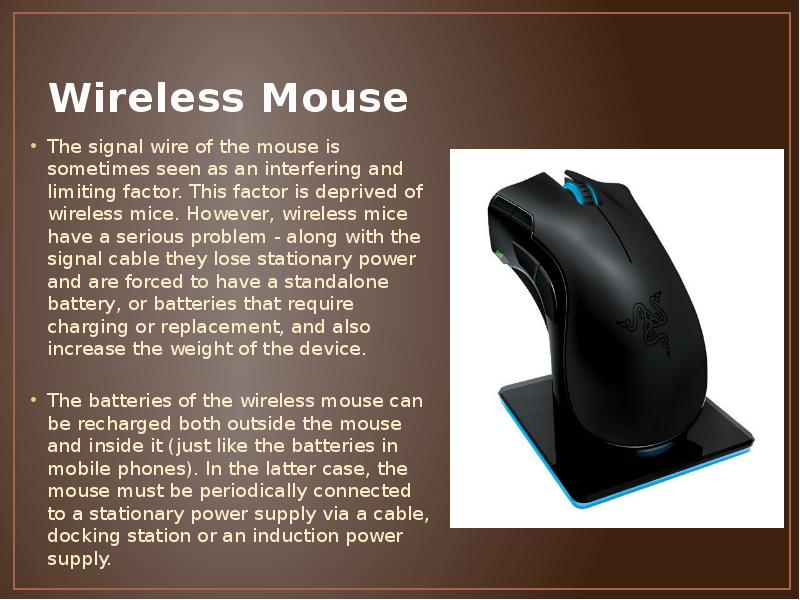
The signal wire of the mouse is sometimes seen as an interfering and limiting factor. This factor is deprived of wireless mice. However, wireless mice have a serious problem - along with the signal cable they lose stationary power and are forced to have a standalone battery, or batteries that require charging or replacement, and also increase the weight of the device.
The batteries of the wireless mouse can be recharged both outside the mouse and inside it (just like the batteries in mobile phones). In the latter case, the mouse must be periodically connected to a stationary power supply via a cable, docking station or an induction power supply.
Слайд 13
Описание слайда:
Optical connection
The first attempts were the introduction of infrared communication between the mouse and a special receiving device, which, in turn, was connected to the computer port.
Optical communication in practice showed a major drawback: any obstacle between the mouse and the sensor interfered with the operation.
Слайд 14
Описание слайда:
Induction mouse
Induction mice most often have inductive power from a special work platform ("rug") or a graphic tablet. But these mice are wireless only in part - a tablet or a pad is still connected by cable. Thus, the cable does not interfere with moving the mouse, but also does not allow you to work at a distance from the computer, as with a conventional wireless mouse.
Слайд 15
Описание слайда:
Computer mouse manufacturer
Слайд 16
Описание слайда:
A4Tech
A4Tech
Слайд 17
Описание слайда:
Razer
Razer
Слайд 18
Описание слайда:
Apple
Apple
Слайд 19
Описание слайда:
Advantages and disadvantages of computer mouse
Слайд 20
Описание слайда:
Advantages
Advantages
Слайд 21
Описание слайда:
Thank you for attention!
Скачать презентацию на тему Computer Mouse можно ниже: