System Administration & Technology Management презентация
Содержание
- 2. System Administration Duties 1. Installing System Patches 2. Making System
- 3. System Administration Duties
- 4. System Admin Duties 21. Set correct system-wide umask 22. Allow
- 5. SysAdmin Tricks/Hints
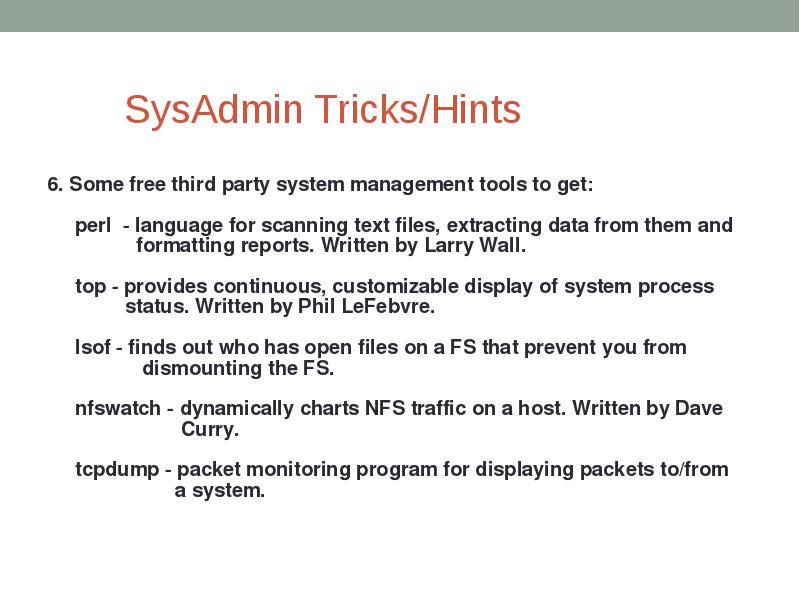
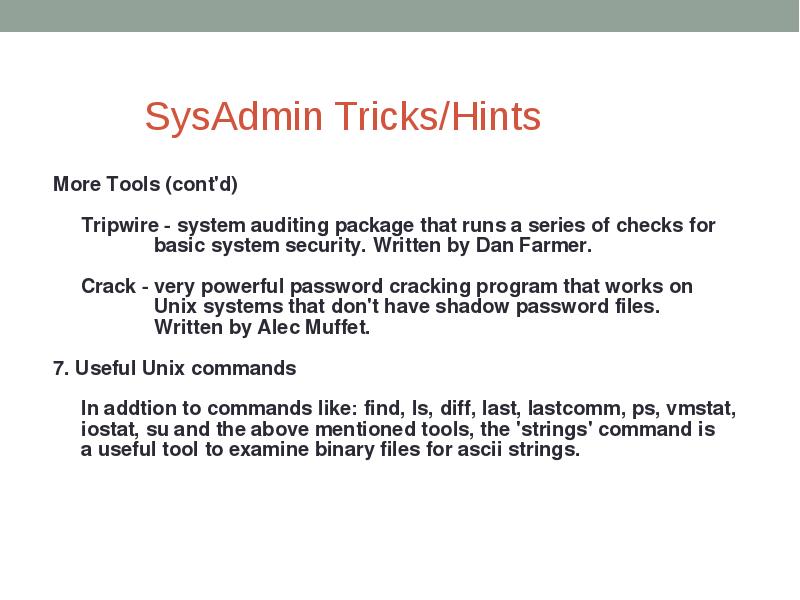
- 6. SysAdmin Tricks/Hints
- 7. Windows System Administration Very vast topic New technologies introduced with every
- 8. Did you ever wonder… What enables you to login with the
- 9. Active Directory It is the brain of the Windows Server network
- 10. AD Domain A Domain is a security boundary or an administrative
- 11. Server role Windows Server is designed around certain roles and features.
- 12. AD Domain
- 13. DNS DNS is the application in TCP/IP-based networks that provides name
- 14. OUs, Users, Computers and Groups An organizational unit (or OU) is
- 15. Example OU Windows server provides a GUI based administration tool called
- 16. Скачать презентацию
Слайды и текст этой презентации
Слайд 1
Описание слайда:
SYSTEM ADMINISTRATION & TECHNOLOGY MANAGEMENT
Introduction to Windows/.Linux System Administration
Ayaz
Слайд 2
Описание слайда:
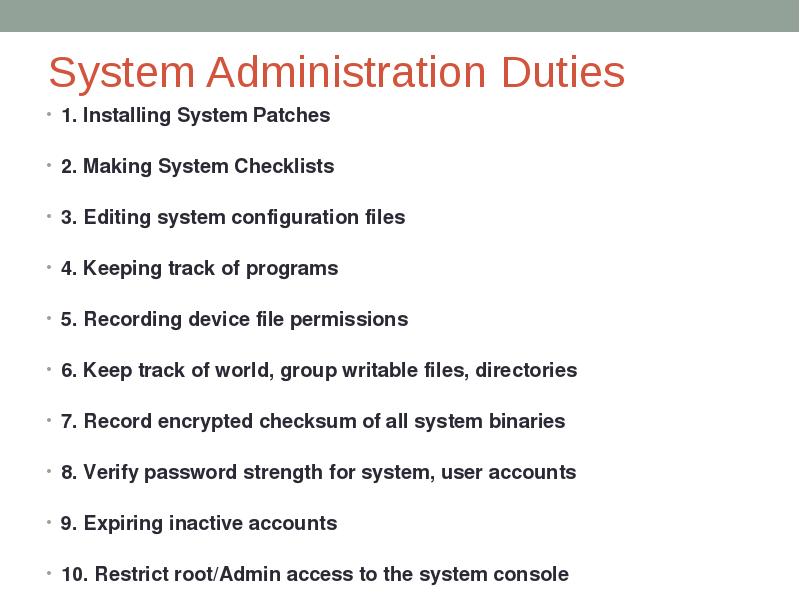
System Administration Duties
1. Installing System Patches
2. Making System Checklists
3. Editing system configuration files
4. Keeping track of programs
5. Recording device file permissions
6. Keep track of world, group writable files, directories
7. Record encrypted checksum of all system binaries
8. Verify password strength for system, user accounts
9. Expiring inactive accounts
10. Restrict root/Admin access to the system console
Слайд 3
Описание слайда:
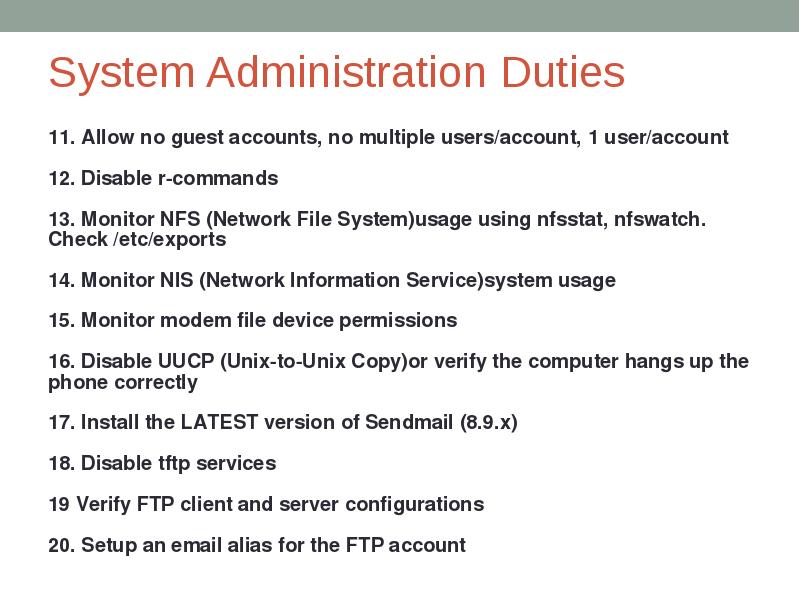
System Administration Duties
Слайд 4
Описание слайда:
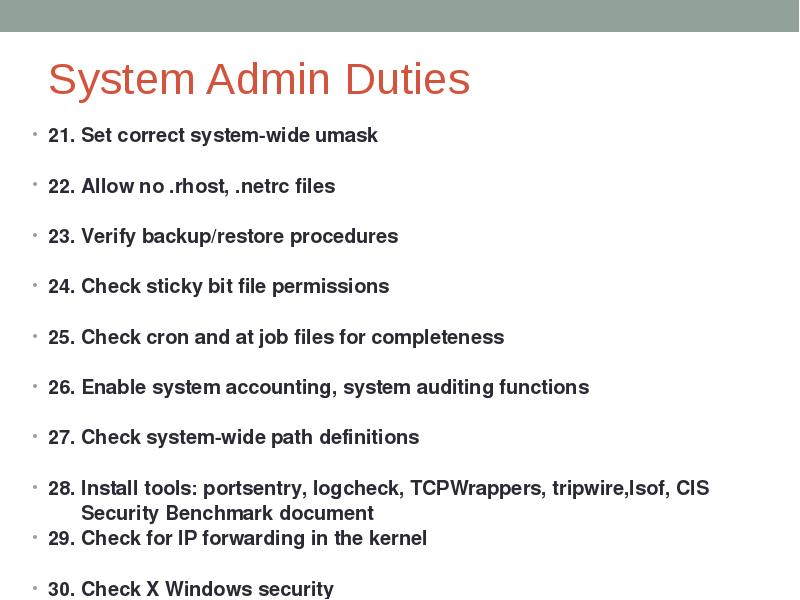
System Admin Duties
21. Set correct system-wide umask
22. Allow no .rhost, .netrc files
23. Verify backup/restore procedures
24. Check sticky bit file permissions
25. Check cron and at job files for completeness
26. Enable system accounting, system auditing functions
27. Check system-wide path definitions
28. Install tools: portsentry, logcheck, TCPWrappers, tripwire,lsof, CIS
Security Benchmark document
29. Check for IP forwarding in the kernel
30. Check X Windows security
Слайд 5
Описание слайда:
SysAdmin Tricks/Hints
Слайд 6
Описание слайда:
SysAdmin Tricks/Hints
Слайд 7
Описание слайда:
Windows System Administration
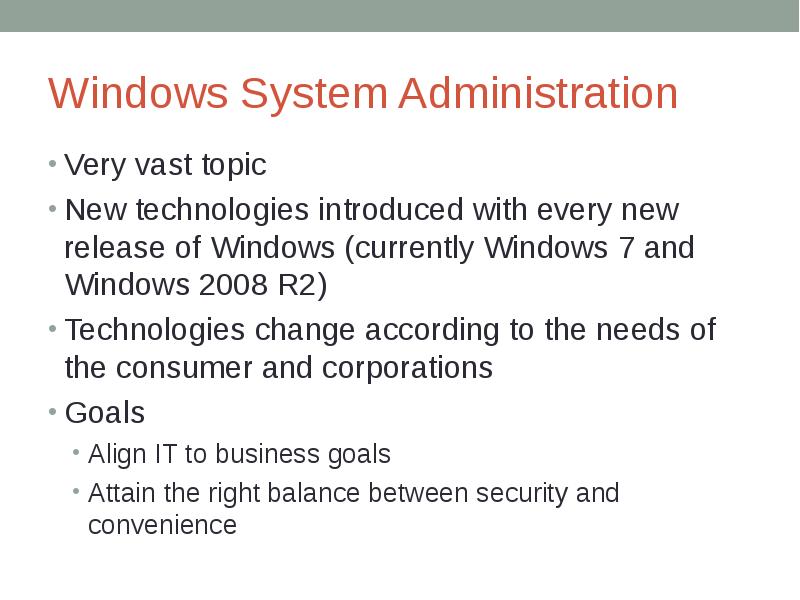
Very vast topic
New technologies introduced with every new release of Windows (currently Windows 7 and Windows 2008 R2)
Technologies change according to the needs of the consumer and corporations
Goals
Align IT to business goals
Attain the right balance between security and convenience
Слайд 8
Описание слайда:
Did you ever wonder…
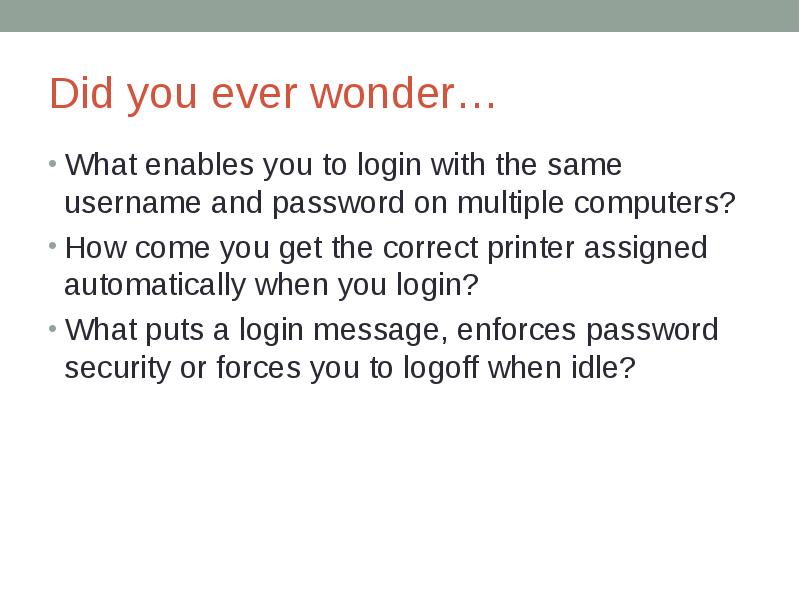
What enables you to login with the same username and password on multiple computers?
How come you get the correct printer assigned automatically when you login?
What puts a login message, enforces password security or forces you to logoff when idle?
Слайд 9
Описание слайда:
Active Directory
It is the brain of the Windows Server network
It’s a database that keeps track of a huge amount of information and provides a centralized way to manage networked workstations, users and resources
Items are objects in an active directory database
Слайд 10
Описание слайда:
AD Domain
A Domain is a security boundary or an administrative boundary
e.g. I.T AD domain (IT.QUEST.edu.pk) is separate from MUET site domain (MUET.edu.pk) which is separate from HEC domain (hec.edu.pk).
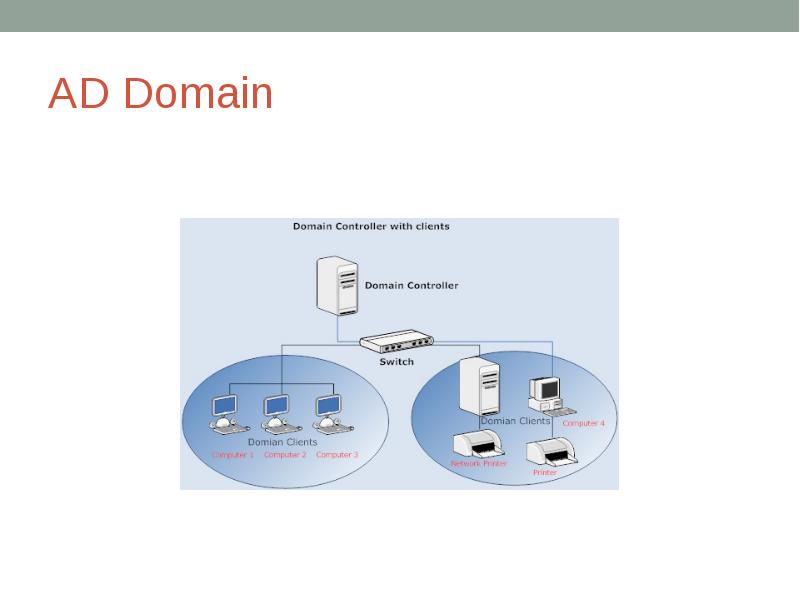
A domain has at least one Domain controller (which hosts the AD database)
Слайд 11
Описание слайда:
Server role
Windows Server is designed around certain roles and features.
A role is a primary duty that a server performs.
Example Server Roles
Domain Controller
DNS server
File and Print Services
Terminal Services
Web Server
etc
Слайд 12
Описание слайда:
AD Domain
Слайд 13
Описание слайда:
DNS
DNS is the application in TCP/IP-based networks that provides name resolution services.
Active directory is dependant on DNS to provide both name resolution and locator service
Clients and servers will not be able to locate each other without a functioning DNS infrastructure
Слайд 14
Описание слайда:
OUs, Users, Computers and Groups
An organizational unit (or OU) is a logical container that you use to arrange groups of objects for convenient administration and access.
OUs can contain the following
Users, Computers, Groups, Printers, Network File Shares, Nested OUs
In order to login, both the user and the computer have to be part of AD
Слайд 15
Описание слайда:
Example OU
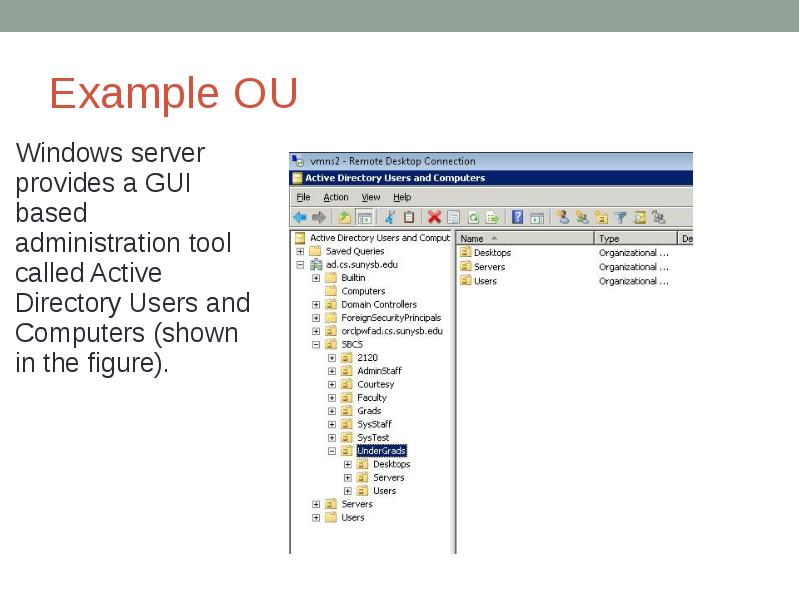
Windows server provides a GUI based administration tool called Active Directory Users and Computers (shown in the figure).
Скачать презентацию на тему System Administration & Technology Management можно ниже: