Using Information Technology презентация
Содержание
- 2. Hardware--Input & Output Taking Charge of Computing & Communications
- 3. 6.1 Input & Output Input hardware - devices that translate data
- 4. 6.2 Input Hardware Keyboard - a device that converts letters, numbers,
- 5. Keyboards Traditional computer keyboards Specialty keyboards and terminals Dumb terminals Intelligent
- 6. Keyboards Specialty keyboards and terminals: Dumb terminal: Airline reservations Intelligent terminal:
- 7. Pointing Devices Pointing devices - control the position of the cursor
- 8. Pointing Devices The mouse and its variants: Mouse Trackball
- 9. Pointing Devices The mouse and its variants: Mouse Trackball
- 10. Pointing Devices The mouse and its variants: Mouse Trackball
- 11. Pointing Devices
- 12. Pointing Devices Pen input: Pen-based computer system - allows users to
- 13. Pointing Devices Pen input: Light pen - a light-sensitive penlike device
- 14. Pointing Devices Pen input: Digitizer - converts drawings and photos to
- 15. Scanning and Reading Devices Source data-entry devices – create machine-readable data
- 16. Scanning and Reading Devices Bar-code readers: Bar codes - photoelectric scanners
- 17. Scanning and Reading Devices Mark-recognition and character-recognition devices – sense
- 18. Scanning and Reading Devices Mark-recognition and character-recognition devices: MICR
- 19. Scanning and Reading Devices Mark-recognition and character-recognition devices: MICR OMR
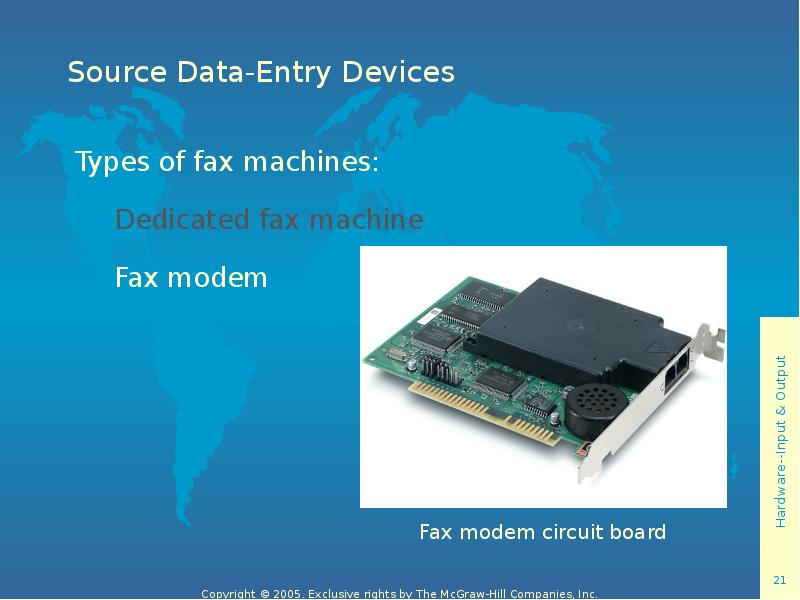
- 20. Scanning and Reading Devices Fax machine – scans an image and
- 21. Source Data-Entry Devices Types of fax machines: Dedicated fax machine Fax
- 22. Audio-Input Devices Audio-input device - records analog sound and translates it
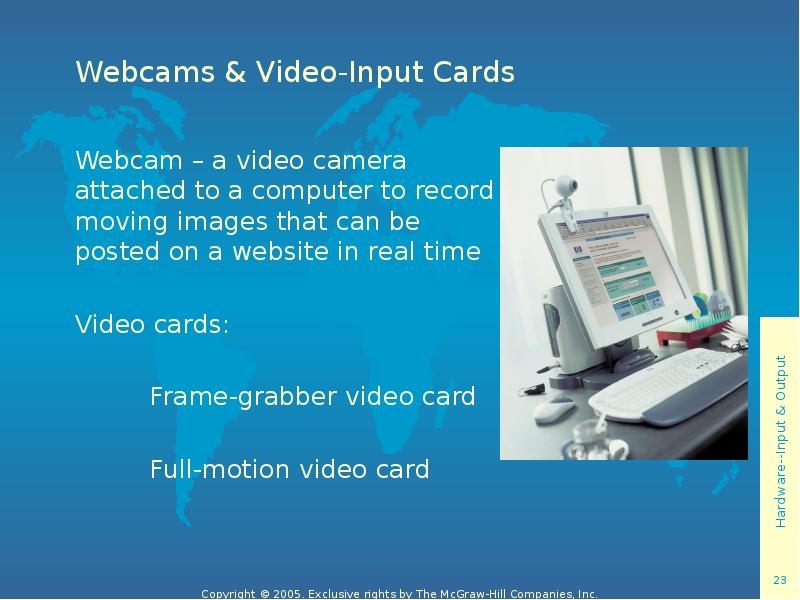
- 23. Webcams & Video-Input Cards Webcam – a video camera attached to
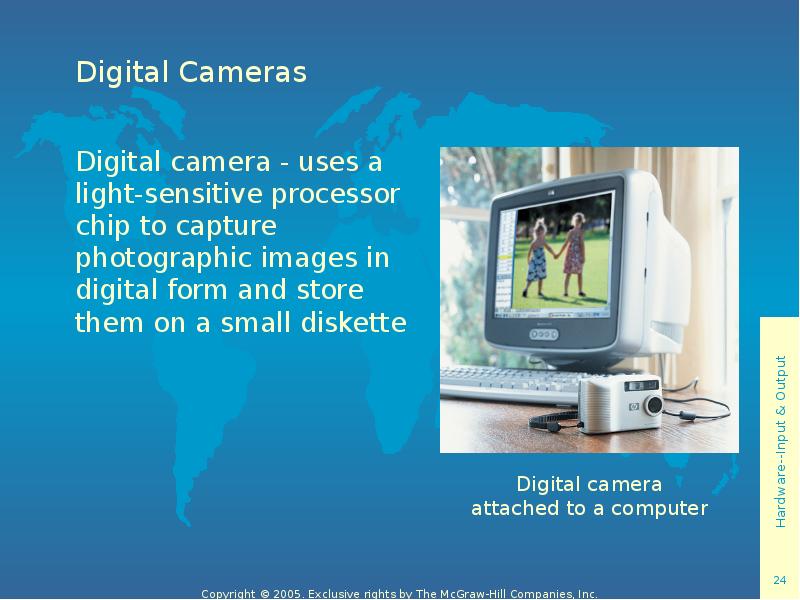
- 24. Digital Cameras Digital camera - uses a light-sensitive processor chip to
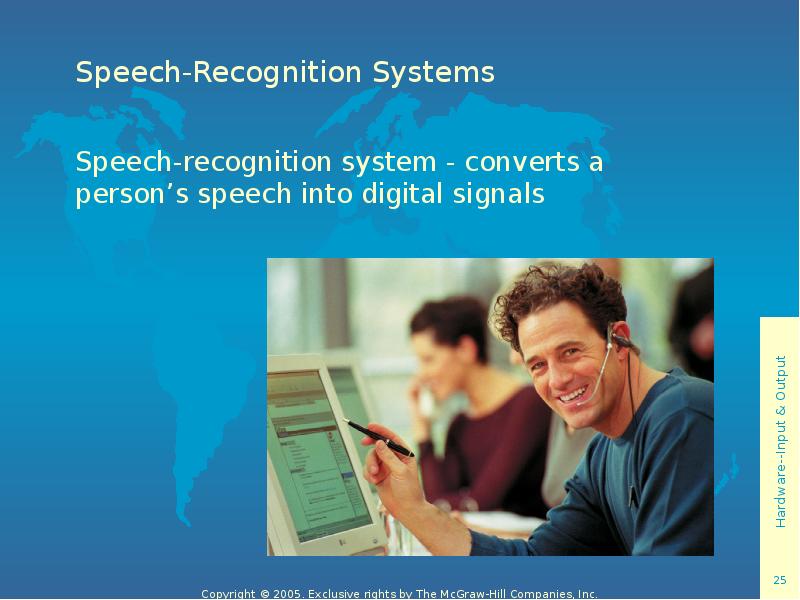
- 25. Speech-Recognition Systems Speech-recognition system - converts a person’s speech into digital
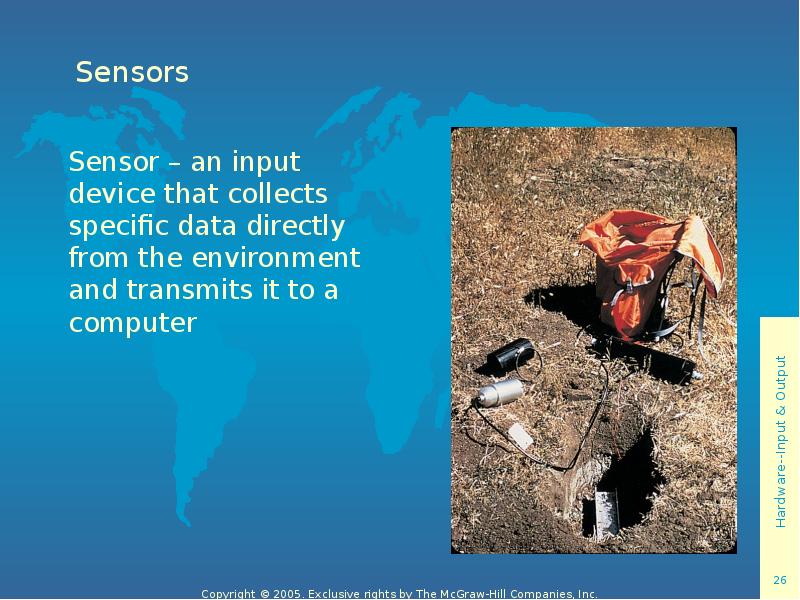
- 26. Sensors Sensor – an input device that collects specific data directly
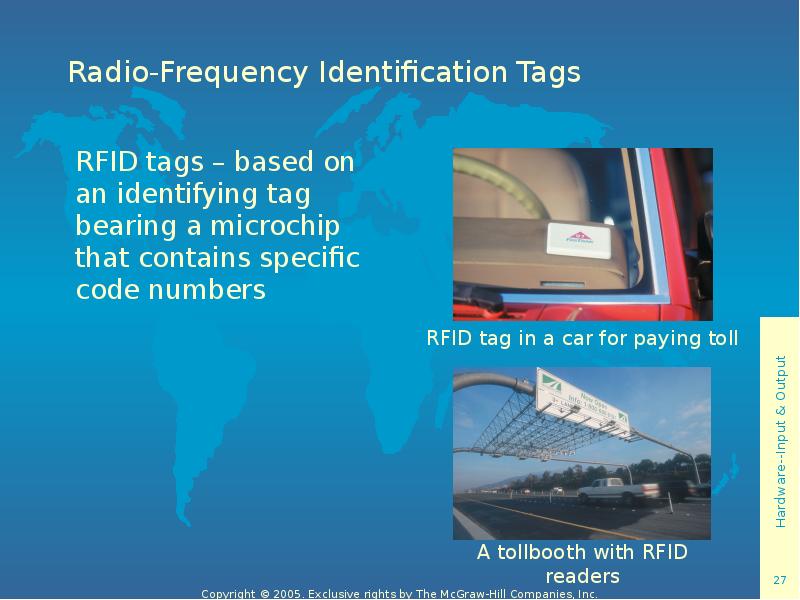
- 27. Radio-Frequency Identification Tags RFID tags – based on an identifying tag
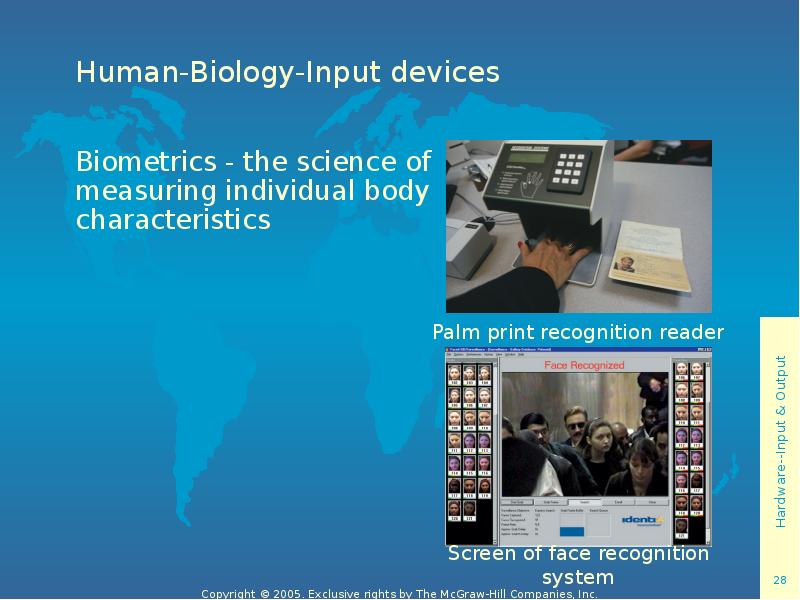
- 28. Human-Biology-Input devices Biometrics - the science of measuring individual body characteristics
- 29. Скачать презентацию


Слайды и текст этой презентации
Слайд 1
Описание слайда:
Using Information Technology
Chapter 6
Hardware: Input & Output
Слайд 2
Описание слайда:
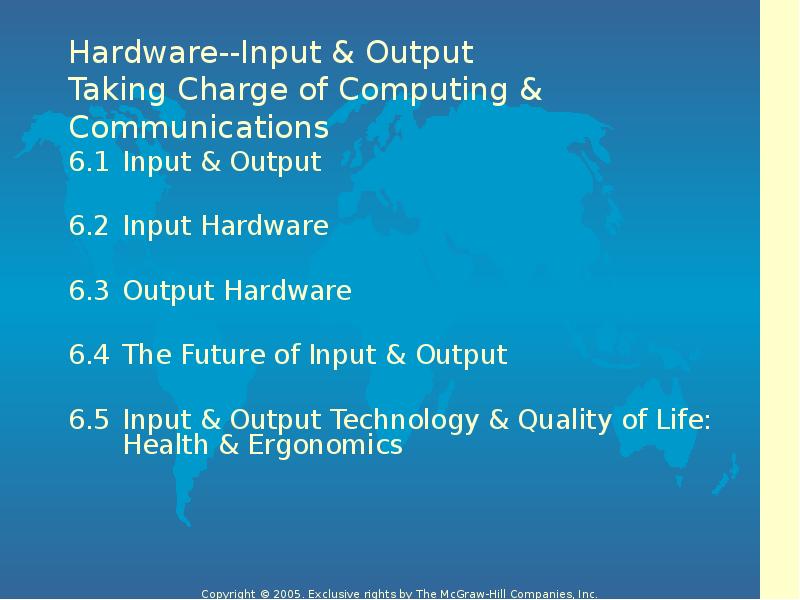
Hardware--Input & Output
Taking Charge of Computing & Communications
Слайд 3
Описание слайда:
6.1 Input & Output
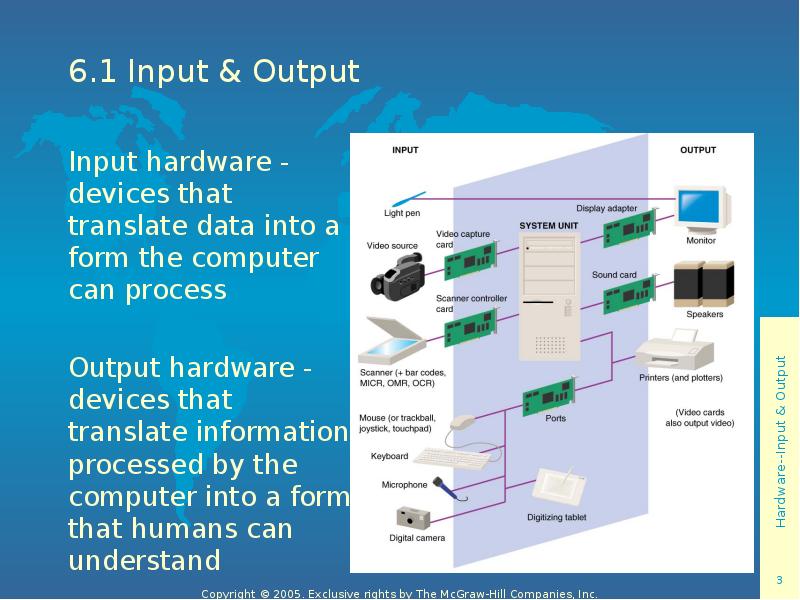
Input hardware - devices that translate data into a form the computer can process
Output hardware - devices that translate information processed by the computer into a form that humans can understand
Слайд 4
Описание слайда:
6.2 Input Hardware
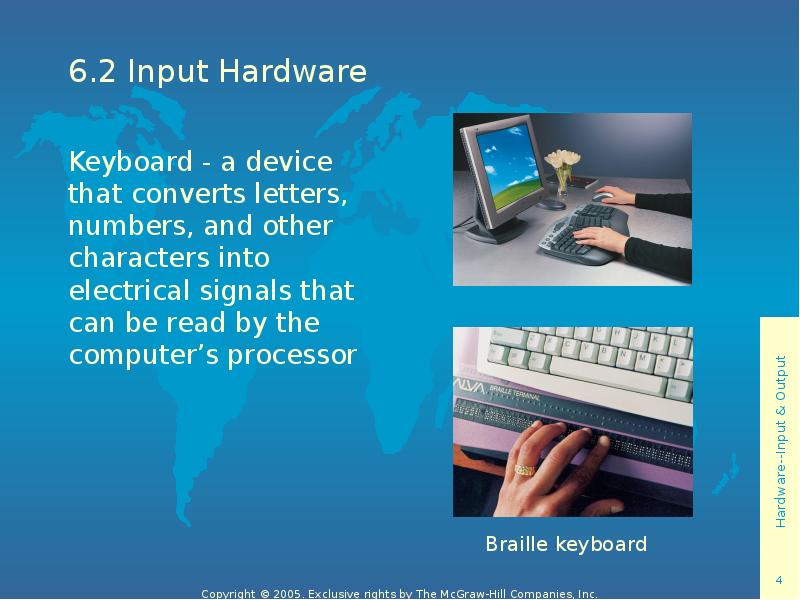
Keyboard - a device that converts letters, numbers, and other characters into electrical signals that can be read by the computer’s processor
Слайд 5
Описание слайда:
Keyboards
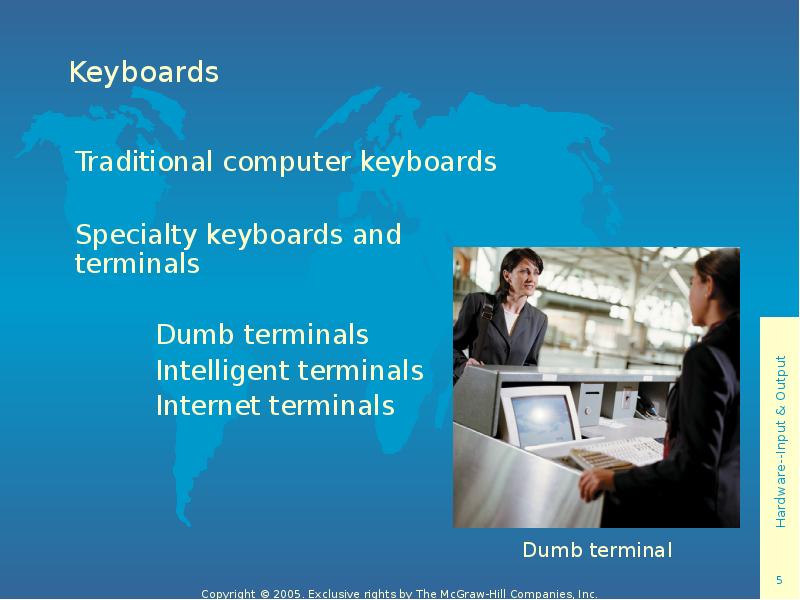
Traditional computer keyboards
Specialty keyboards and terminals
Dumb terminals
Intelligent terminals
Internet terminals
Слайд 6
Описание слайда:
Keyboards
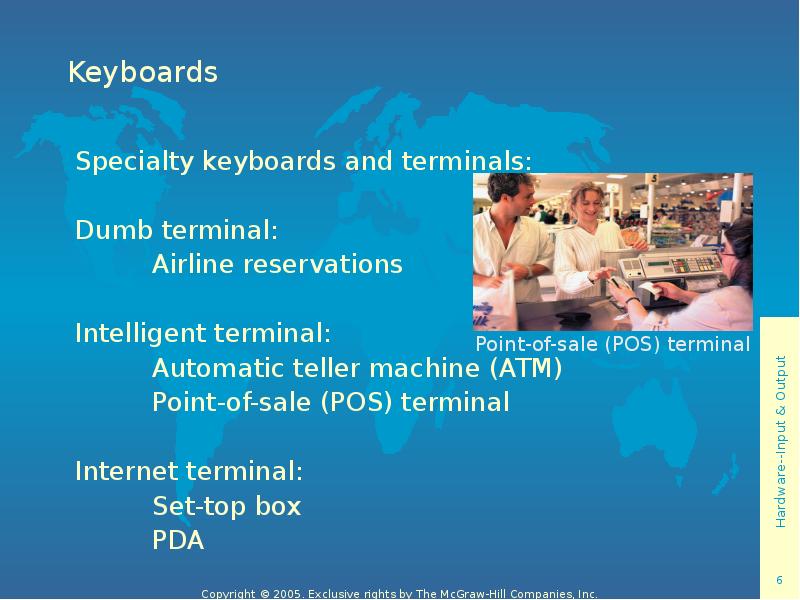
Specialty keyboards and terminals:
Dumb terminal:
Airline reservations
Intelligent terminal:
Automatic teller machine (ATM)
Point-of-sale (POS) terminal
Internet terminal:
Set-top box
PDA
Слайд 7
Описание слайда:
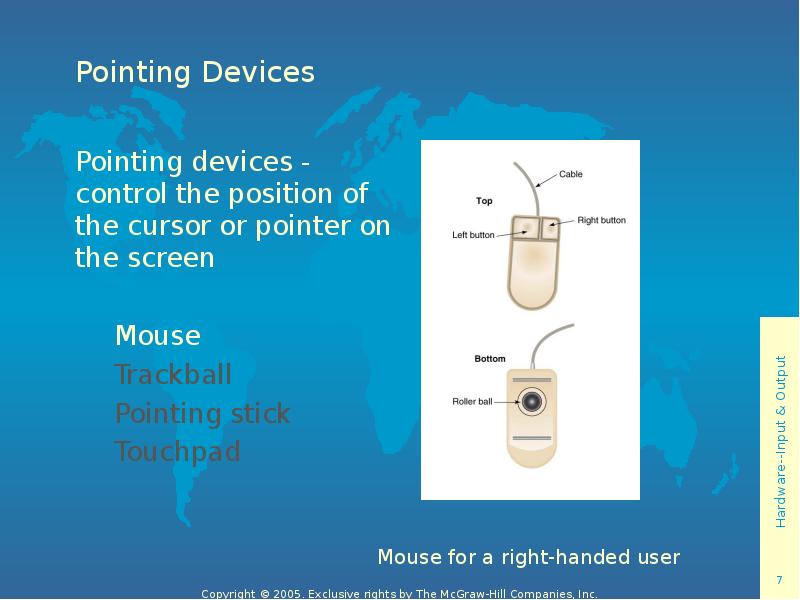
Pointing Devices
Pointing devices - control the position of the cursor or pointer on the screen
Mouse
Trackball
Pointing stick
Touchpad
Слайд 8
Описание слайда:
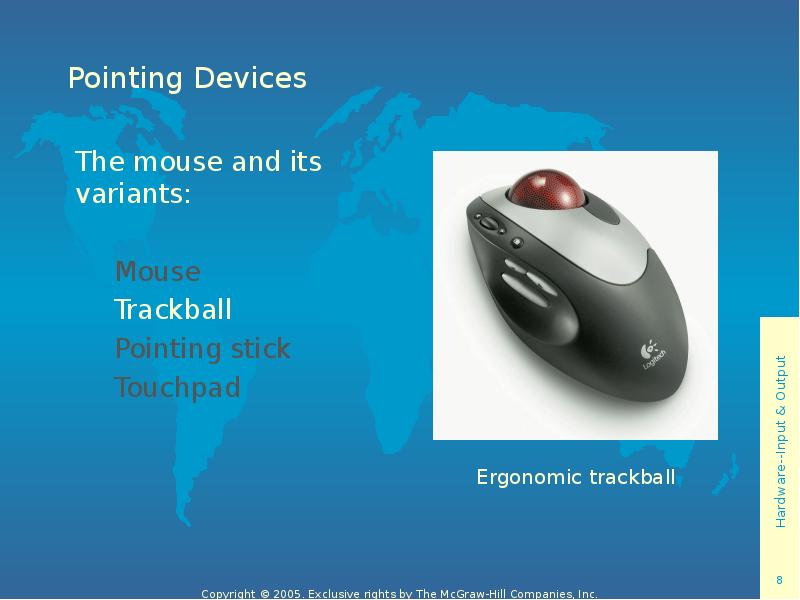
Pointing Devices
The mouse and its variants:
Mouse
Trackball
Pointing stick
Touchpad
Слайд 9
Описание слайда:
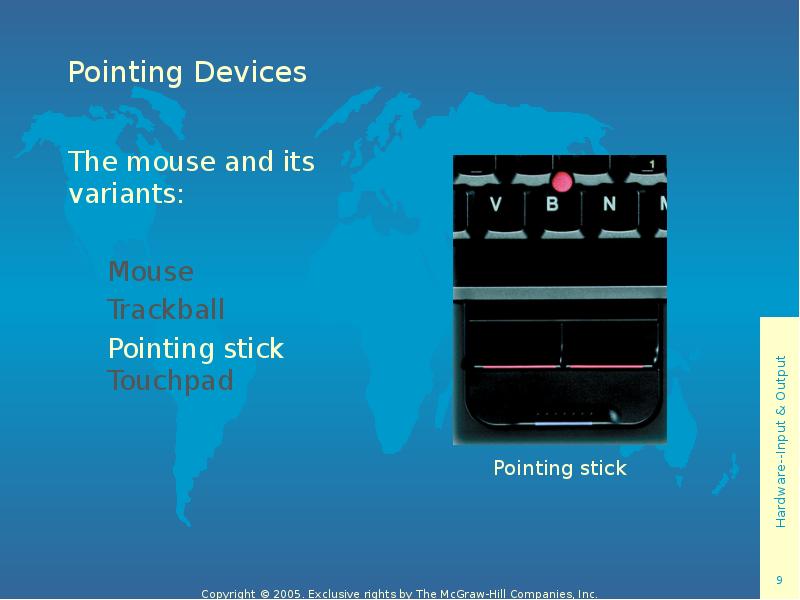
Pointing Devices
The mouse and its variants:
Mouse
Trackball
Pointing stick Touchpad
Слайд 10
Описание слайда:
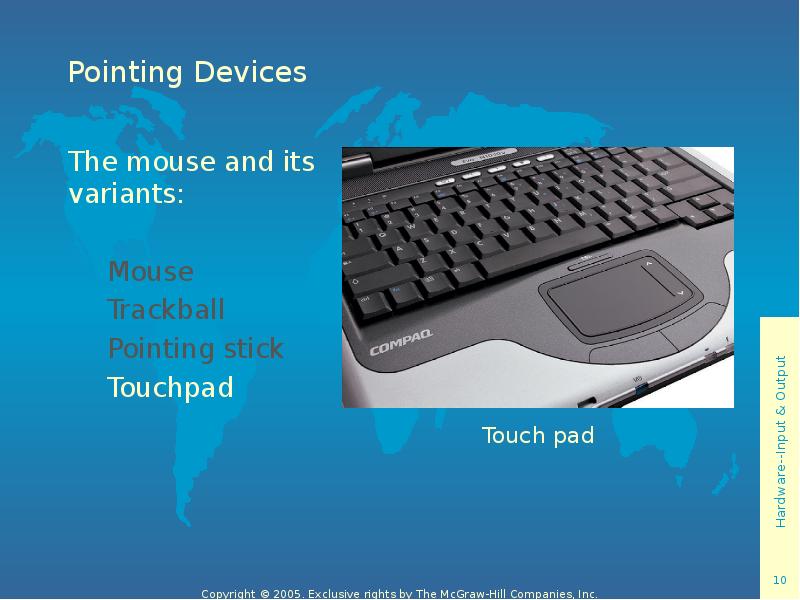
Pointing Devices
The mouse and its variants:
Mouse
Trackball
Pointing stick
Touchpad
Слайд 11
Описание слайда:
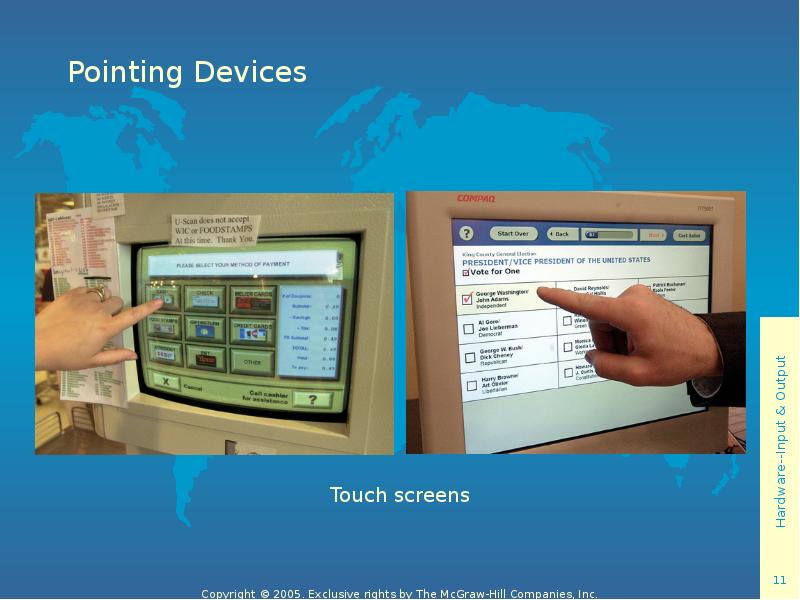
Pointing Devices
Слайд 12
Описание слайда:
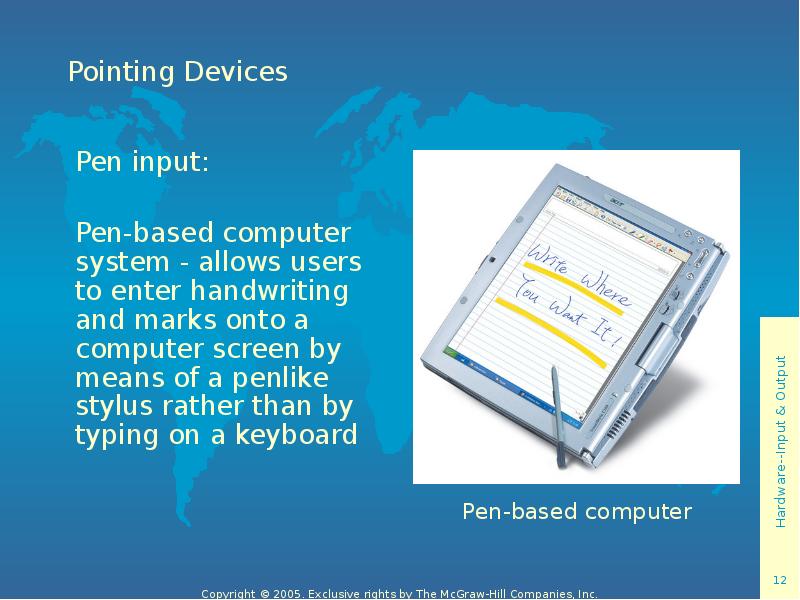
Pointing Devices
Pen input:
Pen-based computer system - allows users to enter handwriting and marks onto a computer screen by means of a penlike stylus rather than by typing on a keyboard
Слайд 13
Описание слайда:
Pointing Devices
Pen input:
Light pen - a light-sensitive penlike device that uses a wired connection to a computer terminal
Слайд 14
Описание слайда:
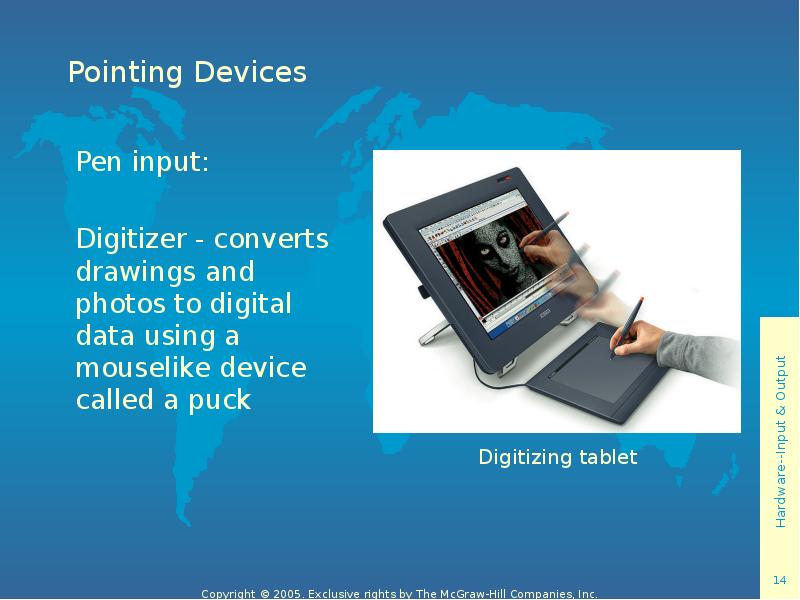
Pointing Devices
Pen input:
Digitizer - converts drawings and photos to digital data using a mouselike device called a puck
Слайд 15
Описание слайда:
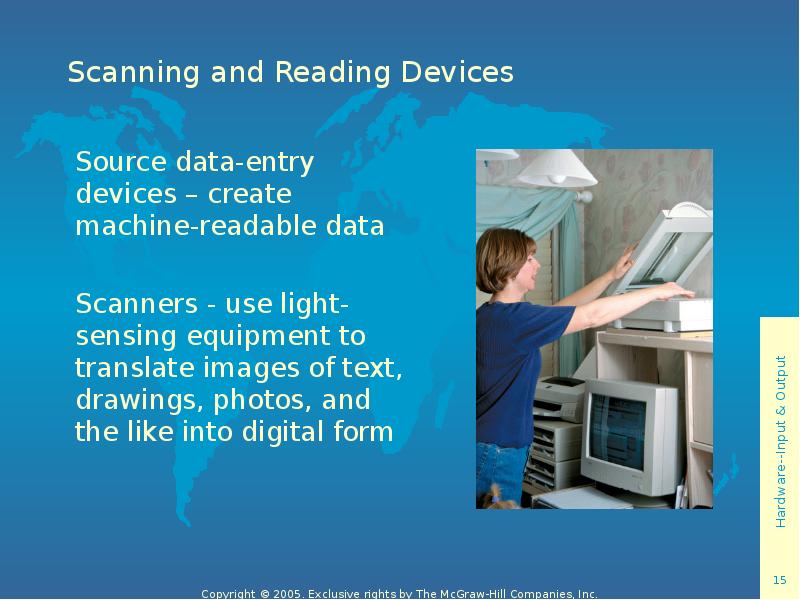
Scanning and Reading Devices
Source data-entry devices – create machine-readable data
Scanners - use light-sensing equipment to translate images of text, drawings, photos, and the like into digital form
Слайд 16
Описание слайда:
Scanning and Reading Devices
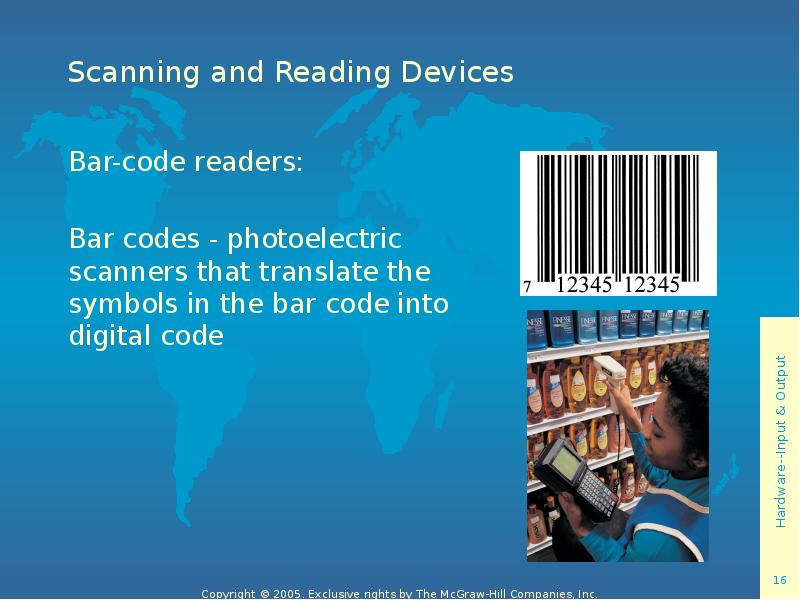
Bar-code readers:
Bar codes - photoelectric scanners that translate the symbols in the bar code into digital code
Слайд 17
Описание слайда:
Scanning and Reading Devices
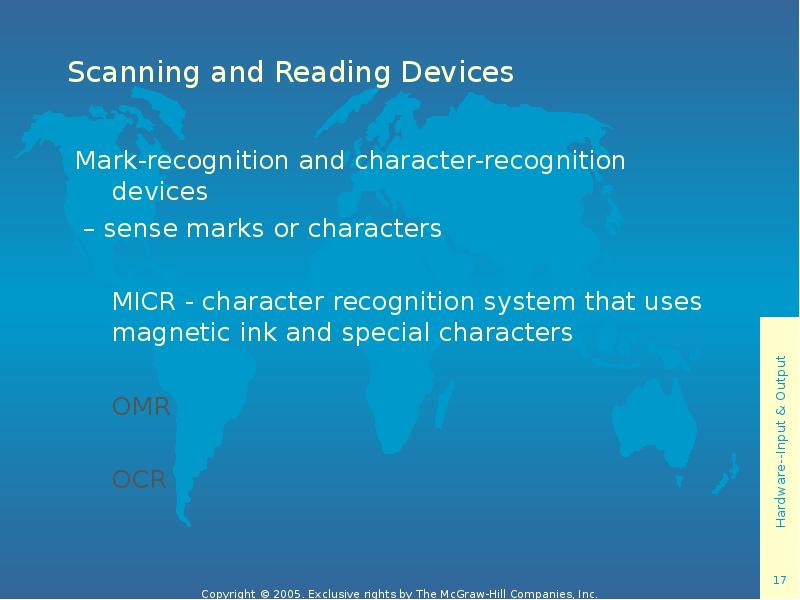
Mark-recognition and character-recognition devices
– sense marks or characters
MICR - character recognition system that uses magnetic ink and special characters
OMR
OCR
Слайд 18
Описание слайда:
Scanning and Reading Devices
Mark-recognition and character-recognition devices:
MICR
OMR - uses a device that reads bubble marks and converts them into computer-usable form
OCR
Слайд 19
Описание слайда:
Scanning and Reading Devices
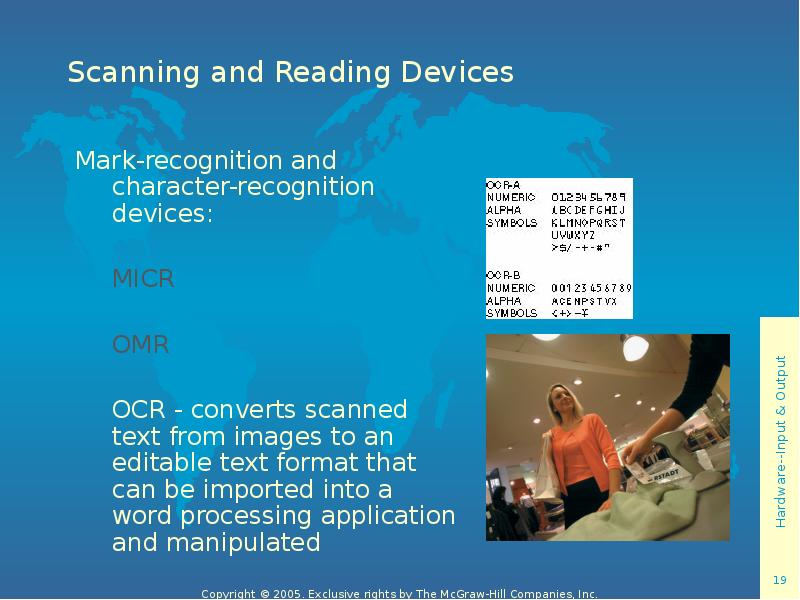
Mark-recognition and character-recognition devices:
MICR
OMR
OCR - converts scanned text from images to an editable text format that can be imported into a word processing application and manipulated
Слайд 20
Описание слайда:
Scanning and Reading Devices
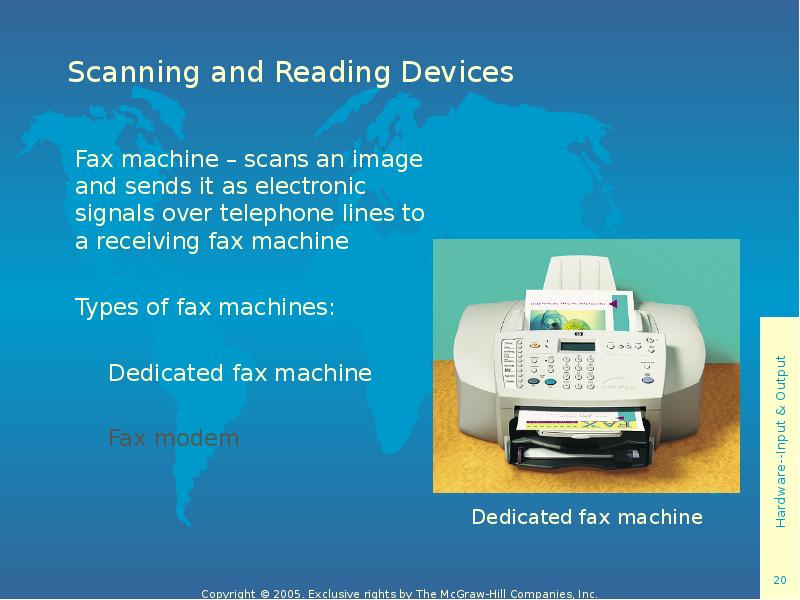
Fax machine – scans an image and sends it as electronic signals over telephone lines to a receiving fax machine
Types of fax machines:
Dedicated fax machine
Fax modem
Слайд 21
Описание слайда:
Source Data-Entry Devices
Types of fax machines:
Dedicated fax machine
Fax modem
Слайд 22
Описание слайда:
Audio-Input Devices
Audio-input device - records analog sound and translates it for digital storage and processing
Digitizing an audio signal:
sound board
MIDI board
Слайд 23
Описание слайда:
Webcams & Video-Input Cards
Webcam – a video camera attached to a computer to record moving images that can be posted on a website in real time
Video cards:
Frame-grabber video card
Full-motion video card
Слайд 24
Описание слайда:
Digital Cameras
Digital camera - uses a light-sensitive processor chip to capture photographic images in digital form and store them on a small diskette
Слайд 25
Описание слайда:
Speech-Recognition Systems
Speech-recognition system - converts a person’s speech into digital signals
Слайд 26
Описание слайда:
Sensors
Sensor – an input device that collects specific data directly from the environment and transmits it to a computer
Слайд 27
Описание слайда:
Radio-Frequency Identification Tags
RFID tags – based on an identifying tag bearing a microchip that contains specific code numbers
Слайд 28
Описание слайда:
Human-Biology-Input devices
Biometrics - the science of measuring individual body characteristics
Скачать презентацию на тему Using Information Technology можно ниже: