3. Essential Java Classes. 1. Strings презентация
Содержание
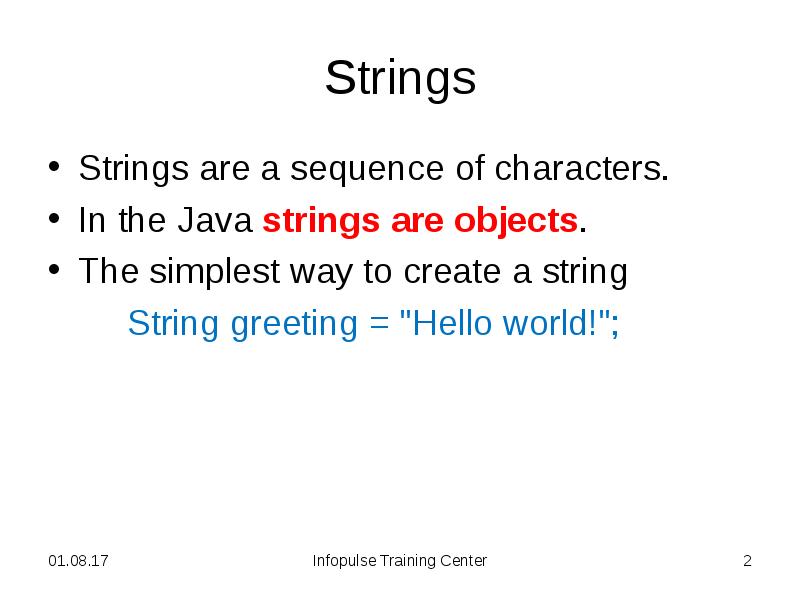
- 2. Strings Strings are a sequence of characters. In the Java
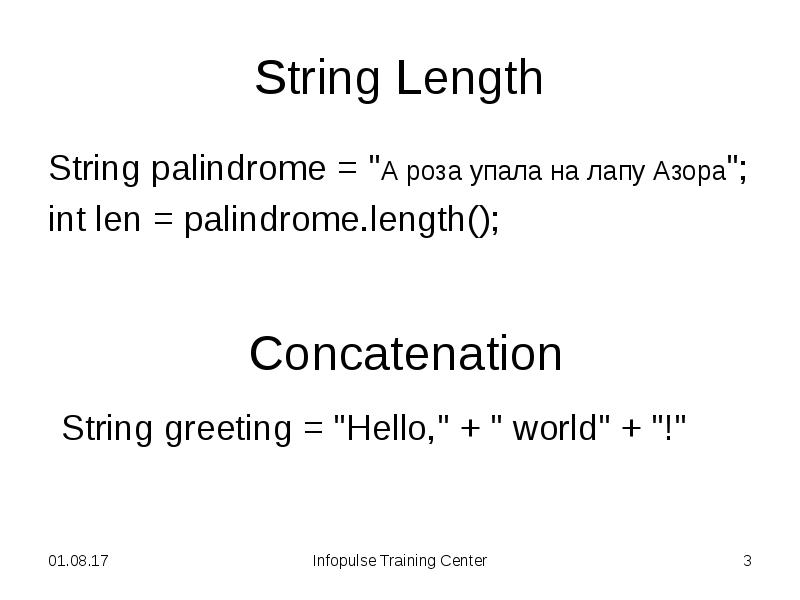
- 3. String Length String palindrome = "А роза упала на лапу Азора";
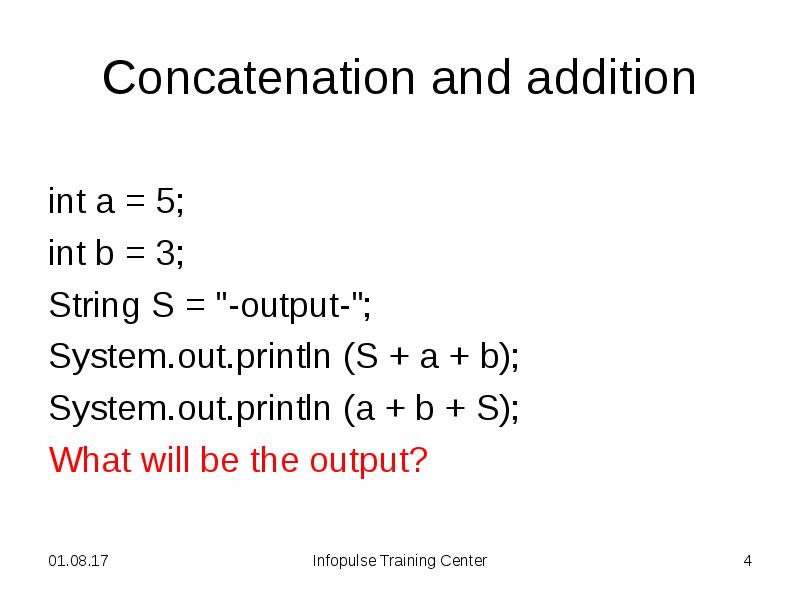
- 4. Concatenation and addition int a = 5; int b = 3;
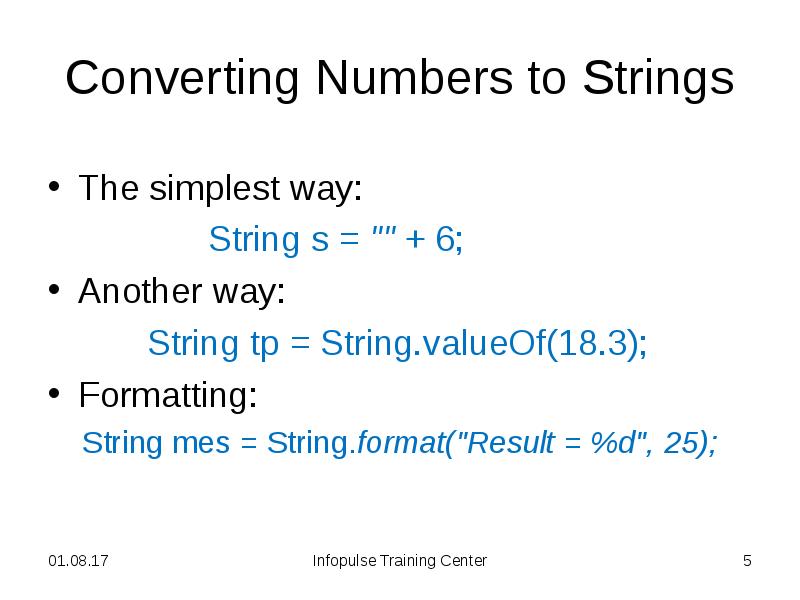
- 5. Converting Numbers to Strings The simplest way: String s = ""
- 6. Strings Comparing (1 of 3) String s1 = "hello"; String s2
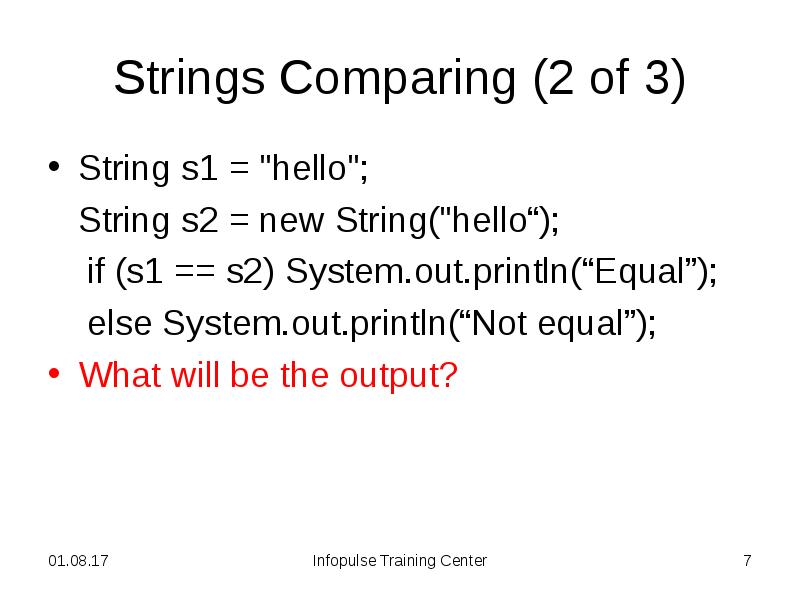
- 7. Strings Comparing (2 of 3) String s1 = "hello"; String s2
- 8. Strings Comparing (3 of 3) You should use equals method instead
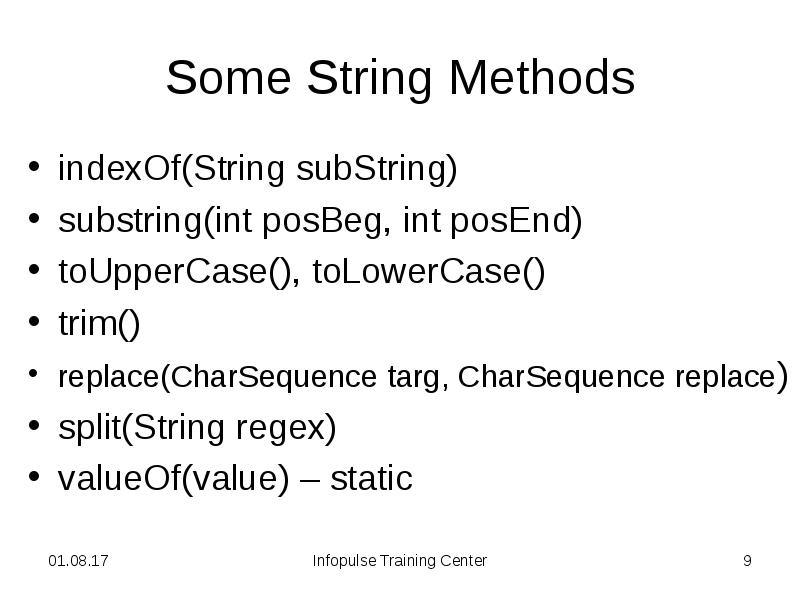
- 9. Some String Methods indexOf(String subString) substring(int posBeg, int posEnd) toUpperCase(),
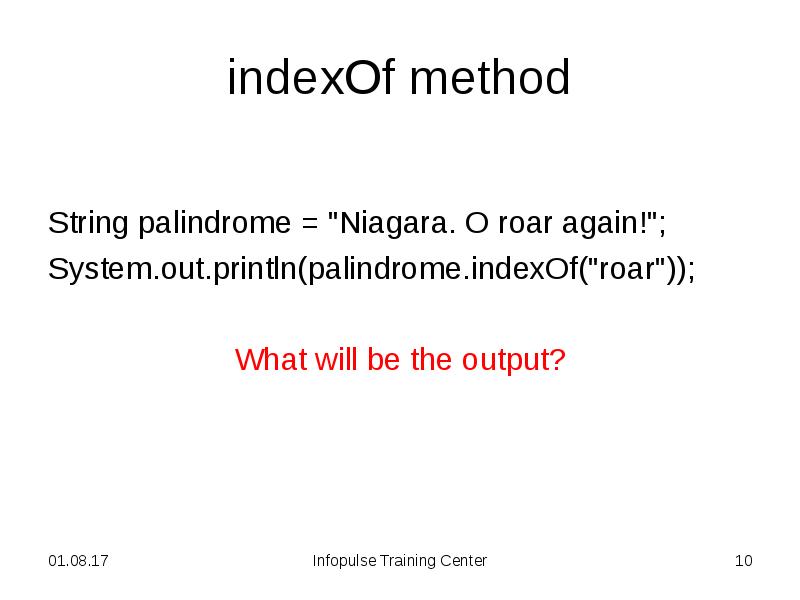
- 10. indexOf method String palindrome = "Niagara. O roar again!"; System.out.println(palindrome.indexOf("roar"));
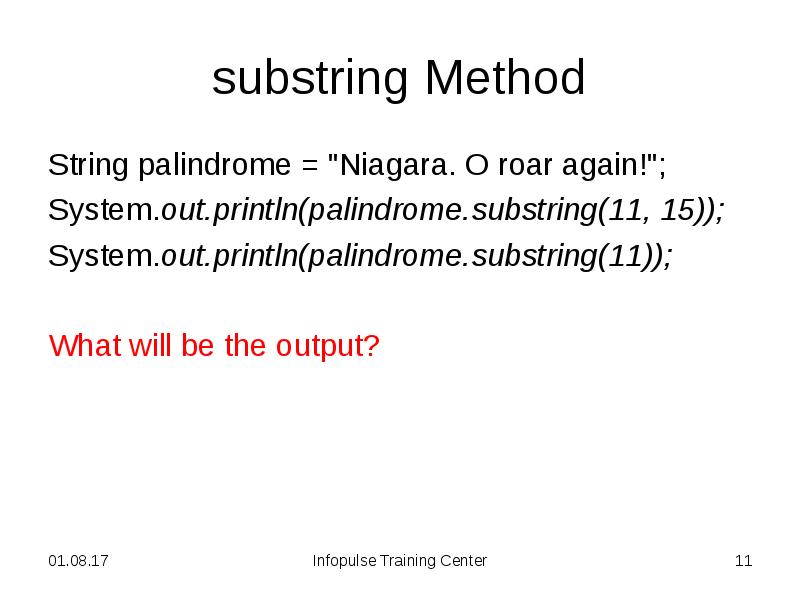
- 11. substring Method String palindrome = "Niagara. O roar again!"; System.out.println(palindrome.substring(11,
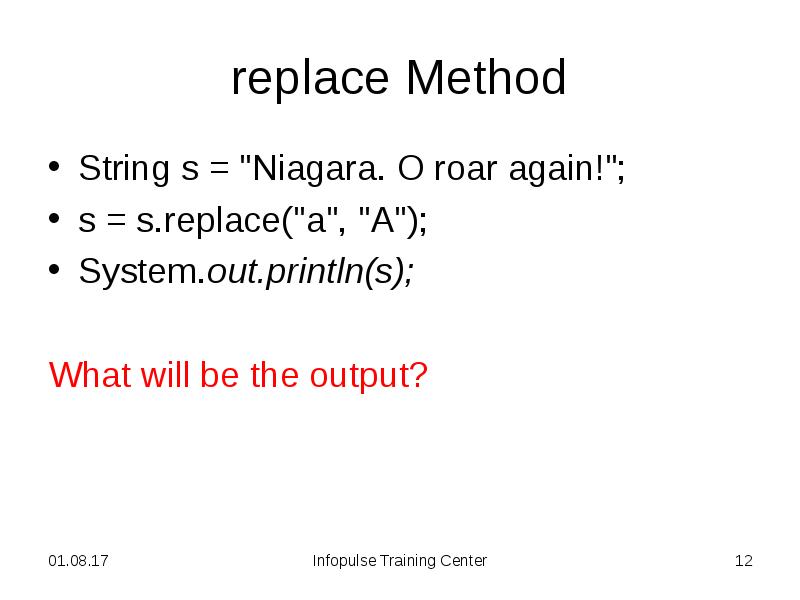
- 12. replace Method String s = "Niagara. O roar again!"; s =
- 13. split Method String palindrome = "Niagara. O roar again!"; String[]
- 14. String Methods See http://docs.oracle.com/javase/7/docs/api/java/lang/String.html for details
- 15. Exercise 3.1.1. Write a program that computes your initials from
- 16. Exercise 3.1.1. See 311Initials project for the full text.
- 17. Strings and Arrays It is impossible to work with strings as
- 18. String Formatting String s1 = ""; s1 = String.format("a =%1$3d, b
- 19. Format String The format string consists of static text embedded with
- 20. Format Specifiers d formats an integer value as a decimal value.
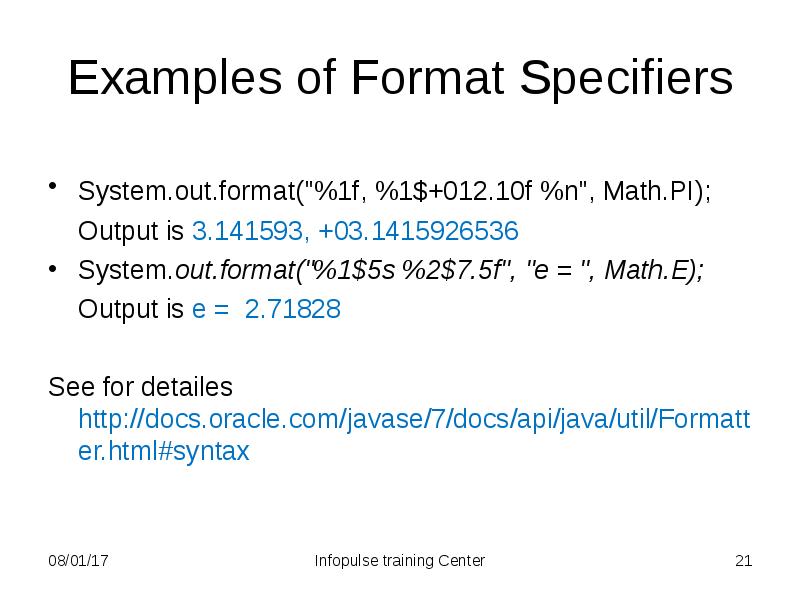
- 21. Examples of Format Specifiers System.out.format("%1f, %1$+012.10f %n", Math.PI); Output is
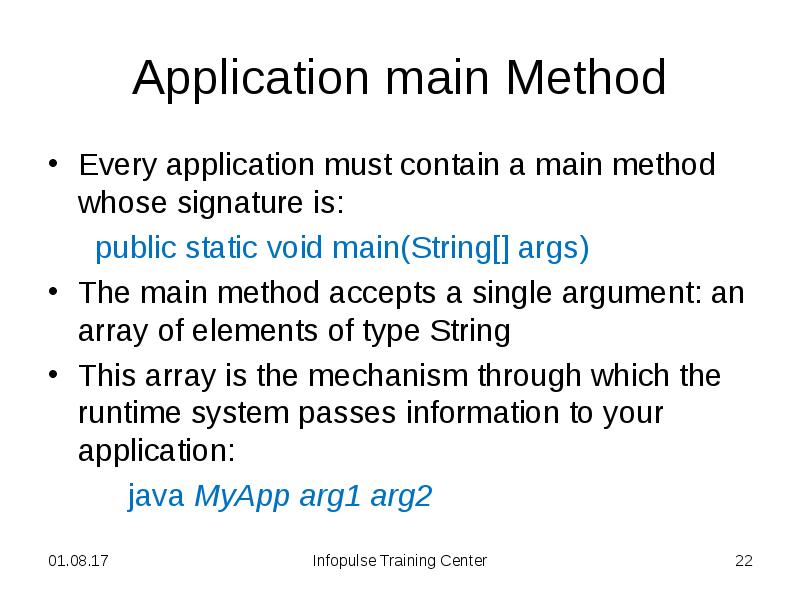
- 22. Application main Method Every application must contain a main method whose
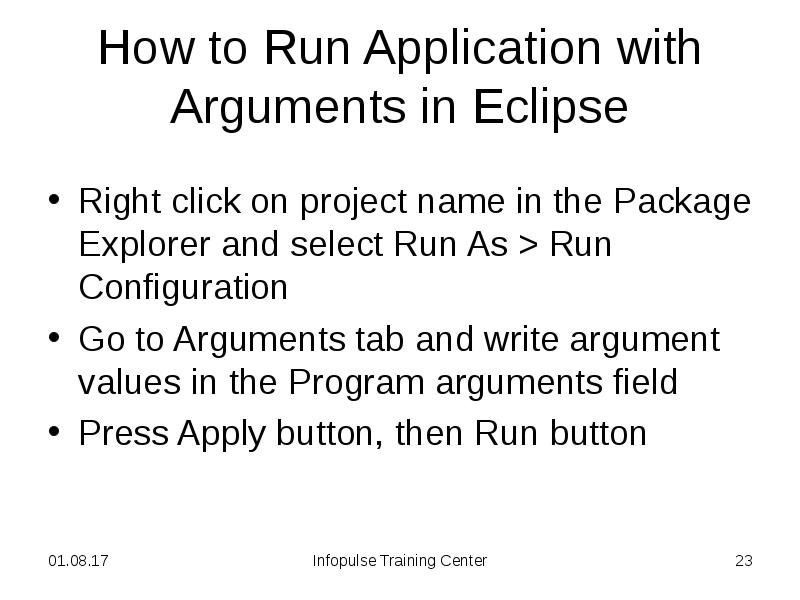
- 23. How to Run Application with Arguments in Eclipse Right click on
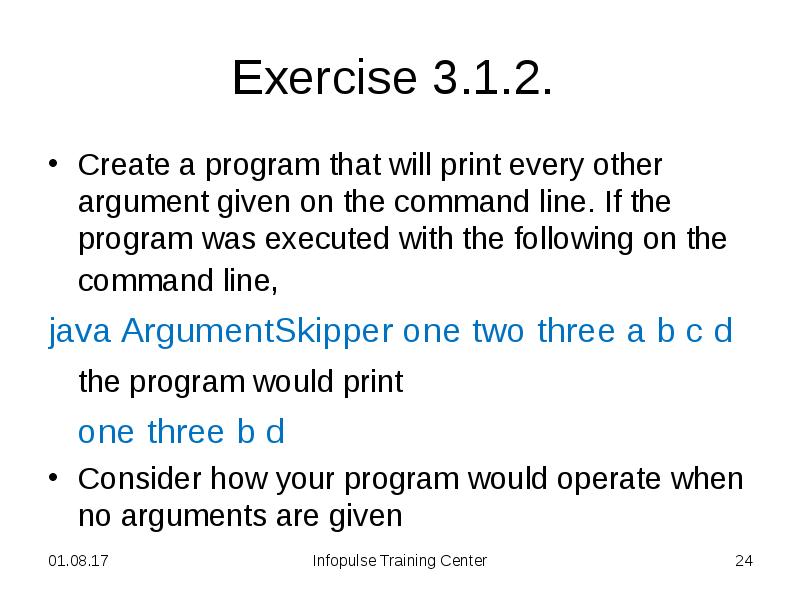
- 24. Exercise 3.1.2. Create a program that will print every other
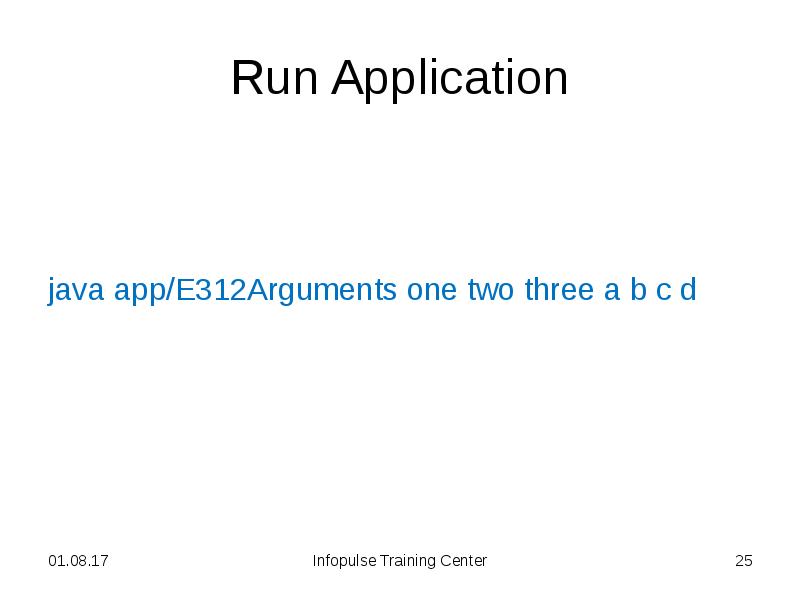
- 25. Run Application java app/E312Arguments one two three a b c d
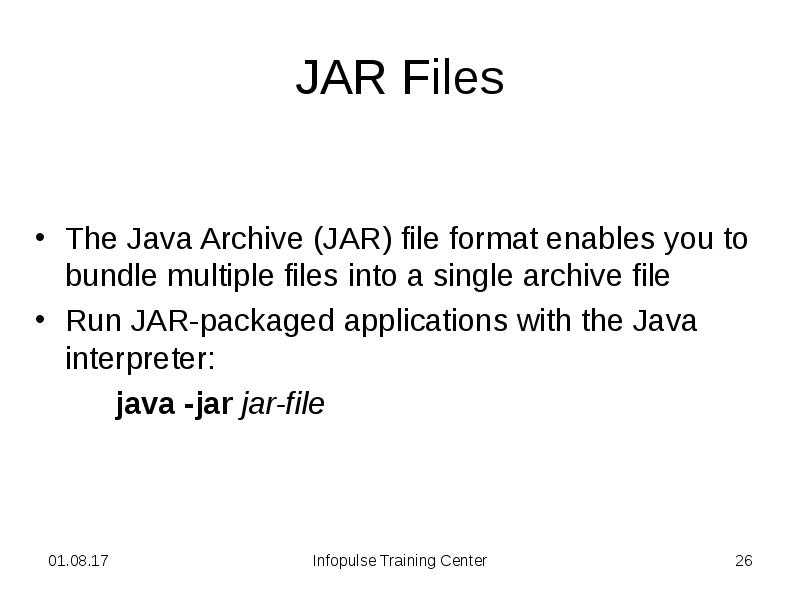
- 26. JAR Files The Java Archive (JAR) file format enables you to
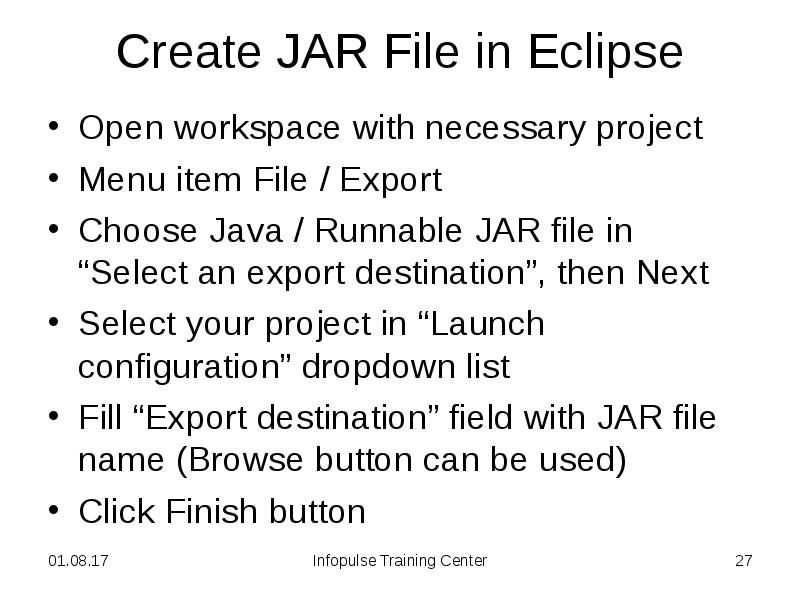
- 27. Create JAR File in Eclipse Open workspace with necessary project Menu
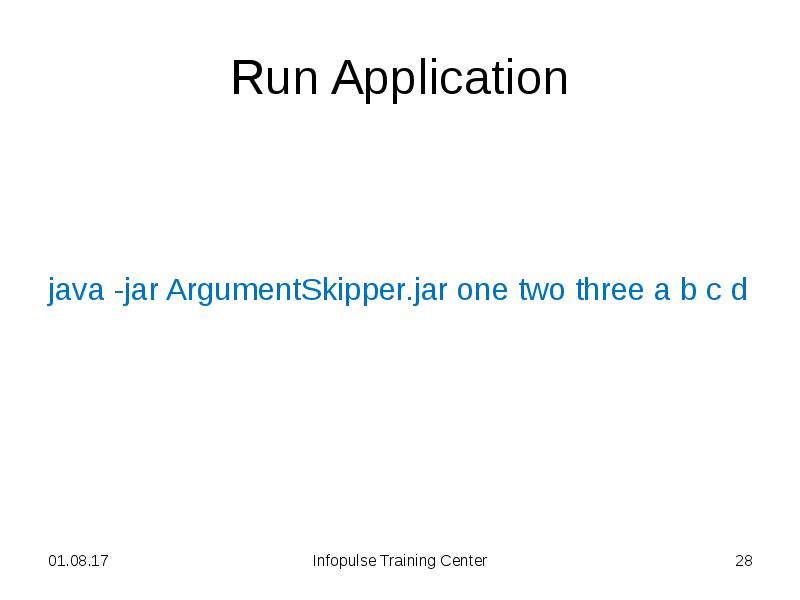
- 28. Run Application java -jar ArgumentSkipper.jar one two three a b c
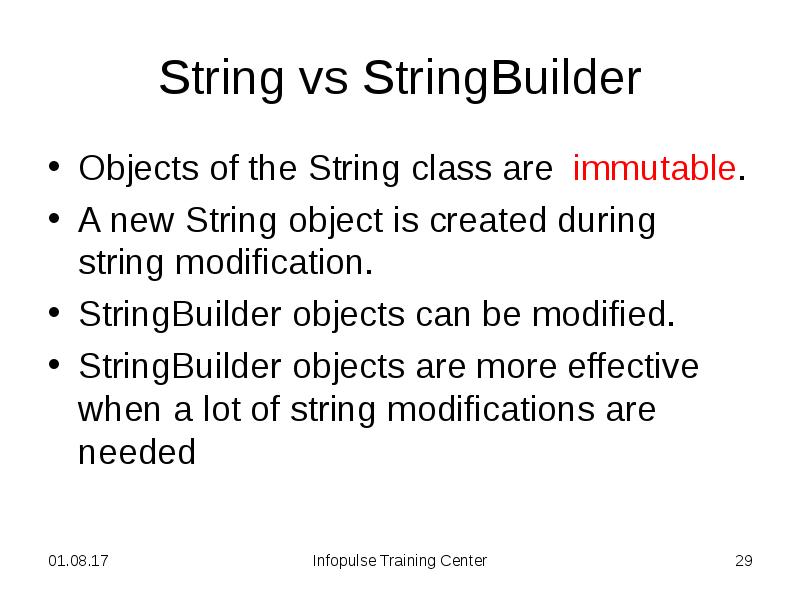
- 29. String vs StringBuilder Objects of the String class are immutable. A
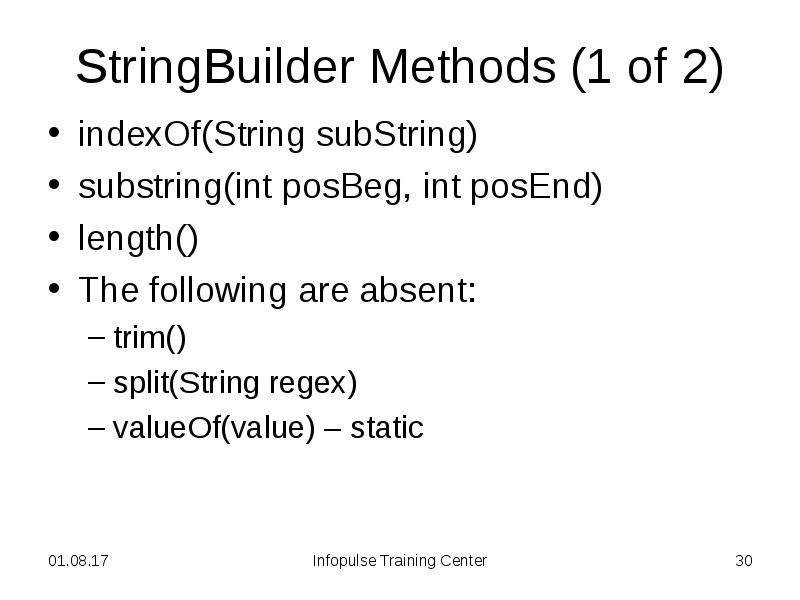
- 30. StringBuilder Methods (1 of 2) indexOf(String subString) substring(int posBeg, int
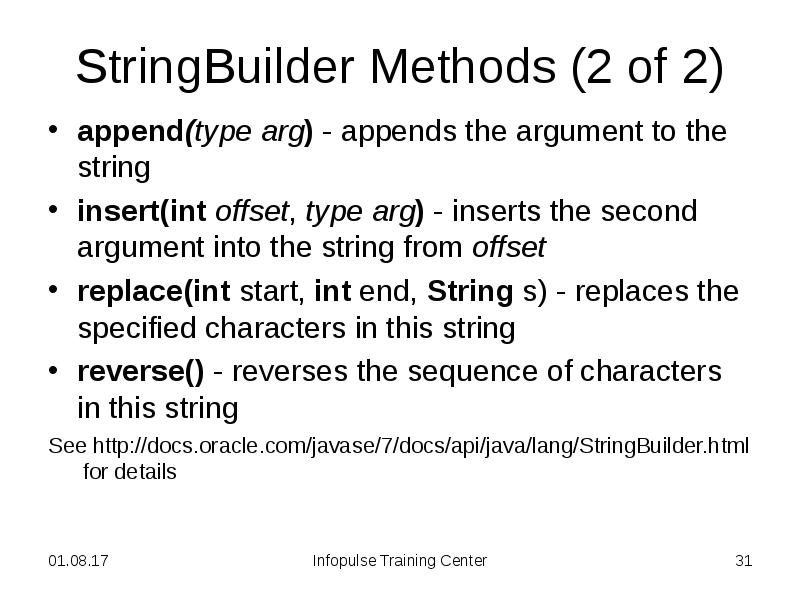
- 31. StringBuilder Methods (2 of 2) append(type arg) - appends the argument
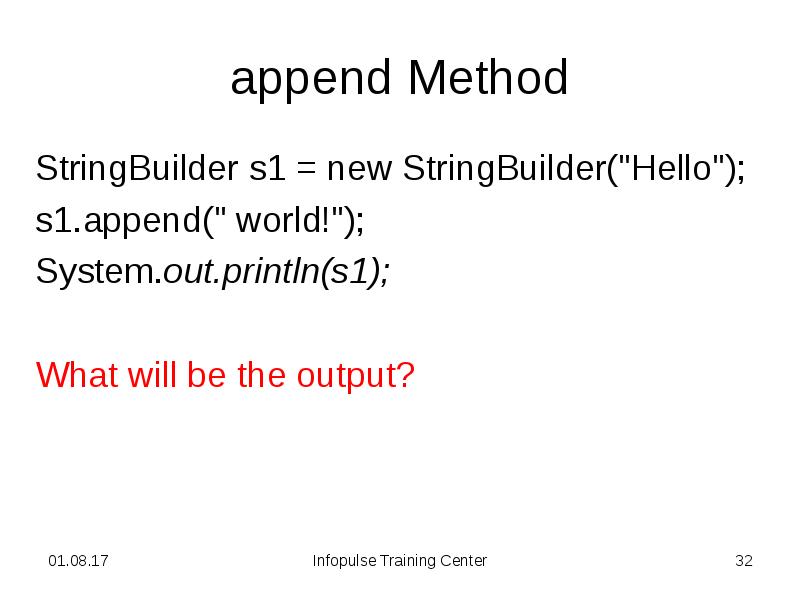
- 32. append Method StringBuilder s1 = new StringBuilder("Hello"); s1.append(" world!"); System.out.println(s1);
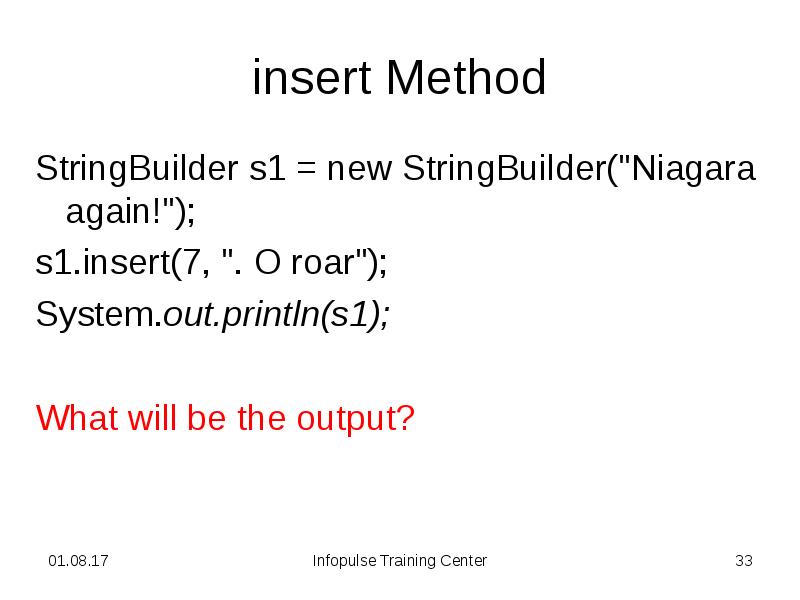
- 33. insert Method StringBuilder s1 = new StringBuilder("Niagara again!"); s1.insert(7, ". O
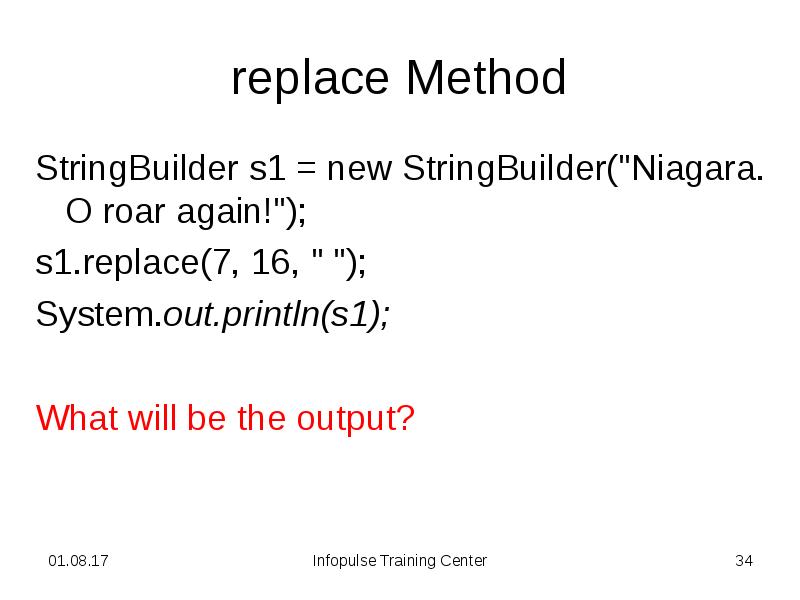
- 34. replace Method StringBuilder s1 = new StringBuilder("Niagara. O roar again!"); s1.replace(7,
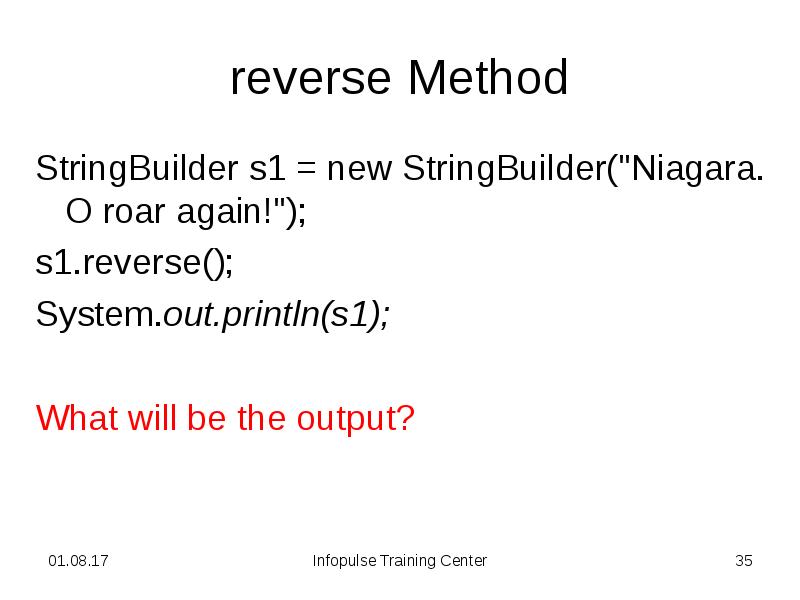
- 35. reverse Method StringBuilder s1 = new StringBuilder("Niagara. O roar again!"); s1.reverse();
- 36. Exercise 3.1.3. A palindrome is a text phrase that spells the
- 37. Home Exercise 3.1.4. Create a generateString method that gets an
- 38. Manuals http://docs.oracle.com/javase/tutorial/java/data/strings.html
- 39. Скачать презентацию


![split Method
String palindrome = "Niagara. O roar again!";
String[]](/documents_3/b8b050658d26a979078a5bc186e30e0a/img12.jpg "split Method
String palindrome = \"Niagara. O roar again!\";
String[]")

Слайды и текст этой презентации
Слайд 1
Описание слайда:
3. Essential Java Classes
1. Strings
Слайд 2
Описание слайда:
Strings
Strings are a sequence of characters.
In the Java strings are objects.
The simplest way to create a string
String greeting = "Hello world!";
Слайд 3
Описание слайда:
String Length
String palindrome = "А роза упала на лапу Азора";
int len = palindrome.length();
Слайд 4
Описание слайда:
Concatenation and addition
int a = 5;
int b = 3;
String S = "-output-";
System.out.println (S + a + b);
System.out.println (a + b + S);
What will be the output?
Слайд 5
Описание слайда:
Converting Numbers to Strings
The simplest way:
String s = "" + 6;
Another way:
String tp = String.valueOf(18.3);
Formatting:
String mes = String.format("Result = %d", 25);
Слайд 6
Описание слайда:
Strings Comparing (1 of 3)
String s1 = "hello";
String s2 = "hello";
if (s1 == s2) System.out.println(“Equal”);
else System.out.println(“Not equal”);
What will be the output?
Слайд 7
Описание слайда:
Strings Comparing (2 of 3)
String s1 = "hello";
String s2 = new String("hello“);
if (s1 == s2) System.out.println(“Equal”);
else System.out.println(“Not equal”);
What will be the output?
Слайд 8
Описание слайда:
Strings Comparing (3 of 3)
You should use equals method instead of ==
String s1 = "hello";
String s2 = new String("hello“);
if (s1.equals(s2)) System.out.println(“Equal”);
else System.out.println(“Not equal”);
Слайд 9
Описание слайда:
Some String Methods
indexOf(String subString)
substring(int posBeg, int posEnd)
toUpperCase(), toLowerCase()
trim()
replace(CharSequence targ, CharSequence replace)
split(String regex)
valueOf(value) – static
Слайд 10
Описание слайда:
indexOf method
String palindrome = "Niagara. O roar again!";
System.out.println(palindrome.indexOf("roar"));
What will be the output?
Слайд 11
Описание слайда:
substring Method
String palindrome = "Niagara. O roar again!";
System.out.println(palindrome.substring(11, 15));
System.out.println(palindrome.substring(11));
What will be the output?
Слайд 12
Описание слайда:
replace Method
String s = "Niagara. O roar again!";
s = s.replace("a", "A");
System.out.println(s);
What will be the output?
Слайд 13
Описание слайда:
split Method
String palindrome = "Niagara. O roar again!";
String[] txt = palindrome.split("r");
for (String t : txt){
System.out.println(t);
}
What will be the output?
Слайд 14
Описание слайда:
String Methods
See http://docs.oracle.com/javase/7/docs/api/java/lang/String.html for details
Слайд 15
Описание слайда:
Exercise 3.1.1.
Write a program that computes your initials from your full name and displays them
Слайд 16
Описание слайда:
Exercise 3.1.1.
See 311Initials project for the full text.
Слайд 17
Описание слайда:
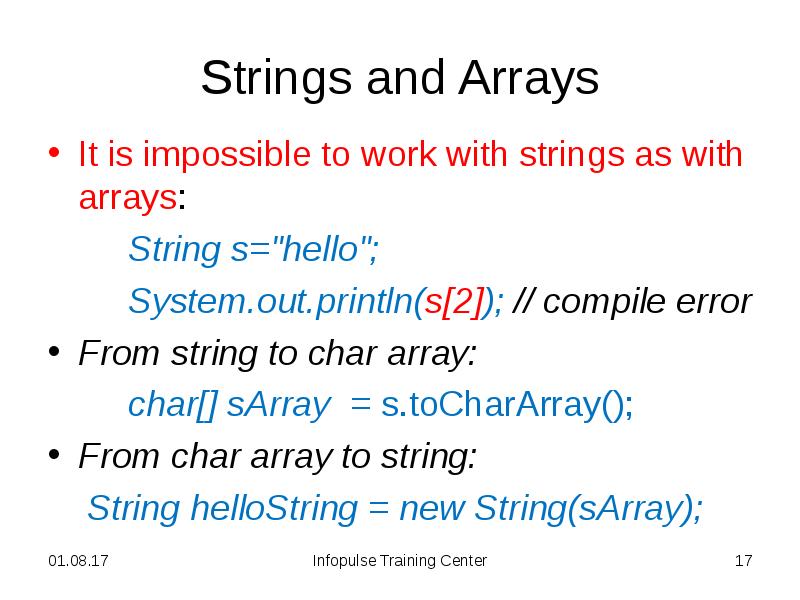
Strings and Arrays
It is impossible to work with strings as with arrays:
String s="hello";
System.out.println(s[2]); // compile error
From string to char array:
char[] sArray = s.toCharArray();
From char array to string:
String helloString = new String(sArray);
Слайд 18
Описание слайда:
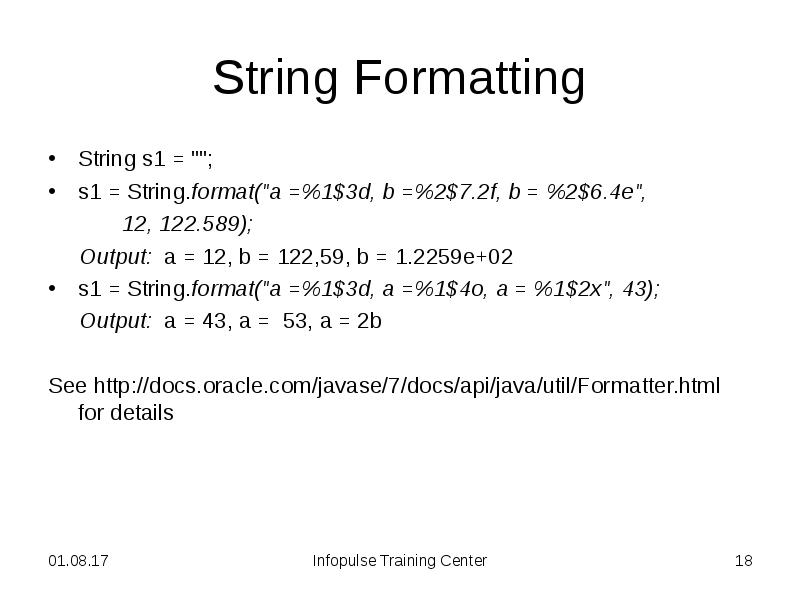
String Formatting
String s1 = "";
s1 = String.format("a =%1$3d, b =%2$7.2f, b = %2$6.4e",
12, 122.589);
Output: a = 12, b = 122,59, b = 1.2259e+02
s1 = String.format("a =%1$3d, a =%1$4o, a = %1$2x", 43);
Output: a = 43, a = 53, a = 2b
See http://docs.oracle.com/javase/7/docs/api/java/util/Formatter.html for details
Слайд 19
Описание слайда:
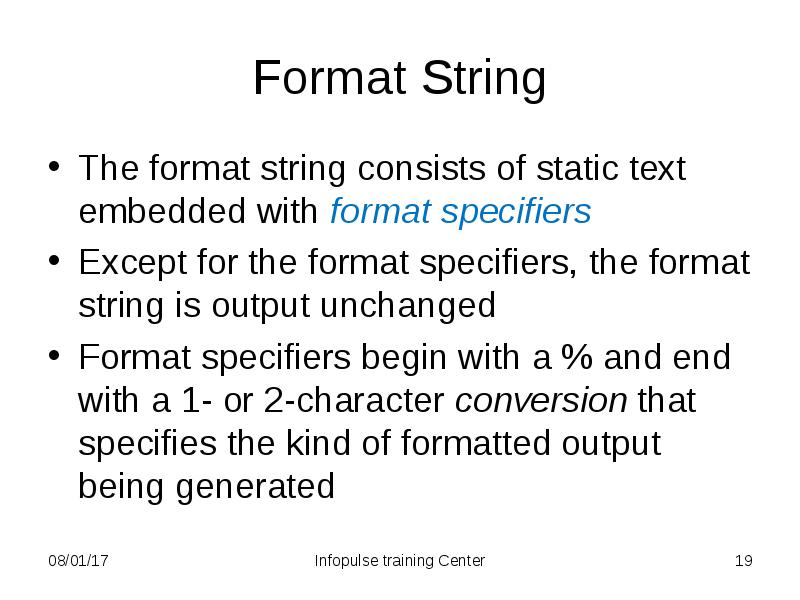
Format String
The format string consists of static text embedded with format specifiers
Except for the format specifiers, the format string is output unchanged
Format specifiers begin with a % and end with a 1- or 2-character conversion that specifies the kind of formatted output being generated
Слайд 20
Описание слайда:
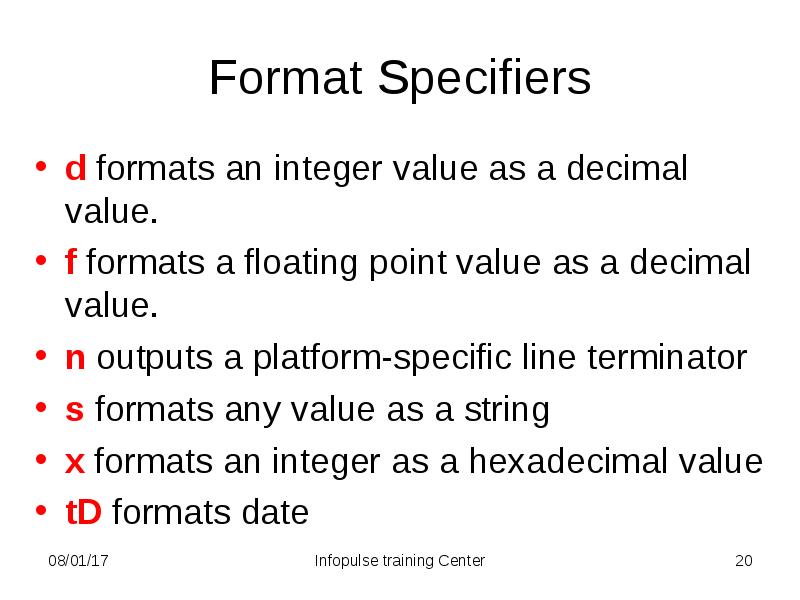
Format Specifiers
d formats an integer value as a decimal value.
f formats a floating point value as a decimal value.
n outputs a platform-specific line terminator
s formats any value as a string
x formats an integer as a hexadecimal value
tD formats date
Слайд 21
Описание слайда:
Examples of Format Specifiers
System.out.format("%1f, %1$+012.10f %n", Math.PI);
Output is 3.141593, +03.1415926536
System.out.format("%1$5s %2$7.5f", "e = ", Math.E);
Output is e = 2.71828
See for detailes http://docs.oracle.com/javase/7/docs/api/java/util/Formatter.html#syntax
Слайд 22
Описание слайда:
Application main Method
Every application must contain a main method whose signature is:
public static void main(String[] args)
The main method accepts a single argument: an array of elements of type String
This array is the mechanism through which the runtime system passes information to your application:
java MyApp arg1 arg2
Слайд 23
Описание слайда:
How to Run Application with Arguments in Eclipse
Right click on project name in the Package Explorer and select Run As > Run Configuration
Go to Arguments tab and write argument values in the Program arguments field
Press Apply button, then Run button
Слайд 24
Описание слайда:
Exercise 3.1.2.
Create a program that will print every other argument given on the command line. If the program was executed with the following on the command line,
java ArgumentSkipper one two three a b c d
the program would print
one three b d
Consider how your program would operate when no arguments are given
Слайд 25
Описание слайда:
Run Application
java app/E312Arguments one two three a b c d
Слайд 26
Описание слайда:
JAR Files
The Java Archive (JAR) file format enables you to bundle multiple files into a single archive file
Run JAR-packaged applications with the Java interpreter:
java -jar jar-file
Слайд 27
Описание слайда:
Create JAR File in Eclipse
Open workspace with necessary project
Menu item File / Export
Choose Java / Runnable JAR file in “Select an export destination”, then Next
Select your project in “Launch configuration” dropdown list
Fill “Export destination” field with JAR file name (Browse button can be used)
Click Finish button
Слайд 28
Описание слайда:
Run Application
java -jar ArgumentSkipper.jar one two three a b c d
Слайд 29
Описание слайда:
String vs StringBuilder
Objects of the String class are immutable.
A new String object is created during string modification.
StringBuilder objects can be modified.
StringBuilder objects are more effective when a lot of string modifications are needed
Слайд 30
Описание слайда:
StringBuilder Methods (1 of 2)
indexOf(String subString)
substring(int posBeg, int posEnd)
length()
The following are absent:
trim()
split(String regex)
valueOf(value) – static
Слайд 31
Описание слайда:
StringBuilder Methods (2 of 2)
append(type arg) - appends the argument to the string
insert(int offset, type arg) - inserts the second argument into the string from offset
replace(int start, int end, String s) - replaces the specified characters in this string
reverse() - reverses the sequence of characters in this string
See http://docs.oracle.com/javase/7/docs/api/java/lang/StringBuilder.html for details
Слайд 32
Описание слайда:
append Method
StringBuilder s1 = new StringBuilder("Hello");
s1.append(" world!");
System.out.println(s1);
What will be the output?
Слайд 33
Описание слайда:
insert Method
StringBuilder s1 = new StringBuilder("Niagara again!");
s1.insert(7, ". O roar");
System.out.println(s1);
What will be the output?
Слайд 34
Описание слайда:
replace Method
StringBuilder s1 = new StringBuilder("Niagara. O roar again!");
s1.replace(7, 16, " ");
System.out.println(s1);
What will be the output?
Слайд 35
Описание слайда:
reverse Method
StringBuilder s1 = new StringBuilder("Niagara. O roar again!");
s1.reverse();
System.out.println(s1);
What will be the output?
Слайд 36
Описание слайда:
Exercise 3.1.3.
A palindrome is a text phrase that spells the same thing backward and forward. The word redivider is a palindrome, since the word would spell the same even if the character sequence were reversed. Write a program that takes a word as an argument and reports whether the word is a palindrome
Слайд 37
Описание слайда:
Home Exercise 3.1.4.
Create a generateString method that gets an integer argument n and returns a string contains first n integer numbers with gaps between them
Create a generateStringBuilder method that does the same with StringBuilder class
Compare these methods performance (with help of System.nanoTime();)
Слайд 38
Описание слайда:
Manuals
http://docs.oracle.com/javase/tutorial/java/data/strings.html
Скачать презентацию на тему 3. Essential Java Classes. 1. Strings можно ниже: