6. Java basic I/O 2. Files презентация
Содержание
- 2. Write to a Text File Example import java.io.*; public void Write(String
- 3. Home Exercise: Create Deposit Report Modify 512SortDepo project to get deposit
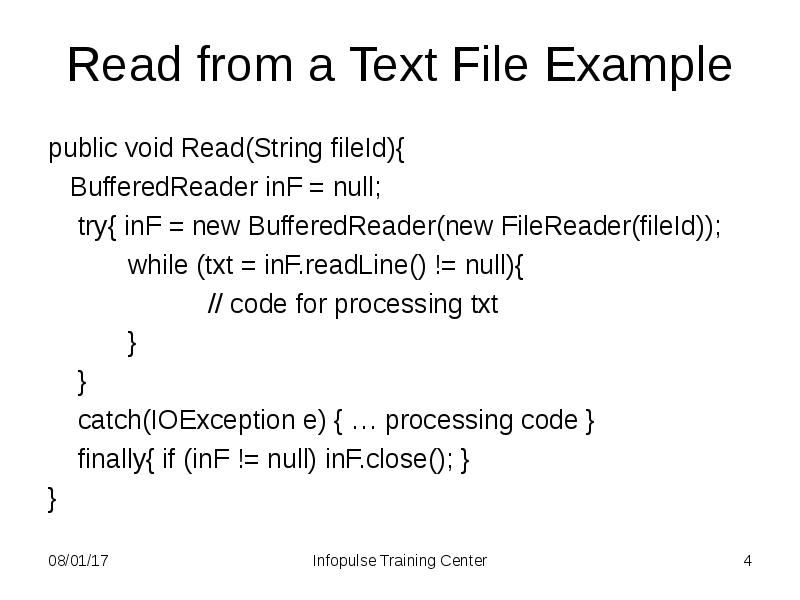
- 4. Read from a Text File Example public void Read(String fileId){
- 5. Random Access Files Random access files permit nonsequential, or random, access
- 6. Random Access File Example File f = new File("test.txt"); FileChannel fc
- 7. What Is a Path? Java 7 A file is identified by
- 8. Relative and Absolute Path A path is either relative or absolute.
- 9. Creating a Path A Path instance contains the information used to
- 10. Path Operations Retrieving Information About a Path Converting a Path Joining
- 11. The File Class The Files class is the other primary entrypoint
- 12. Some File Operations Verifying the Existence of a File or Directory
- 13. Manuals http://docs.oracle.com/javase/tutorial/essential/io/index.html
- 14. Скачать презентацию




Слайды и текст этой презентации
Слайд 1
Описание слайда:
6. Basic I/O
2. Files
Слайд 2
Описание слайда:
Write to a Text File Example
import java.io.*;
public void Write(String fileId){
PrintStream outF = null;
try{ outF = new PrintStream(fileId);
outF.println(”This is a test record”); }
catch(IOException e){…processing code }
finally{ if (outF != null) outF.close(); }
}
Слайд 3
Описание слайда:
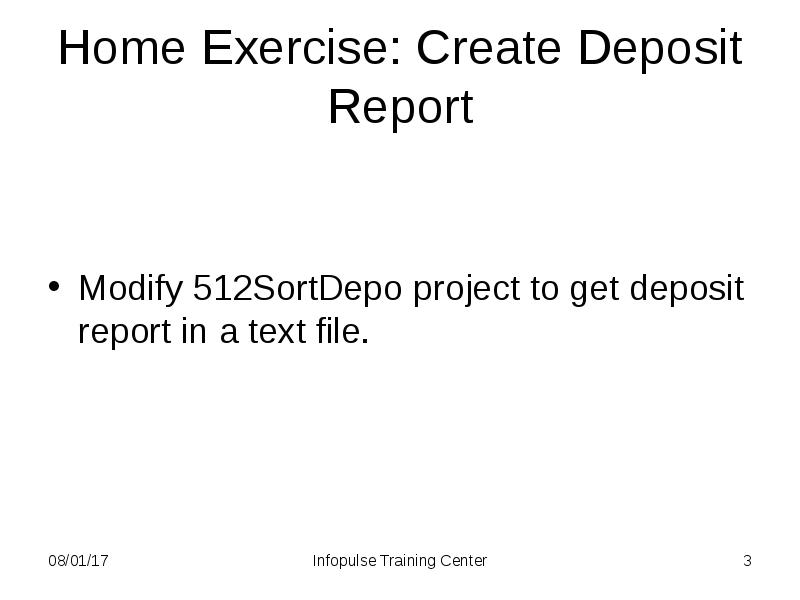
Home Exercise: Create Deposit Report
Modify 512SortDepo project to get deposit report in a text file.
Слайд 4
Описание слайда:
Read from a Text File Example
public void Read(String fileId){
BufferedReader inF = null;
try{ inF = new BufferedReader(new FileReader(fileId));
while (txt = inF.readLine() != null){
// code for processing txt
}
}
catch(IOException e) { … processing code }
finally{ if (inF != null) inF.close(); }
}
Слайд 5
Описание слайда:
Random Access Files
Random access files permit nonsequential, or random, access to a file's contents
To access a file randomly, you:
open the file
seek a particular location
read from or write to that file
Слайд 6
Описание слайда:
Random Access File Example
File f = new File("test.txt");
FileChannel fc = (FileChannel.open(f, READ, WRITE));
fc.position(10);
ByteBuffer copy = ByteBuffer.allocate(12);
do {
nread = fc.read(copy);
// processing copy
}
while (nread != -1 && copy.hasRemaining());
fc.close();
Слайд 7
Описание слайда:
What Is a Path?
Java 7
A file is identified by its path through the file system, beginning from the root node
The Path class is a programmatic representation of a path in the file system
A Path object contains the file name and directory list used to construct the path
Слайд 8
Описание слайда:
Relative and Absolute Path
A path is either relative or absolute.
The latter contains the root element.
A relative path needs to be combined with another path in order to access a file.
The character used to separate the directory names (also called the delimiter) is specific to the file system
It is used to examine, locate, and manipulate files
Слайд 9
Описание слайда:
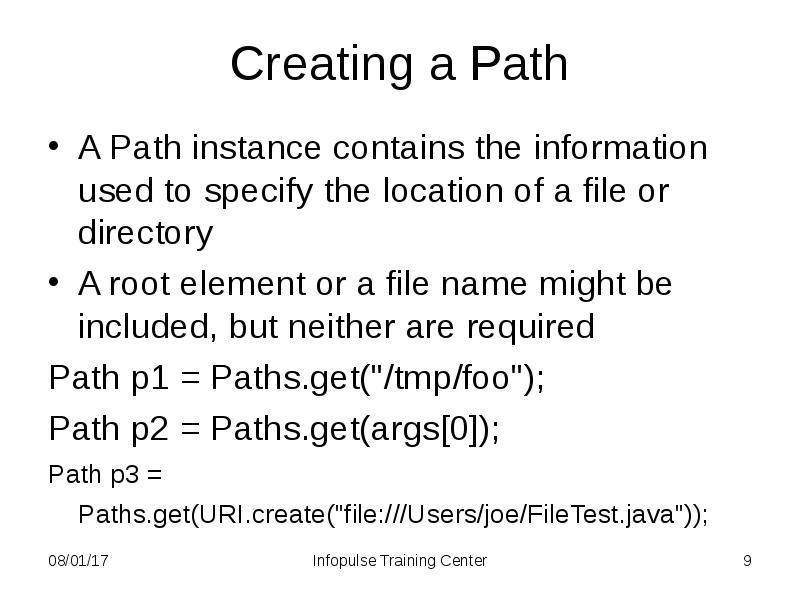
Creating a Path
A Path instance contains the information used to specify the location of a file or directory
A root element or a file name might be included, but neither are required
Path p1 = Paths.get("/tmp/foo");
Path p2 = Paths.get(args[0]);
Path p3 = Paths.get(URI.create("file:///Users/joe/FileTest.java"));
Слайд 10
Описание слайда:
Path Operations
Retrieving Information About a Path
Converting a Path
Joining Two Paths
Creating a Path Between Two Paths
Comparing Two Paths
Слайд 11
Описание слайда:
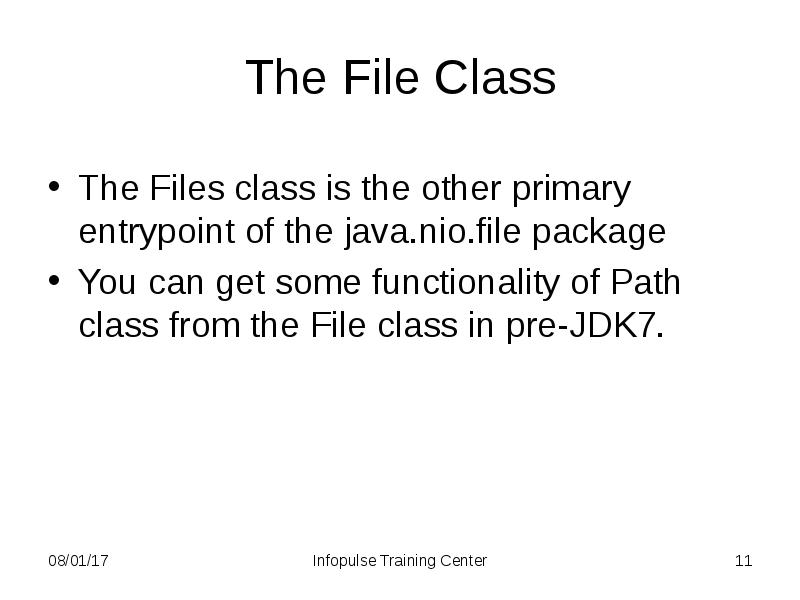
The File Class
The Files class is the other primary entrypoint of the java.nio.file package
You can get some functionality of Path class from the File class in pre-JDK7.
Слайд 12
Описание слайда:
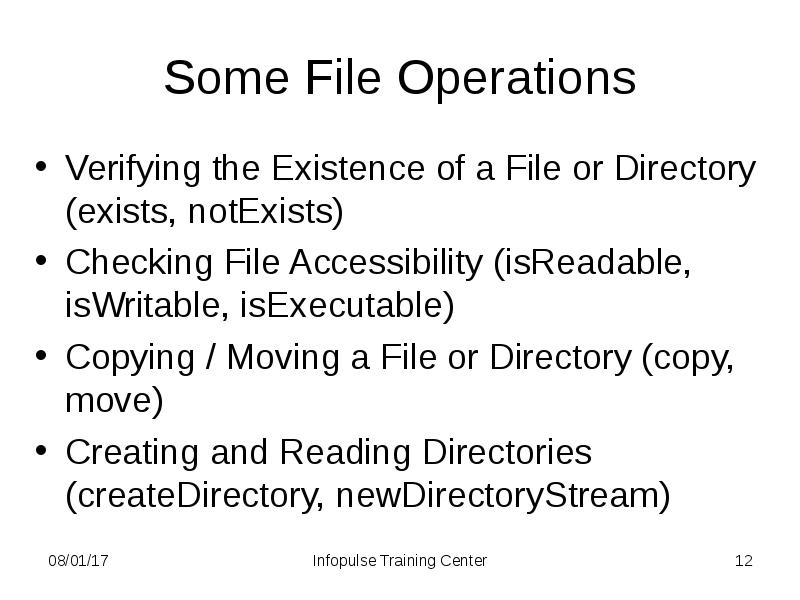
Some File Operations
Verifying the Existence of a File or Directory (exists, notExists)
Checking File Accessibility (isReadable, isWritable, isExecutable)
Copying / Moving a File or Directory (copy, move)
Creating and Reading Directories (createDirectory, newDirectoryStream)
Слайд 13
Описание слайда:
Manuals
http://docs.oracle.com/javase/tutorial/essential/io/index.html
Скачать презентацию на тему 6. Java basic I/O 2. Files можно ниже: