CPR 101. Welcome to Computer Skills for Programmers презентация
Содержание
- 2. Agenda Discussion Course Format and Evaluation About Programming and Scripting History
- 3. Goal of CPR101 Make you a better programmer Learn how applications
- 4. Course Format Evaluation & Success
- 5. Quiz Each class will begin with a 15 minute quiz (
- 6. News of the Week After the quiz there will be a
- 7. Weekly Lecture Lectures are 80 minutes in length and are instructor
- 8. Weekly Activity Weekly Activity is a 50 minute exercise for skill
- 9. Final Assignment The Assignment must be completed to pass the course
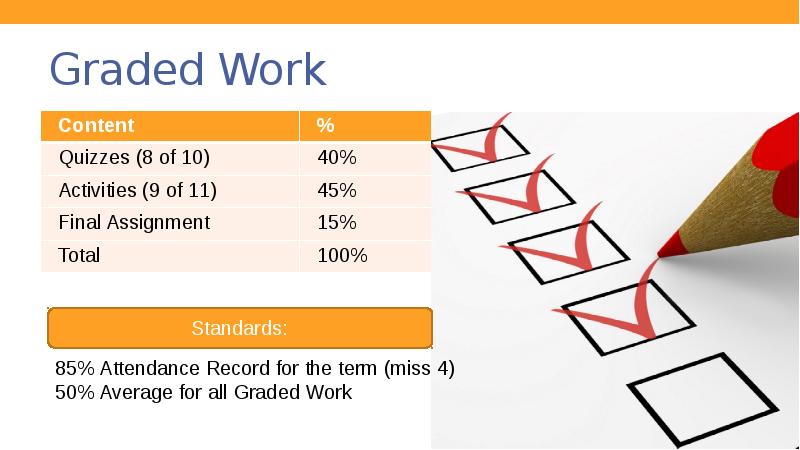
- 10. Graded Work
- 11. For Success …
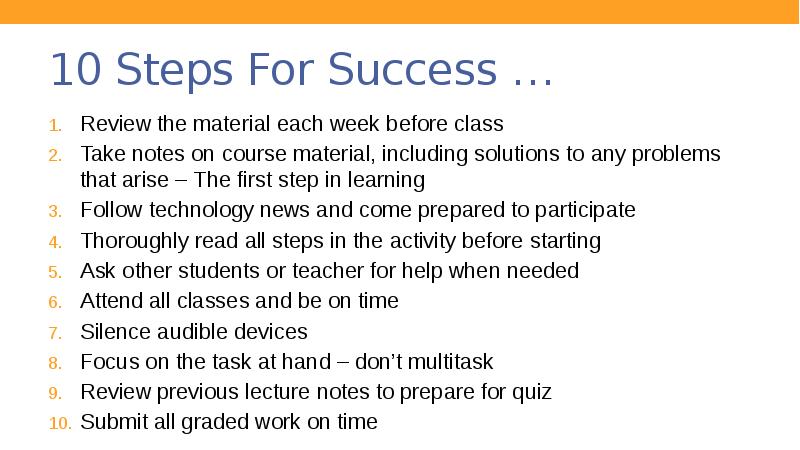
- 12. 10 Steps For Success … Review the material each week before
- 13. Programming or Scripting
- 14. What is Programming or Scripting?
- 15. What is Programming or Scripting? English like commands Written in a
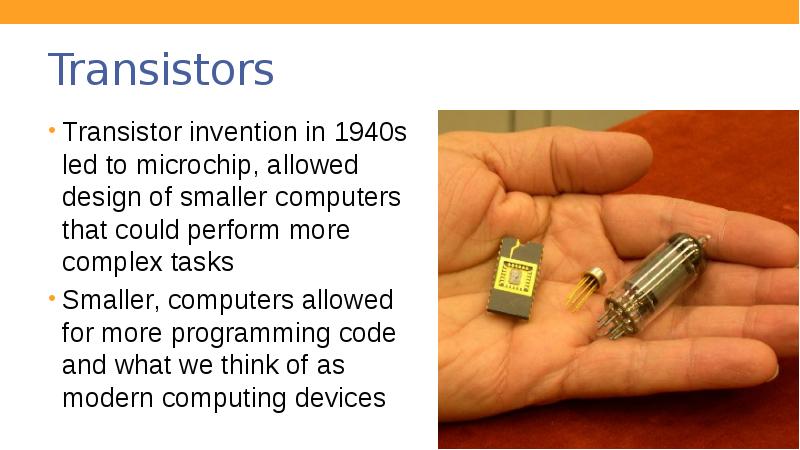
- 16. Early computers First computing devices in 1800s and early 1900s were
- 17. Transistors Transistor invention in 1940s led to microchip, allowed design of
- 18. “It would appear that we have reached the limits of what
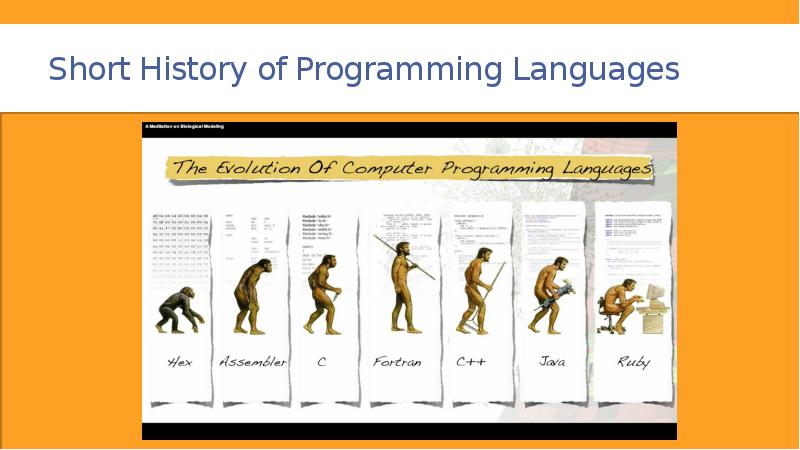
- 19. Short History of Programming Languages
- 20. Programming Languages Do you know of any programming languages?
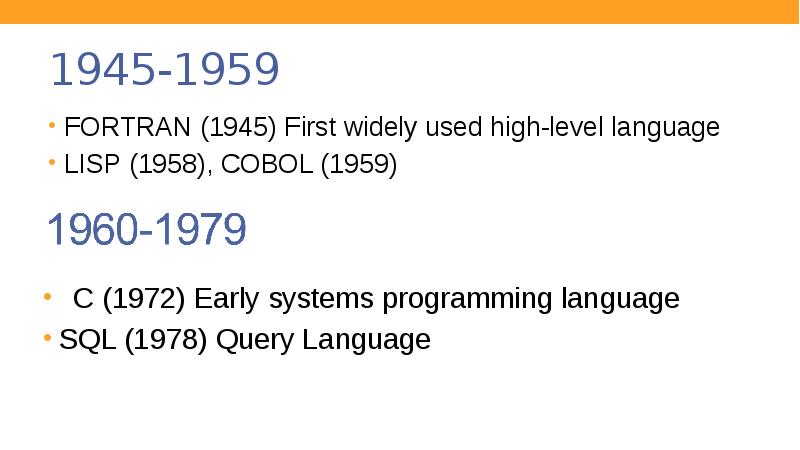
- 21. 1945-1959 FORTRAN (1945) First widely used high-level language LISP (1958), COBOL
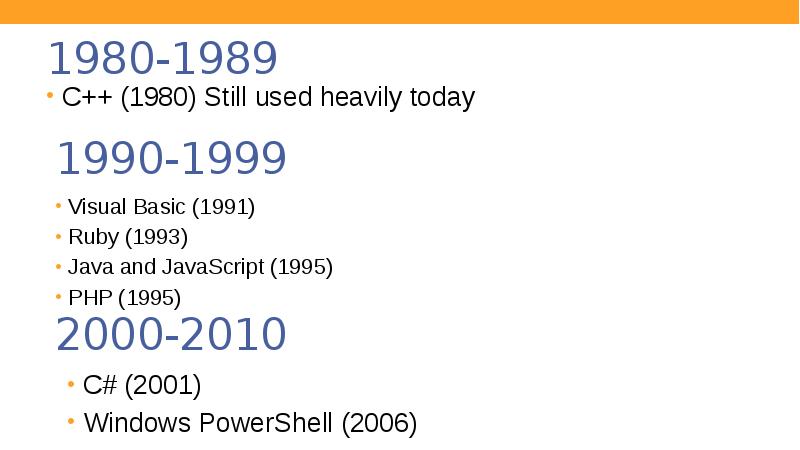
- 22. 1980-1989 C++ (1980) Still used heavily today
- 23. Programming Levels Low-Level Programming
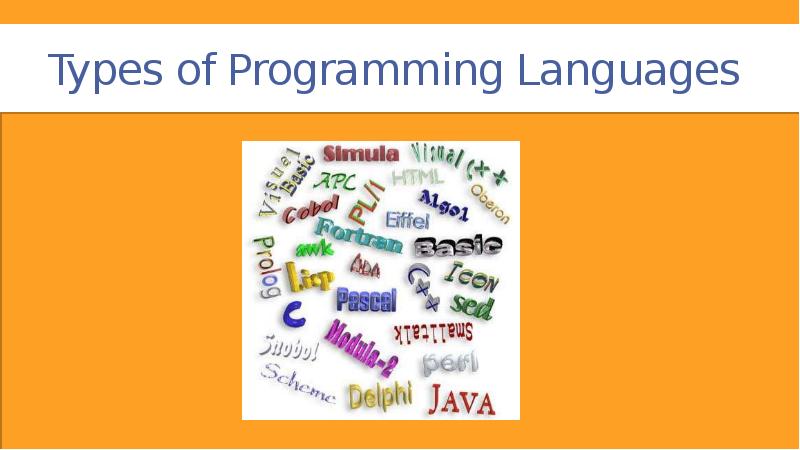
- 24. Types of Programming Languages
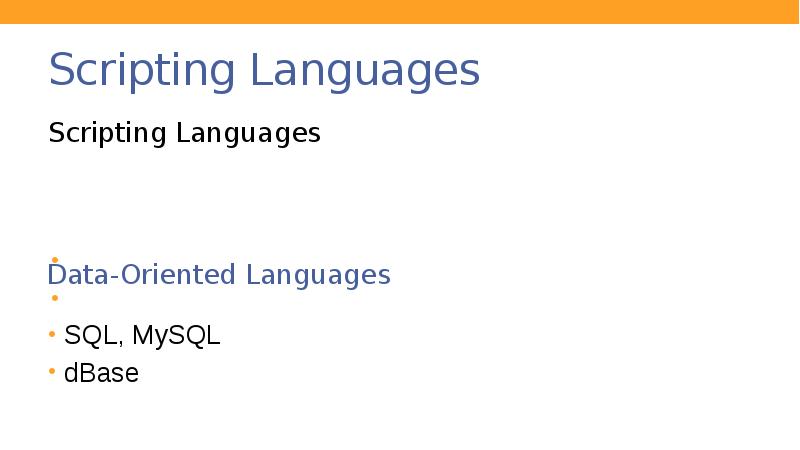
- 25. Scripting Languages Scripting Languages
- 26. Types of Languages
- 27. Embedable Languages PHP Perl Ruby JavaScript Java VBScript
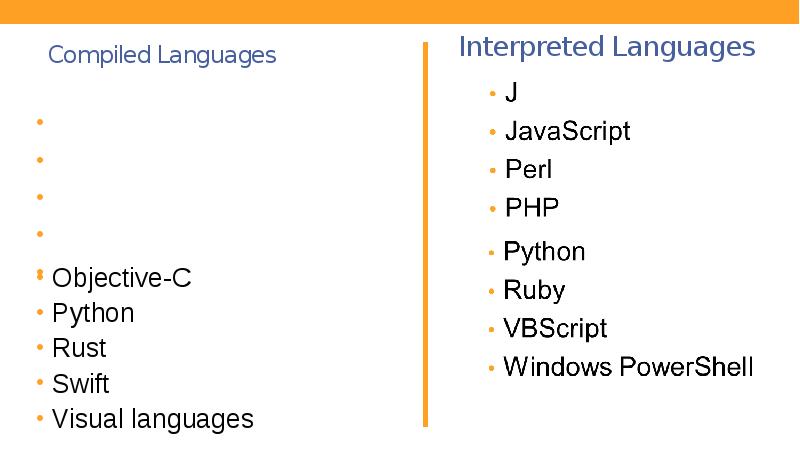
- 28. Compiled Languages C C++ C# COBOL Java
- 29. Other Languages The following are not programming languages
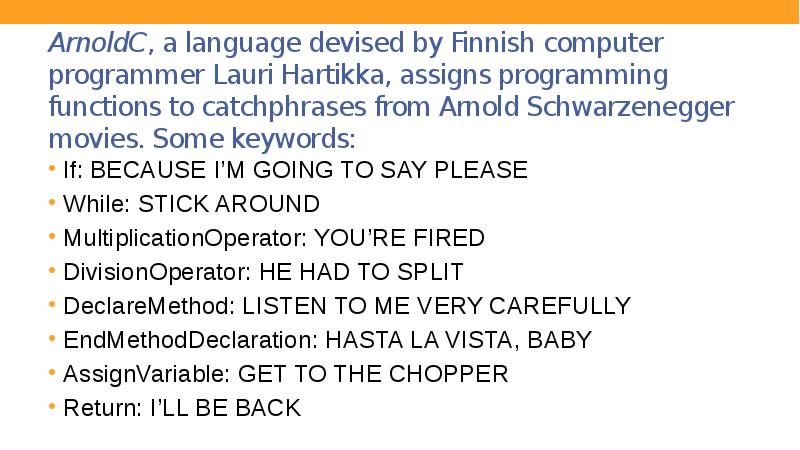
- 30. ArnoldC, a language devised by Finnish computer programmer Lauri Hartikka, assigns
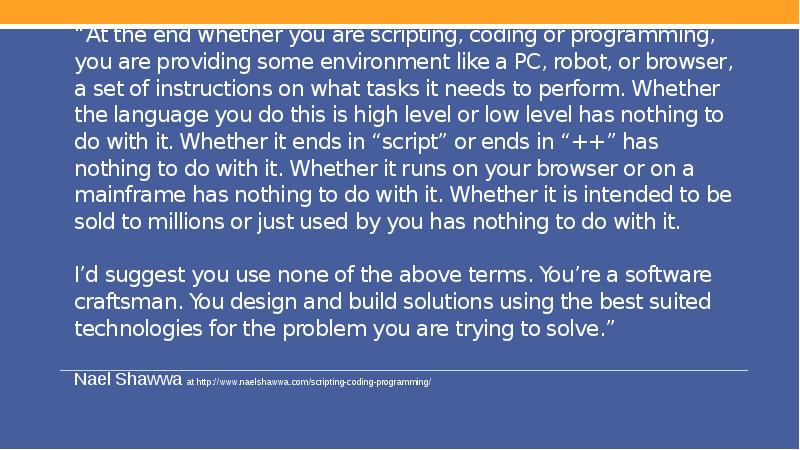
- 31. “At the end whether you are scripting, coding or programming, you
- 32. Скачать презентацию


Слайды и текст этой презентации
Слайд 1
Описание слайда:
CPR 101
Welcome to Computer Skills for Programmers
Слайд 2
Описание слайда:
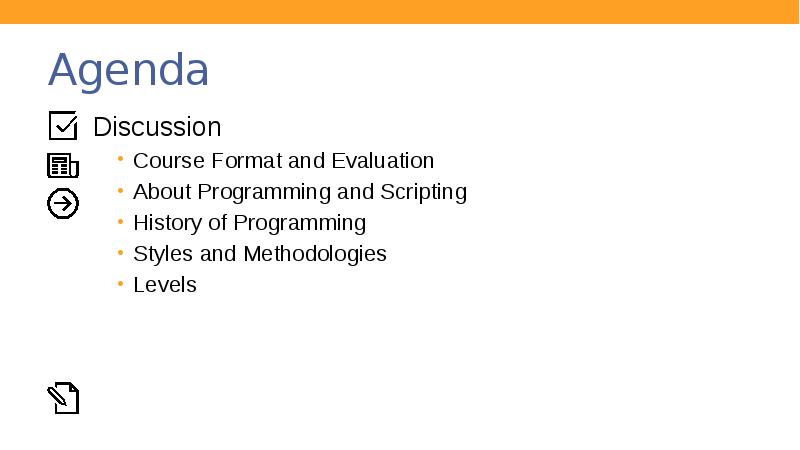
Agenda
Discussion
Course Format and Evaluation
About Programming and Scripting
History of Programming
Styles and Methodologies
Levels
Слайд 3
Описание слайда:
Goal of CPR101
Make you a better programmer
Learn how applications and system software interact
Modern network concepts, cloud computing and virtualization
Numbering systems, version control and project management,
Слайд 4
Описание слайда:
Course Format Evaluation & Success
Слайд 5
Описание слайда:
Quiz
Each class will begin with a 15 minute quiz ( 5 short answer questions)
You will write 10 quizzes, the best 8 will be selected for grading
If you are absent for a quiz, a mark of “0” will be assigned
Слайд 6
Описание слайда:
News of the Week
After the quiz there will be a 15 minute discussion on a current news topic
You are responsible for subscribing to a news service (Activity 1- Part 1)
Come prepared to participate
Build vocabulary
Expand knowledge beyond the classroom
Слайд 7
Описание слайда:
Weekly Lecture
Lectures are 80 minutes in length and are instructor centred
Ask questions anytime during the lecture
Be on time
Silence cell phones
Be respectful of others
Слайд 8
Описание слайда:
Weekly Activity
Weekly Activity is a 50 minute exercise for skill development and knowledge to complement the weekly lecture material
Graded on completing activity and reflection notes of what you learned
Must complete 9 out of 11 activities to pass the course
Activities must be completed in class to receive a grade. Missed activities will receive a grade of “0”
Слайд 9
Описание слайда:
Final Assignment
The Assignment must be completed to pass the course
The assignment will be worked on in teams and is worth 15%
You will have in class time to complete it (last 2 weeks of class)
Слайд 10
Описание слайда:
Graded Work
Слайд 11
Описание слайда:
For Success …
Слайд 12
Описание слайда:
10 Steps For Success …
Review the material each week before class
Take notes on course material, including solutions to any problems that arise – The first step in learning
Follow technology news and come prepared to participate
Thoroughly read all steps in the activity before starting
Ask other students or teacher for help when needed
Attend all classes and be on time
Silence audible devices
Focus on the task at hand – don’t multitask
Review previous lecture notes to prepare for quiz
Submit all graded work on time
Слайд 13
Описание слайда:
Programming or Scripting
Слайд 14
Описание слайда:
What is Programming or Scripting?
Слайд 15
Описание слайда:
What is Programming or Scripting?
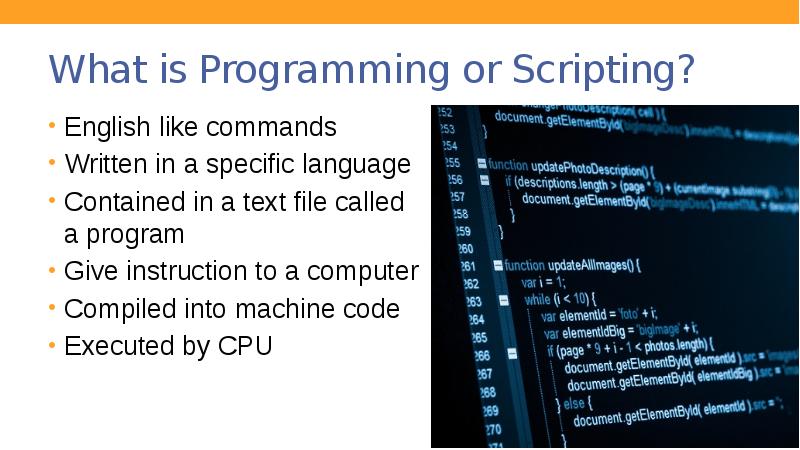
English like commands
Written in a specific language
Contained in a text file called a program
Give instruction to a computer
Compiled into machine code
Executed by CPU
Слайд 16
Описание слайда:
Early computers
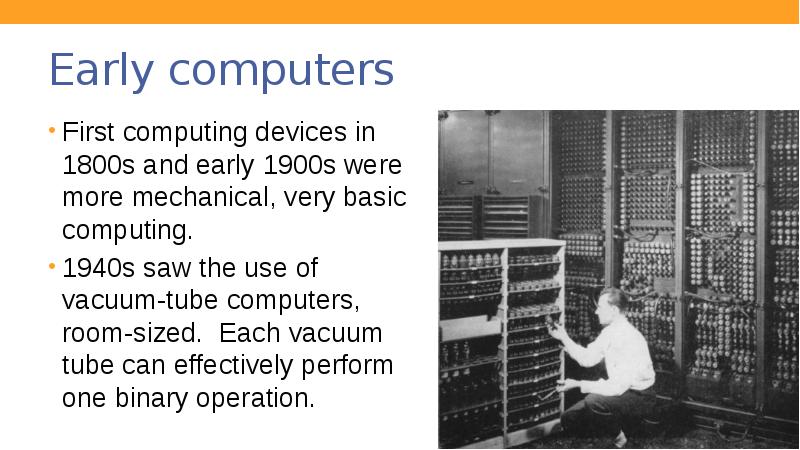
First computing devices in 1800s and early 1900s were more mechanical, very basic computing.
1940s saw the use of vacuum-tube computers, room-sized. Each vacuum tube can effectively perform one binary operation.
Слайд 17
Описание слайда:
Transistors
Transistor invention in 1940s led to microchip, allowed design of smaller computers that could perform more complex tasks
Smaller, computers allowed for more programming code and what we think of as modern computing devices
Слайд 18
Описание слайда:
“It would appear that we have reached the limits of what it is possible to achieve with computer technology, although one should be careful with such statements, as they tend to sound pretty silly in five years.”
John von Neumann, 1949
Слайд 19
Описание слайда:
Short History of Programming Languages
Слайд 20
Описание слайда:
Programming Languages
Do you know of any programming languages?
Слайд 21
Описание слайда:
1945-1959
FORTRAN (1945) First widely used high-level language
LISP (1958), COBOL (1959)
Слайд 22
Описание слайда:
1980-1989
C++ (1980) Still used heavily today
Слайд 23
Описание слайда:
Programming Levels
Low-Level Programming
Слайд 24
Описание слайда:
Types of Programming Languages
Слайд 25
Описание слайда:
Scripting Languages
Scripting Languages
Слайд 26
Описание слайда:
Types of Languages
Слайд 27
Описание слайда:
Embedable Languages
PHP
Perl
Ruby
JavaScript
Java
VBScript
Слайд 28
Описание слайда:
Compiled Languages
C
C++
C#
COBOL
Java
Слайд 29
Описание слайда:
Other Languages
The following are not programming languages
Слайд 30
Описание слайда:
ArnoldC, a language devised by Finnish computer programmer Lauri Hartikka, assigns programming functions to catchphrases from Arnold Schwarzenegger movies. Some keywords:
If: BECAUSE I’M GOING TO SAY PLEASE
While: STICK AROUND
MultiplicationOperator: YOU’RE FIRED
DivisionOperator: HE HAD TO SPLIT
DeclareMethod: LISTEN TO ME VERY CAREFULLY
EndMethodDeclaration: HASTA LA VISTA, BABY
AssignVariable: GET TO THE CHOPPER
Return: I’LL BE BACK
Слайд 31
Описание слайда:
“At the end whether you are scripting, coding or programming, you are providing some environment like a PC, robot, or browser, a set of instructions on what tasks it needs to perform. Whether the language you do this is high level or low level has nothing to do with it. Whether it ends in “script” or ends in “++” has nothing to do with it. Whether it runs on your browser or on a mainframe has nothing to do with it. Whether it is intended to be sold to millions or just used by you has nothing to do with it.
I’d suggest you use none of the above terms. You’re a software craftsman. You design and build solutions using the best suited technologies for the problem you are trying to solve.”
Nael Shawwa at http://www.naelshawwa.com/scripting-coding-programming/
Скачать презентацию на тему CPR 101. Welcome to Computer Skills for Programmers можно ниже: