Directx 11. Technology update презентация
Содержание
- 2. DirectX 11 Technology Update Chuck Walbourn Senior Software Design Engineer Microsoft
- 3. Gamefest 2008 Graphics Track
- 4. DirectX 11 Overview Direct3D 11 is based on Direct3D 10.1 Similar
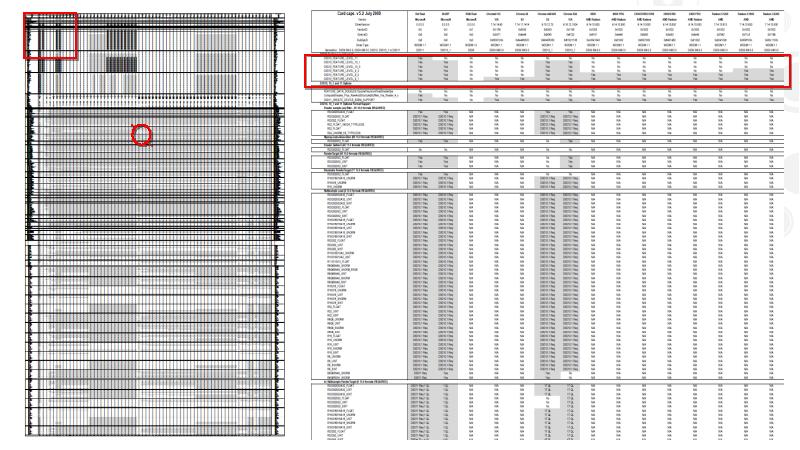
- 6. Features & Feature Levels Feature levels are well-defined sets of functionality
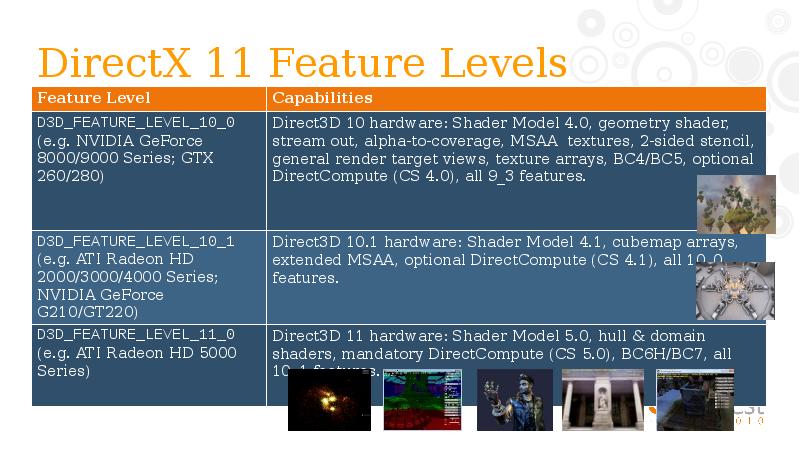
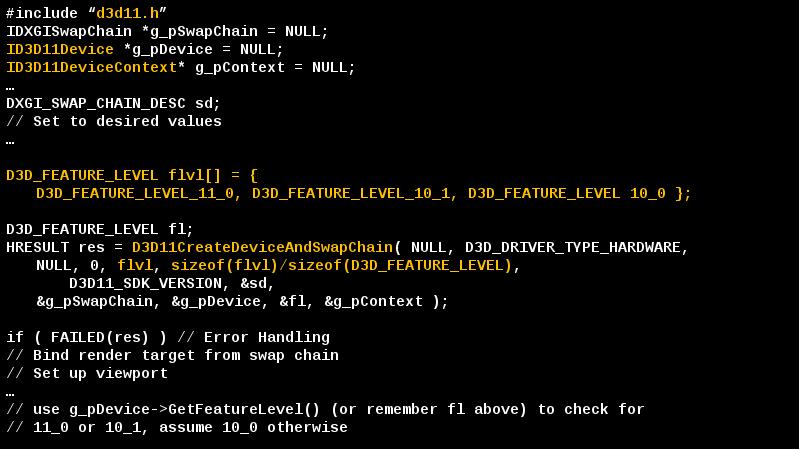
- 8. DirectX 11 Feature Levels
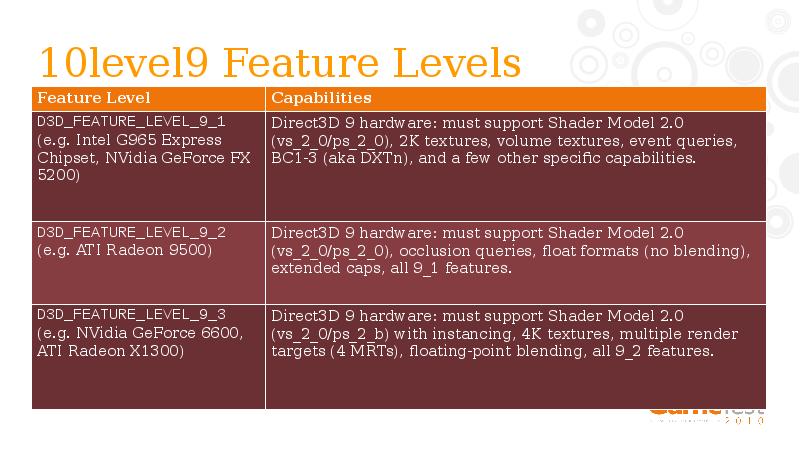
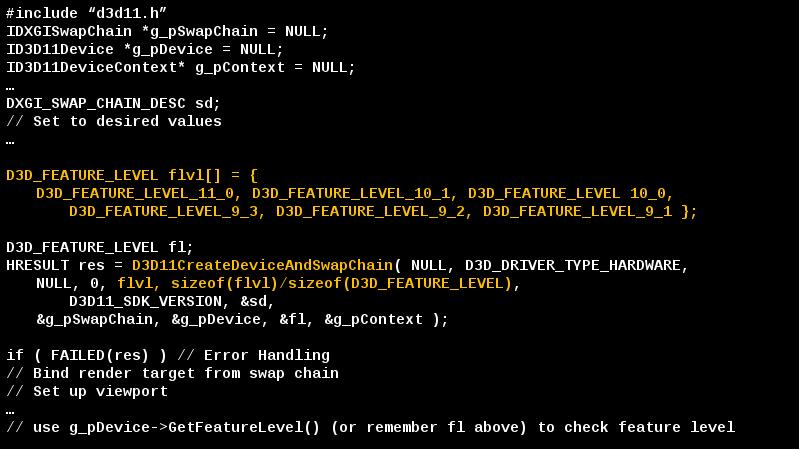
- 9. 10level9 Feature Levels
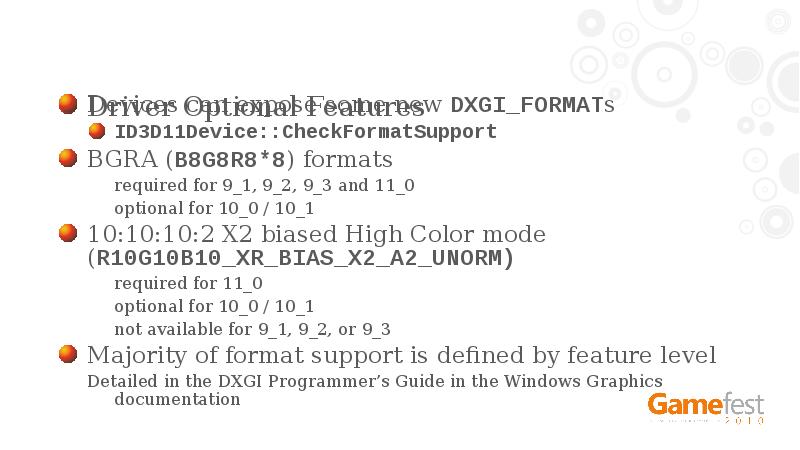
- 10. Driver Optional Features Devices can expose some new DXGI_FORMATs ID3D11Device::CheckFormatSupport BGRA
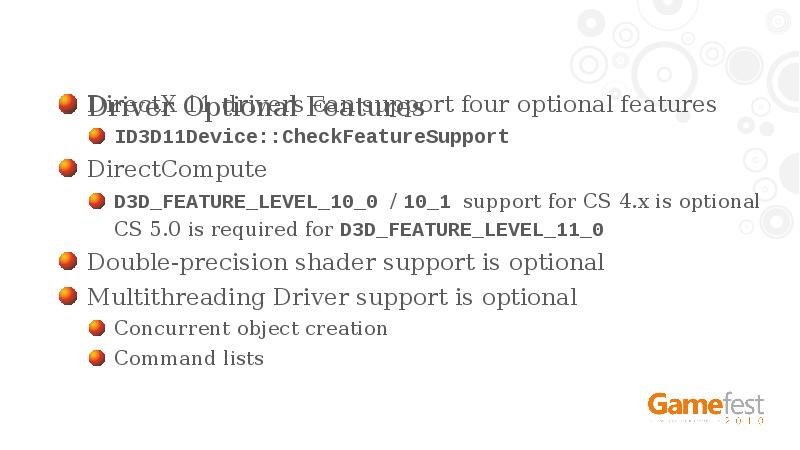
- 11. Driver Optional Features DirectX 11 drivers can support four optional features
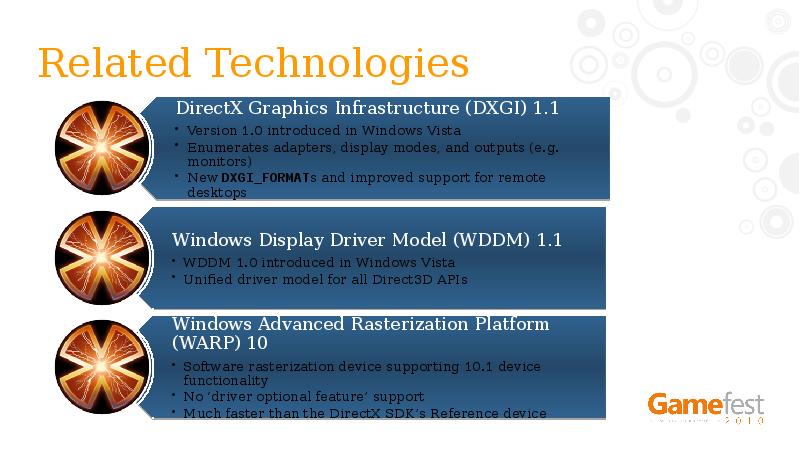
- 12. Related Technologies
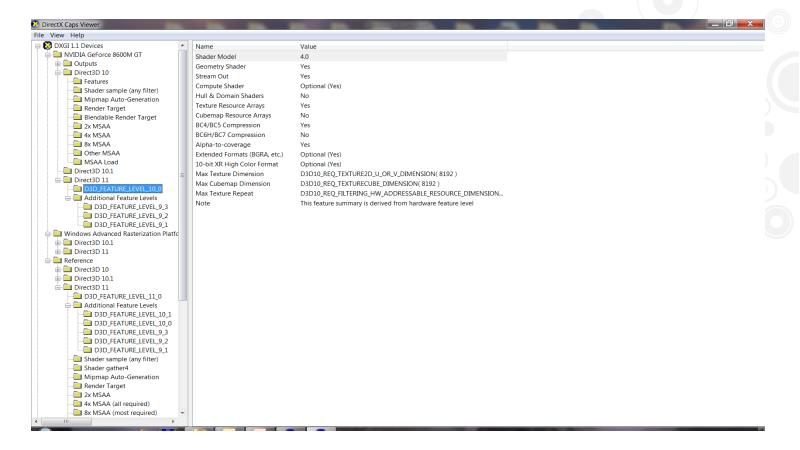
- 13. Demo Updated DxCapsViewer Utility
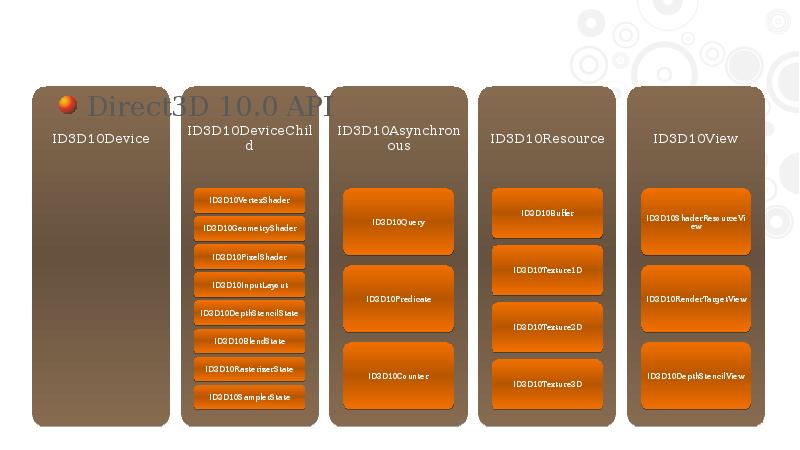
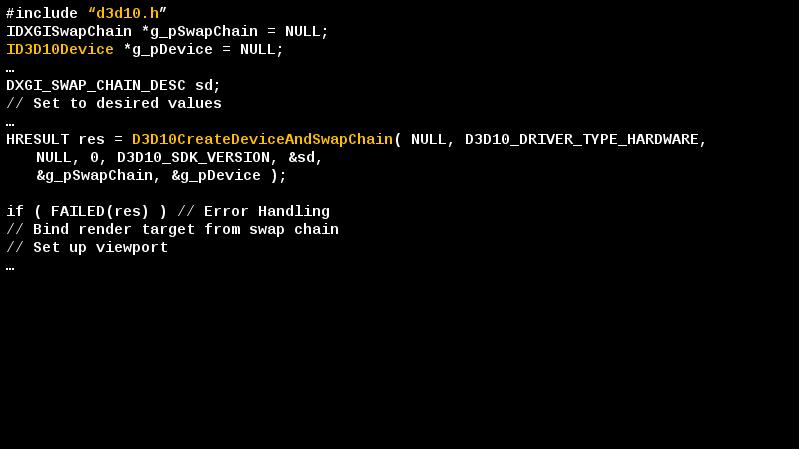
- 15. Direct3D 10.0 API
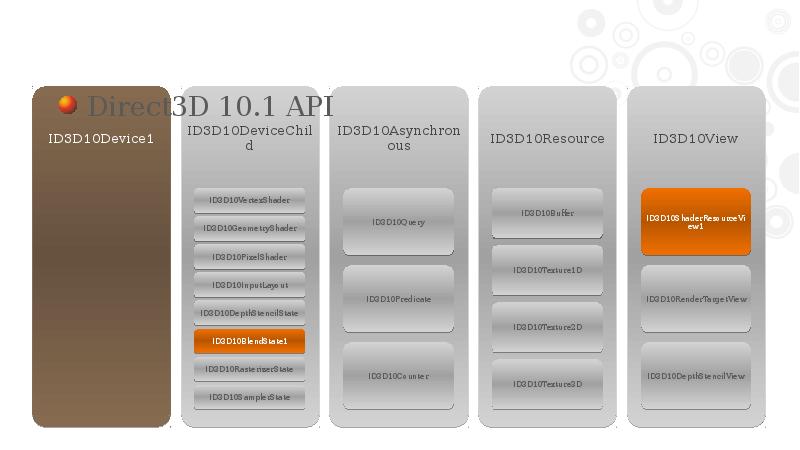
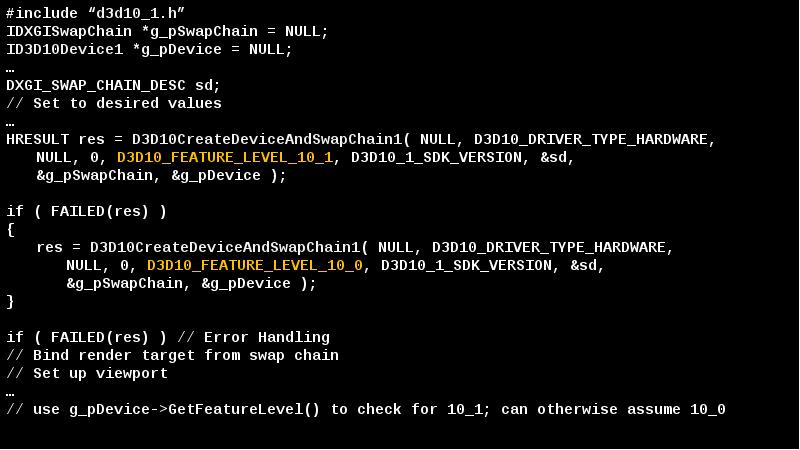
- 16. Direct3D 10.1 API
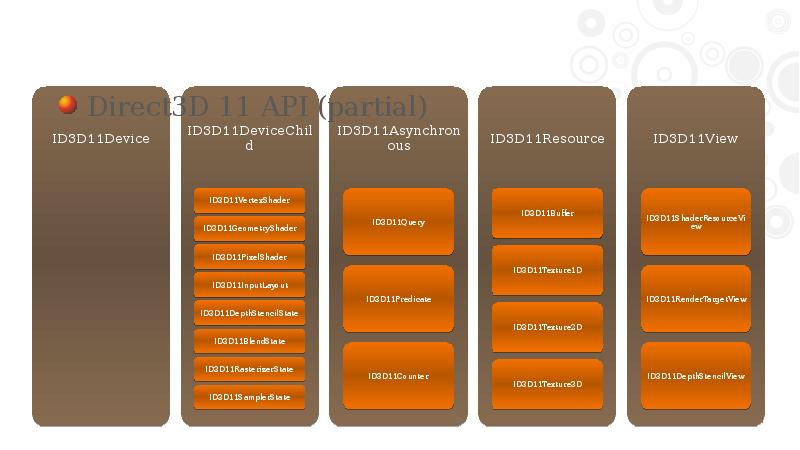
- 17. Direct3D 11 API (partial)
- 19. Direct3D 11 API Change Main difference is ID3D10Device was split in
- 20. Multi-threading Rules ID3D11Device is thread-safe Without driver support for Concurrent Creates,
- 21. Multi-threading Rules ID3D11DeviceContext is not thread-safe Typical usage is one device
- 22. Multi-threading Rules ID3D11DeviceContext deferred mode limitations Map() must be used with
- 23. Multi-threading Recommendations Concurrent creation is a no brainer Many engines already
- 24. Multi-threading Recommendations Concurrent submission depends on the scenario Useful for Triple-core,
- 25. Porting to Direct3D 11 from 10.x Start with a simple text
- 26. Porting to Direct3D 11 from 10.x Change rendering & state calls
- 27. Porting to Direct3D 11 from 10.x Some defines changed, so be
- 28. Porting to Direct3D 11 from 9 Essentially the same as porting
- 29. Porting to Direct3D 11 from 9 Start with the existing guidance
- 30. HLSL Compiler DirectX 11 requires 4.0 or later profile shaders D3DCompile
- 31. Shader Profiles and Feature Levels Shader profiles in DirectX 11 can
- 32. HLSL Recommendations Use the latest compiler Esp. avoid the ‘in box’
- 33. Effects (FX) Library Effects for Direct3D 11 (FX11) is shared source
- 34. D3DX11 Includes texture loaders (BMP, JPG, PNG, DDS, TIFF, GIF) and
- 35. D3DCSX Optional extended D3DX DLL for Compute Shader Resides in its
- 36. XNAMath aka xboxmath 2.0 Inline C++ SSE/SSE2 optimized math library VMX128
- 37. DirectX 11 Deployment DirectX 11 Runtime is included with Windows 7
- 38. DirectX 11 Runtime
- 39. KB 971644 Platform Update for Windows Vista http://go.microsoft.com/fwlink/?LinkId=160189 Deployed through Windows
- 40. KB 971512 For corporate network environments using Windows Server Update Servers
- 41. Recommendations Update your existing Direct3D 10.x code path to use Direct3D
- 42. Recommendations If you still only have a legacy Direct3D 9 code
- 43. Resources Latest DirectX SDK http://msdn.microsoft.com/directx Gamefest 2008 Graphics and Partners Tracks
- 44. APPENDIX
- 50. DirectX 11 Debugging DirectX SDK provides debugging layer Enabled through code
- 51. DirectX 11 Debugging Make sure your application runs ‘debug layer’ clean
- 52. Debug Resource Naming Debug layer messages in debug window use ‘friendly
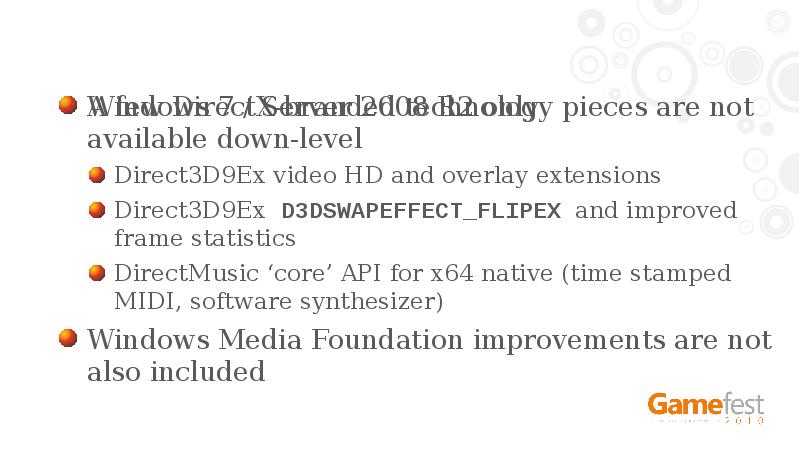
- 53. Windows 7 / Server 2008 R2 only A few DirectX-branded technology
- 55. Скачать презентацию




Слайды и текст этой презентации
Слайд 1
Описание слайда:
Слайд 2
Описание слайда:
DirectX 11 Technology Update
Chuck Walbourn
Senior Software Design Engineer
Microsoft
Слайд 3
Описание слайда:
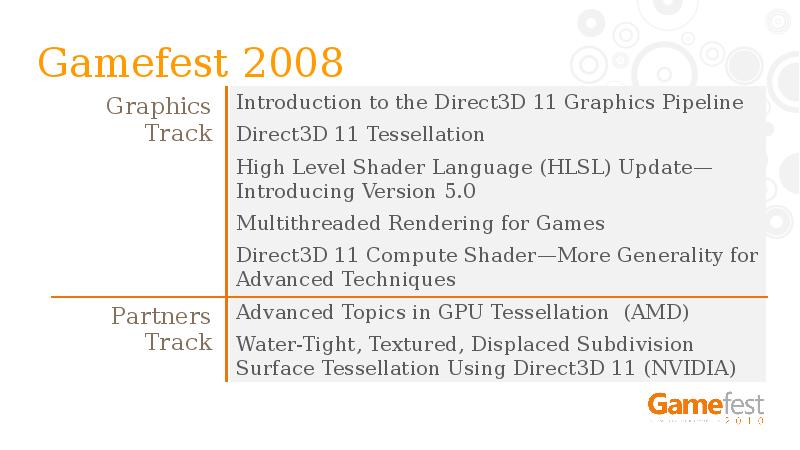
Gamefest 2008
Graphics Track
Слайд 4
Описание слайда:
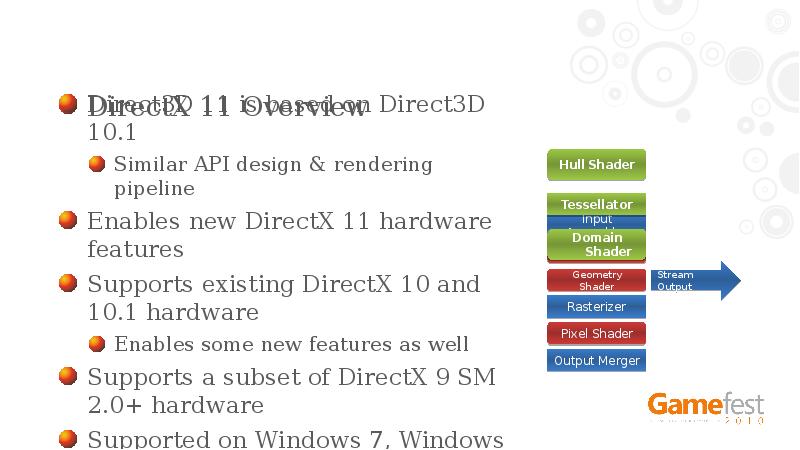
DirectX 11 Overview
Direct3D 11 is based on Direct3D 10.1
Similar API design & rendering pipeline
Enables new DirectX 11 hardware features
Supports existing DirectX 10 and 10.1 hardware
Enables some new features as well
Supports a subset of DirectX 9 SM 2.0+ hardware
Supported on Windows 7, Windows Vista, Windows Server 2008, and Windows Server 2008 R2
Слайд 5
Описание слайда:
Слайд 6
Описание слайда:
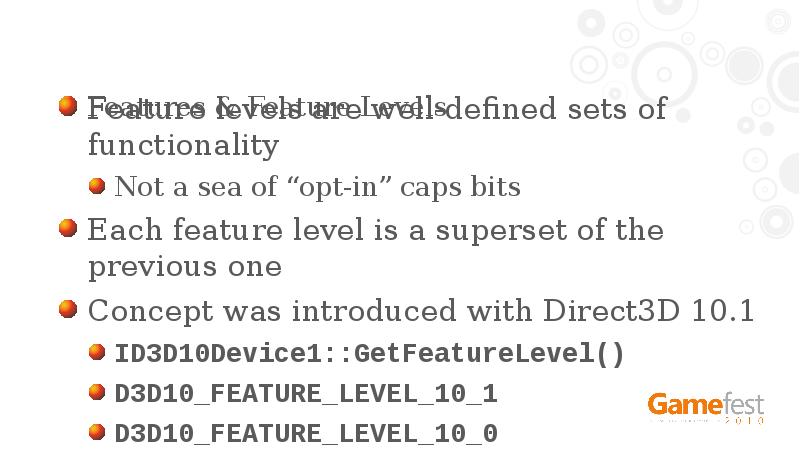
Features & Feature Levels
Feature levels are well-defined sets of functionality
Not a sea of “opt-in” caps bits
Each feature level is a superset of the previous one
Concept was introduced with Direct3D 10.1
ID3D10Device1::GetFeatureLevel()
D3D10_FEATURE_LEVEL_10_1
D3D10_FEATURE_LEVEL_10_0
Слайд 7
Описание слайда:
Слайд 8
Описание слайда:
DirectX 11 Feature Levels
Слайд 9
Описание слайда:
10level9 Feature Levels
Слайд 10
Описание слайда:
Driver Optional Features
Devices can expose some new DXGI_FORMATs
ID3D11Device::CheckFormatSupport
BGRA (B8G8R8*8) formats
required for 9_1, 9_2, 9_3 and 11_0
optional for 10_0 / 10_1
10:10:10:2 X2 biased High Color mode (R10G10B10_XR_BIAS_X2_A2_UNORM)
required for 11_0
optional for 10_0 / 10_1
not available for 9_1, 9_2, or 9_3
Majority of format support is defined by feature level
Detailed in the DXGI Programmer’s Guide in the Windows Graphics documentation
Слайд 11
Описание слайда:
Driver Optional Features
DirectX 11 drivers can support four optional features
ID3D11Device::CheckFeatureSupport
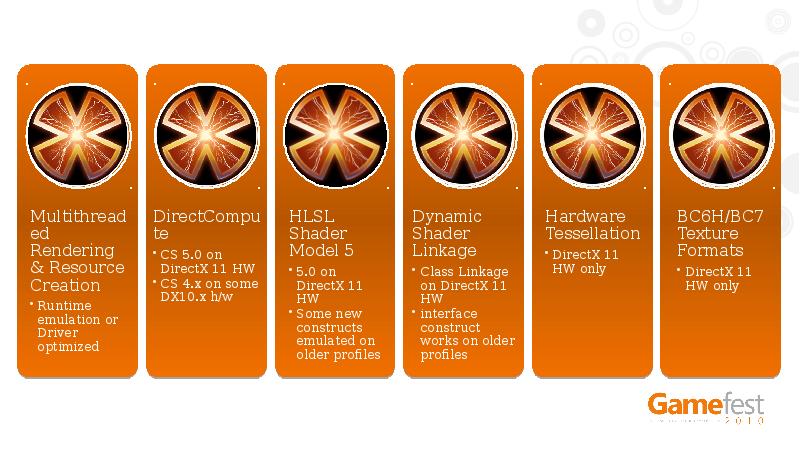
DirectCompute
D3D_FEATURE_LEVEL_10_0 / 10_1 support for CS 4.x is optional
CS 5.0 is required for D3D_FEATURE_LEVEL_11_0
Double-precision shader support is optional
Multithreading Driver support is optional
Concurrent object creation
Command lists
Слайд 12
Описание слайда:
Related Technologies
Слайд 13
Описание слайда:
Demo
Updated DxCapsViewer Utility
Слайд 14
Описание слайда:
Слайд 15
Описание слайда:
Direct3D 10.0 API
Слайд 16
Описание слайда:
Direct3D 10.1 API
Слайд 17
Описание слайда:
Direct3D 11 API (partial)
Слайд 18
Описание слайда:
Слайд 19
Описание слайда:
Direct3D 11 API Change
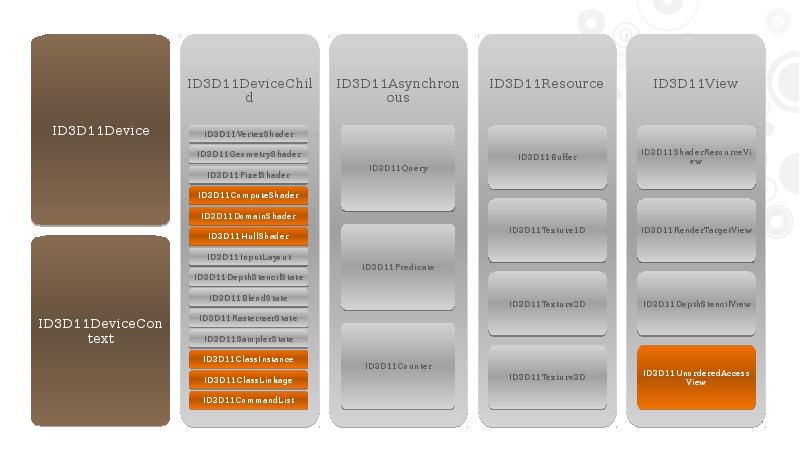
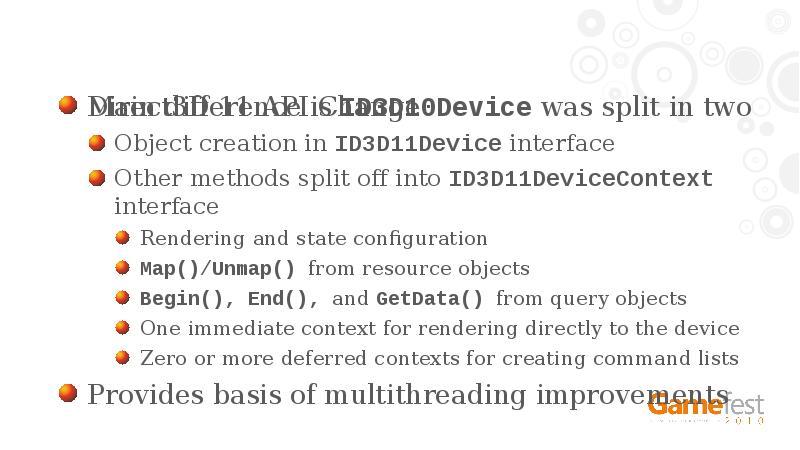
Main difference is ID3D10Device was split in two
Object creation in ID3D11Device interface
Other methods split off into ID3D11DeviceContext interface
Rendering and state configuration
Map()/Unmap() from resource objects
Begin(), End(), and GetData() from query objects
One immediate context for rendering directly to the device
Zero or more deferred contexts for creating command lists
Provides basis of multithreading improvements
Слайд 20
Описание слайда:
Multi-threading Rules
ID3D11Device is thread-safe
Without driver support for Concurrent Creates, runtime will enforce thread-safety with a coarse lock
Without driver support for Concurrent Creates, creating objects and rendering with the immediate context will not be concurrent (using the same coarse lock)
Methods on most other objects (ID3D11DeviceChild-derived) are also thread-safe
Can opt-out by using D3D11_CREATE_DEVICE_SINGLETHREADED
Слайд 21
Описание слайда:
Multi-threading Rules
ID3D11DeviceContext is not thread-safe
Typical usage is one device context per thread, one of them using immediate and the rest using deferred contexts
Note that DXGI methods should not be used concurrently while rendering with the immediate device context
For example, Present() uses the immediate device context
It is thread-safe to use the methods inherited from ID3D11DeviceChild
AddRef(), Release(), QueryInterface()
GetDevice(), GetPrivateData(), SetPrivateData(), SetPrivateDataInterface()
Слайд 22
Описание слайда:
Multi-threading Rules
ID3D11DeviceContext deferred mode limitations
Map() must be used with D3D11_MAP_WRITE_DISCARD and/or D3D11_MAP_WRITE_NO_OVERWRITE
GetData() for queries is not allowed
Queries can be used in conjunction with predication
If executing a deferred command list with a query active
and the command list itself uses the same query,
then the command list submission is ignored as invalid
Слайд 23
Описание слайда:
Multi-threading Recommendations
Concurrent creation is a no brainer
Many engines already have resource loading threads
Runtime emulation is “good enough” for a win
Less overhead than the default Direct3D 10 M/T behavior
ConcurrentCreates driver support makes it better
When creating objects with M/T driver support, providing initial data for static objects should be more efficient
i.e Use the pInitialData parameter on the Create rather than staging resources, UpdateSubResource(), or Map() when possible
Слайд 24
Описание слайда:
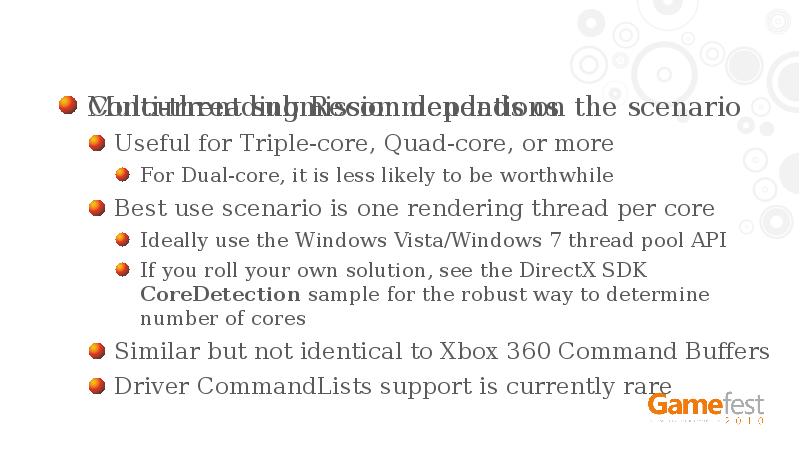
Multi-threading Recommendations
Concurrent submission depends on the scenario
Useful for Triple-core, Quad-core, or more
For Dual-core, it is less likely to be worthwhile
Best use scenario is one rendering thread per core
Ideally use the Windows Vista/Windows 7 thread pool API
If you roll your own solution, see the DirectX SDK CoreDetection sample for the robust way to determine number of cores
Similar but not identical to Xbox 360 Command Buffers
Driver CommandLists support is currently rare
Слайд 25
Описание слайда:
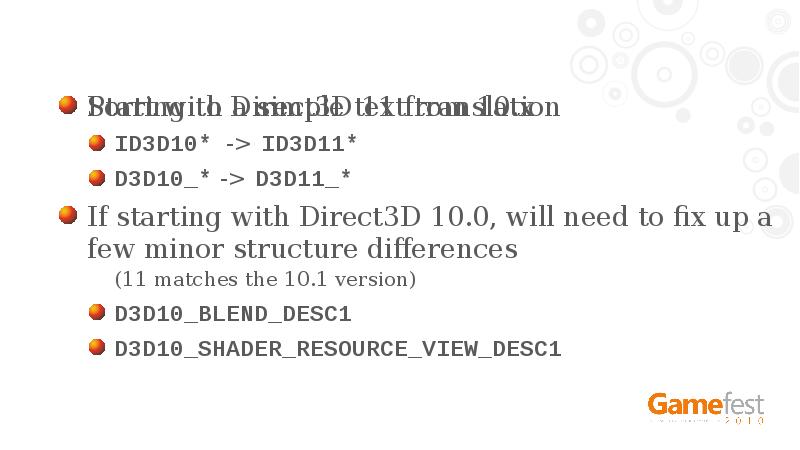
Porting to Direct3D 11 from 10.x
Start with a simple text translation
ID3D10* -> ID3D11*
D3D10_* -> D3D11_*
If starting with Direct3D 10.0, will need to fix up a few minor structure differences
(11 matches the 10.1 version)
D3D10_BLEND_DESC1
D3D10_SHADER_RESOURCE_VIEW_DESC1
Слайд 26
Описание слайда:
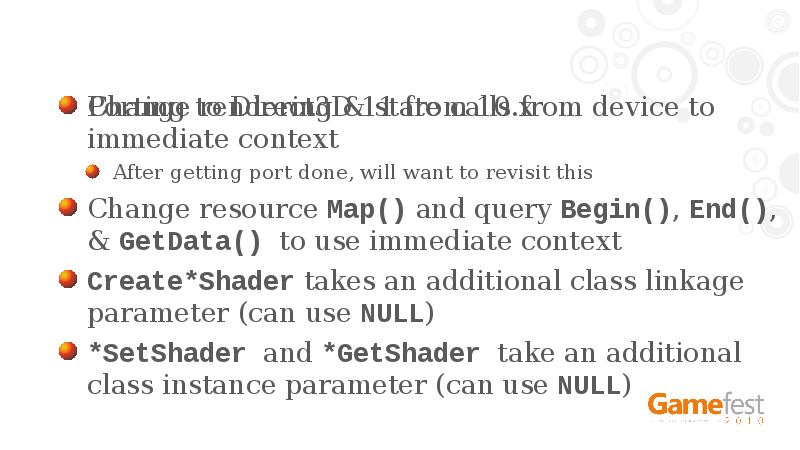
Porting to Direct3D 11 from 10.x
Change rendering & state calls from device to immediate context
After getting port done, will want to revisit this
Change resource Map() and query Begin(), End(), & GetData() to use immediate context
Create*Shader takes an additional class linkage parameter (can use NULL)
*SetShader and *GetShader take an additional class instance parameter (can use NULL)
Слайд 27
Описание слайда:
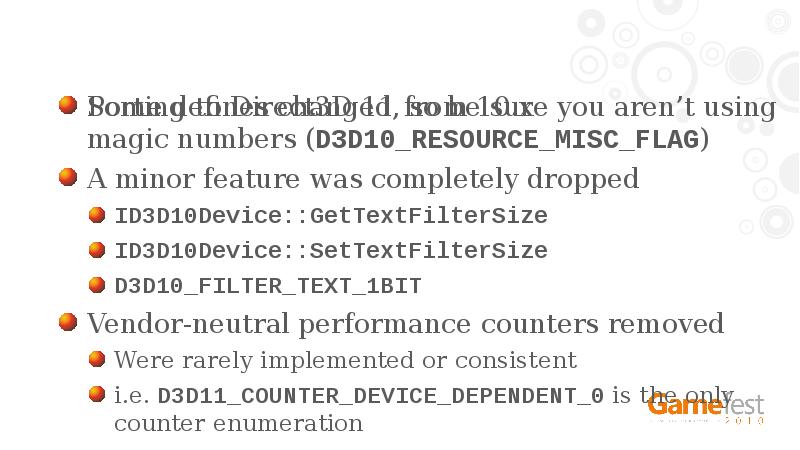
Porting to Direct3D 11 from 10.x
Some defines changed, so be sure you aren’t using magic numbers (D3D10_RESOURCE_MISC_FLAG)
A minor feature was completely dropped
ID3D10Device::GetTextFilterSize
ID3D10Device::SetTextFilterSize
D3D10_FILTER_TEXT_1BIT
Vendor-neutral performance counters removed
Were rarely implemented or consistent
i.e. D3D11_COUNTER_DEVICE_DEPENDENT_0 is the only counter enumeration
Слайд 28
Описание слайда:
Porting to Direct3D 11 from 9
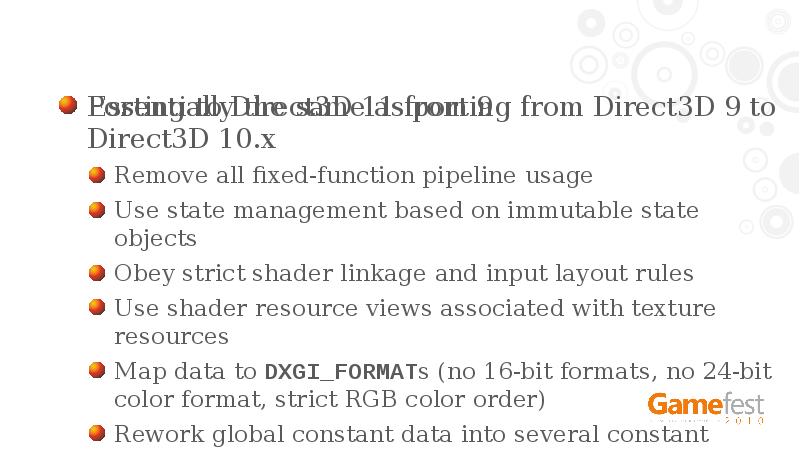
Essentially the same as porting from Direct3D 9 to Direct3D 10.x
Remove all fixed-function pipeline usage
Use state management based on immutable state objects
Obey strict shader linkage and input layout rules
Use shader resource views associated with texture resources
Map data to DXGI_FORMATs (no 16-bit formats, no 24-bit color format, strict RGB color order)
Rework global constant data into several constant buffers for efficient update
Слайд 29
Описание слайда:
Porting to Direct3D 11 from 9
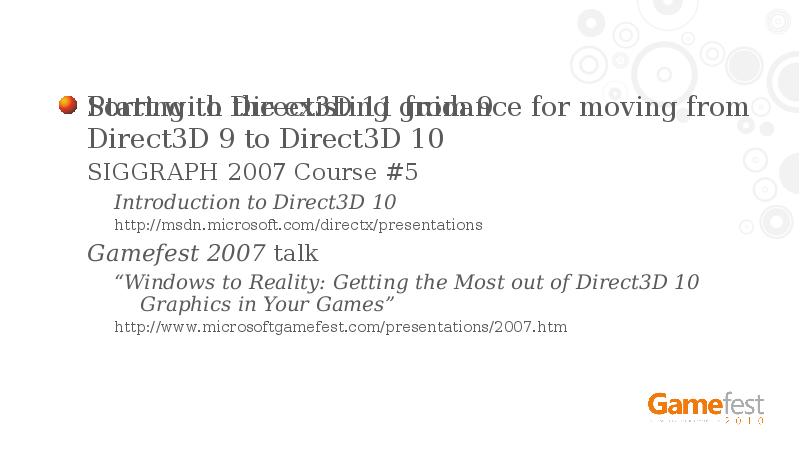
Start with the existing guidance for moving from Direct3D 9 to Direct3D 10
SIGGRAPH 2007 Course #5
Introduction to Direct3D 10
http://msdn.microsoft.com/directx/presentations
Gamefest 2007 talk
“Windows to Reality: Getting the Most out of Direct3D 10 Graphics in Your Games”
http://www.microsoftgamefest.com/presentations/2007.htm
Слайд 30
Описание слайда:
HLSL Compiler
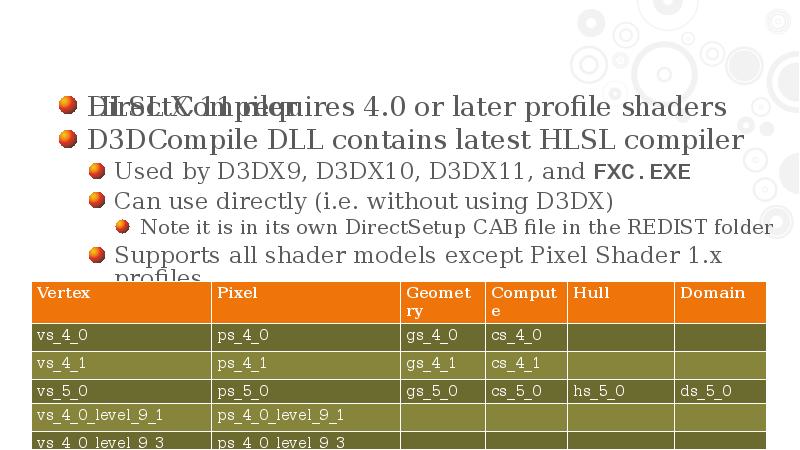
DirectX 11 requires 4.0 or later profile shaders
D3DCompile DLL contains latest HLSL compiler
Used by D3DX9, D3DX10, D3DX11, and FXC.EXE
Can use directly (i.e. without using D3DX)
Note it is in its own DirectSetup CAB file in the REDIST folder
Supports all shader models except Pixel Shader 1.x profiles
Слайд 31
Описание слайда:
Shader Profiles and Feature Levels
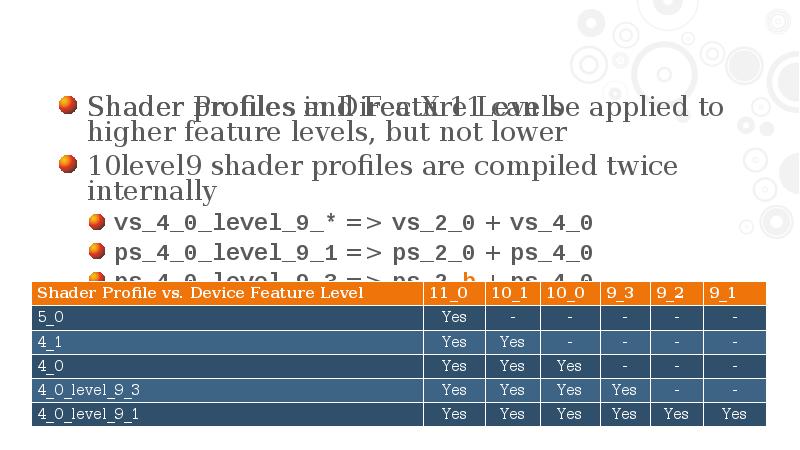
Shader profiles in DirectX 11 can be applied to higher feature levels, but not lower
10level9 shader profiles are compiled twice internally
vs_4_0_level_9_* => vs_2_0 + vs_4_0
ps_4_0_level_9_1 => ps_2_0 + ps_4_0
ps_4_0_level_9_3 => ps_2_b + ps_4_0
Слайд 32
Описание слайда:
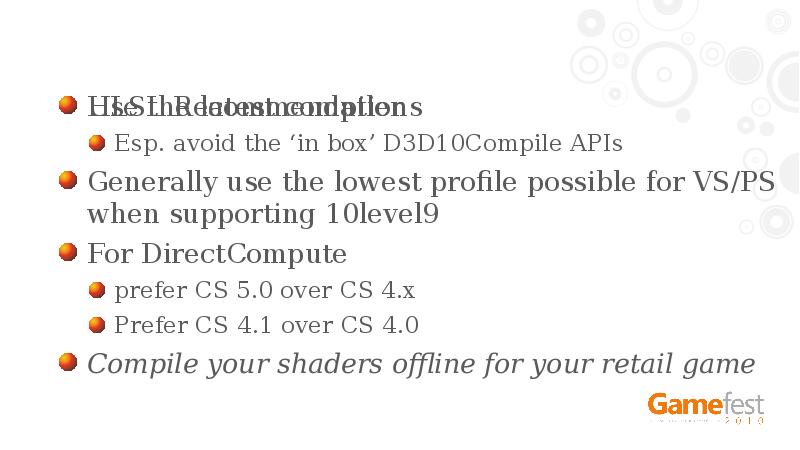
HLSL Recommendations
Use the latest compiler
Esp. avoid the ‘in box’ D3D10Compile APIs
Generally use the lowest profile possible for VS/PS when supporting 10level9
For DirectCompute
prefer CS 5.0 over CS 4.x
Prefer CS 4.1 over CS 4.0
Compile your shaders offline for your retail game
Слайд 33
Описание слайда:
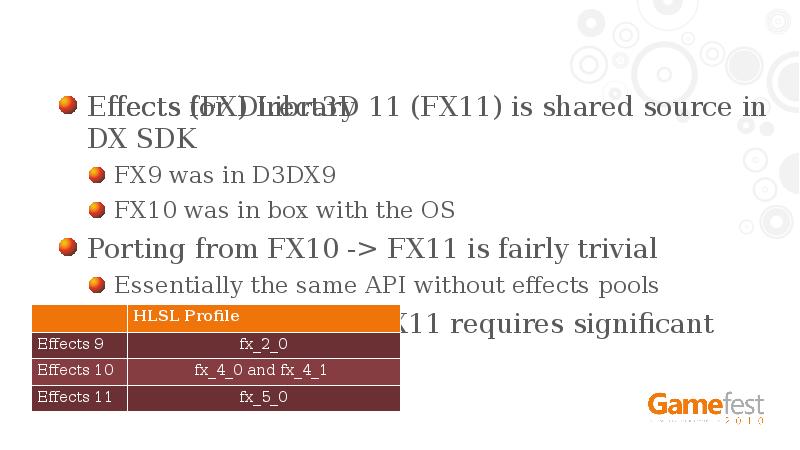
Effects (FX) Library
Effects for Direct3D 11 (FX11) is shared source in DX SDK
FX9 was in D3DX9
FX10 was in box with the OS
Porting from FX10 -> FX11 is fairly trivial
Essentially the same API without effects pools
Porting from FX9 -> FX11 requires significant code change
Слайд 34
Описание слайда:
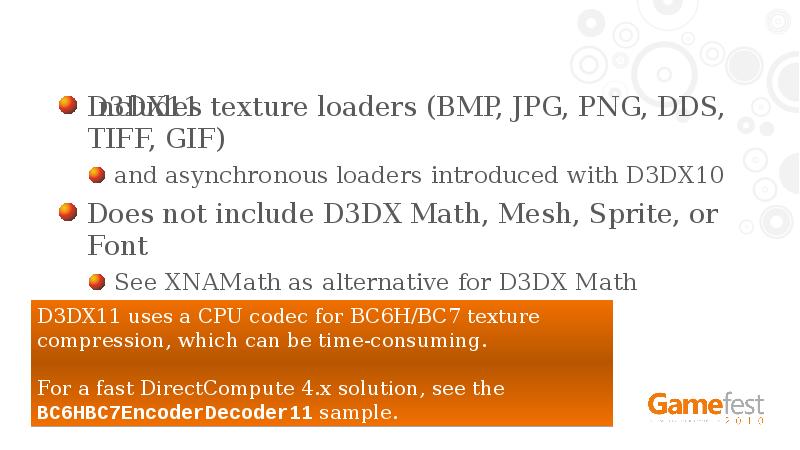
D3DX11
Includes texture loaders (BMP, JPG, PNG, DDS, TIFF, GIF)
and asynchronous loaders introduced with D3DX10
Does not include D3DX Math, Mesh, Sprite, or Font
See XNAMath as alternative for D3DX Math
and DXUT11 for alternative to font, etc.
Слайд 35
Описание слайда:
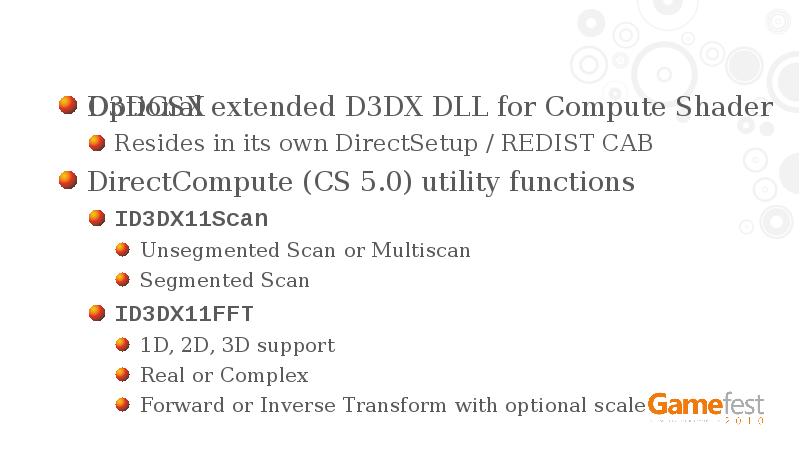
D3DCSX
Optional extended D3DX DLL for Compute Shader
Resides in its own DirectSetup / REDIST CAB
DirectCompute (CS 5.0) utility functions
ID3DX11Scan
Unsegmented Scan or Multiscan
Segmented Scan
ID3DX11FFT
1D, 2D, 3D support
Real or Complex
Forward or Inverse Transform with optional scale
Слайд 36
Описание слайда:
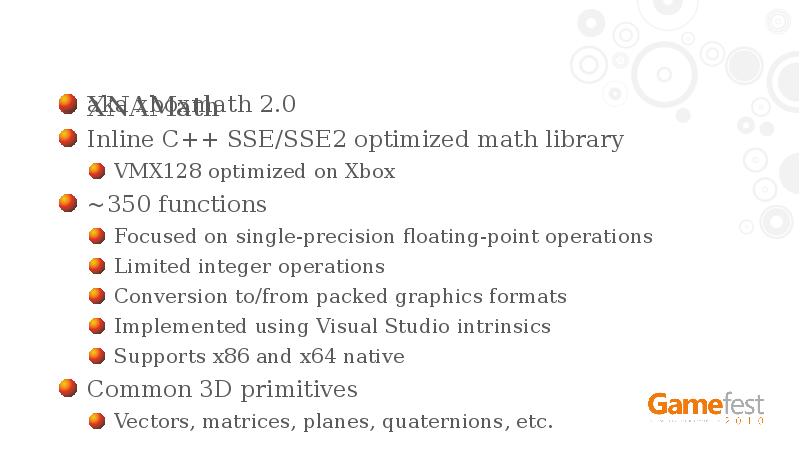
XNAMath
aka xboxmath 2.0
Inline C++ SSE/SSE2 optimized math library
VMX128 optimized on Xbox
~350 functions
Focused on single-precision floating-point operations
Limited integer operations
Conversion to/from packed graphics formats
Implemented using Visual Studio intrinsics
Supports x86 and x64 native
Common 3D primitives
Vectors, matrices, planes, quaternions, etc.
Слайд 37
Описание слайда:
DirectX 11 Deployment
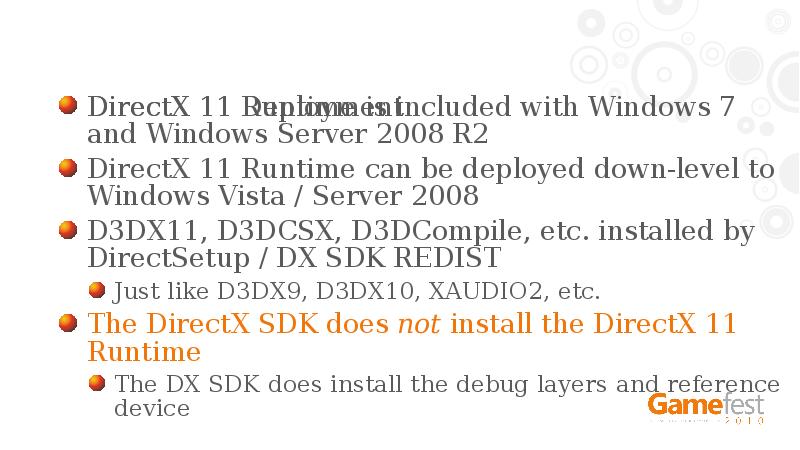
DirectX 11 Runtime is included with Windows 7 and Windows Server 2008 R2
DirectX 11 Runtime can be deployed down-level to Windows Vista / Server 2008
D3DX11, D3DCSX, D3DCompile, etc. installed by DirectSetup / DX SDK REDIST
Just like D3DX9, D3DX10, XAUDIO2, etc.
The DirectX SDK does not install the DirectX 11 Runtime
The DX SDK does install the debug layers and reference device
Слайд 38
Описание слайда:
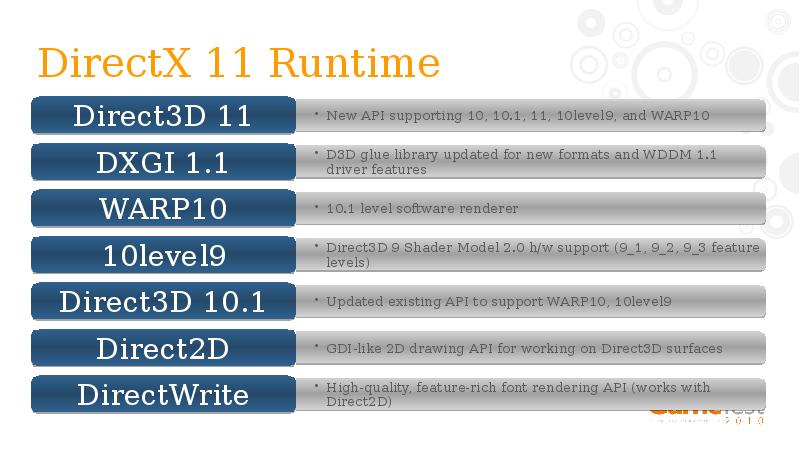
DirectX 11 Runtime
Слайд 39
Описание слайда:
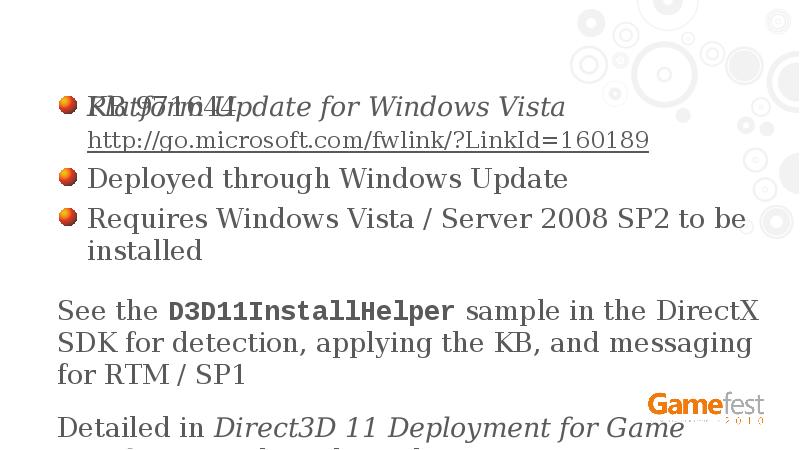
KB 971644
Platform Update for Windows Vista
http://go.microsoft.com/fwlink/?LinkId=160189
Deployed through Windows Update
Requires Windows Vista / Server 2008 SP2 to be installed
See the D3D11InstallHelper sample in the DirectX SDK for detection, applying the KB, and messaging for RTM / SP1
Detailed in Direct3D 11 Deployment for Game Developers technical article
Слайд 40
Описание слайда:
KB 971512
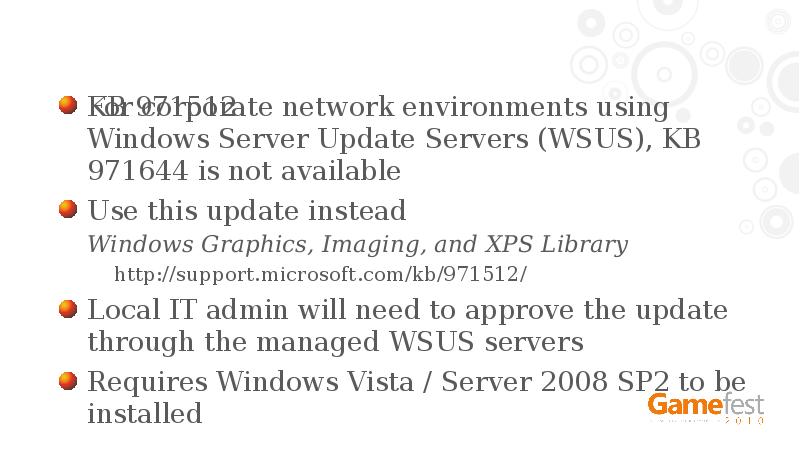
For corporate network environments using Windows Server Update Servers (WSUS), KB 971644 is not available
Use this update instead
Windows Graphics, Imaging, and XPS Library
http://support.microsoft.com/kb/971512/
Local IT admin will need to approve the update through the managed WSUS servers
Requires Windows Vista / Server 2008 SP2 to be installed
Слайд 41
Описание слайда:
Recommendations
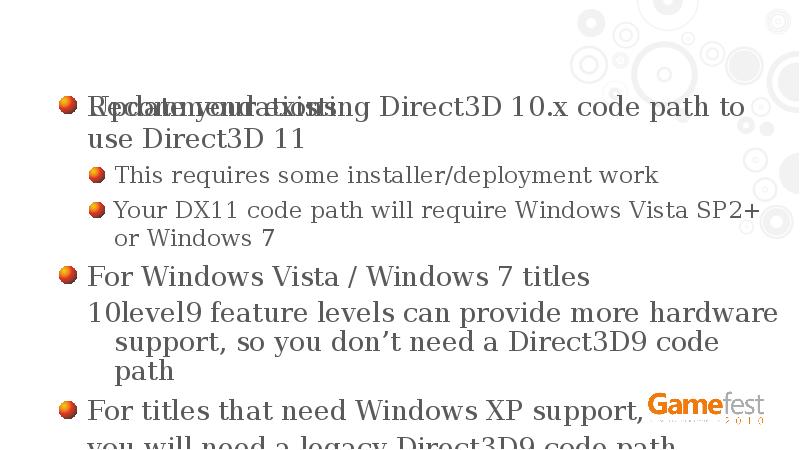
Update your existing Direct3D 10.x code path to use Direct3D 11
This requires some installer/deployment work
Your DX11 code path will require Windows Vista SP2+ or Windows 7
For Windows Vista / Windows 7 titles
10level9 feature levels can provide more hardware support, so you don’t need a Direct3D9 code path
For titles that need Windows XP support,
you will need a legacy Direct3D9 code path
Слайд 42
Описание слайда:
Recommendations
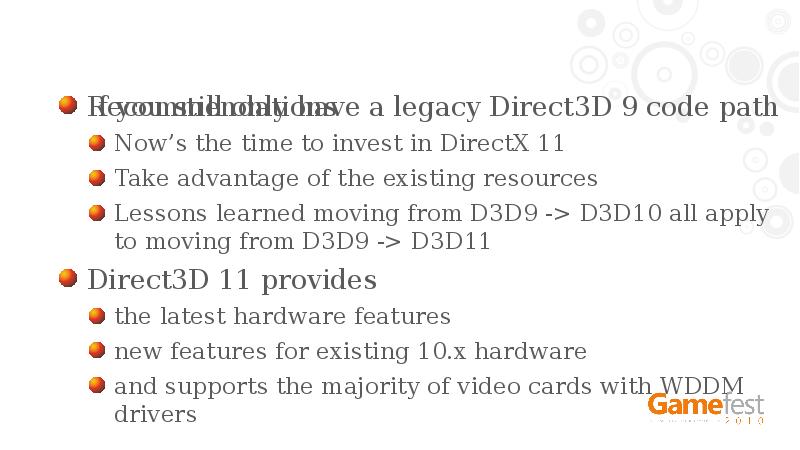
If you still only have a legacy Direct3D 9 code path
Now’s the time to invest in DirectX 11
Take advantage of the existing resources
Lessons learned moving from D3D9 -> D3D10 all apply to moving from D3D9 -> D3D11
Direct3D 11 provides
the latest hardware features
new features for existing 10.x hardware
and supports the majority of video cards with WDDM drivers
Слайд 43
Описание слайда:
Resources
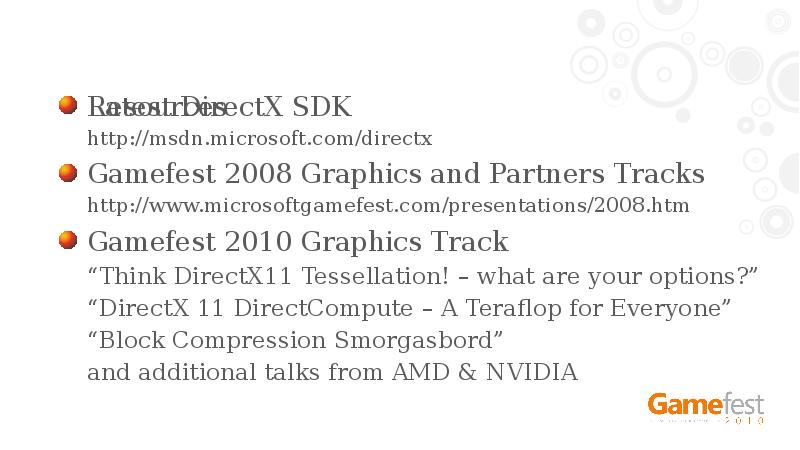
Latest DirectX SDK
http://msdn.microsoft.com/directx
Gamefest 2008 Graphics and Partners Tracks
http://www.microsoftgamefest.com/presentations/2008.htm
Gamefest 2010 Graphics Track
“Think DirectX11 Tessellation! – what are your options?”
“DirectX 11 DirectCompute – A Teraflop for Everyone”
“Block Compression Smorgasbord”
and additional talks from AMD & NVIDIA
Слайд 44
Описание слайда:
APPENDIX
Слайд 45
Описание слайда:
Слайд 46
Описание слайда:
Слайд 47
Описание слайда:
Слайд 48
Описание слайда:
Слайд 49
Описание слайда:
Слайд 50
Описание слайда:
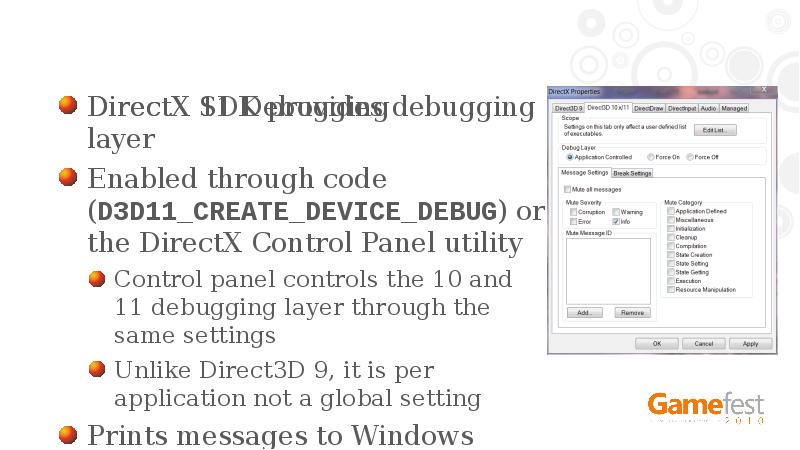
DirectX 11 Debugging
DirectX SDK provides debugging layer
Enabled through code (D3D11_CREATE_DEVICE_DEBUG) or the DirectX Control Panel utility
Control panel controls the 10 and 11 debugging layer through the same settings
Unlike Direct3D 9, it is per application not a global setting
Prints messages to Windows debug output
Слайд 51
Описание слайда:
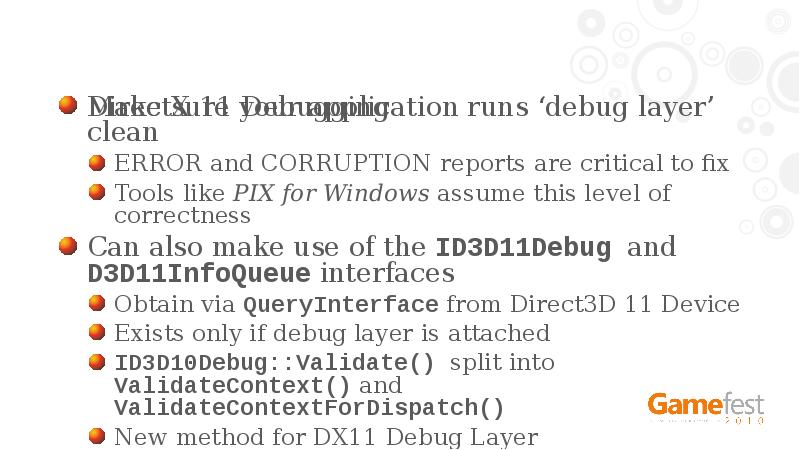
DirectX 11 Debugging
Make sure your application runs ‘debug layer’ clean
ERROR and CORRUPTION reports are critical to fix
Tools like PIX for Windows assume this level of correctness
Can also make use of the ID3D11Debug and D3D11InfoQueue interfaces
Obtain via QueryInterface from Direct3D 11 Device
Exists only if debug layer is attached
ID3D10Debug::Validate() split into ValidateContext() and ValidateContextForDispatch()
New method for DX11 Debug Layer
ID3D11Debug::ReportLiveDeviceObjects()
Слайд 52
Описание слайда:
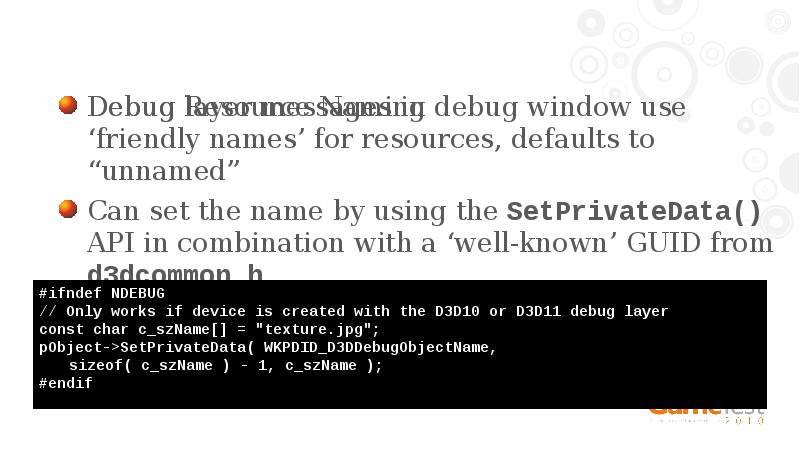
Debug Resource Naming
Debug layer messages in debug window use ‘friendly names’ for resources, defaults to “unnamed”
Can set the name by using the SetPrivateData() API in combination with a ‘well-known’ GUID from d3dcommon.h
Слайд 53
Описание слайда:
Windows 7 / Server 2008 R2 only
A few DirectX-branded technology pieces are not available down-level
Direct3D9Ex video HD and overlay extensions
Direct3D9Ex D3DSWAPEFFECT_FLIPEX and improved frame statistics
DirectMusic ‘core’ API for x64 native (time stamped MIDI, software synthesizer)
Windows Media Foundation improvements are not also included
Слайд 54
Описание слайда:
Скачать презентацию на тему Directx 11. Technology update можно ниже: