HTML and CSS. Site layout. Best practices презентация
Содержание
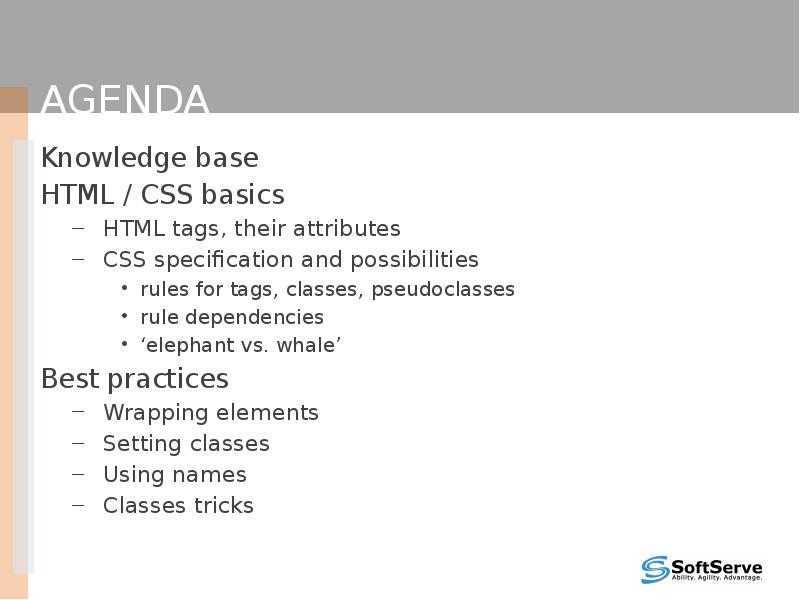
- 2. Agenda Knowledge base HTML / CSS basics HTML tags, their attributes
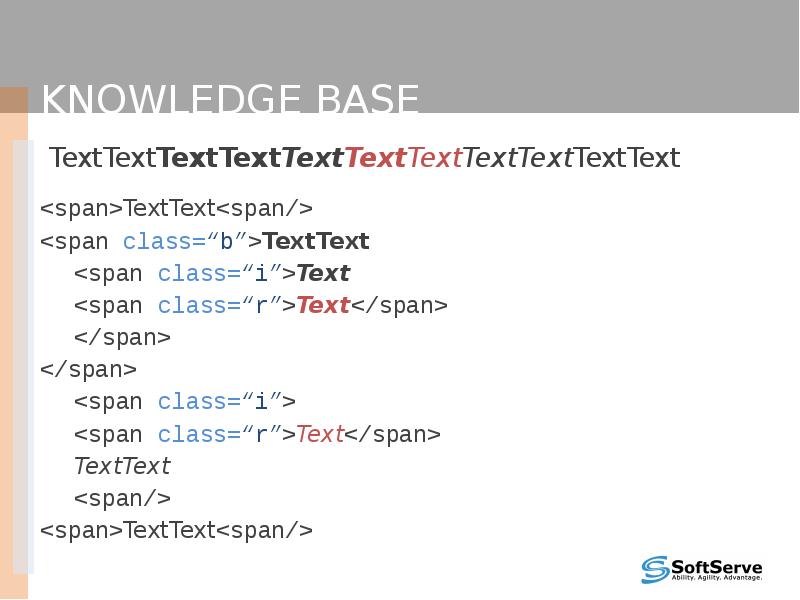
- 3. Knowledge base TextTextTextTextTextTextTextTextTextTextText
- 4. Knowledge base Difference between: .style1 .style2 {color: red;} .style1, .style2 {color:
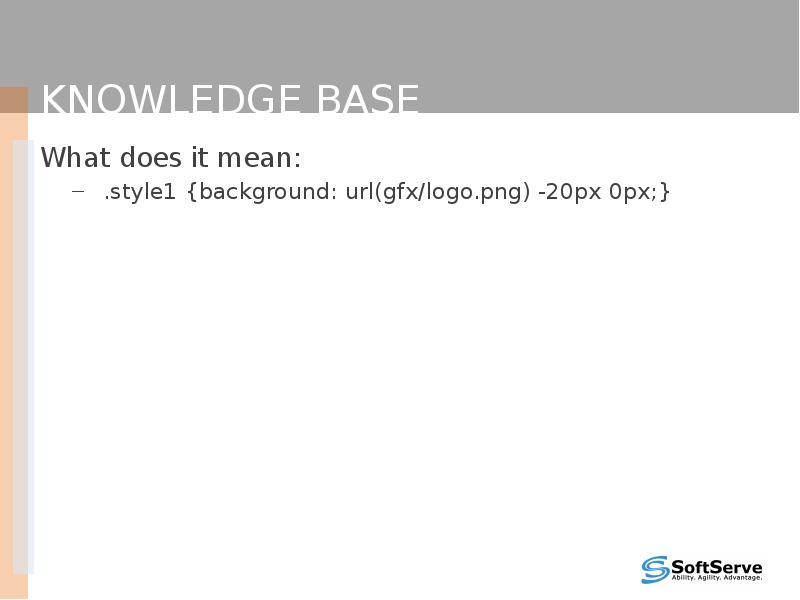
- 5. Knowledge base What does it mean: .style1 {background: url(gfx/logo.png) -20px 0px;}
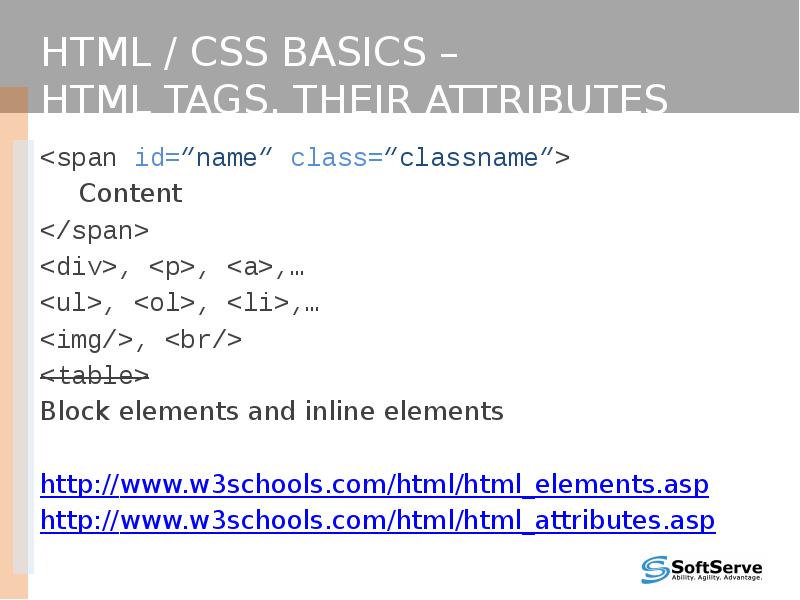
- 6. HTML / CSS basics – HTML tags, their attributes <span id=“name” class=“classname”>
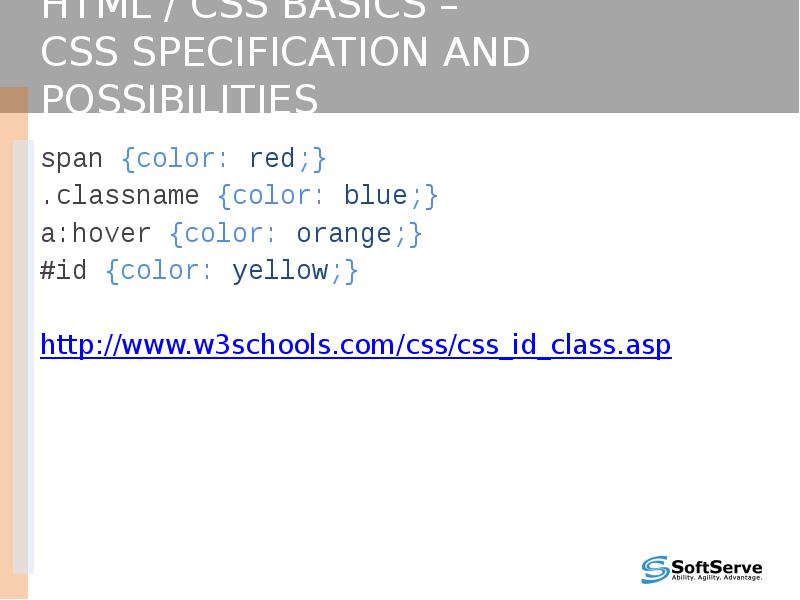
- 7. HTML / CSS basics – CSS specification and possibilities span {color: red;}
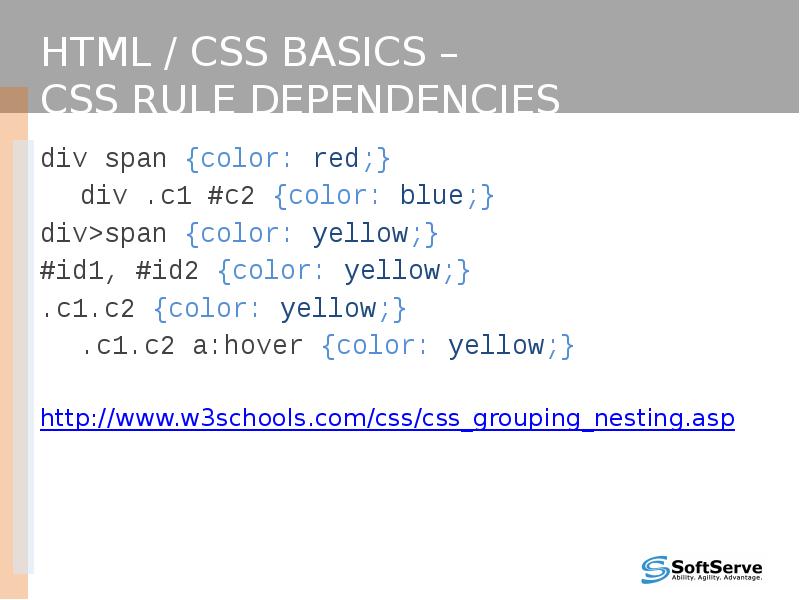
- 8. HTML / CSS basics – CSS rule dependencies div span {color: red;}
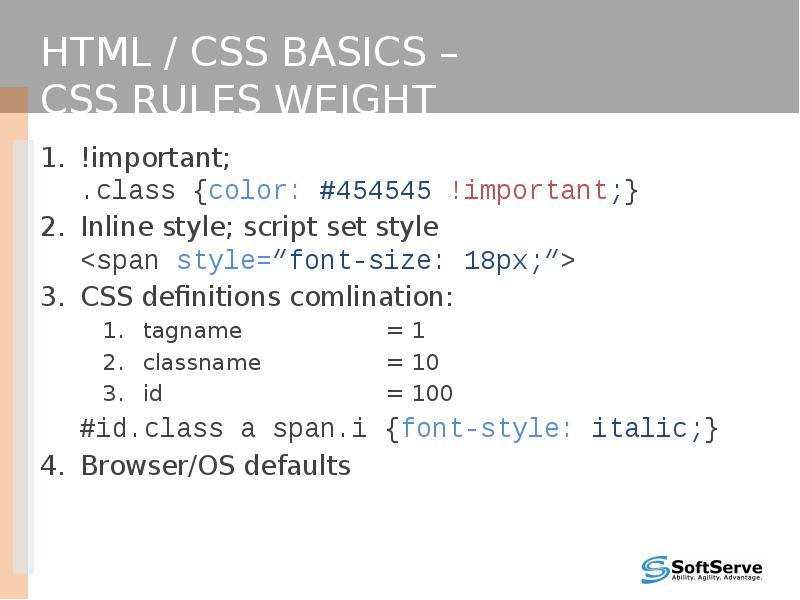
- 9. HTML / CSS basics – CSS rules weight !important; .class {color: #454545
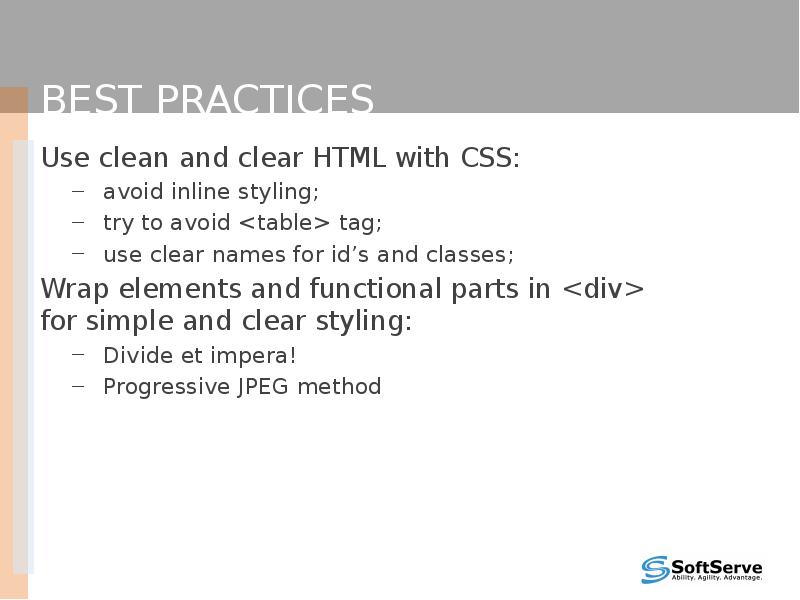
- 10. Best practices Use clean and clear HTML with CSS: avoid inline
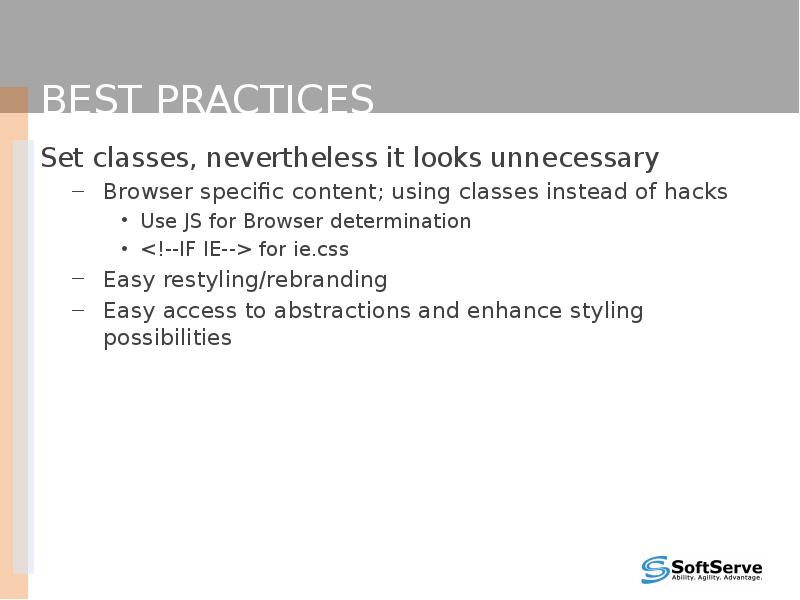
- 11. Best practices Set classes, nevertheless it looks unnecessary Browser specific content;
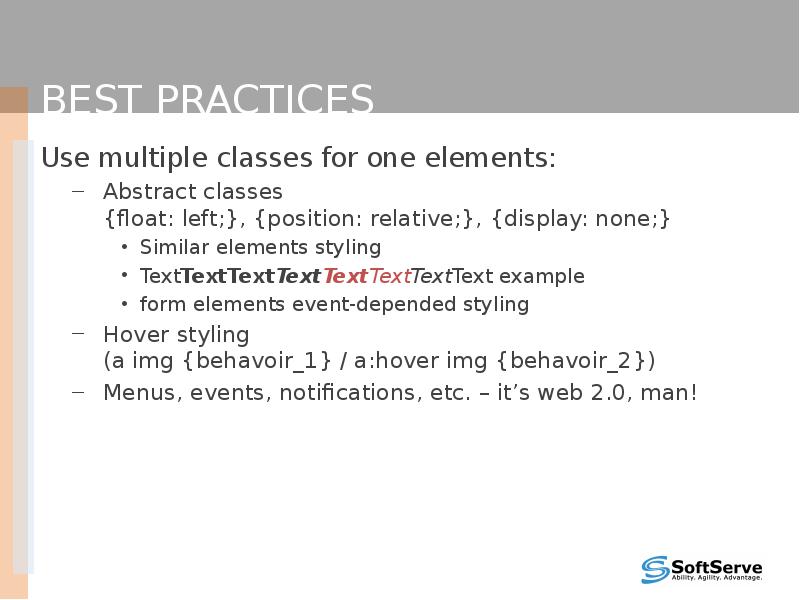
- 12. Best practices Use multiple classes for one elements: Abstract classes {float:
- 13. References http://www.w3schools.com http://google.com
- 14. Thank you!
- 15. Скачать презентацию



Слайды и текст этой презентации
Слайд 1
Описание слайда:
HTML and CSS.
Site layout.
Best practices.
Слайд 2
Описание слайда:
Agenda
Knowledge base
HTML / CSS basics
HTML tags, their attributes
CSS specification and possibilities
rules for tags, classes, pseudoclasses
rule dependencies
‘elephant vs. whale’
Best practices
Wrapping elements
Setting classes
Using names
Classes tricks
Слайд 3
Описание слайда:
Knowledge base
TextTextTextTextTextTextTextTextTextTextText
Слайд 4
Описание слайда:
Knowledge base
Difference between:
.style1 .style2 {color: red;}
.style1, .style2 {color: green;}
.style1.style2 {color: blue;}
Слайд 5
Описание слайда:
Knowledge base
What does it mean:
.style1 {background: url(gfx/logo.png) -20px 0px;}
Слайд 6
Описание слайда:
HTML / CSS basics –
HTML tags, their attributes
<span id=“name” class=“classname”>
Content
</span>
<div>, <p>, <a>,…
<ul>, <ol>, <li>,…
<img/>, <br/>
<table>
Block elements and inline elements
http://www.w3schools.com/html/html_elements.asp
http://www.w3schools.com/html/html_attributes.asp
Слайд 7
Описание слайда:
HTML / CSS basics –
CSS specification and possibilities
span {color: red;}
.classname {color: blue;}
a:hover {color: orange;}
#id {color: yellow;}
http://www.w3schools.com/css/css_id_class.asp
Слайд 8
Описание слайда:
HTML / CSS basics –
CSS rule dependencies
div span {color: red;}
div .c1 #c2 {color: blue;}
div>span {color: yellow;}
#id1, #id2 {color: yellow;}
.c1.c2 {color: yellow;}
.c1.c2 a:hover {color: yellow;}
http://www.w3schools.com/css/css_grouping_nesting.asp
Слайд 9
Описание слайда:
HTML / CSS basics –
CSS rules weight
!important;
.class {color: #454545 !important;}
Inline style; script set style
<span style=“font-size: 18px;”>
CSS definitions comlination:
tagname = 1
classname = 10
id = 100
#id.class a span.i {font-style: italic;}
Browser/OS defaults
Слайд 10
Описание слайда:
Best practices
Use clean and clear HTML with CSS:
avoid inline styling;
try to avoid <table> tag;
use clear names for id’s and classes;
Wrap elements and functional parts in <div>
for simple and clear styling:
Divide et impera!
Progressive JPEG method
Слайд 11
Описание слайда:
Best practices
Set classes, nevertheless it looks unnecessary
Browser specific content; using classes instead of hacks
Use JS for Browser determination
<!--IF IE--> for ie.css
Easy restyling/rebranding
Easy access to abstractions and enhance styling possibilities
Слайд 12
Описание слайда:
Best practices
Use multiple classes for one elements:
Abstract classes
{float: left;}, {position: relative;}, {display: none;}
Similar elements styling
TextTextTextTextTextTextTextText example
form elements event-depended styling
Hover styling
(a img {behavoir_1} / a:hover img {behavoir_2})
Menus, events, notifications, etc. – it’s web 2.0, man!
Слайд 13
Описание слайда:
References
http://www.w3schools.com
http://google.com
Слайд 14
Описание слайда:
Thank you!
Скачать презентацию на тему HTML and CSS. Site layout. Best practices можно ниже: