HTML+CSS. HTML basics, semantics and main elements. (Module 2) презентация
Содержание
- 2. HTML basics : Agenda Semantics Main elements and their attributes Div,
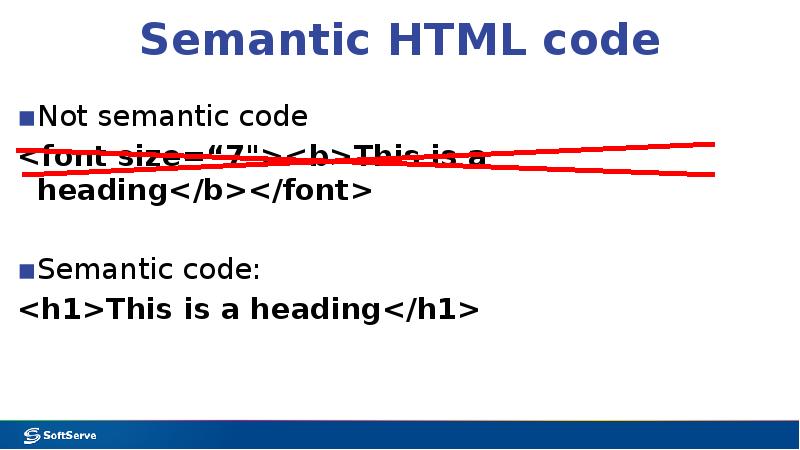
- 3. Semantic HTML code Not semantic code <font size=“7"><b>This is a heading</b></font>
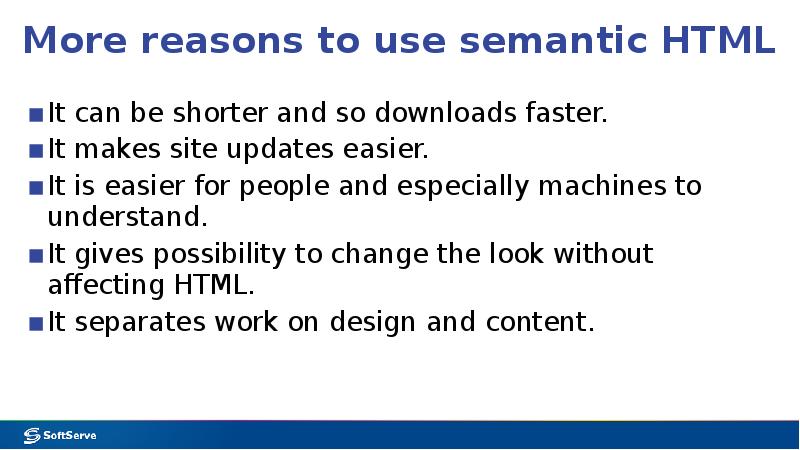
- 4. More reasons to use semantic HTML It can be shorter and
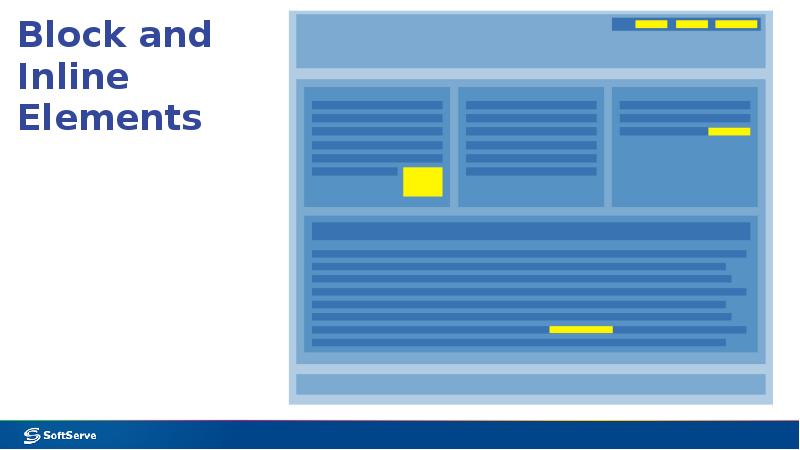
- 5. Block and Inline Elements
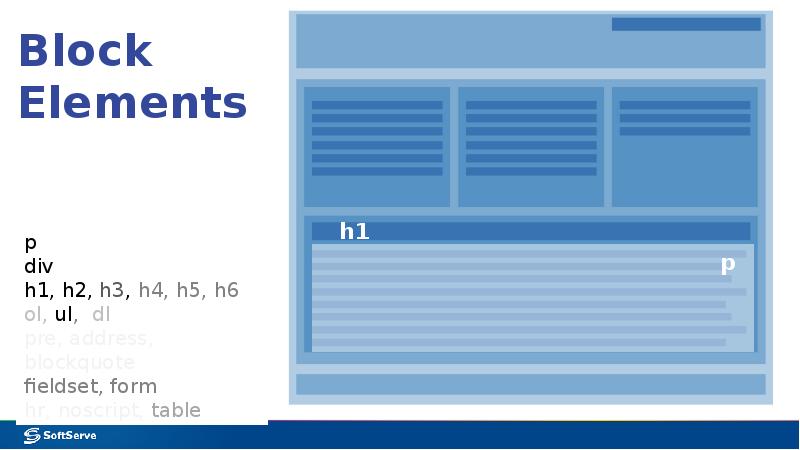
- 6. Block Elements
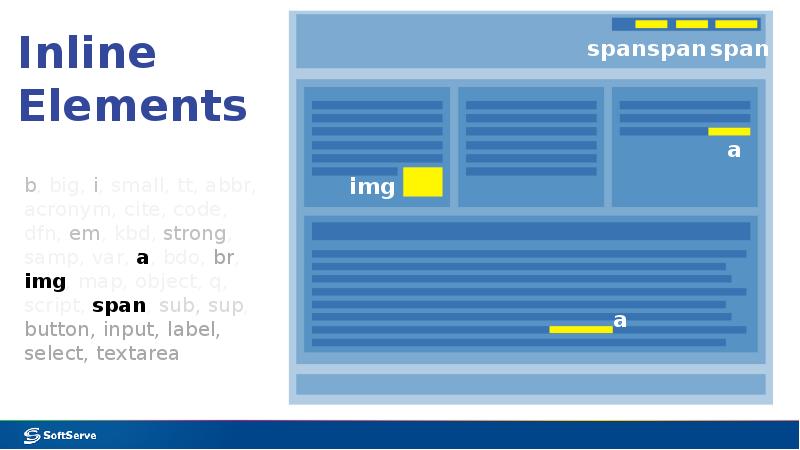
- 7. Inline Elements
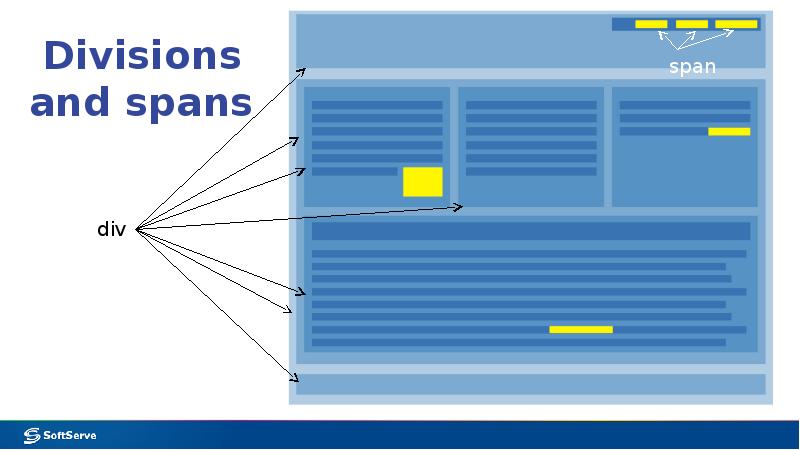
- 8. Divisions and spans
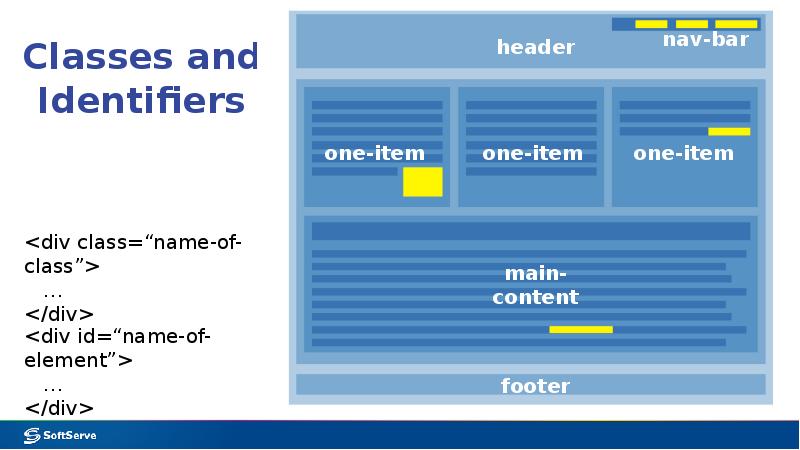
- 9. Classes and Identifiers
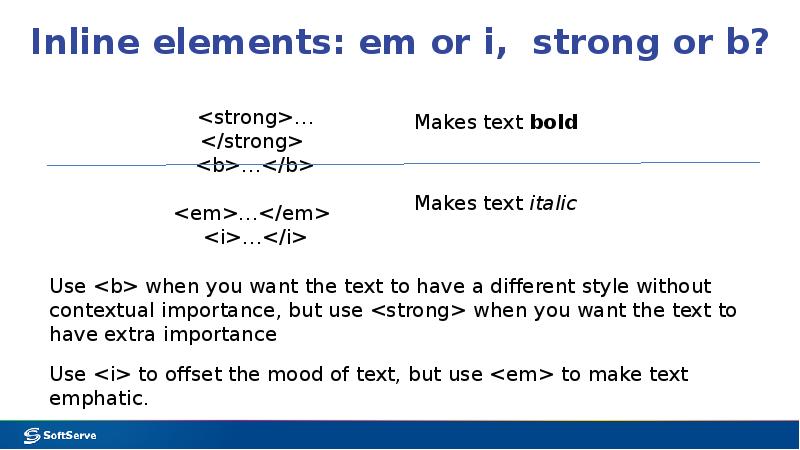
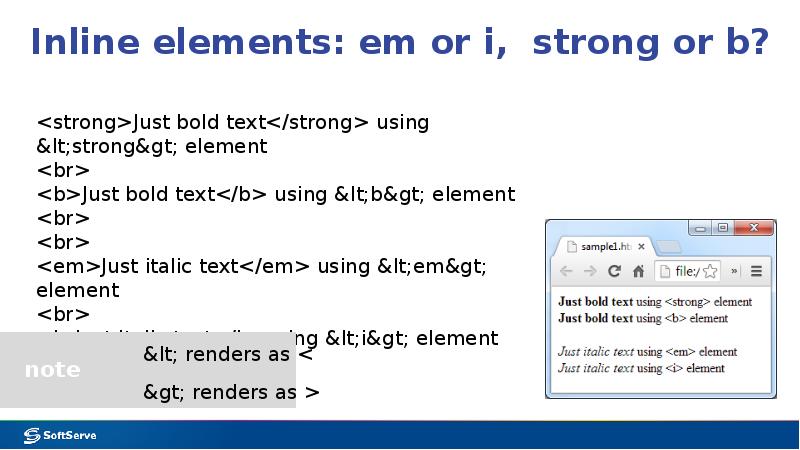
- 10. Inline elements: em or i, strong or b?
- 11. Inline elements: em or i, strong or b?
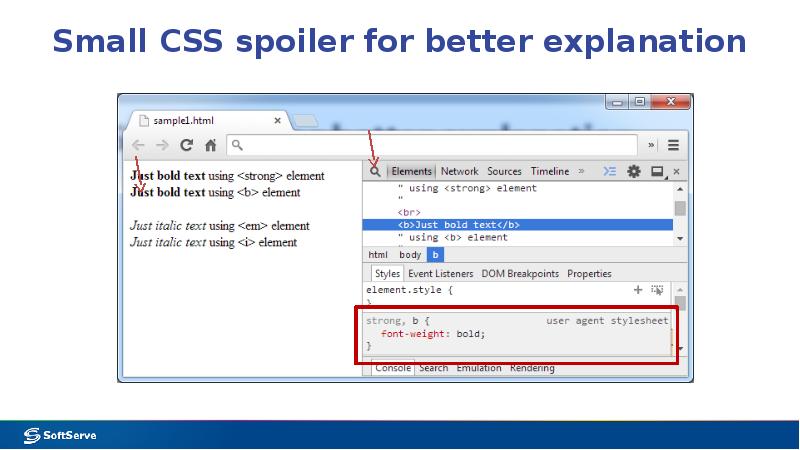
- 12. Small CSS spoiler for better explanation
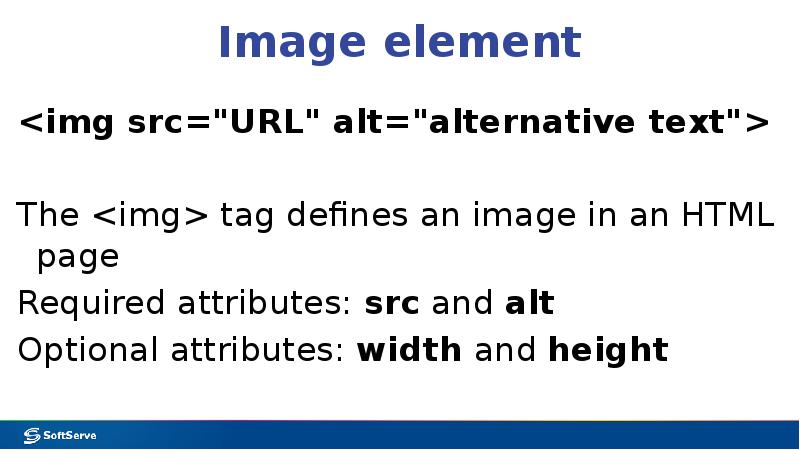
- 13. Image element <img src="URL" alt="alternative text"> The <img> tag defines an
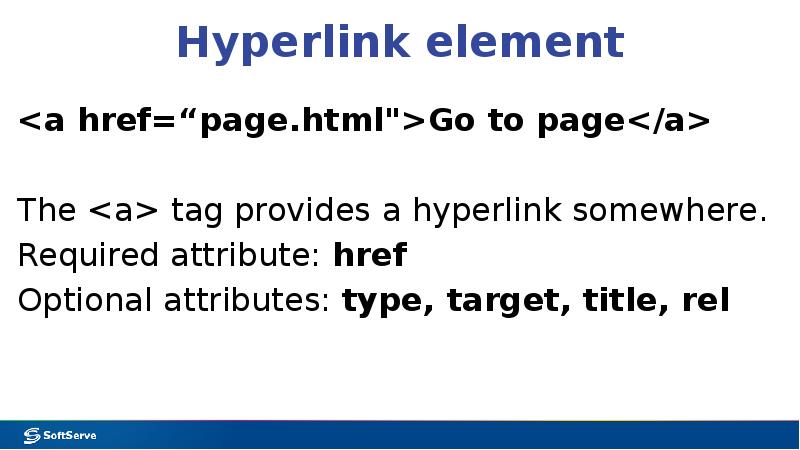
- 14. Hyperlink element <a href=“page.html">Go to page</a> The <a> tag provides a hyperlink
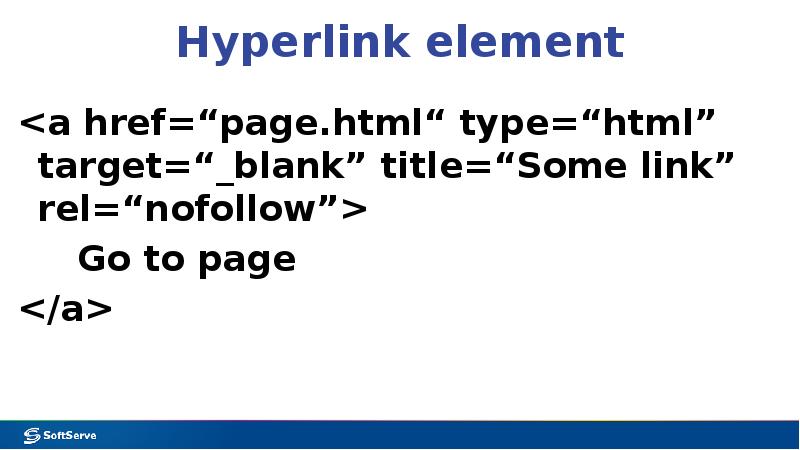
- 15. Hyperlink element <a href=“page.html“ type=“html” target=“_blank” title=“Some link” rel=“nofollow”> Go to page
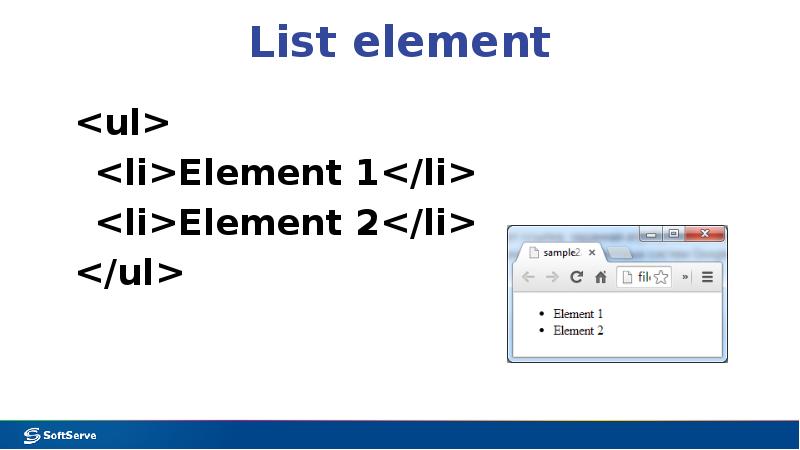
- 16. List element <ul> <li>Element 1</li> <li>Element 2</li> </ul>
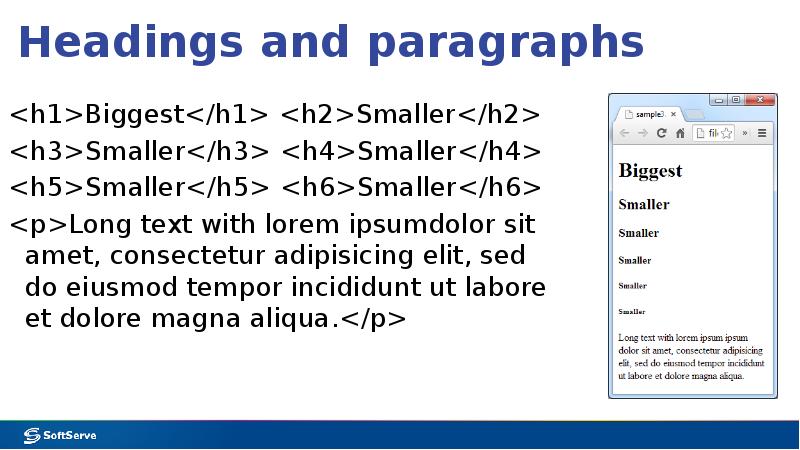
- 17. Headings and paragraphs <h1>Biggest</h1> <h2>Smaller</h2> <h3>Smaller</h3> <h4>Smaller</h4> <h5>Smaller</h5> <h6>Smaller</h6> <p>Long text
- 18. Скачать презентацию
Слайды и текст этой презентации
Слайд 1
Описание слайда:
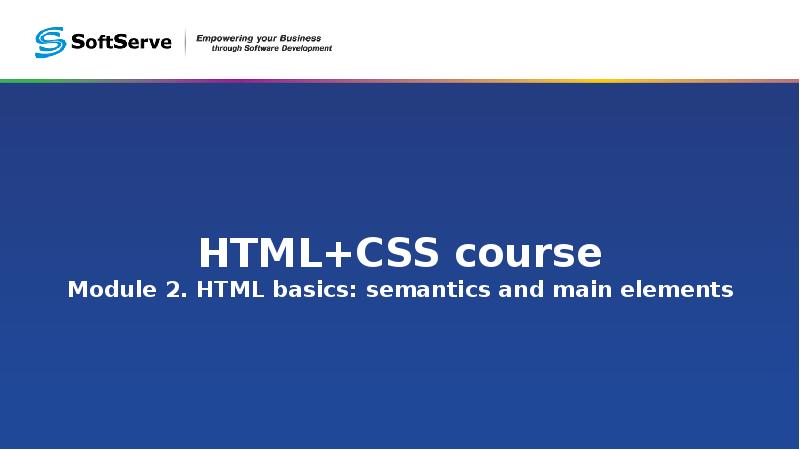
HTML+CSS course
Module 2. HTML basics: semantics and main elements
Слайд 2
Описание слайда:
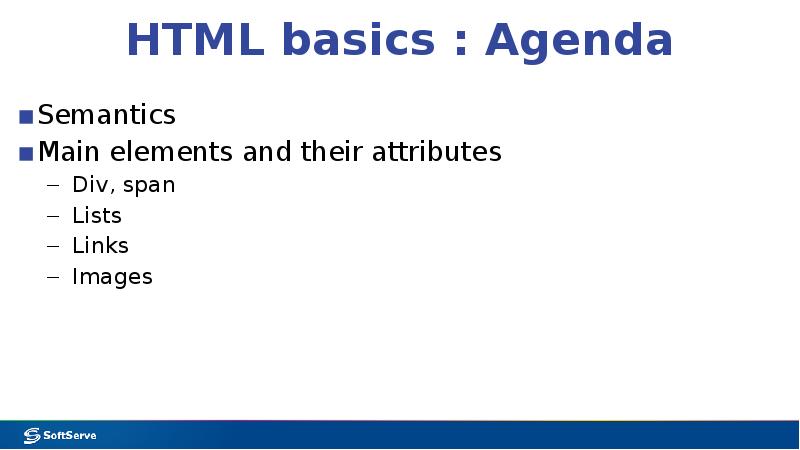
HTML basics : Agenda
Semantics
Main elements and their attributes
Div, span
Lists
Links
Images
Слайд 3
Описание слайда:
Semantic HTML code
Not semantic code
<font size=“7"><b>This is a heading</b></font>
Semantic code:
<h1>This is a heading</h1>
Слайд 4
Описание слайда:
More reasons to use semantic HTML
It can be shorter and so downloads faster.
It makes site updates easier.
It is easier for people and especially machines to understand.
It gives possibility to change the look without affecting HTML.
It separates work on design and content.
Слайд 5
Описание слайда:
Block and Inline Elements
Слайд 6
Описание слайда:
Block Elements
Слайд 7
Описание слайда:
Inline Elements
Слайд 8
Описание слайда:
Divisions and spans
Слайд 9
Описание слайда:
Classes and Identifiers
Слайд 10
Описание слайда:
Inline elements: em or i, strong or b?
Слайд 11
Описание слайда:
Inline elements: em or i, strong or b?
Слайд 12
Описание слайда:
Small CSS spoiler for better explanation
Слайд 13
Описание слайда:
Image element
<img src="URL" alt="alternative text">
The <img> tag defines an image in an HTML page
Required attributes: src and alt
Optional attributes: width and height
Слайд 14
Описание слайда:
Hyperlink element
<a href=“page.html">Go to page</a>
The <a> tag provides a hyperlink somewhere.
Required attribute: href
Optional attributes: type, target, title, rel
Слайд 15
Описание слайда:
Hyperlink element
<a href=“page.html“ type=“html” target=“_blank” title=“Some link” rel=“nofollow”>
Go to page
</a>
Слайд 16
Описание слайда:
List element
<ul>
<li>Element 1</li>
<li>Element 2</li>
</ul>
Слайд 17
Описание слайда:
Headings and paragraphs
<h1>Biggest</h1> <h2>Smaller</h2>
<h3>Smaller</h3> <h4>Smaller</h4>
<h5>Smaller</h5> <h6>Smaller</h6>
<p>Long text with lorem ipsumdolor sit amet, consectetur adipisicing elit, sed do eiusmod tempor incididunt ut labore et dolore magna aliqua.</p>
Скачать презентацию на тему HTML+CSS. HTML basics, semantics and main elements. (Module 2) можно ниже: