Human-computer interaction презентация
Содержание
- 2. Human-computer interface (HCI) The means of communication between a human user and
- 3. command line interface, text interface, graphic interface A user interface
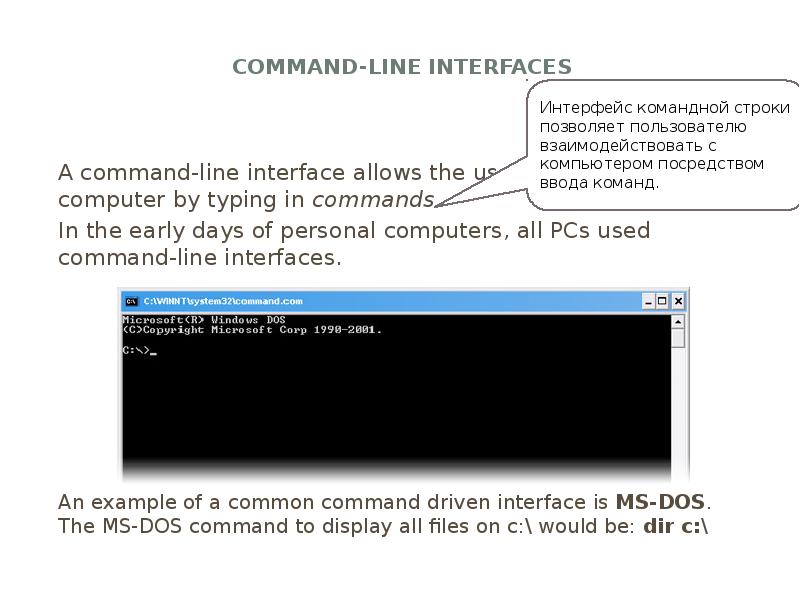
- 4. Command-line interfaces A command-line interface allows the user to interact
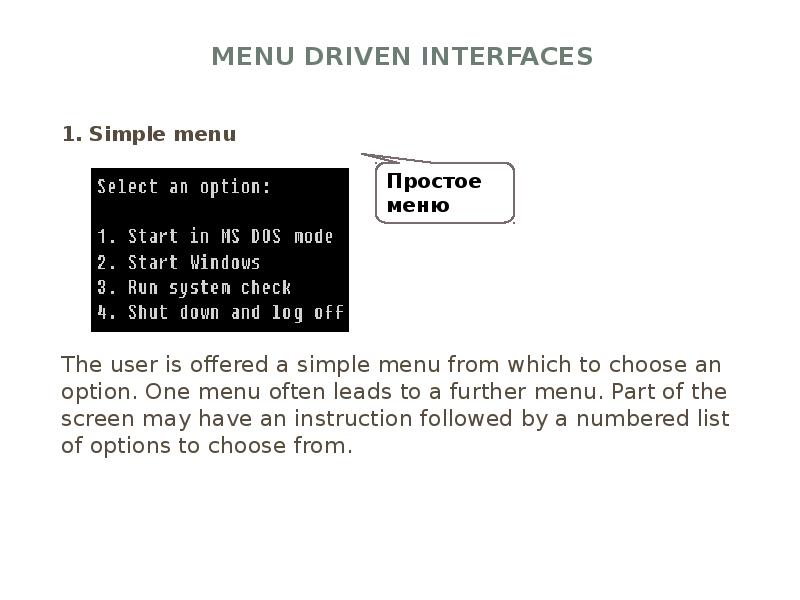
- 5. Menu driven interfaces 1. Simple menu The user is offered
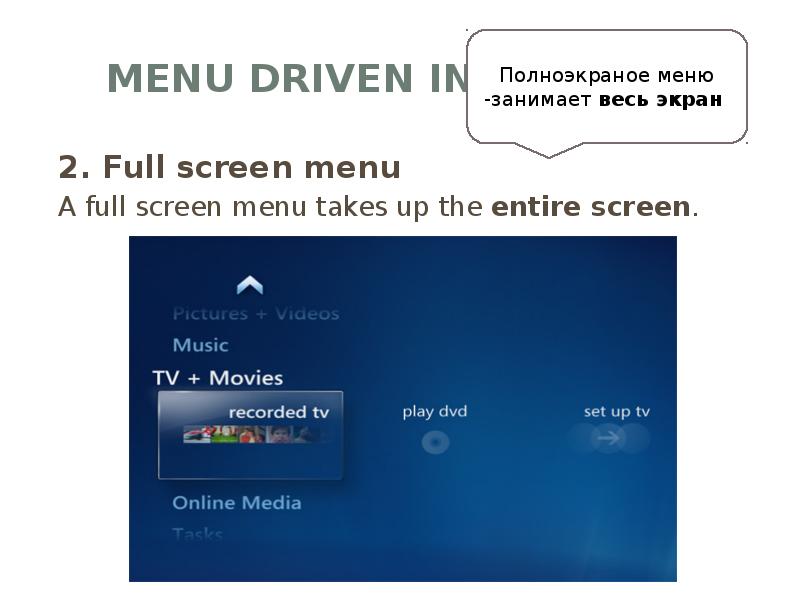
- 6. Menu driven interfaces 2. Full screen menu A full screen menu
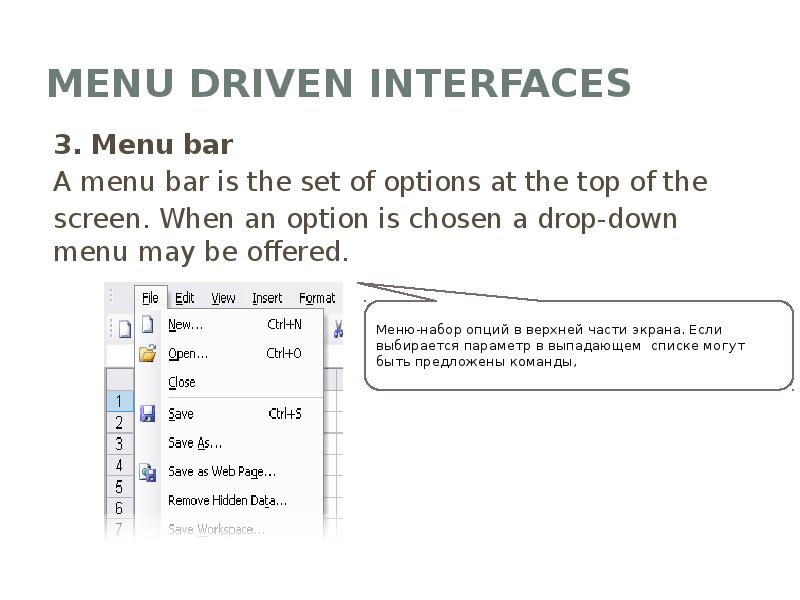
- 7. Menu driven interfaces 3. Menu bar A menu bar is the
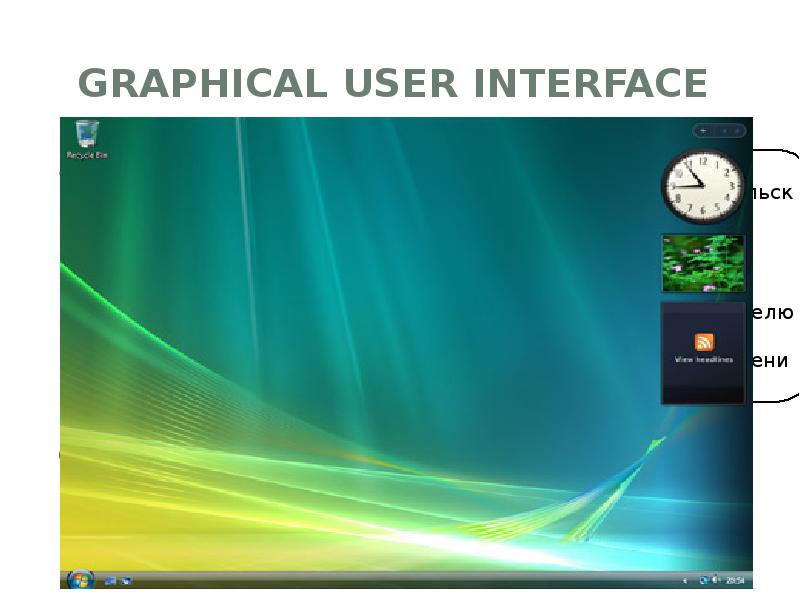
- 8. Graphical user interface Graphical user interface is sometimes shortened to GUI. The user
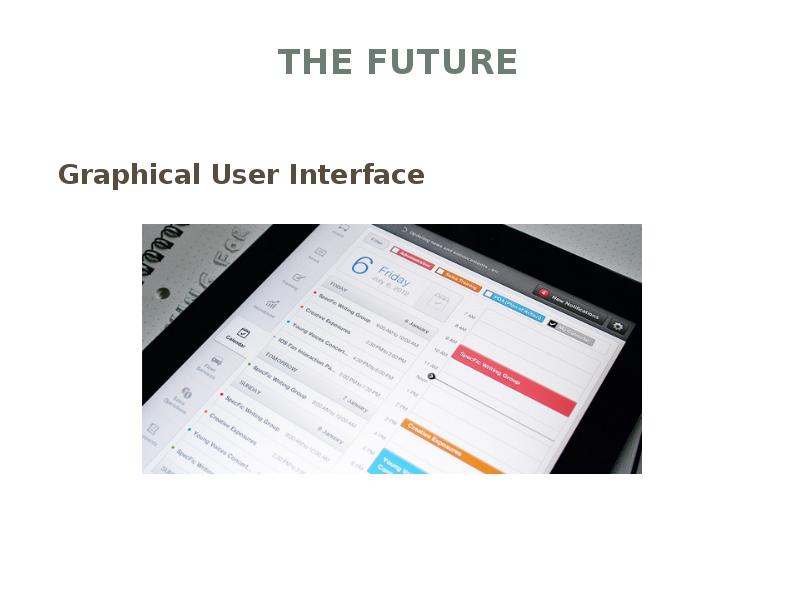
- 9. The Future Graphical User Interface
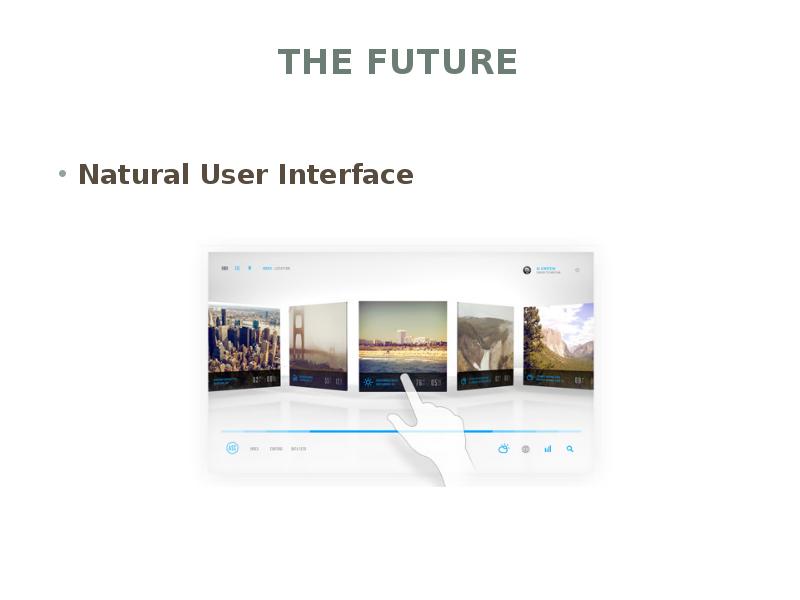
- 10. The Future Natural User Interface
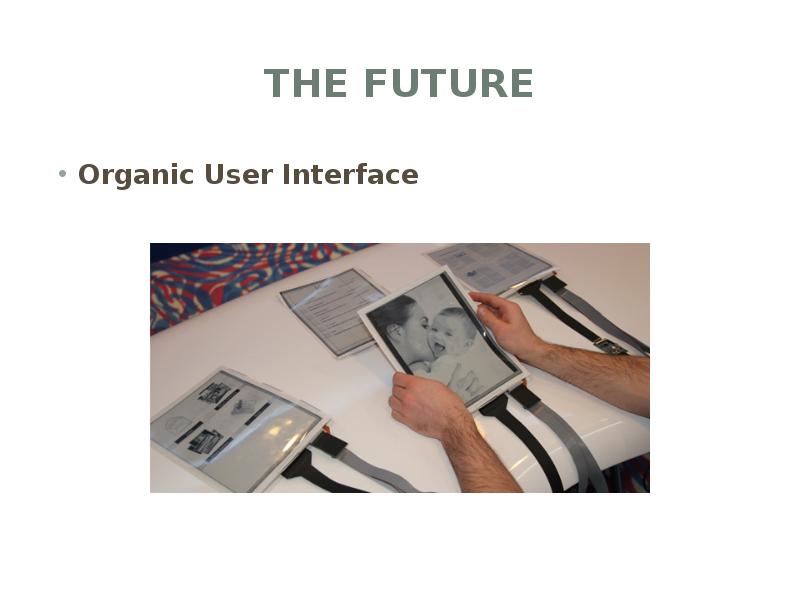
- 11. The Future Organic User Interface
- 12. Thank you
- 13. Скачать презентацию
Слайды и текст этой презентации
Слайд 1
Описание слайда:
Practical work 3
Human-computer interaction
Слайд 2
Описание слайда:
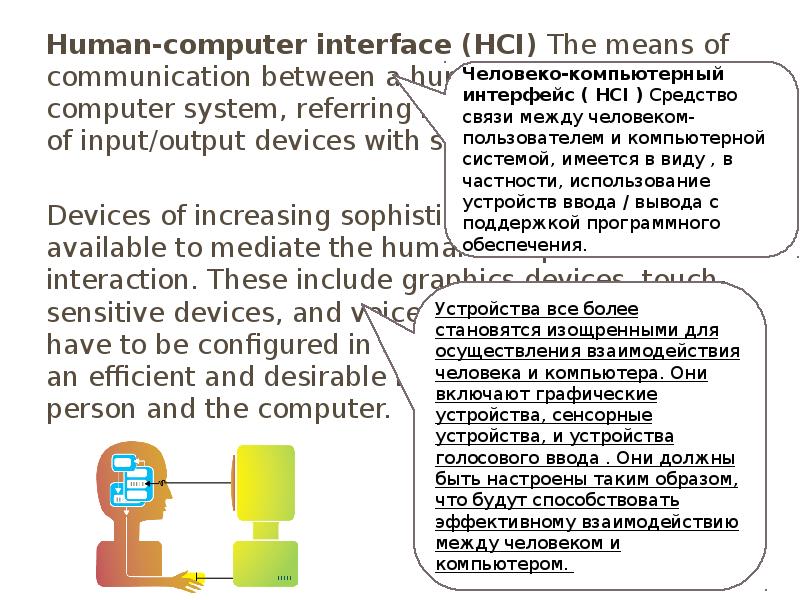
Human-computer interface (HCI) The means of communication between a human user and a computer system, referring in particular to the use of input/output devices with supporting software.
Human-computer interface (HCI) The means of communication between a human user and a computer system, referring in particular to the use of input/output devices with supporting software.
Devices of increasing sophistication are becoming available to mediate the human-computer interaction. These include graphics devices, touch-sensitive devices, and voice-input devices. They have to be configured in a way that will facilitate an efficient and desirable interaction between a person and the computer.
Слайд 3
Описание слайда:
command line interface, text interface, graphic interface
A user interface is the method by which the user and the computer exchange information and instructions.
There are three main types: command-line, menu driven and graphical user interface (GUI).
Слайд 4
Описание слайда:
Command-line interfaces
A command-line interface allows the user to interact with the computer by typing in commands.
In the early days of personal computers, all PCs used command-line interfaces.
An example of a common command driven interface is MS-DOS. The MS-DOS command to display all files on c:\ would be: dir c:\
Слайд 5
Описание слайда:
Menu driven interfaces
1. Simple menu
The user is offered a simple menu from which to choose an option. One menu often leads to a further menu. Part of the screen may have an instruction followed by a numbered list of options to choose from.
Слайд 6
Описание слайда:
Menu driven interfaces
2. Full screen menu
A full screen menu takes up the entire screen.
Слайд 7
Описание слайда:
Menu driven interfaces
3. Menu bar
A menu bar is the set of options at the top of the
screen. When an option is chosen a drop-down menu may be offered.
Слайд 8
Описание слайда:
Graphical user interface
Graphical user interface is sometimes shortened to GUI. The user chooses an option usually by pointing a mouse at an icon representing that option.
Windows XP, Windows Vista, Apple OSX and Ubuntu all have graphical user interfaces.
Слайд 9
Описание слайда:
The Future
Graphical User Interface
Слайд 10
Описание слайда:
The Future
Natural User Interface
Слайд 11
Описание слайда:
The Future
Organic User Interface
Слайд 12
Описание слайда:
Thank you
Скачать презентацию на тему Human-computer interaction можно ниже: