JavaScript in Browser презентация
Содержание
- 2. Agenda JS in Browser Events Memory Closure
- 4. JavaScript in Browser
- 6. Description How JavaScript communicates with the world? In outline this mechanism
- 7. Event handling But JavaScript doesn't observe events by default. You should
- 8. Inline handling
- 9. Using of onevent attribute
- 10. Proper ways
- 11. Proper ways
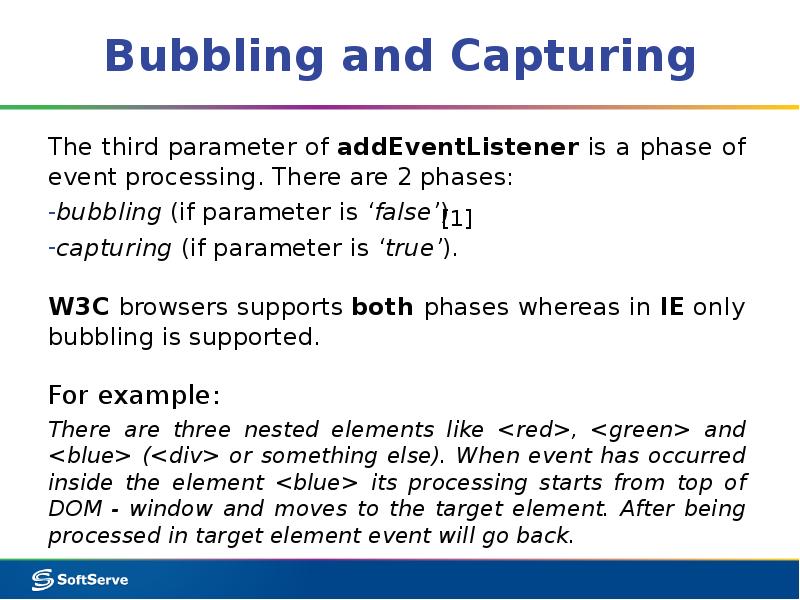
- 12. Bubbling and Capturing
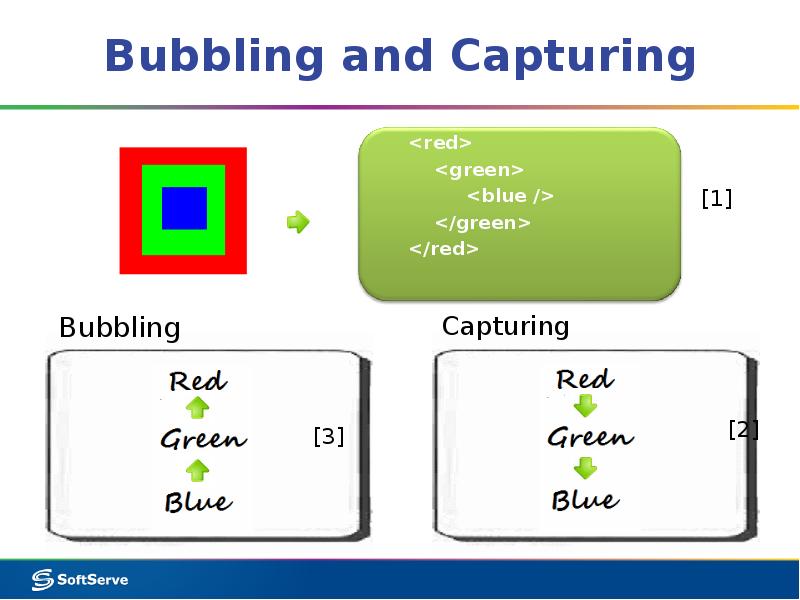
- 13. Bubbling and Capturing
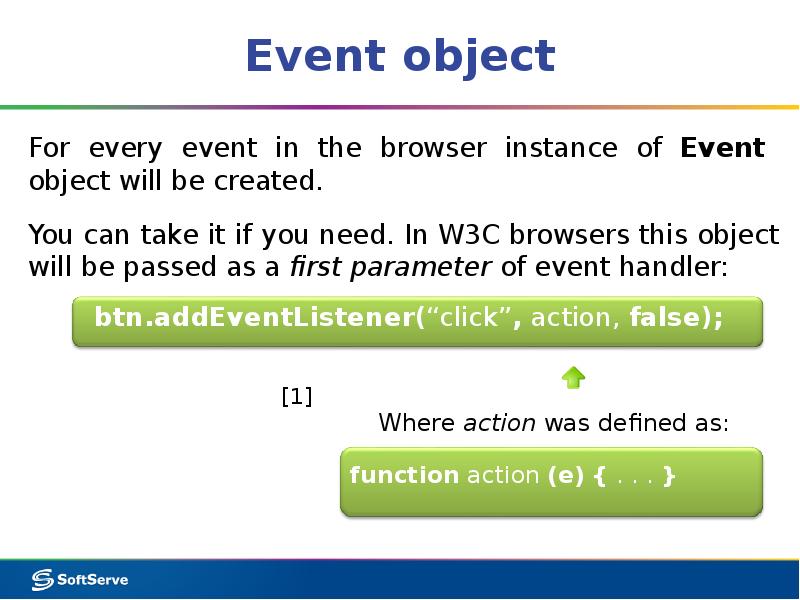
- 14. Event object For every event in the browser instance of Event
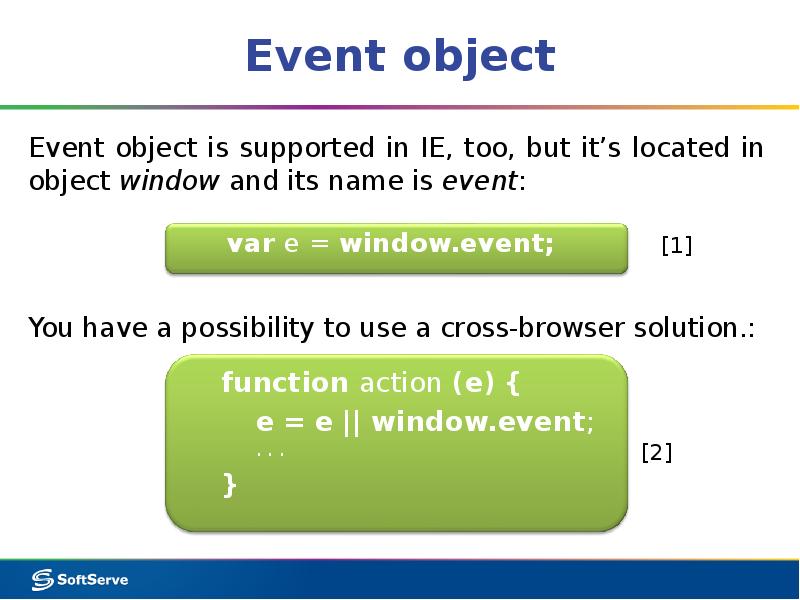
- 15. Event object Event object is supported in IE, too, but it’s
- 16. Control of Default behavior Sometimes a default scenario of event processing
- 18. Basic info Free space in browser sandbox is allocated for each
- 19. Scope The scope is a special JavaScript object which was created
- 20. Scope
- 21. Value-types and Reference-types Unfortunately some objects are too large for scope.
- 22. Memory cleaning The basic idea of memory cleaning: when function is
- 23. Unreachable links An object is considered unreachable if it is not
- 24. Unreachable links
- 26. Closure FYI: if scope is an object and it is not
- 27. Example
- 29. Скачать презентацию






Слайды и текст этой презентации
Слайд 1
Описание слайда:
Слайд 2
Описание слайда:
Agenda
JS in Browser
Events
Memory
Closure
Слайд 3
Описание слайда:
Слайд 4
Описание слайда:
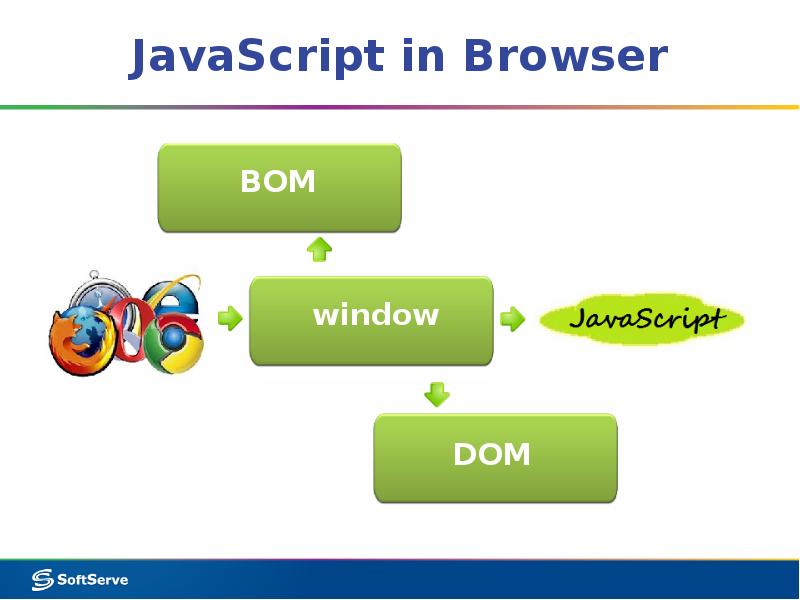
JavaScript in Browser
Слайд 5
Описание слайда:
Слайд 6
Описание слайда:
Description
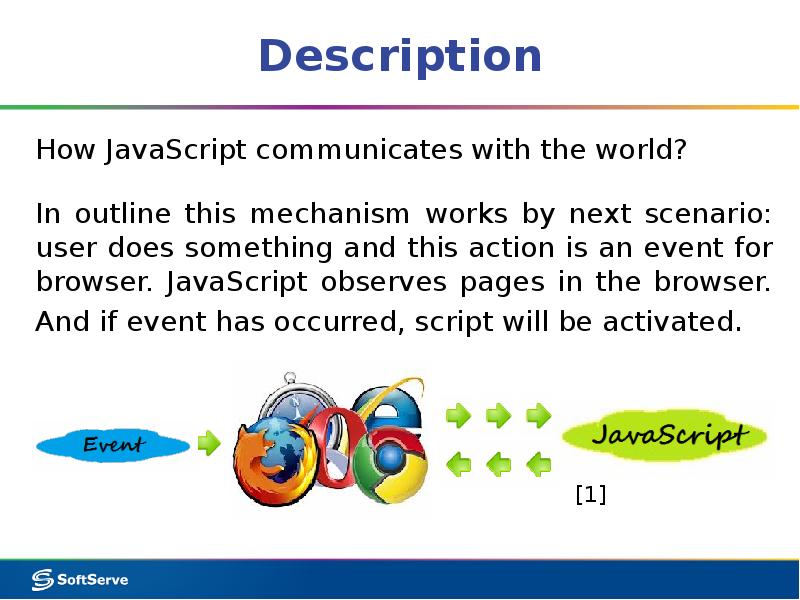
How JavaScript communicates with the world?
In outline this mechanism works by next scenario: user does something and this action is an event for browser. JavaScript observes pages in the browser. And if event has occurred, script will be activated.
Слайд 7
Описание слайда:
Event handling
But JavaScript doesn't observe events by default. You should specify to your code what events are interesting for it.
There are 3 basic ways to subscribe to an event:
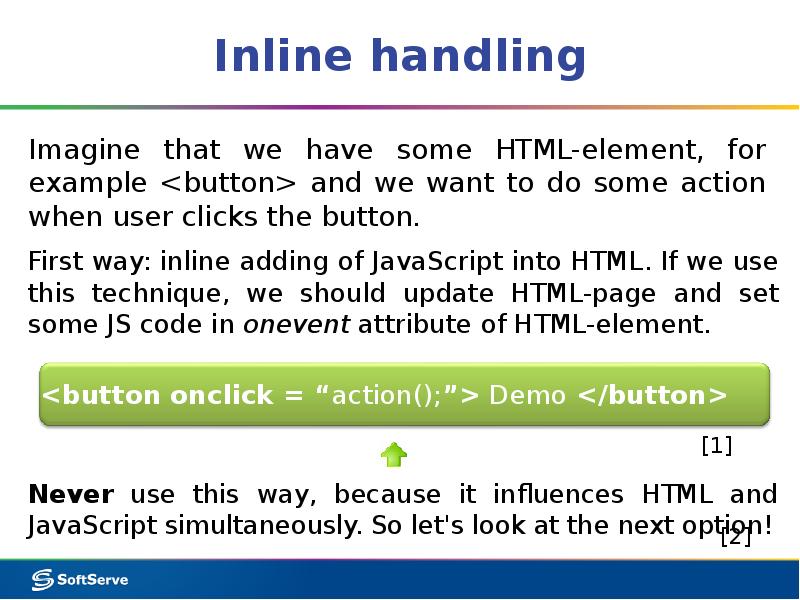
- inline in HTML
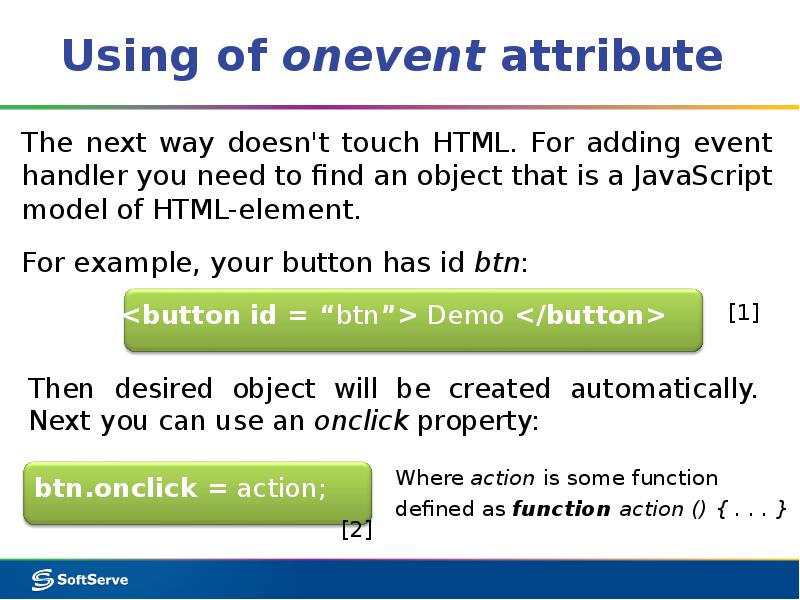
- using of onevent attribute
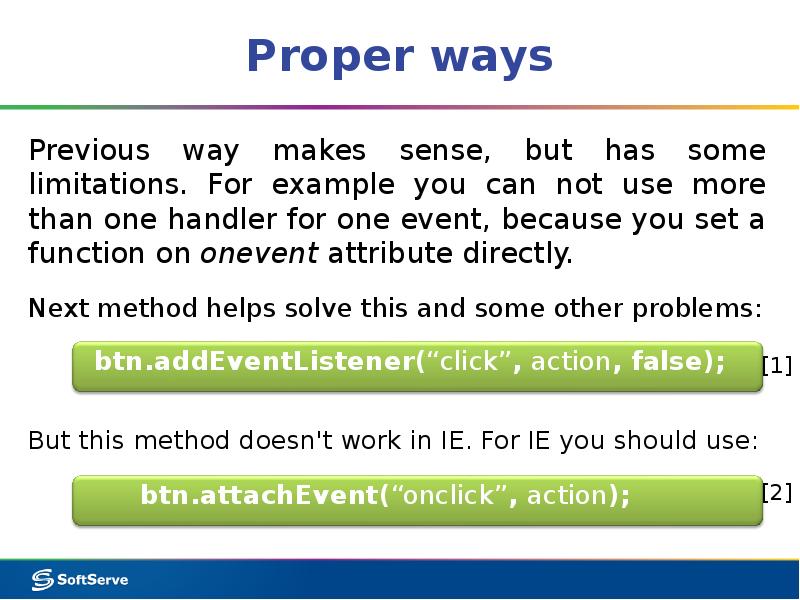
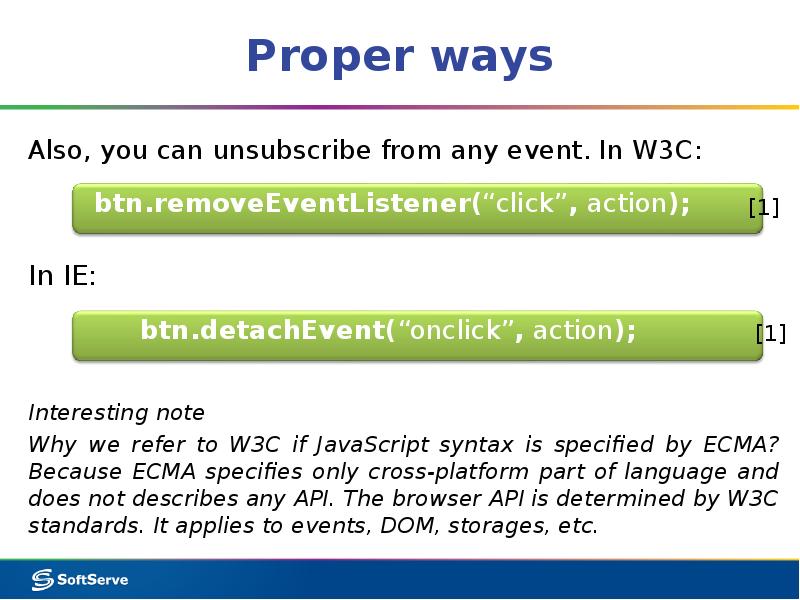
using special methods
First and second ways are deprecated for present days. Let's take a look at event handling in more details.
Слайд 8
Описание слайда:
Inline handling
Слайд 9
Описание слайда:
Using of onevent attribute
Слайд 10
Описание слайда:
Proper ways
Слайд 11
Описание слайда:
Proper ways
Слайд 12
Описание слайда:
Bubbling and Capturing
Слайд 13
Описание слайда:
Bubbling and Capturing
Слайд 14
Описание слайда:
Event object
For every event in the browser instance of Event object will be created.
Слайд 15
Описание слайда:
Event object
Event object is supported in IE, too, but it’s located in object window and its name is event:
Слайд 16
Описание слайда:
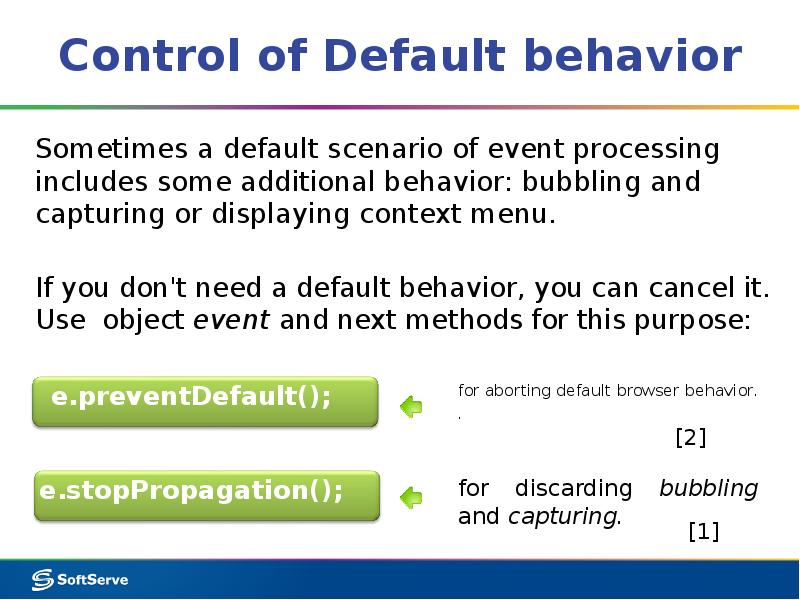
Control of Default behavior
Sometimes a default scenario of event processing includes some additional behavior: bubbling and capturing or displaying context menu.
Слайд 17
Описание слайда:
Слайд 18
Описание слайда:
Basic info
Free space in browser sandbox is allocated for each variable in JavaScript.
Sandbox is a special part of memory that will be managed by browser: JavaScript takes simplified and secure access to "memory“, browser translates JS commands and does all low-level work.
As a result memory, PC and user data has protection from downloaded JavaScript malware.
Слайд 19
Описание слайда:
Scope
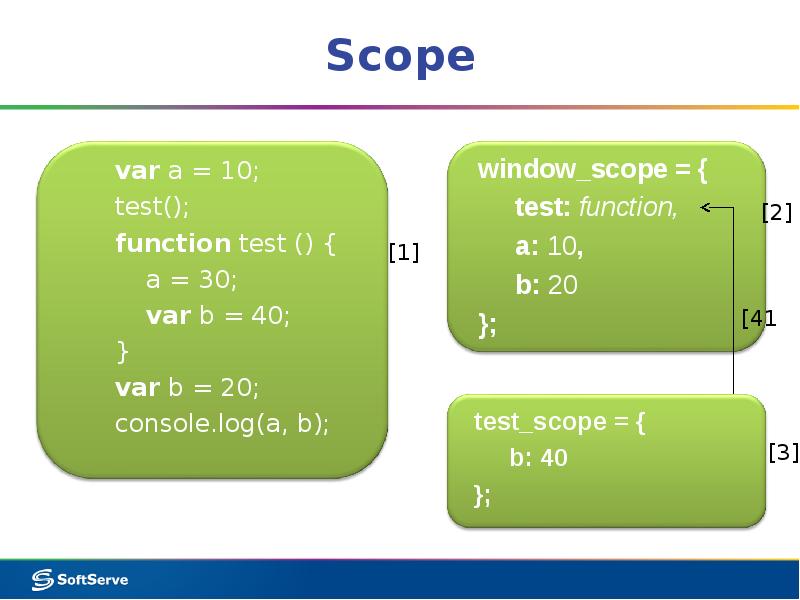
The scope is a special JavaScript object which was created by browser in the sandbox and used for storing variables.
Each function in JavaScript has its own personal scope. Scope is formed when a function is called and destroyed after the function finishes.
This behavior helps to manage local variables mechanism.
window object is a top-level scope for all default and global variables.
Слайд 20
Описание слайда:
Scope
Слайд 21
Описание слайда:
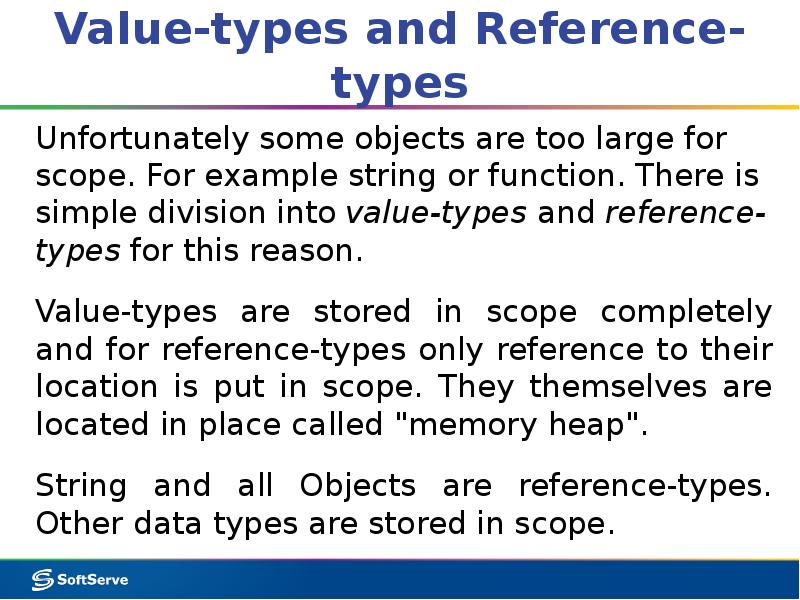
Value-types and Reference-types
Unfortunately some objects are too large for scope. For example string or function. There is simple division into value-types and reference-types for this reason.
Value-types are stored in scope completely and for reference-types only reference to their location is put in scope. They themselves are located in place called "memory heap".
String and all Objects are reference-types. Other data types are stored in scope.
Слайд 22
Описание слайда:
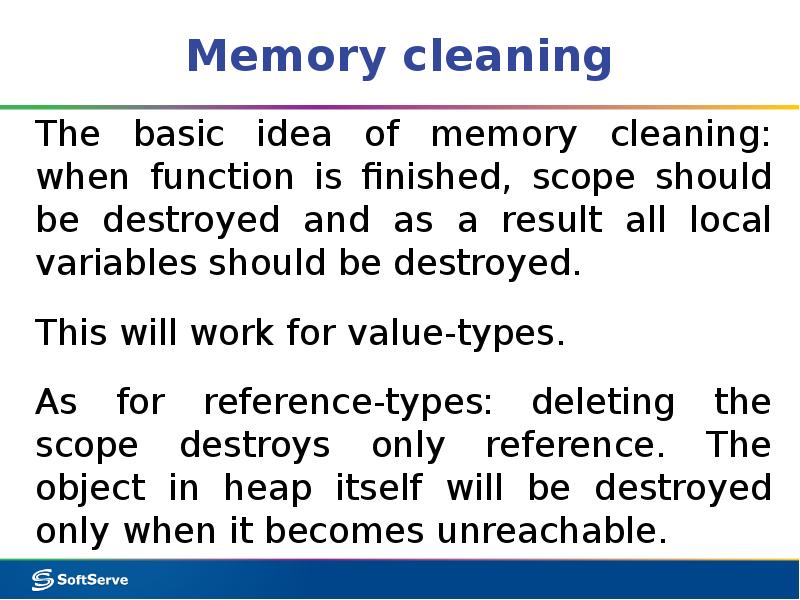
Memory cleaning
The basic idea of memory cleaning: when function is finished, scope should be destroyed and as a result all local variables should be destroyed.
This will work for value-types.
As for reference-types: deleting the scope destroys only reference. The object in heap itself will be destroyed only when it becomes unreachable.
Слайд 23
Описание слайда:
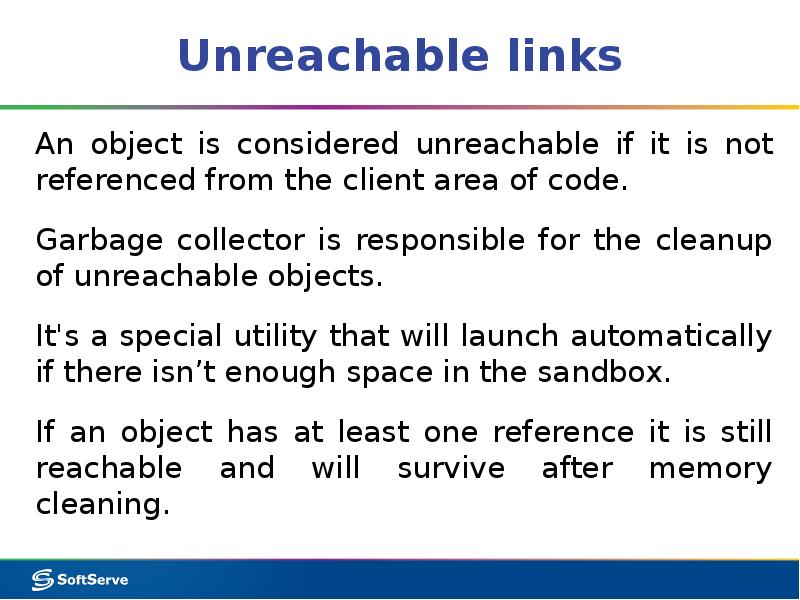
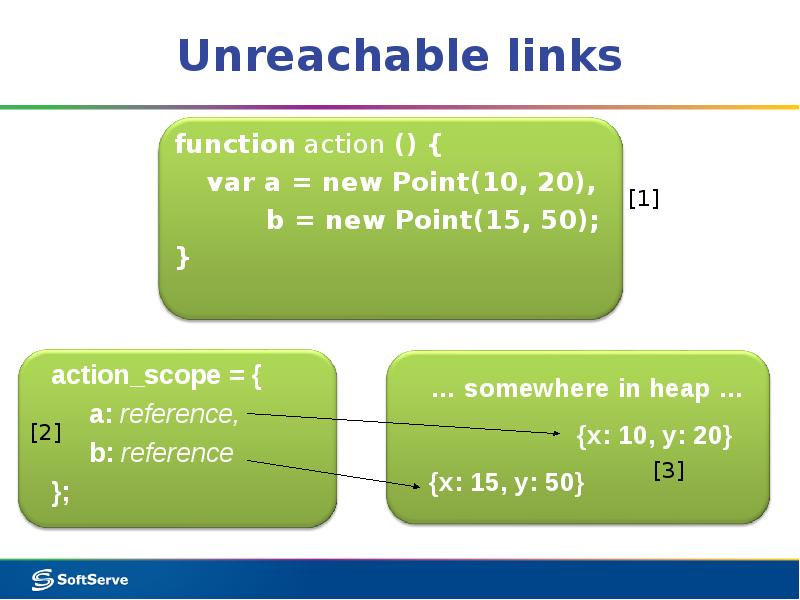
Unreachable links
An object is considered unreachable if it is not referenced from the client area of code.
Garbage collector is responsible for the cleanup of unreachable objects.
It's a special utility that will launch automatically if there isn’t enough space in the sandbox.
If an object has at least one reference it is still reachable and will survive after memory cleaning.
Слайд 24
Описание слайда:
Unreachable links
Слайд 25
Описание слайда:
Слайд 26
Описание слайда:
Closure
FYI: if scope is an object and it is not deleted it is still reachable, isn't it?
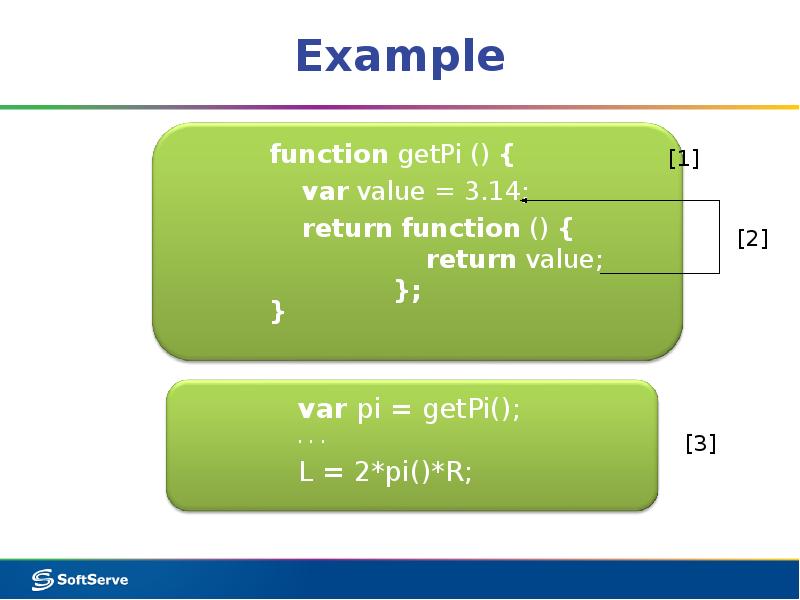
Absolutely! This mechanism is called closure.
If you save at least one reference to scope, all its content will survive after function finishing.
Слайд 27
Описание слайда:
Example
Слайд 28
Описание слайда:
Скачать презентацию на тему JavaScript in Browser можно ниже: