Kofax Transformation Modules 5. Introduction to Class Training презентация
Содержание
- 2. Invoice Class Training Overview Duration Prerequisites Class Materials Goals Class Structure
- 3. Duration and Schedule Four and one-half days 8:30-10:30 Class
- 4. Prerequisites To get the most out of this class, you should
- 5. CBT – Two Delivery Methods CBT, software and resources are downloaded
- 6. Materials Materials A Student Guide A Lab Guide Copies of all
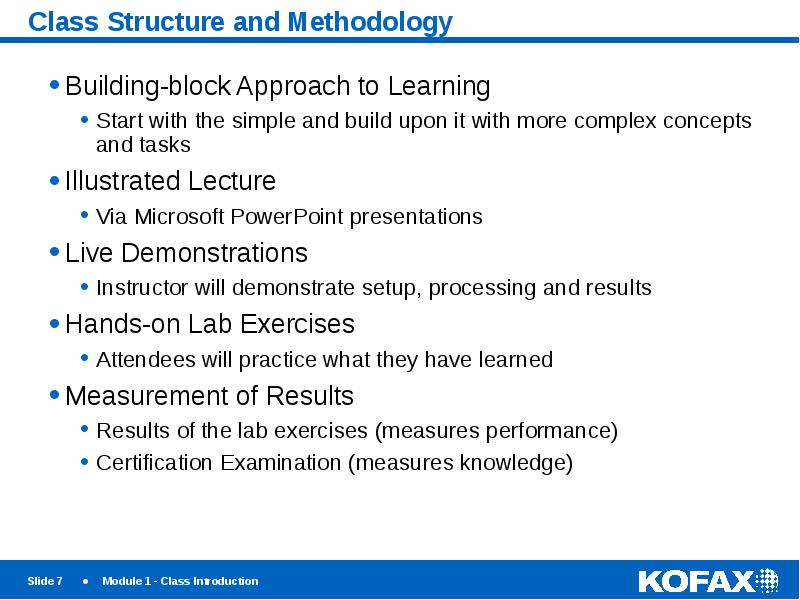
- 7. Class Structure and Methodology Building-block Approach to Learning Start with the
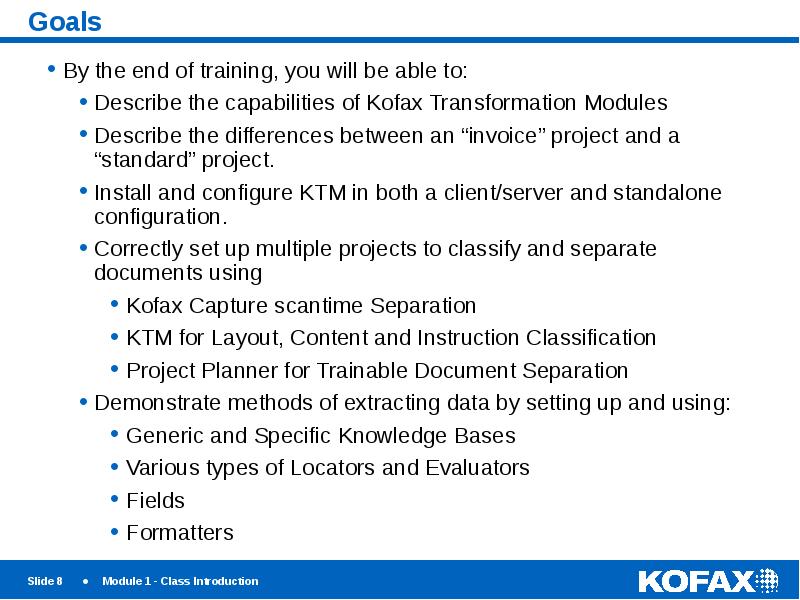
- 8. Goals By the end of training, you will be able to:
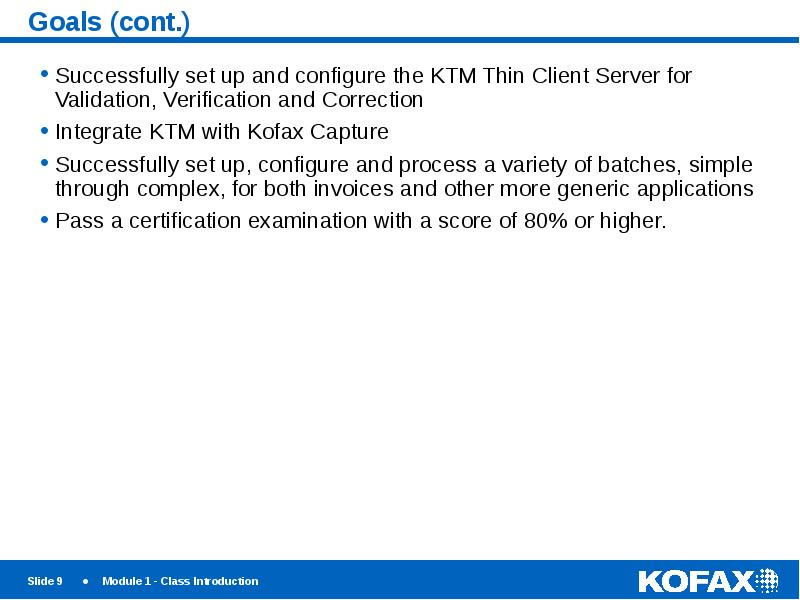
- 9. Goals (cont.) Successfully set up and configure the KTM Thin Client
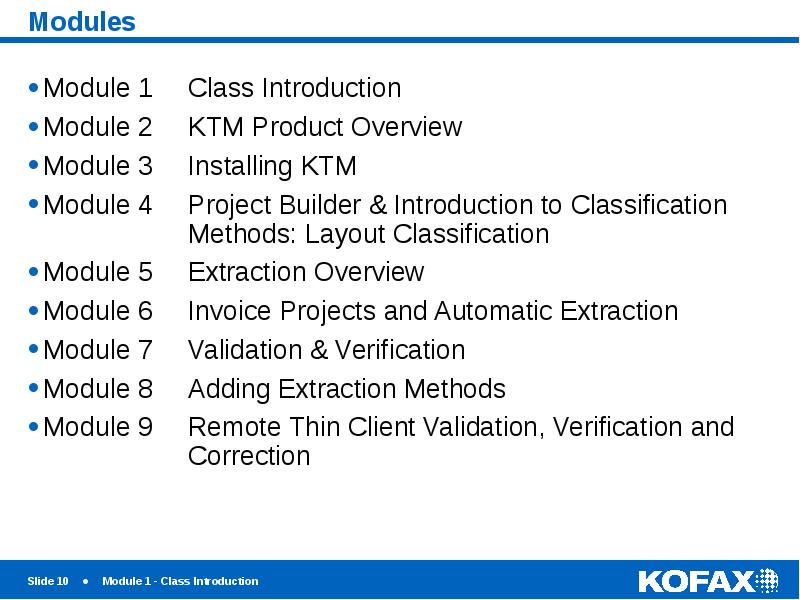
- 10. Modules
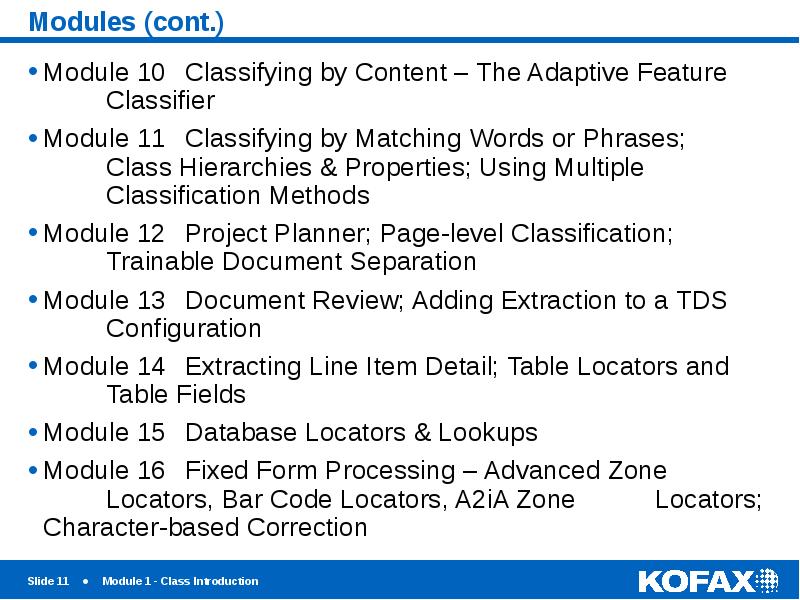
- 11. Modules (cont.) Module 10 Classifying by Content – The Adaptive Feature Classifier
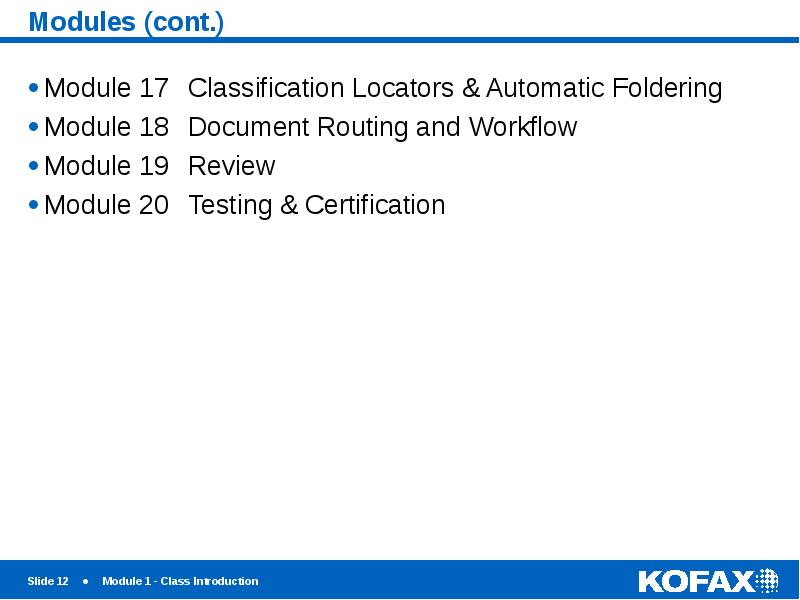
- 12. Modules (cont.) Module 17 Classification Locators & Automatic Foldering Module 18 Document Routing
- 13. Ready?
- 14. Let’s Go!
- 15. Скачать презентацию
Слайды и текст этой презентации
Слайд 1
Описание слайда:
Introduction to Class Training
Слайд 2
Описание слайда:
Invoice Class Training Overview
Duration
Prerequisites
Class Materials
Goals
Class Structure and Methodology
Module Overview
Слайд 3
Описание слайда:
Duration and Schedule
Four and one-half days
8:30-10:30 Class
10:30-10:45 Break
10:45-12:00 Class
12:00-1:00 Lunch
1:00-2:00 Class
2:00-2:10 Break
2:10-3:15 Class
3:15-3:25 Break
3:25-4:30 Class
Friday is a long half-day – class over no later than 2:30
Covers Kofax Transformation Modules (KTM) 5 for Invoices
Слайд 4
Описание слайда:
Prerequisites
To get the most out of this class, you should have…
Basic working knowledge of Kofax Capture encompassing creation of Batch Classes and processing batches from Scan through Release
Navigational skills within Windows
Programming experience may be helpful, but is certainly not required
Слайд 5
Описание слайда:
CBT – Two Delivery Methods
CBT, software and resources are downloaded from Kofax’s e-fulfillment site
You must have registered with a valid serial number you obtained at time of purchase.
Download the software, the license key and product code.
Make sure your machine meets the software prerequisites covered in Module 3, including having Kofax Capture installed and licensed.
Print out the student notebook (note guides) including labs.
Install KTM using the instructions in Lab 3 to complete the labs.
Streamed via Kofax’s On-demand server
No download required. No pre-installation requirements to meet. Instead, you will connect and log on to a remote machine to which you’ve been given special access, using the credentials we’ve provided you via email.
You will install the software from a virtual DVD drive that already exists on the remote computer.
The machine will be assigned to you for a period of two weeks beginning with the date specified on the email. If you need an extension, please send your request to [email protected]. Extensions will be considered and granted based on availability.
We recommend printing out student note guides and lab instructions as needed.
Слайд 6
Описание слайда:
Materials
Materials
A Student Guide
A Lab Guide
Copies of all instructor slides
KTM Software
KTM 5
Documentation (electronic format)
Resources (on USB flash drive)
Required files and resources for lab exercises
Additional Handouts
As required
Слайд 7
Описание слайда:
Class Structure and Methodology
Building-block Approach to Learning
Start with the simple and build upon it with more complex concepts and tasks
Illustrated Lecture
Via Microsoft PowerPoint presentations
Live Demonstrations
Instructor will demonstrate setup, processing and results
Hands-on Lab Exercises
Attendees will practice what they have learned
Measurement of Results
Results of the lab exercises (measures performance)
Certification Examination (measures knowledge)
Слайд 8
Описание слайда:
Goals
By the end of training, you will be able to:
Describe the capabilities of Kofax Transformation Modules
Describe the differences between an “invoice” project and a “standard” project.
Install and configure KTM in both a client/server and standalone configuration.
Correctly set up multiple projects to classify and separate documents using
Kofax Capture scantime Separation
KTM for Layout, Content and Instruction Classification
Project Planner for Trainable Document Separation
Demonstrate methods of extracting data by setting up and using:
Generic and Specific Knowledge Bases
Various types of Locators and Evaluators
Fields
Formatters
Слайд 9
Описание слайда:
Goals (cont.)
Successfully set up and configure the KTM Thin Client Server for Validation, Verification and Correction
Integrate KTM with Kofax Capture
Successfully set up, configure and process a variety of batches, simple through complex, for both invoices and other more generic applications
Pass a certification examination with a score of 80% or higher.
Слайд 10
Описание слайда:
Modules
Слайд 11
Описание слайда:
Modules (cont.)
Module 10 Classifying by Content – The Adaptive Feature
Classifier
Module 11 Classifying by Matching Words or Phrases;
Class Hierarchies & Properties; Using Multiple
Classification Methods
Module 12 Project Planner; Page-level Classification;
Trainable Document Separation
Module 13 Document Review; Adding Extraction to a TDS
Configuration
Module 14 Extracting Line Item Detail; Table Locators and
Table Fields
Module 15 Database Locators & Lookups
Module 16 Fixed Form Processing – Advanced Zone
Locators, Bar Code Locators, A2iA Zone Locators; Character-based Correction
Слайд 12
Описание слайда:
Modules (cont.)
Module 17 Classification Locators & Automatic Foldering
Module 18 Document Routing and Workflow
Module 19 Review
Module 20 Testing & Certification
Слайд 13
Описание слайда:
Ready?
Слайд 14
Описание слайда:
Let’s Go!
Скачать презентацию на тему Kofax Transformation Modules 5. Introduction to Class Training можно ниже: