Kofax Transformation Modules 5. Module 2 – Product Overview презентация
Содержание
- 2. Training Module Overview What is KTM? Structured, semi-structured and unstructured documents
- 3. What is KTM? KTM is a classification, separation and extraction “transformation”
- 4. Structured or Unstructured? KTM – Includes processing modules, a configuration application
- 5. Definitions Classification – Distinguishing between different Document Types and Form Types.
- 6. Some of KTM’s Features Include… KCNS compatible Enterprise Option (High Availability)
- 7. KTM 4.0 – New Features Multiple instances of the KTM Server
- 8. KTM 4.5 – New Features Manual anchors for field registration Web
- 9. KTM 5.0 – New Features Document Routing Batch Restructuring Multi Processor
- 10. Kofax Capture alone and with KTM Compared
- 11. Licensing New simplified licensing New base licensing scheme based on numbers
- 12. Licensing – Add-ons New simplified licensing Add-ons Table Extraction Professional (Project
- 13. Licensing - Features New simplified licensing
- 14. Licensing – New “Mix & Match” New simplified licensing ‘Mix-and-match’ possible
- 15. Program Group Components
- 16. KTM Service Configuration
- 17. Project Builder
- 18. KTM License Utility
- 19. Project Planner (Requires Professional License)
- 20. KTM Server
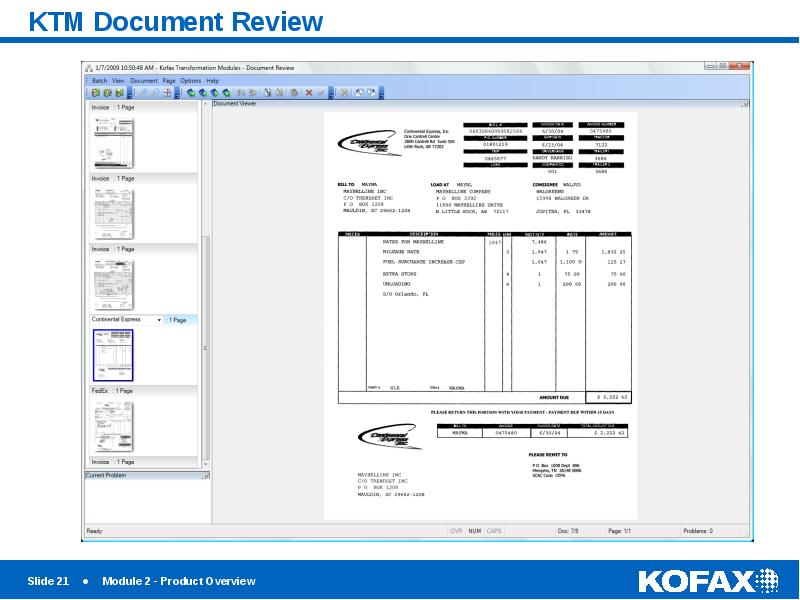
- 21. KTM Document Review
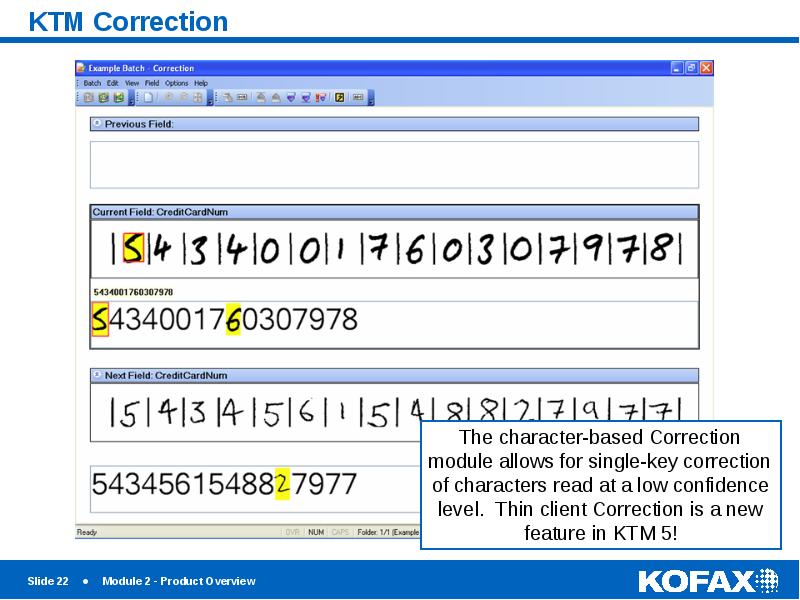
- 22. KTM Correction
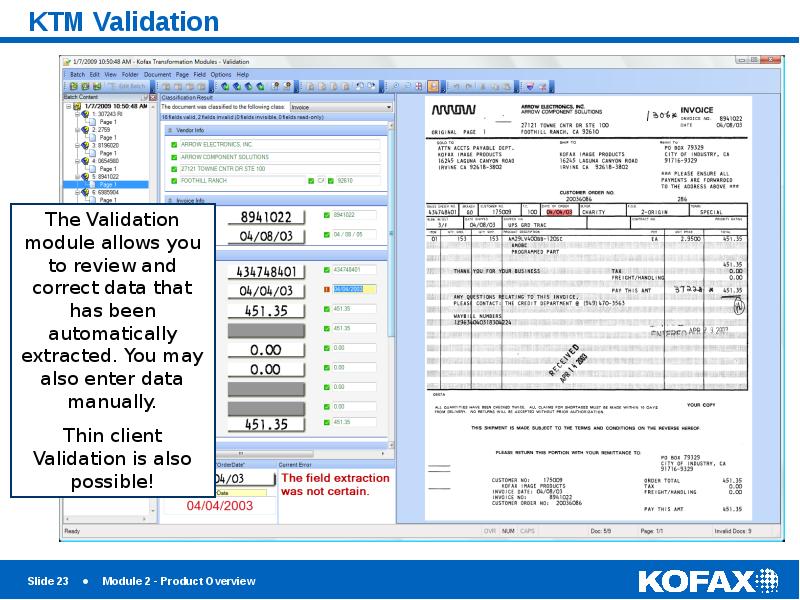
- 23. KTM Validation
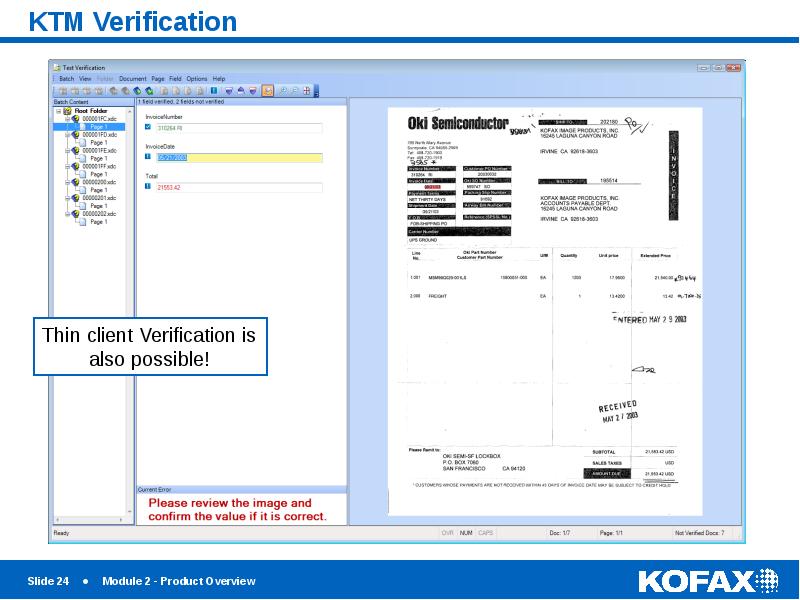
- 24. KTM Verification
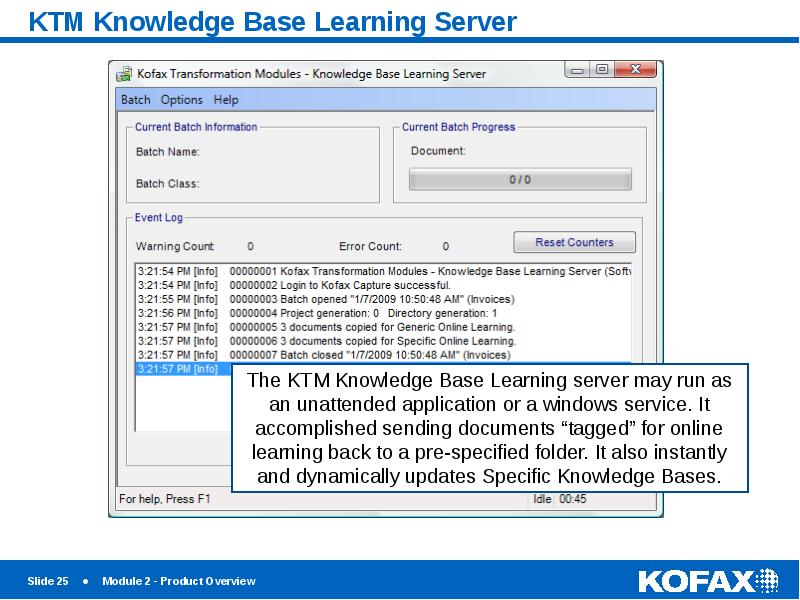
- 25. KTM Knowledge Base Learning Server
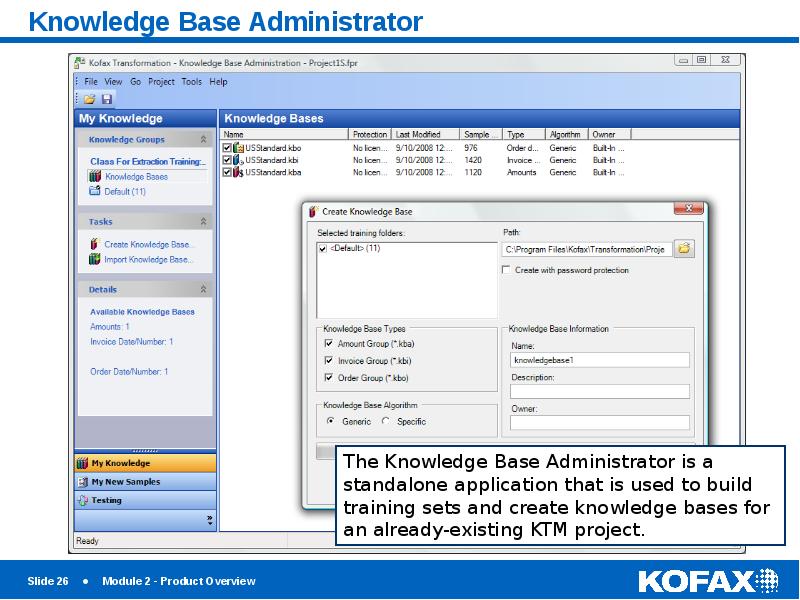
- 26. Knowledge Base Administrator
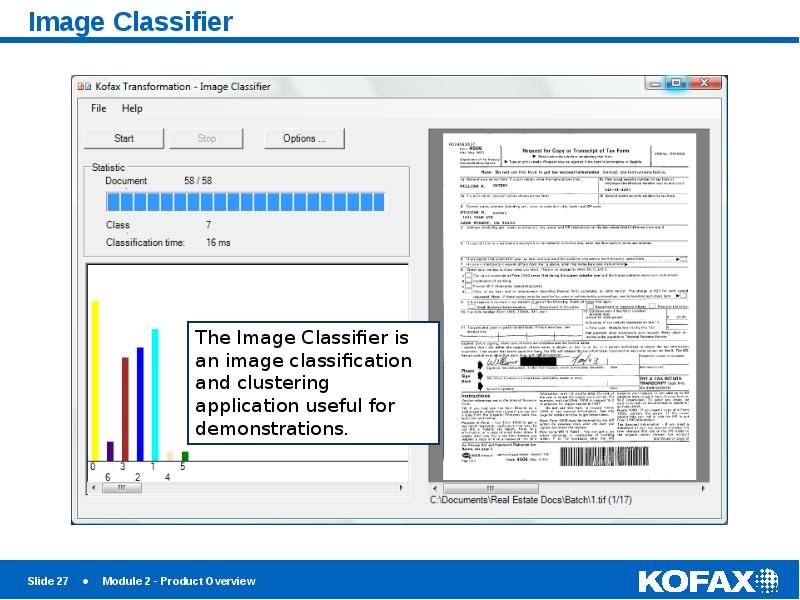
- 27. Image Classifier
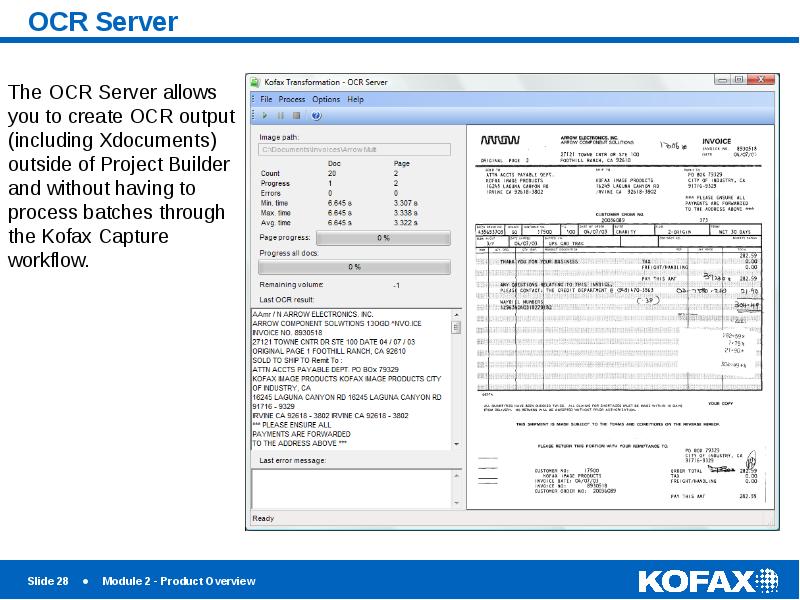
- 28. OCR Server
- 29. XDoc Browser
- 30. Statistics Viewer
- 31. Kofax Capture Batch Workflow
- 32. Kofax Capture Integration
- 33. Demonstration
- 34. Скачать презентацию


Слайды и текст этой презентации
Слайд 1
Описание слайда:
Module 2 – Product Overview
Слайд 2
Описание слайда:
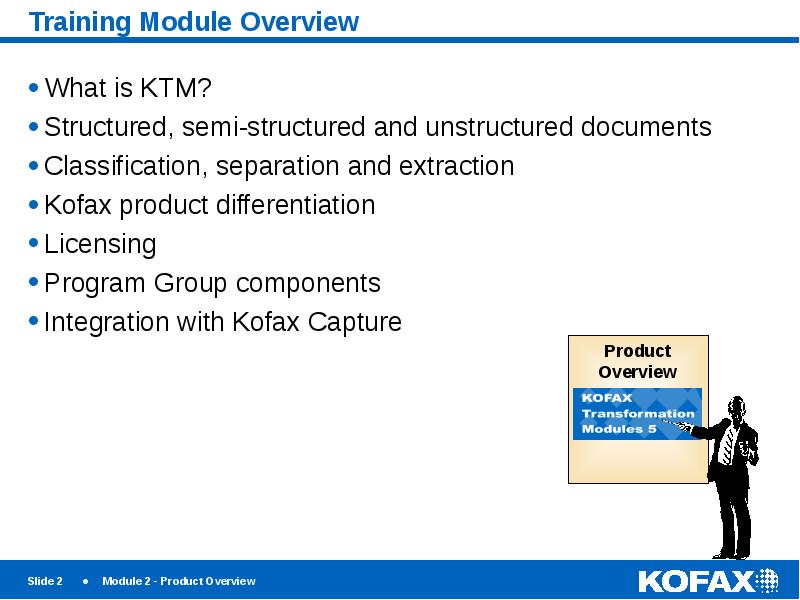
Training Module Overview
What is KTM?
Structured, semi-structured and unstructured documents
Classification, separation and extraction
Kofax product differentiation
Licensing
Program Group components
Integration with Kofax Capture
Слайд 3
Описание слайда:
What is KTM?
KTM is a classification, separation and extraction “transformation” product for Kofax Capture (a suite of custom module add-ons)
Although somewhat new to Kofax Capture, the product was introduced as Ascent Xtrata Pro 3.0. The product has now been rebranded as Kofax Transformation Modules, and this version is a 5.x release.
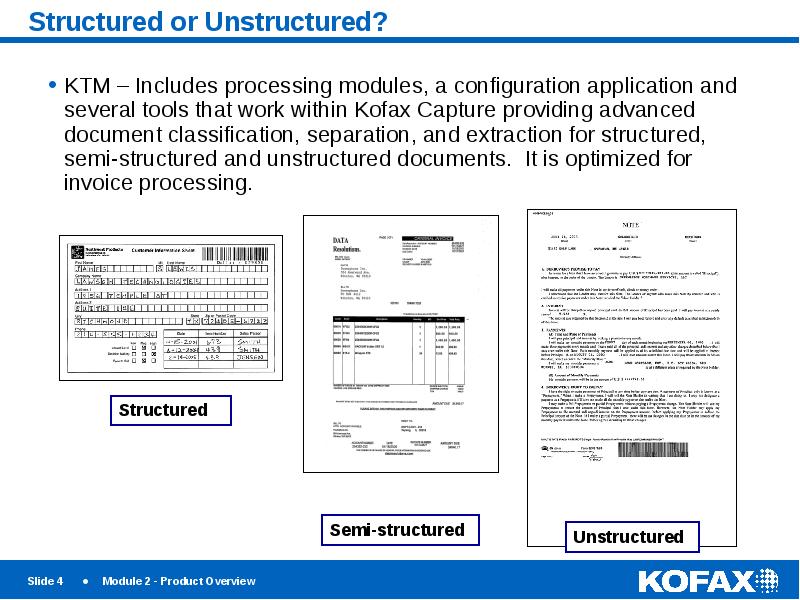
Supports classification and extraction of structured, semi-structured and unstructured documents.
Platform for delivering pre-configured, out-of-the-box solutions
Offers learn-by-example extraction as well as numerous other methods to automatically extract data from documents
Invoice classification by image and instructions (rules).
Слайд 4
Описание слайда:
Structured or Unstructured?
KTM – Includes processing modules, a configuration application and several tools that work within Kofax Capture providing advanced document classification, separation, and extraction for structured, semi-structured and unstructured documents. It is optimized for invoice processing.
Слайд 5
Описание слайда:
Definitions
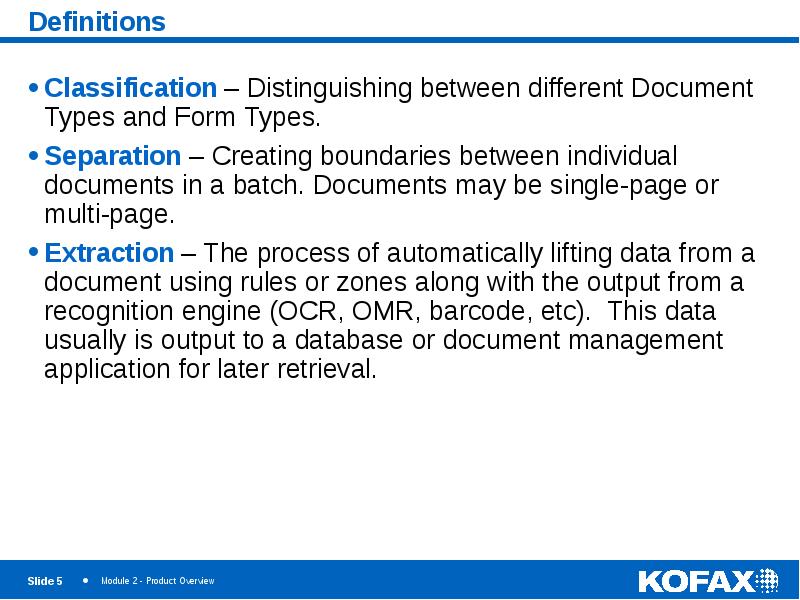
Classification – Distinguishing between different Document Types and Form Types.
Separation – Creating boundaries between individual documents in a batch. Documents may be single-page or multi-page.
Extraction – The process of automatically lifting data from a document using rules or zones along with the output from a recognition engine (OCR, OMR, barcode, etc). This data usually is output to a database or document management application for later retrieval.
Слайд 6
Описание слайда:
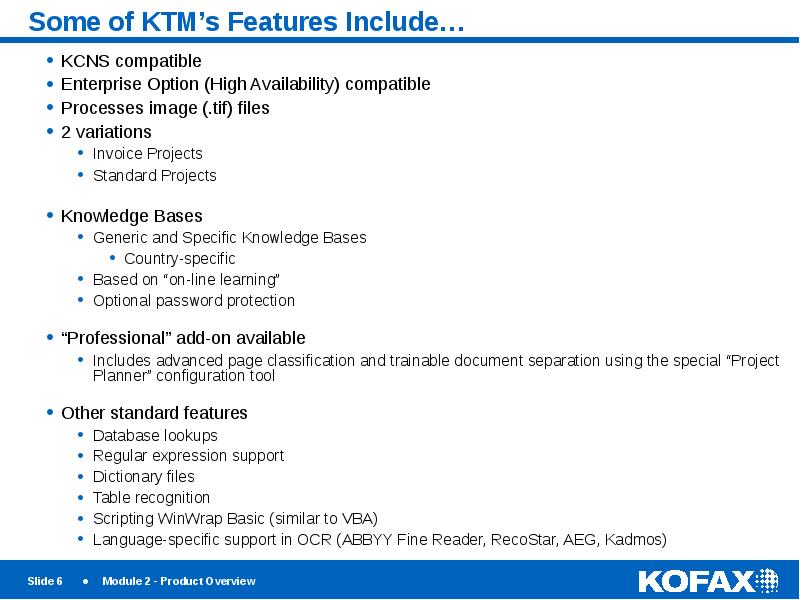
Some of KTM’s Features Include…
KCNS compatible
Enterprise Option (High Availability) compatible
Processes image (.tif) files
2 variations
Invoice Projects
Standard Projects
Knowledge Bases
Generic and Specific Knowledge Bases
Country-specific
Based on “on-line learning”
Optional password protection
“Professional” add-on available
Includes advanced page classification and trainable document separation using the special “Project Planner” configuration tool
Other standard features
Database lookups
Regular expression support
Dictionary files
Table recognition
Scripting WinWrap Basic (similar to VBA)
Language-specific support in OCR (ABBYY Fine Reader, RecoStar, AEG, Kadmos)
Слайд 7
Описание слайда:
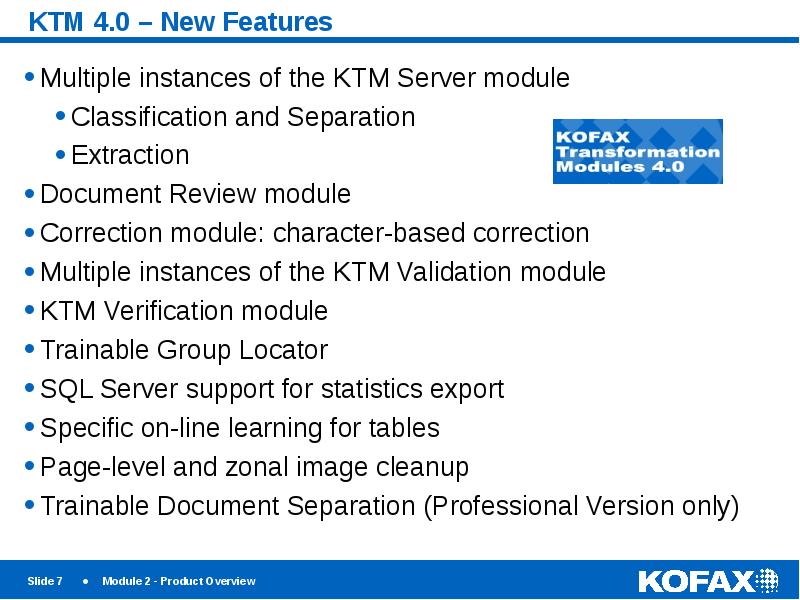
KTM 4.0 – New Features
Multiple instances of the KTM Server module
Classification and Separation
Extraction
Document Review module
Correction module: character-based correction
Multiple instances of the KTM Validation module
KTM Verification module
Trainable Group Locator
SQL Server support for statistics export
Specific on-line learning for tables
Page-level and zonal image cleanup
Trainable Document Separation (Professional Version only)
Слайд 8
Описание слайда:
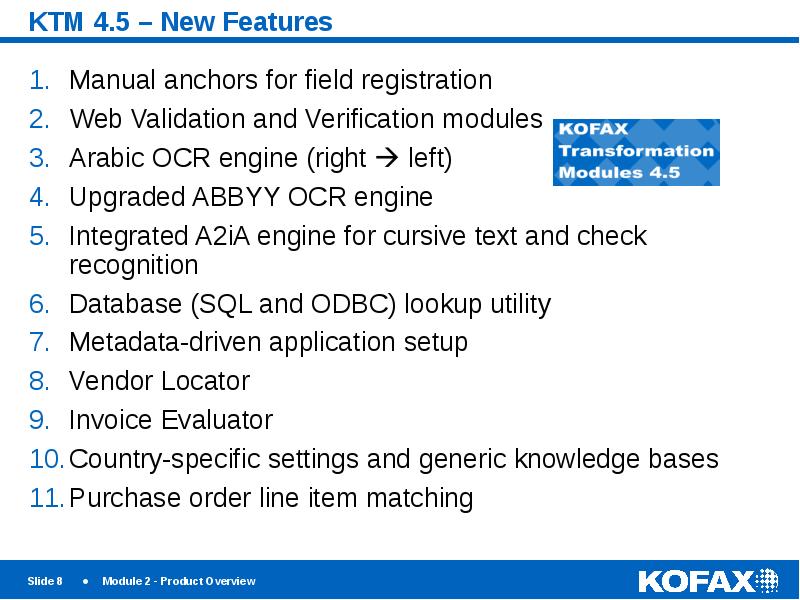
KTM 4.5 – New Features
Manual anchors for field registration
Web Validation and Verification modules
Arabic OCR engine (right left)
Upgraded ABBYY OCR engine
Integrated A2iA engine for cursive text and check recognition
Database (SQL and ODBC) lookup utility
Metadata-driven application setup
Vendor Locator
Invoice Evaluator
Country-specific settings and generic knowledge bases
Purchase order line item matching
Слайд 9
Описание слайда:
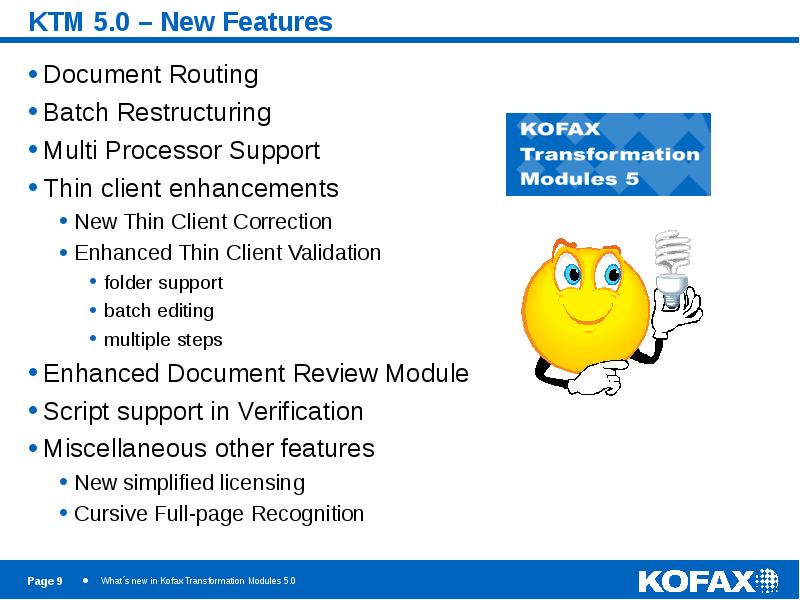
KTM 5.0 – New Features
Document Routing
Batch Restructuring
Multi Processor Support
Thin client enhancements
New Thin Client Correction
Enhanced Thin Client Validation
folder support
batch editing
multiple steps
Enhanced Document Review Module
Script support in Verification
Miscellaneous other features
New simplified licensing
Cursive Full-page Recognition
Слайд 10
Описание слайда:
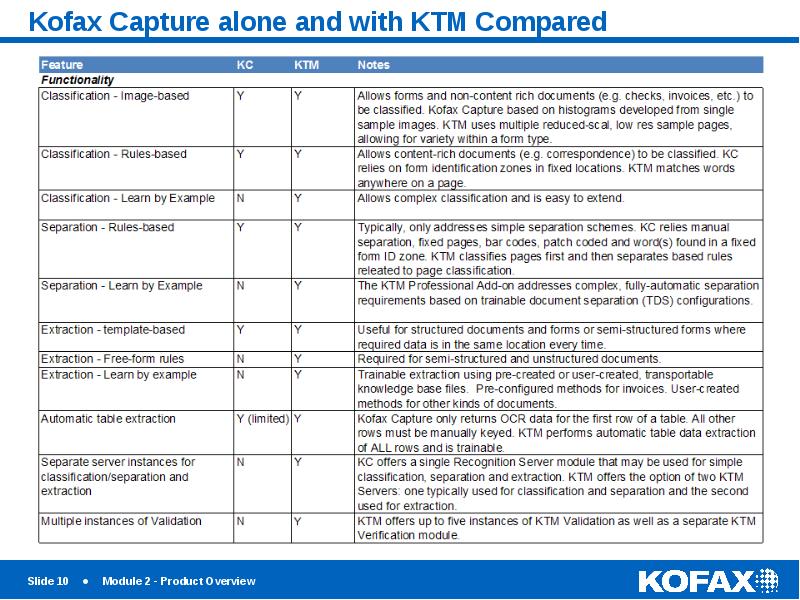
Kofax Capture alone and with KTM Compared
Слайд 11
Описание слайда:
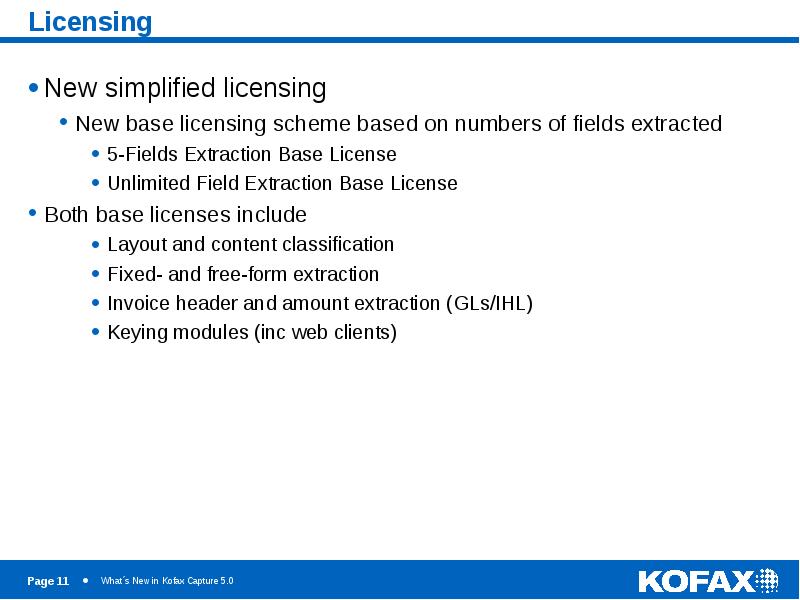
Licensing
New simplified licensing
New base licensing scheme based on numbers of fields extracted
5-Fields Extraction Base License
Unlimited Field Extraction Base License
Both base licenses include
Layout and content classification
Fixed- and free-form extraction
Invoice header and amount extraction (GLs/IHL)
Keying modules (inc web clients)
Слайд 12
Описание слайда:
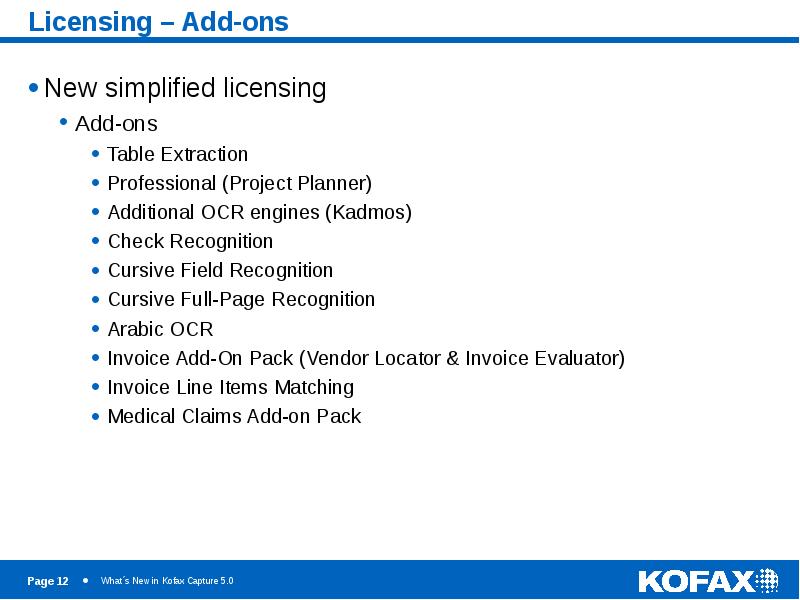
Licensing – Add-ons
New simplified licensing
Add-ons
Table Extraction
Professional (Project Planner)
Additional OCR engines (Kadmos)
Check Recognition
Cursive Field Recognition
Cursive Full-Page Recognition
Arabic OCR
Invoice Add-On Pack (Vendor Locator & Invoice Evaluator)
Invoice Line Items Matching
Medical Claims Add-on Pack
Слайд 13
Описание слайда:
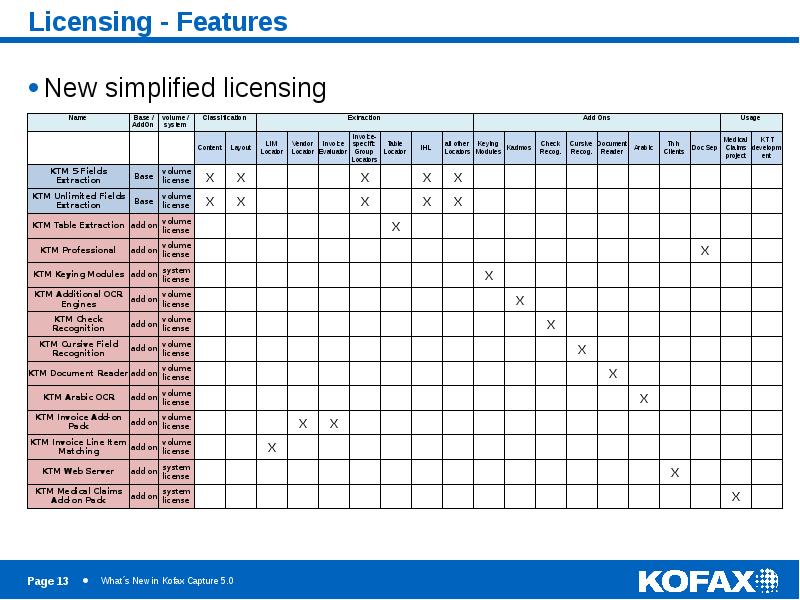
Licensing - Features
New simplified licensing
Слайд 14
Описание слайда:
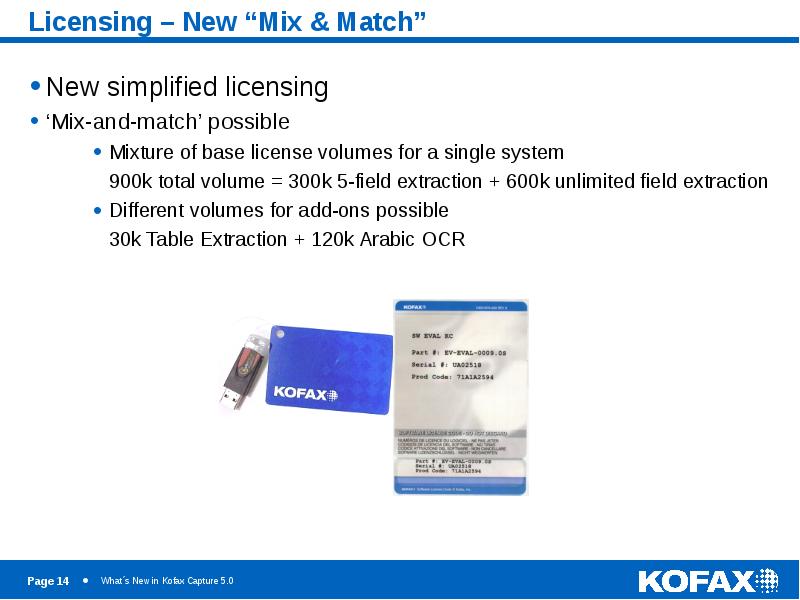
Licensing – New “Mix & Match”
New simplified licensing
‘Mix-and-match’ possible
Mixture of base license volumes for a single system
900k total volume = 300k 5-field extraction + 600k unlimited field extraction
Different volumes for add-ons possible
30k Table Extraction + 120k Arabic OCR
Слайд 15
Описание слайда:
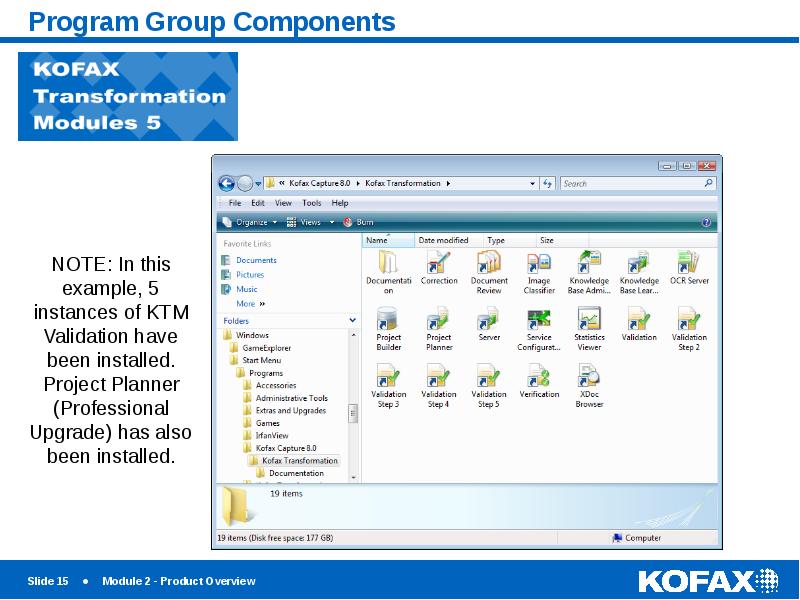
Program Group Components
Слайд 16
Описание слайда:
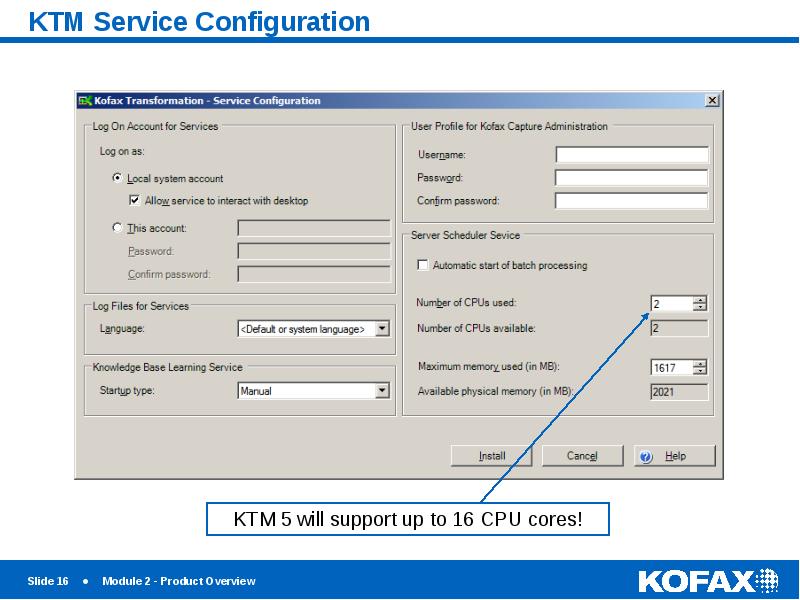
KTM Service Configuration
Слайд 17
Описание слайда:
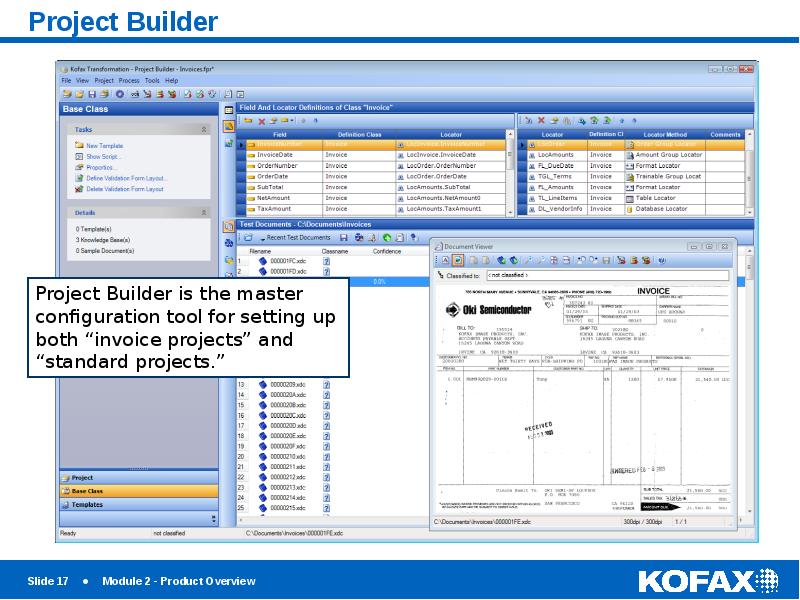
Project Builder
Слайд 18
Описание слайда:
KTM License Utility
Слайд 19
Описание слайда:
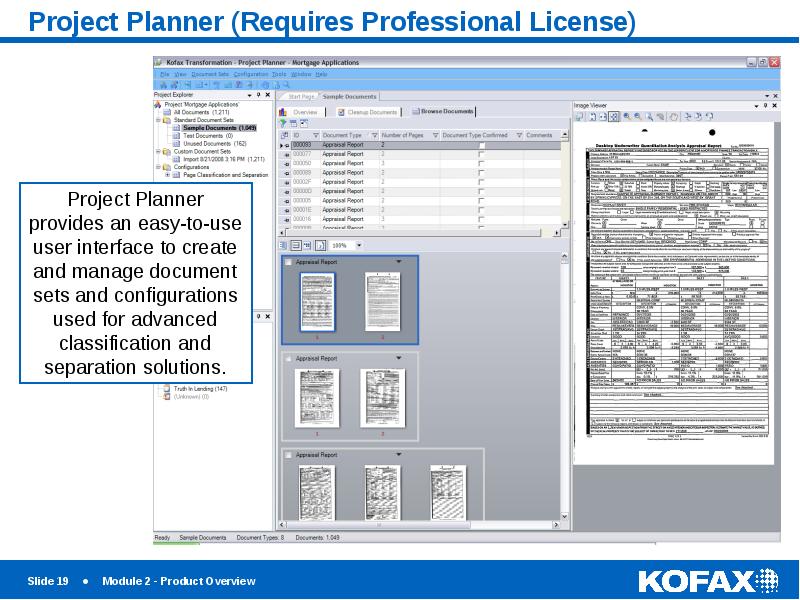
Project Planner (Requires Professional License)
Слайд 20
Описание слайда:
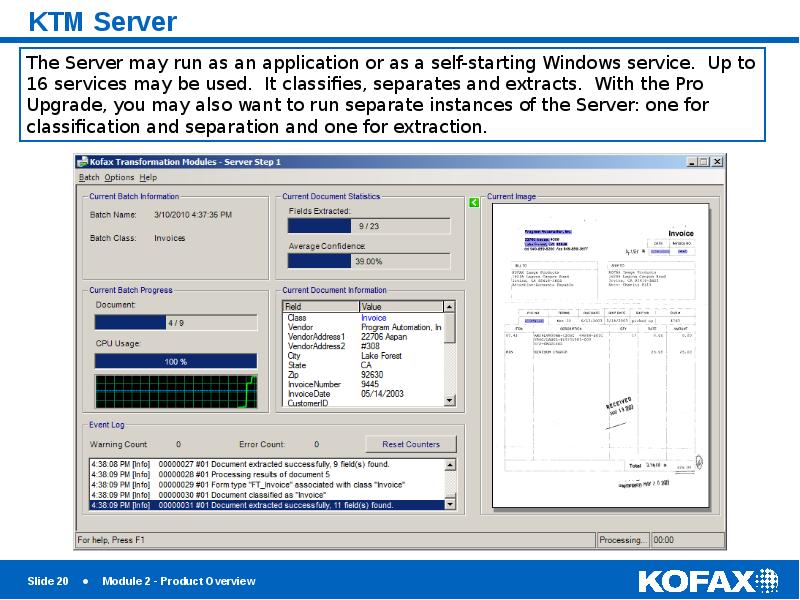
KTM Server
Слайд 21
Описание слайда:
KTM Document Review
Слайд 22
Описание слайда:
KTM Correction
Слайд 23
Описание слайда:
KTM Validation
Слайд 24
Описание слайда:
KTM Verification
Слайд 25
Описание слайда:
KTM Knowledge Base Learning Server
Слайд 26
Описание слайда:
Knowledge Base Administrator
Слайд 27
Описание слайда:
Image Classifier
Слайд 28
Описание слайда:
OCR Server
Слайд 29
Описание слайда:
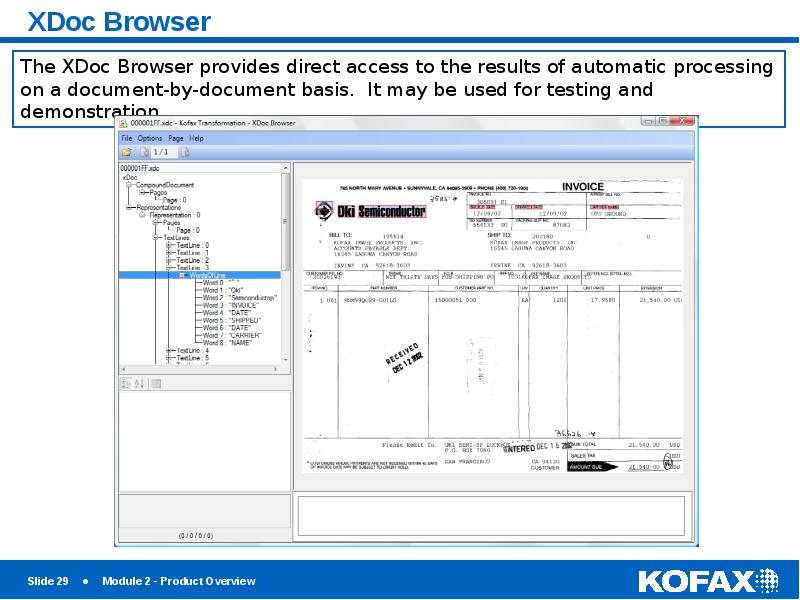
XDoc Browser
Слайд 30
Описание слайда:
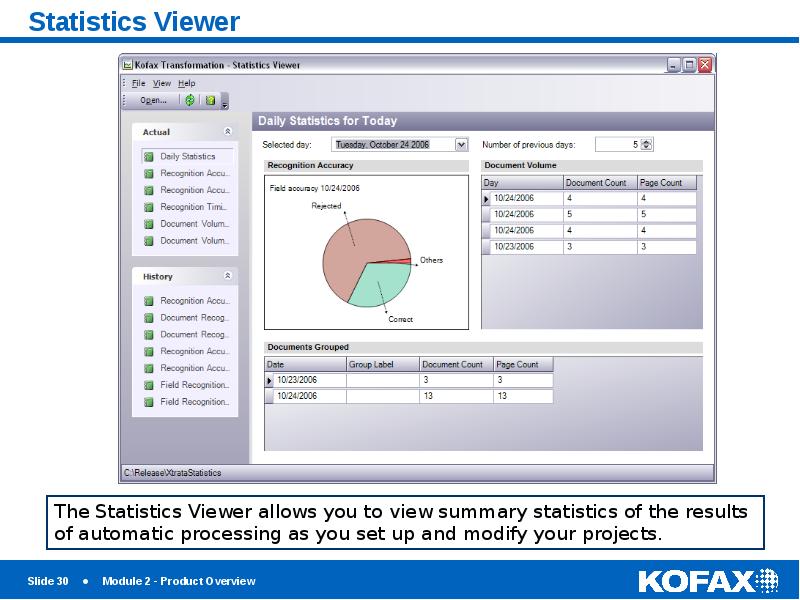
Statistics Viewer
Слайд 31
Описание слайда:
Kofax Capture Batch Workflow
Слайд 32
Описание слайда:
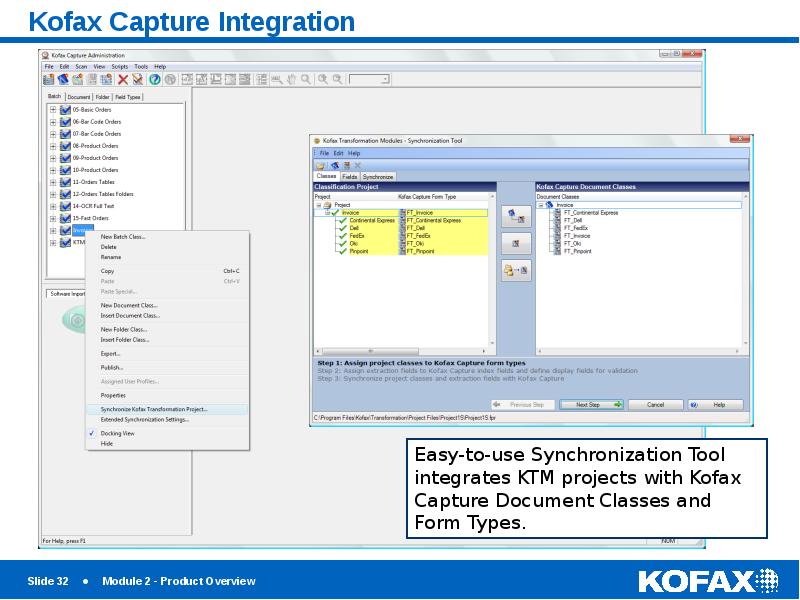
Kofax Capture Integration
Слайд 33
Описание слайда:
Demonstration
Скачать презентацию на тему Kofax Transformation Modules 5. Module 2 – Product Overview можно ниже: