Malware Statistics. Trojans and Backdoors презентация
Содержание
- 2. Malware Statistics
- 3. TROJANS AND BACKDOORS
- 4. Trojan Is defined as a "malicious, security breaking program that is
- 5. Communication part: overt and covert channels Overt channel
- 6. Trojan Infection Trojans are included in bundled shareware or downloadable software
- 7. Access points are used by Trojans Instant messenger applications (ICQ) IRC
- 8. Types of trojans VNC Trojan HTTP/HTTPS Trojan ICMP Trojan Command Shell
- 9. Command shell trojans The command shell trojan gives remote control of
- 10. TROJAN DETECTION
- 11. Scan for suspicious Open ports Running processors Registry entries Device drivers
- 12. Scanning for suspicious processes Trojans camouflage themselves as genuine Windows services
- 13. Windows automatically execute instructions in the following section of the registry:
- 14. Scanning for suspicious startup programs Check the Startup folder(ProgramData,AppData) Check Windows
- 15. Trojan Countermeasures Avoid opening email attachments received from unknown senders Block
- 16. Trojan Countermeasures Install patches and security updates for the operating systems
- 17. Summary Trojans are malicious pieces of code that carry cracker
- 18. VIRUSES AND WORMS
- 19. Introduction to Viruses A virus is a self-replicating program that produces
- 20. Stages of virus life 1.Design 2.Replication 3.Launch 4.Detection 5.Incorporation 6.Elimination
- 21. Sheep Dip computer The analysis of suspect files, incoming messages, etc.
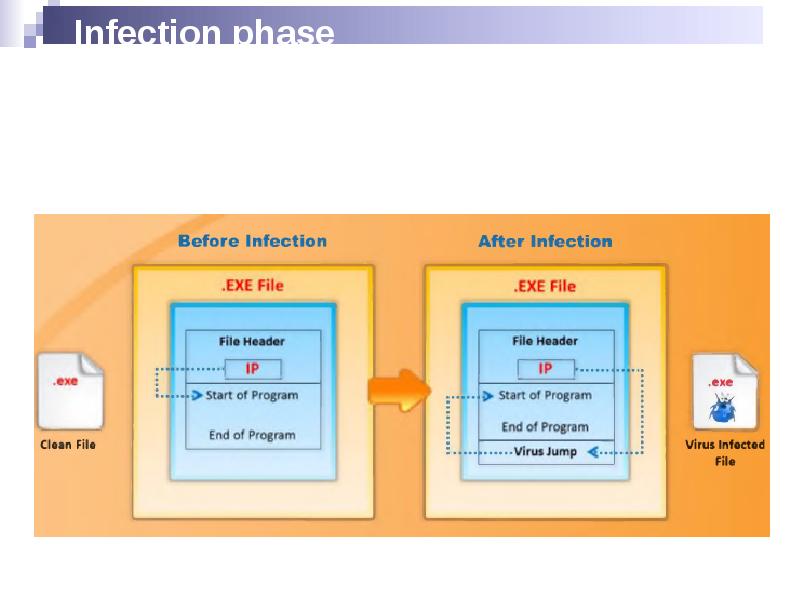
- 22. Infection phase
- 23. Attack Phase Viruses execute when some events are triggered Some execute
- 24. Indications of virus attacks Programs take longer to load The hard
- 25. How does a computer get infected by viruses When a user
- 26. Types of viruses (what do they infect) System or boot sector
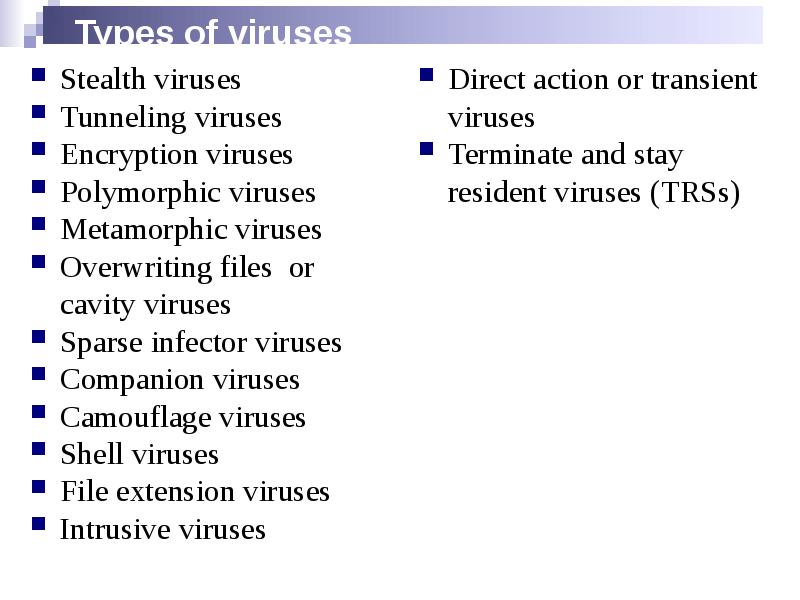
- 27. Types of viruses (how do they infect) Stealth viruses Tunneling viruses
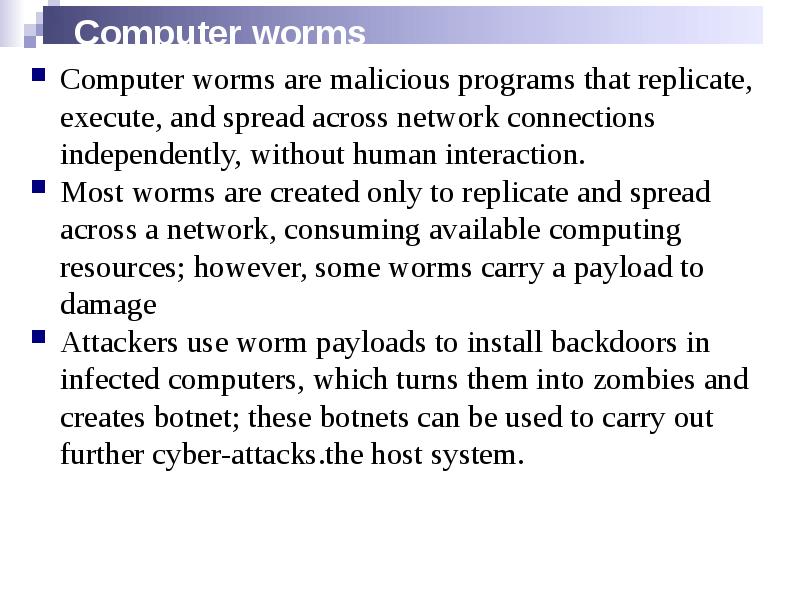
- 28. Computer worms Computer worms are malicious programs that replicate, execute, and
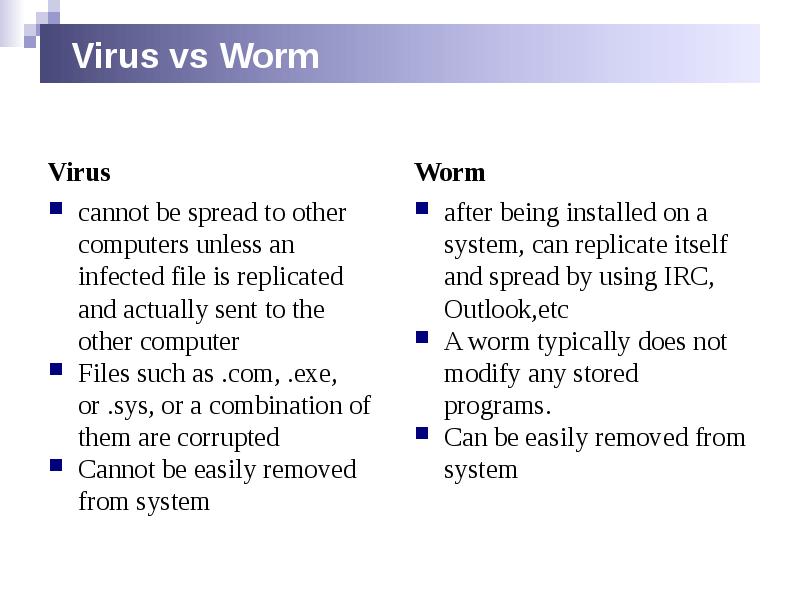
- 29. Virus vs Worm Virus
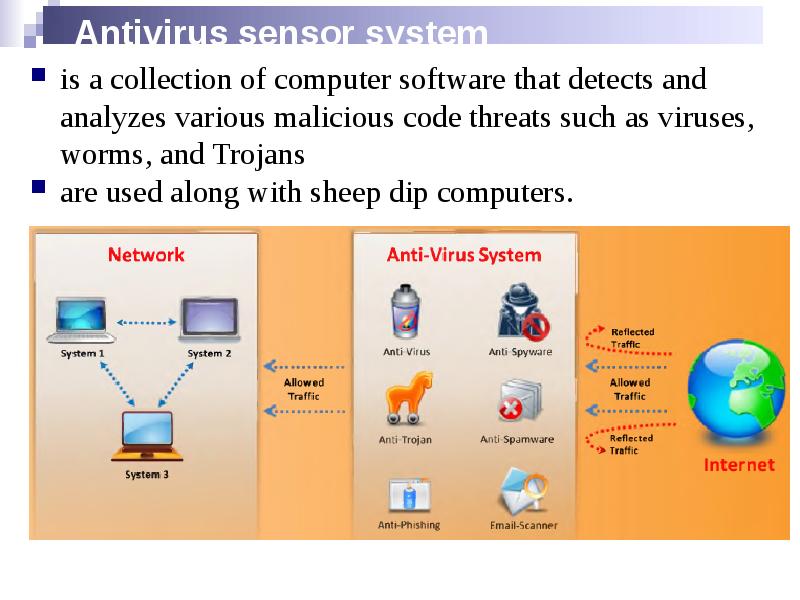
- 30. Antivirus sensor system is a collection of computer software that detects
- 31. Malware analysis
- 32. Virus detection methods Scanning signature recognition code analysis. heuristic scanning
- 33. Virus and worms countermeasures Install antivirus software that detects and removes
- 34. Virus and worms countermeasures Ensure the executable code sent to the
- 35. Скачать презентацию
Слайды и текст этой презентации
Слайд 1
Описание слайда:
Malware
Слайд 2
Описание слайда:
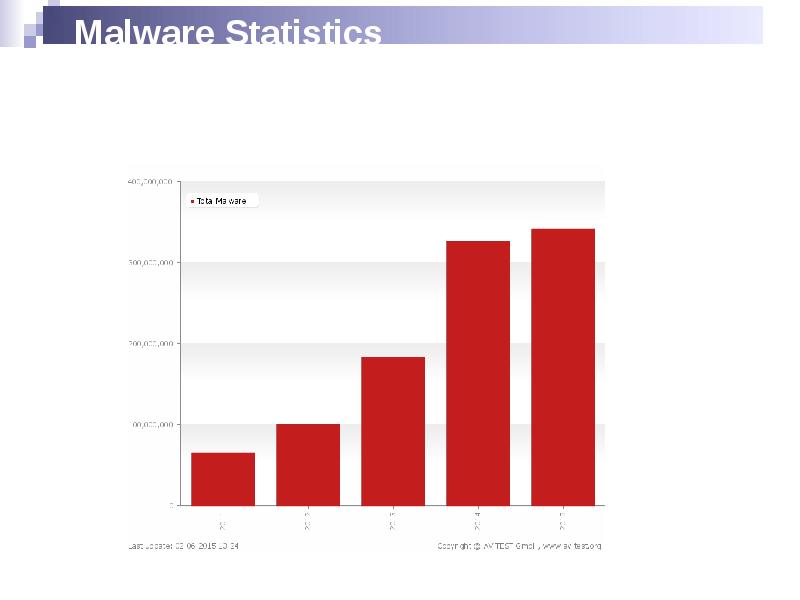
Malware Statistics
Слайд 3
Описание слайда:
TROJANS AND BACKDOORS
Слайд 4
Описание слайда:
Trojan
Is defined as a "malicious, security breaking program that is disguised as something benign"
A computer is used to enter a victim's computer undetected, granting the attacker unrestricted access to the data stored on that computer and causing immense damage to the victim.
Work on the same level of privileges that the victim user has
Can attempt to exploit a vulnerability to increase the level of access beyond that of the user running the Trojan horse
May falsely implicate the remote system as the source of an attack by spoofing
Слайд 5
Описание слайда:
Communication part: overt and covert channels
Overt channel
Слайд 6
Описание слайда:
Trojan Infection
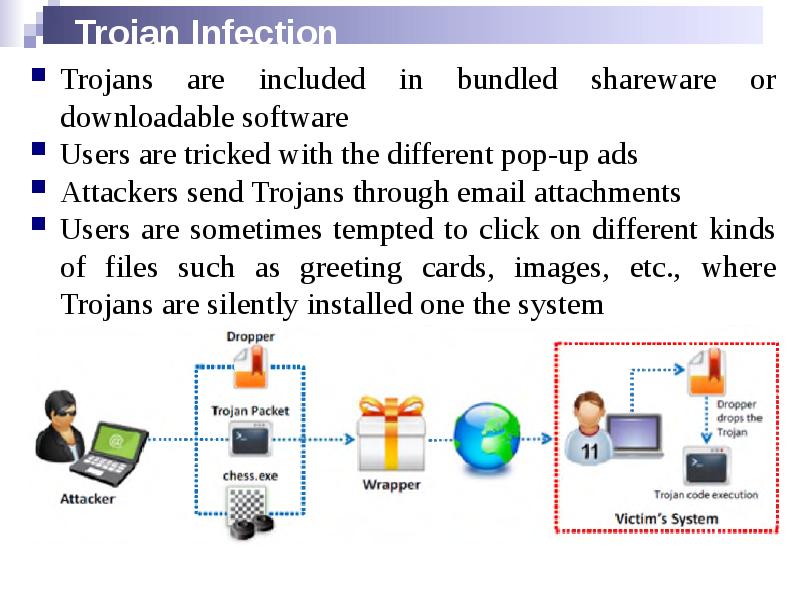
Trojans are included in bundled shareware or downloadable software
Users are tricked with the different pop-up ads
Attackers send Trojans through email attachments
Users are sometimes tempted to click on different kinds of files such as greeting cards, images, etc., where Trojans are silently installed one the system
Слайд 7
Описание слайда:
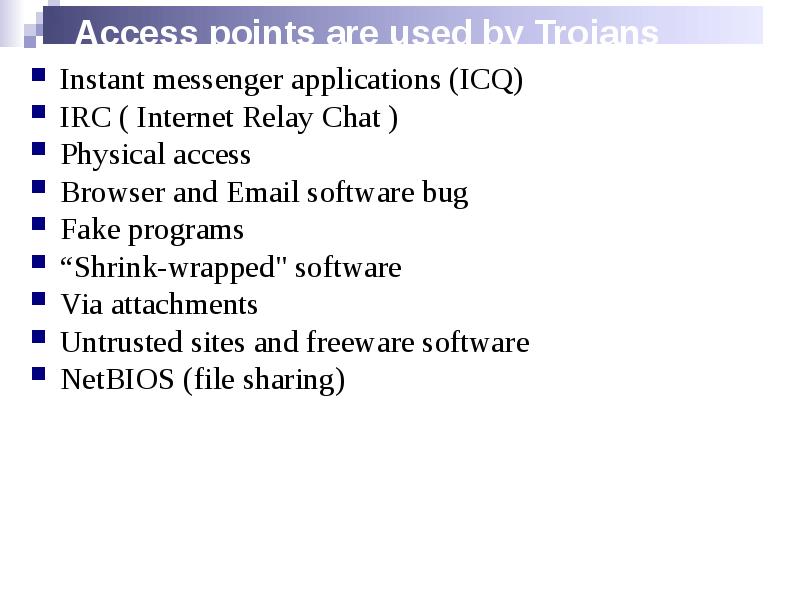
Access points are used by Trojans
Instant messenger applications (ICQ)
IRC ( Internet Relay Chat )
Physical access
Browser and Email software bug
Fake programs
“Shrink-wrapped" software
Via attachments
Untrusted sites and freeware software
NetBIOS (file sharing)
Слайд 8
Описание слайда:
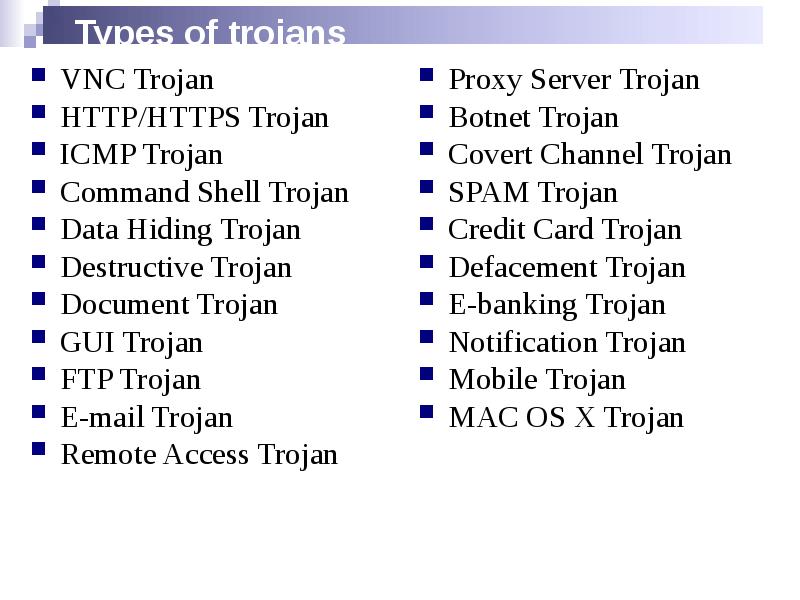
Types of trojans
VNC Trojan
HTTP/HTTPS Trojan
ICMP Trojan
Command Shell Trojan
Data Hiding Trojan
Destructive Trojan
Document Trojan
GUI Trojan
FTP Trojan
E-mail Trojan
Remote Access Trojan
Слайд 9
Описание слайда:
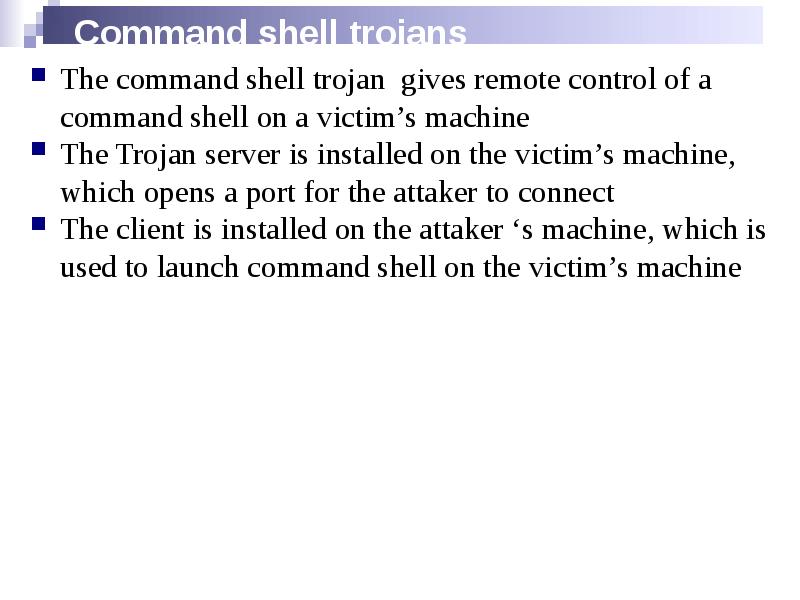
Command shell trojans
The command shell trojan gives remote control of a command shell on a victim’s machine
The Trojan server is installed on the victim’s machine, which opens a port for the attaker to connect
The client is installed on the attaker ‘s machine, which is used to launch command shell on the victim’s machine
Слайд 10
Описание слайда:
TROJAN DETECTION
Слайд 11
Описание слайда:
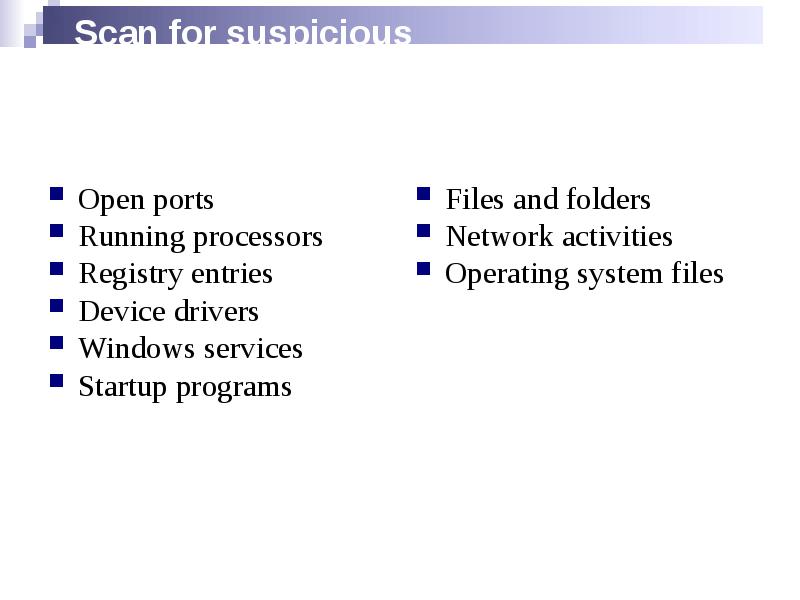
Scan for suspicious
Open ports
Running processors
Registry entries
Device drivers
Windows services
Startup programs
Слайд 12
Описание слайда:
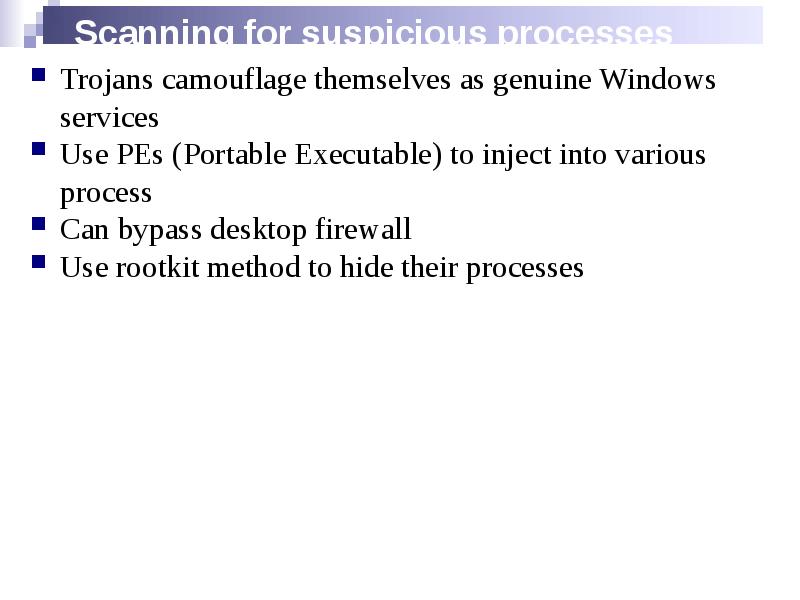
Scanning for suspicious processes
Trojans camouflage themselves as genuine Windows services
Use PEs (Portable Executable) to inject into various process
Can bypass desktop firewall
Use rootkit method to hide their processes
Слайд 13
Описание слайда:
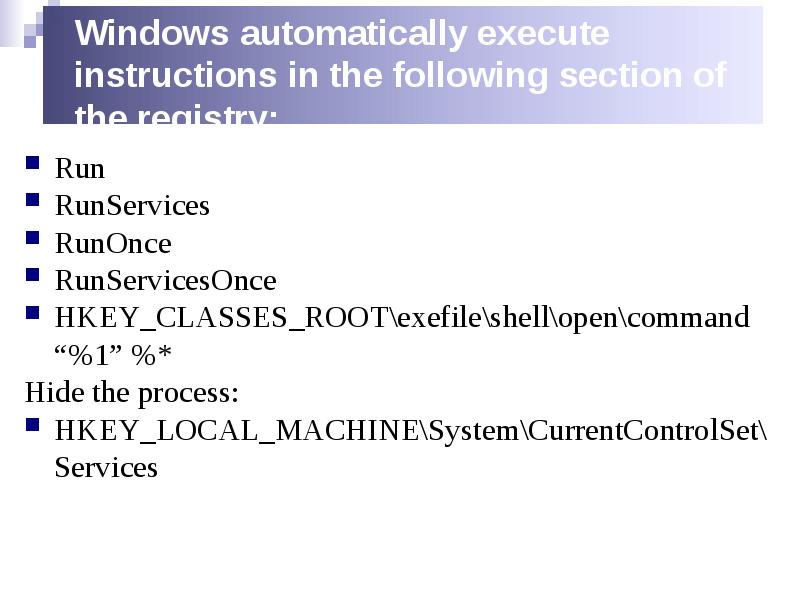
Windows automatically execute instructions in the following section of the registry:
Run
RunServices
RunOnce
RunServicesOnce
HKEY_CLASSES_ROOT\exefile\shell\open\command “%1” %*
Hide the process:
HKEY_LOCAL_MACHINE\System\CurrentControlSet\Services
Слайд 14
Описание слайда:
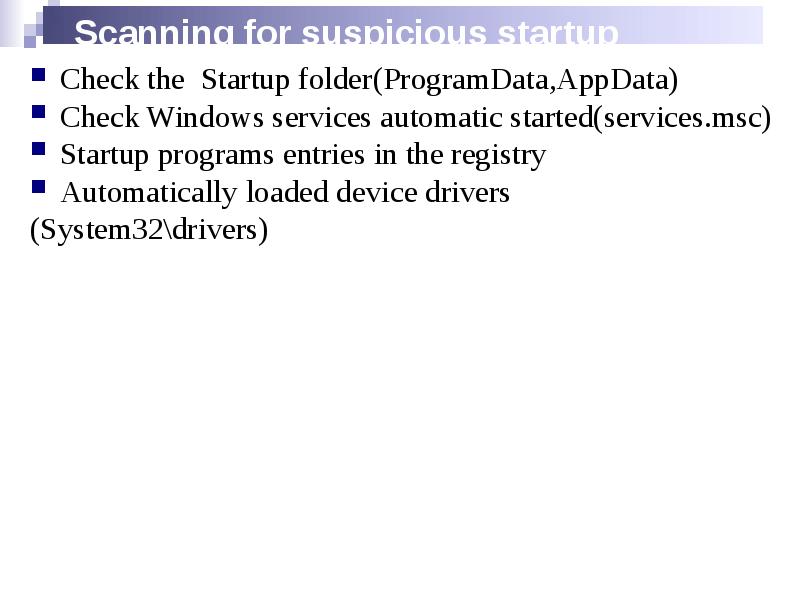
Scanning for suspicious startup programs
Check the Startup folder(ProgramData,AppData)
Check Windows services automatic started(services.msc)
Startup programs entries in the registry
Automatically loaded device drivers
(System32\drivers)
Слайд 15
Описание слайда:
Trojan Countermeasures
Avoid opening email attachments received from unknown senders
Block all unnecessary ports at the host and firewall
Avoid accepting the programs transferred by instant messaging
Harden weak, default configuration settings
Disable unused functionality including protocols and services
Monitor the internal network traffic for odd ports or encrypted traffic
Avoid downloading and executing applications from untrusted sources
Слайд 16
Описание слайда:
Trojan Countermeasures
Install patches and security updates for the operating systems and applications
Scan CDs and floppy disks with antivirus software before using
Restrict permissions within the desktop environment to prevent malicious applications installation
Avoid typing the commands blindly and implementing pre-fabricated programs or scripts
Manage local workstation file integrity through cheksums, auditing, and port scanning
Run local versions of antivirus, firewall, and intrusion detection software on the desktop
Слайд 17
Описание слайда:
Summary
Trojans are malicious pieces of code that carry cracker software to a target system.
They are used primarily to gain and retain access on the target system.
They often reside deep in the system and make registry changes that allow them to meet their purpose as a remote administration tool.
Awareness and preventive measures are the best defences against Trojans.
Using antiTrojan tools such as TrojanHunter and Emsisoft Anti-Malware to detect and eliminateTrojans.
Слайд 18
Описание слайда:
VIRUSES AND WORMS
Слайд 19
Описание слайда:
Introduction to Viruses
A virus is a self-replicating program that produces its own code by attaching copies of it into other executable codes(programs, boot sector or document).
Viruses are generally transmitted through file downloads, infected disk/flash drives and as email attachments
Слайд 20
Описание слайда:
Stages of virus life
1.Design
2.Replication
3.Launch
4.Detection
5.Incorporation
6.Elimination
Слайд 21
Описание слайда:
Sheep Dip computer
The analysis of suspect files, incoming messages, etc. for malware
Is installed with port monitors, files monitors, network monitors, and antivirus software
Connects to a network only under strictly controlled conditions
Runs
port and network monitors
user, group permission, and process monitors
device driver and file monitors
registry and kernel monitors
Слайд 22
Описание слайда:
Infection phase
Слайд 23
Описание слайда:
Attack Phase
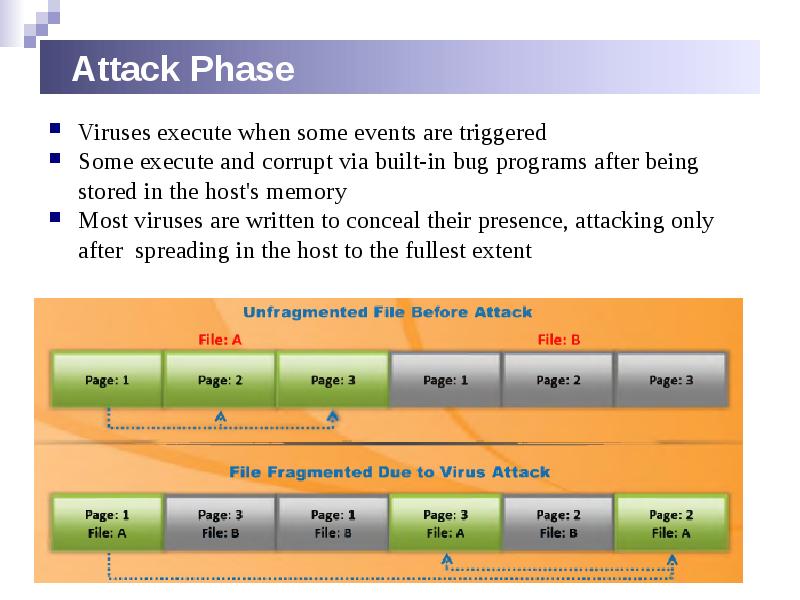
Viruses execute when some events are triggered
Some execute and corrupt via built-in bug programs after being stored in the host's memory
Most viruses are written to conceal their presence, attacking only after spreading in the host to the fullest extent
Слайд 24
Описание слайда:
Indications of virus attacks
Programs take longer to load
The hard drive is always full, even without installing any programs
The floppy disk drive or hard drive runs when it is not being used
Unknown files keep appearing on the system
The keyboard or the computer emits strange or beeping sounds
The computer monitor displays strange graphics
File names turn strange, often beyond recognition
The hard drive becomes inaccessible when trying to boot from the floppy drive
A program's size keeps changing
The memory on the system seems to be in use and the system slows down
Слайд 25
Описание слайда:
How does a computer get infected by viruses
When a user accepts files and download s without checking properly for the source.
Attackers usually send virus - infected files as email attachments to spread the virus on the victim's system. If the victim opens the mail, the virus automatically infects the system.
Attackers incorporate viruses in popular software programs and upload the infected software on websites intended to download software . When the victim downloads infected software and installs it, the system gets infected.
Failing to install new versions or update with latest patches intended to fix the known bugs may expose your system to viruses.
With the increasing technology , attackers also are designing new viruses. Failing to use latest antivirus applications may expose you to virus attacks
Слайд 26
Описание слайда:
Types of viruses
(what do they infect)
System or boot sector viruses
File viruses
Multipartite viruses
Cluster viruses
Macro viruses
Слайд 27
Описание слайда:
Types of viruses
(how do they infect)
Stealth viruses
Tunneling viruses
Encryption viruses
Polymorphic viruses
Metamorphic viruses
Overwriting files or cavity viruses
Sparse infector viruses
Companion viruses
Camouflage viruses
Shell viruses
File extension viruses
Intrusive viruses
Слайд 28
Описание слайда:
Computer worms
Computer worms are malicious programs that replicate, execute, and spread across network connections independently, without human interaction.
Most worms are created only to replicate and spread across a network, consuming available computing resources; however, some worms carry a payload to damage
Attackers use worm payloads to install backdoors in infected computers, which turns them into zombies and creates botnet; these botnets can be used to carry out further cyber-attacks.the host system.
Слайд 29
Описание слайда:
Virus vs Worm
Virus
Слайд 30
Описание слайда:
Antivirus sensor system
is a collection of computer software that detects and analyzes various malicious code threats such as viruses, worms, and Trojans
are used along with sheep dip computers.
Слайд 31
Описание слайда:
Malware analysis
Слайд 32
Описание слайда:
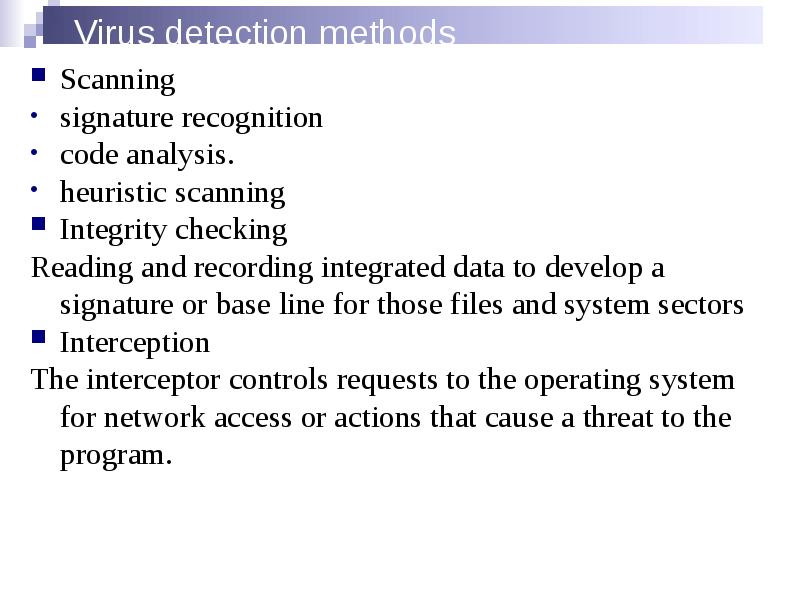
Virus detection methods
Scanning
signature recognition
code analysis.
heuristic scanning
Integrity checking
Reading and recording integrated data to develop a signature or base line for those files and system sectors
Interception
The interceptor controls requests to the operating system for network access or actions that cause a threat to the program.
Слайд 33
Описание слайда:
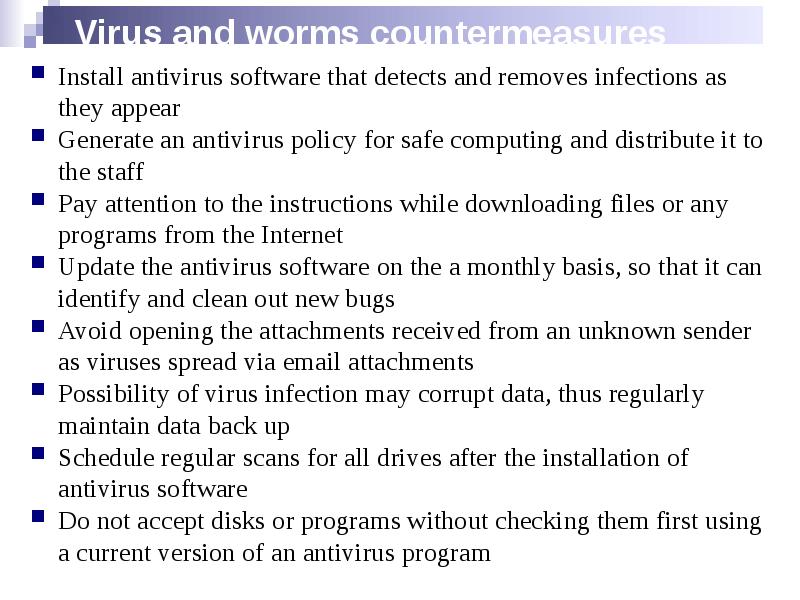
Virus and worms countermeasures
Install antivirus software that detects and removes infections as they appear
Generate an antivirus policy for safe computing and distribute it to the staff
Pay attention to the instructions while downloading files or any programs from the Internet
Update the antivirus software on the a monthly basis, so that it can identify and clean out new bugs
Avoid opening the attachments received from an unknown sender as viruses spread via email attachments
Possibility of virus infection may corrupt data, thus regularly maintain data back up
Schedule regular scans for all drives after the installation of antivirus software
Do not accept disks or programs without checking them first using a current version of an antivirus program
Слайд 34
Описание слайда:
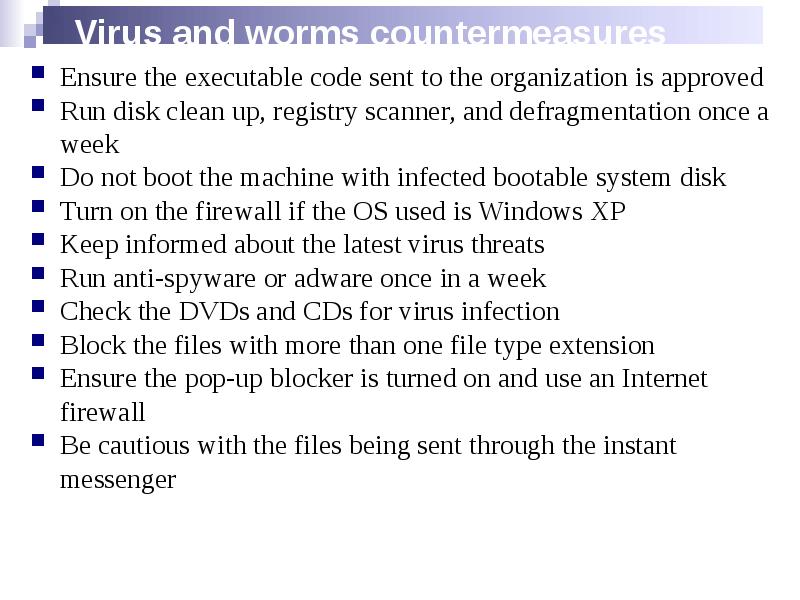
Virus and worms countermeasures
Ensure the executable code sent to the organization is approved
Run disk clean up, registry scanner, and defragmentation once a week
Do not boot the machine with infected bootable system disk
Turn on the firewall if the OS used is Windows XP
Keep informed about the latest virus threats
Run anti-spyware or adware once in a week
Check the DVDs and CDs for virus infection
Block the files with more than one file type extension
Ensure the pop-up blocker is turned on and use an Internet firewall
Be cautious with the files being sent through the instant messenger
Скачать презентацию на тему Malware Statistics. Trojans and Backdoors можно ниже: