Module 7: Accessing DOM with JavaScript презентация
Содержание
- 2. Agenda Introducing DOM Manipulating DOM with JavaScript Cookies and Storages Useful
- 3. Introducing DOM
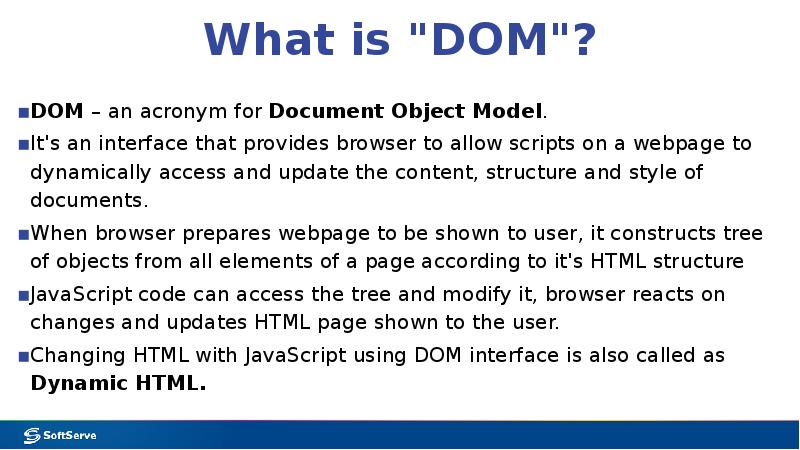
- 4. What is "DOM"? DOM – an acronym for Document Object Model.
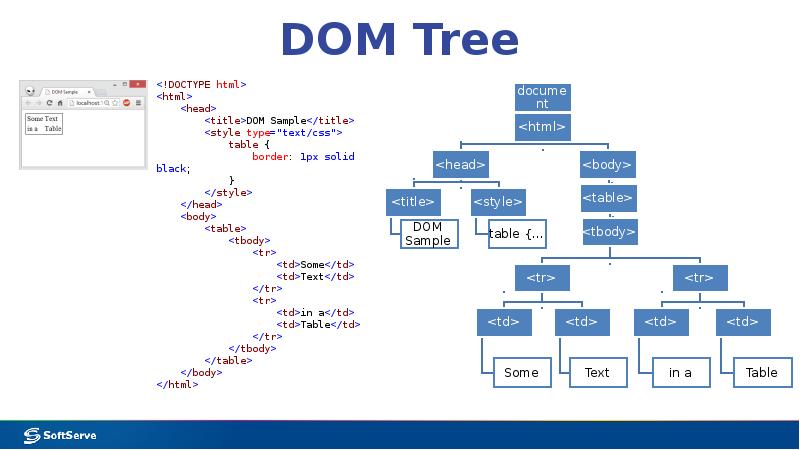
- 5. DOM Tree
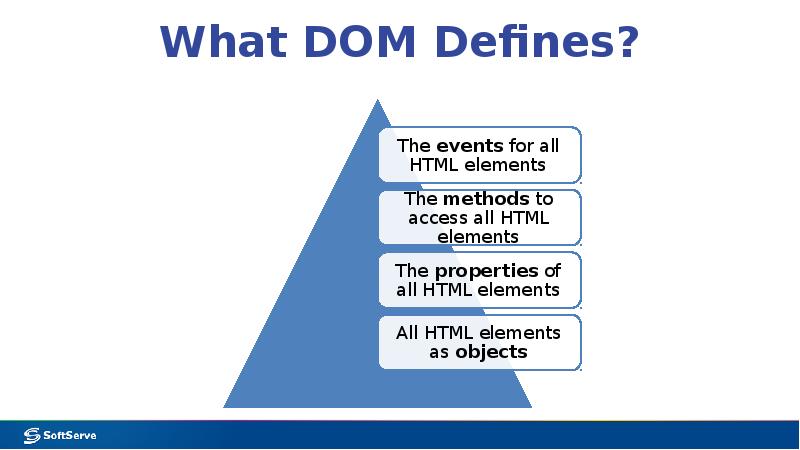
- 6. What DOM Defines?
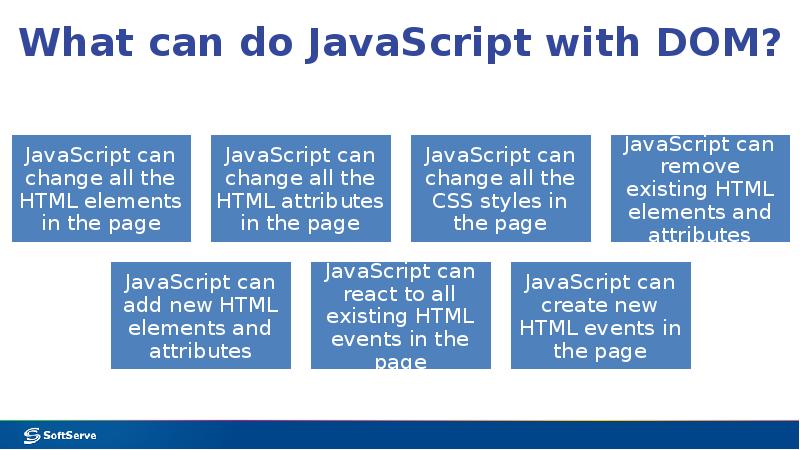
- 7. What can do JavaScript with DOM?
- 8. Manipulating DOM with JavaScript
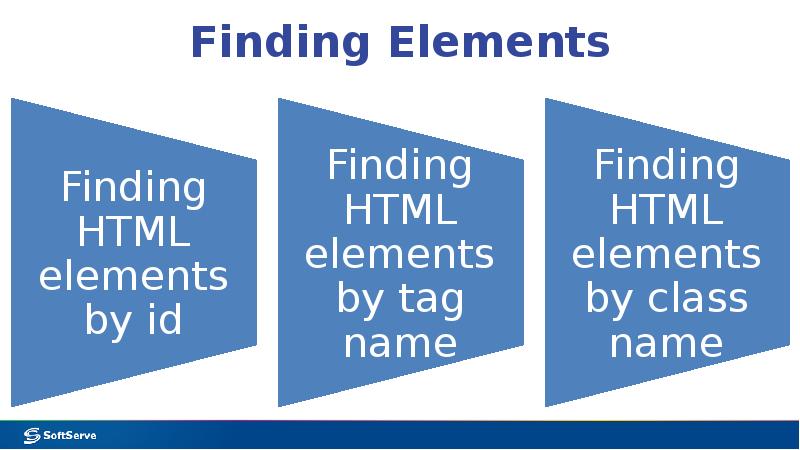
- 9. Finding Elements
- 10. Finding HTML Elements by id var t = document.getElementById('target'); Will find
- 11. Finding HTML Elements by Tag Name var p = document.getElementsByTagName('p'); Will
- 12. Finding HTML Elements by Class Name var p = document.getElementsByClassName('target'); Will
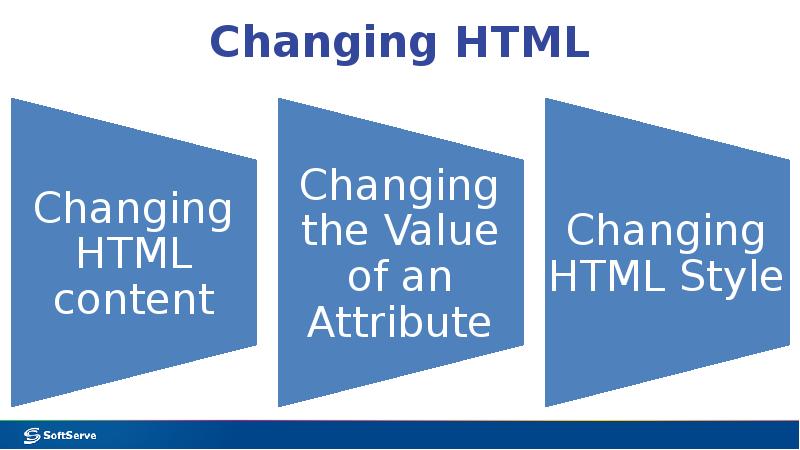
- 13. Changing HTML
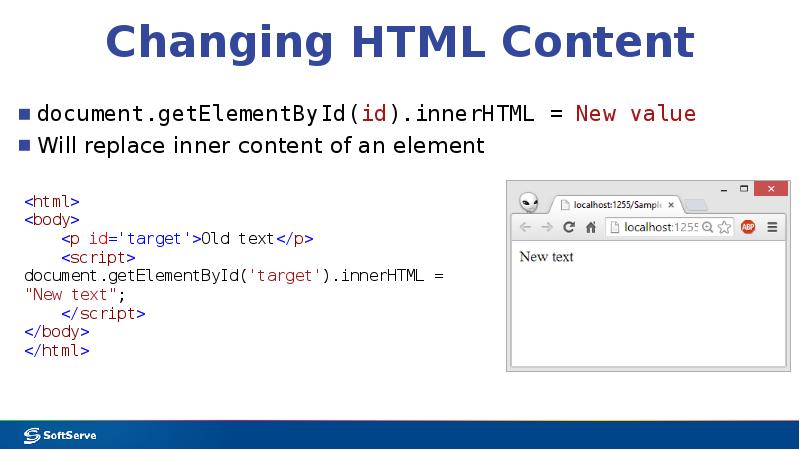
- 14. Changing HTML Content document.getElementById(id).innerHTML = New value Will replace inner content
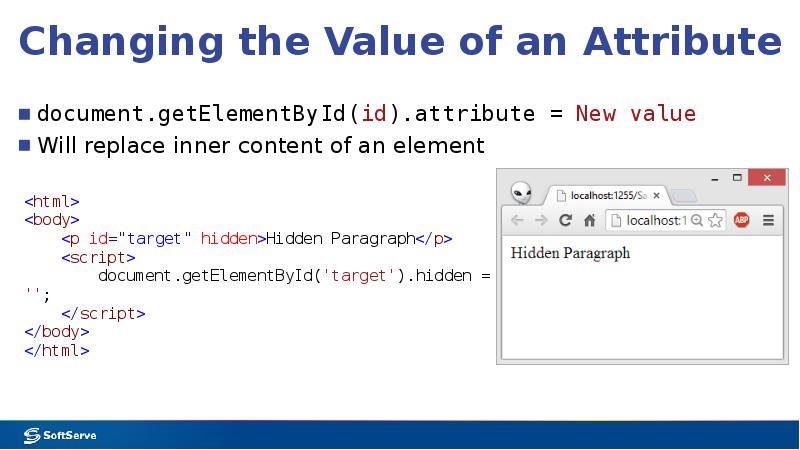
- 15. Changing the Value of an Attribute document.getElementById(id).attribute = New value Will
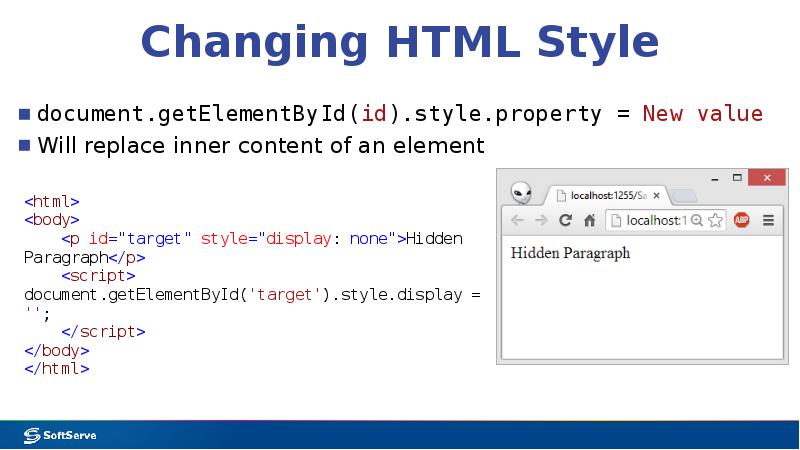
- 16. Changing HTML Style document.getElementById(id).style.property = New value Will replace inner content
- 17. Using Events A JavaScript can be executed when an event occurs,
- 18. Sample onclick() Event Handler
- 19. Cookies and Storages
- 20. What are Cookies? Cookies are data, stored in small text files,
- 21. Create a Cookie with JavaScript JavaScript can create, read, and delete
- 22. Read a Cookie To read a cookie: var x = document.cookie;
- 23. Changing and Deleting Cookie Changing cookie is made same way as
- 24. Sample Function to Set a Cookie The parameters of the function
- 25. Sample Function to Get a Cookie Take the cookiename as parameter
- 26. HTML5 Web Storage With HTML5, web pages can store data locally
- 27. HTML5 Web Storage Objects
- 28. Initial Check Before using web storage, check browser support for localStorage
- 29. Using Storage Objects There are methods to use storage objects: .setItem()
- 30. Sample Use of localStorage
- 31. Useful links
- 32. Useful Links HTML DOM на сайті Wikipedia: http://en.wikipedia.org/wiki/Document_Object_Model W3Schools JavaScript HTML
- 33. Thank you!
- 34. Скачать презентацию







Слайды и текст этой презентации
Слайд 1
Описание слайда:
Module 7:
Accessing DOM with JavaScript
Слайд 2
Описание слайда:
Agenda
Introducing DOM
Manipulating DOM with JavaScript
Cookies and Storages
Useful links
Слайд 3
Описание слайда:
Introducing DOM
Слайд 4
Описание слайда:
What is "DOM"?
DOM – an acronym for Document Object Model.
It's an interface that provides browser to allow scripts on a webpage to dynamically access and update the content, structure and style of documents.
When browser prepares webpage to be shown to user, it constructs tree of objects from all elements of a page according to it's HTML structure
JavaScript code can access the tree and modify it, browser reacts on changes and updates HTML page shown to the user.
Changing HTML with JavaScript using DOM interface is also called as Dynamic HTML.
Слайд 5
Описание слайда:
DOM Tree
Слайд 6
Описание слайда:
What DOM Defines?
Слайд 7
Описание слайда:
What can do JavaScript with DOM?
Слайд 8
Описание слайда:
Manipulating DOM
with JavaScript
Слайд 9
Описание слайда:
Finding Elements
Слайд 10
Описание слайда:
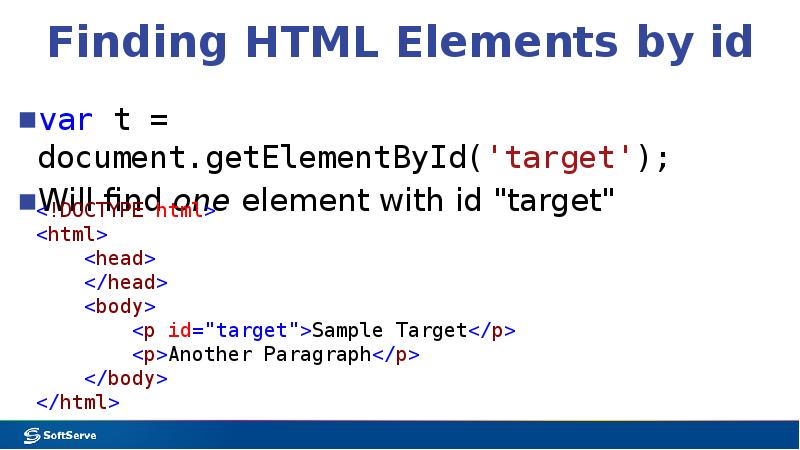
Finding HTML Elements by id
var t = document.getElementById('target');
Will find one element with id "target"
Слайд 11
Описание слайда:
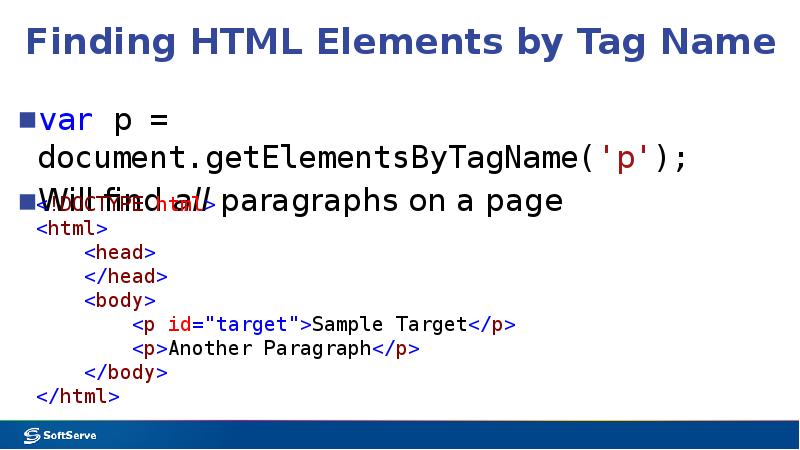
Finding HTML Elements by Tag Name
var p = document.getElementsByTagName('p');
Will find all paragraphs on a page
Слайд 12
Описание слайда:
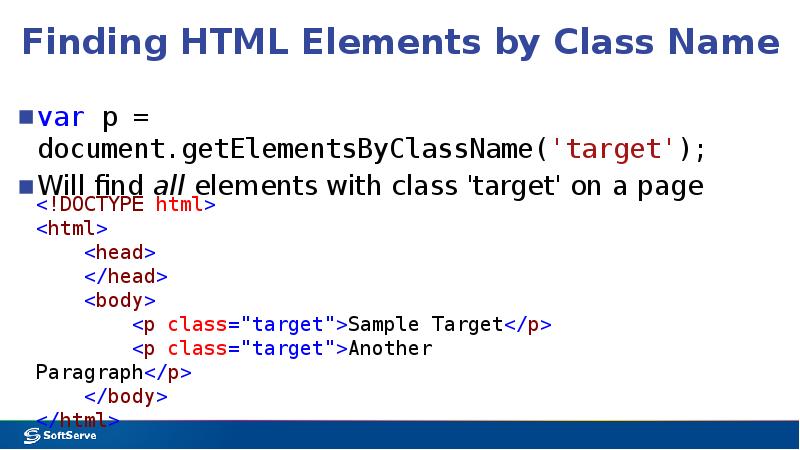
Finding HTML Elements by Class Name
var p = document.getElementsByClassName('target');
Will find all elements with class 'target' on a page
Слайд 13
Описание слайда:
Changing HTML
Слайд 14
Описание слайда:
Changing HTML Content
document.getElementById(id).innerHTML = New value
Will replace inner content of an element
Слайд 15
Описание слайда:
Changing the Value of an Attribute
document.getElementById(id).attribute = New value
Will replace inner content of an element
Слайд 16
Описание слайда:
Changing HTML Style
document.getElementById(id).style.property = New value
Will replace inner content of an element
Слайд 17
Описание слайда:
Using Events
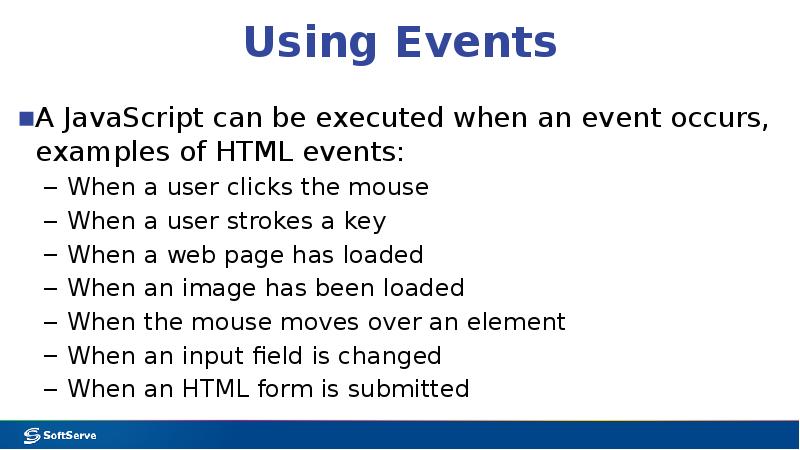
A JavaScript can be executed when an event occurs, examples of HTML events:
When a user clicks the mouse
When a user strokes a key
When a web page has loaded
When an image has been loaded
When the mouse moves over an element
When an input field is changed
When an HTML form is submitted
Слайд 18
Описание слайда:
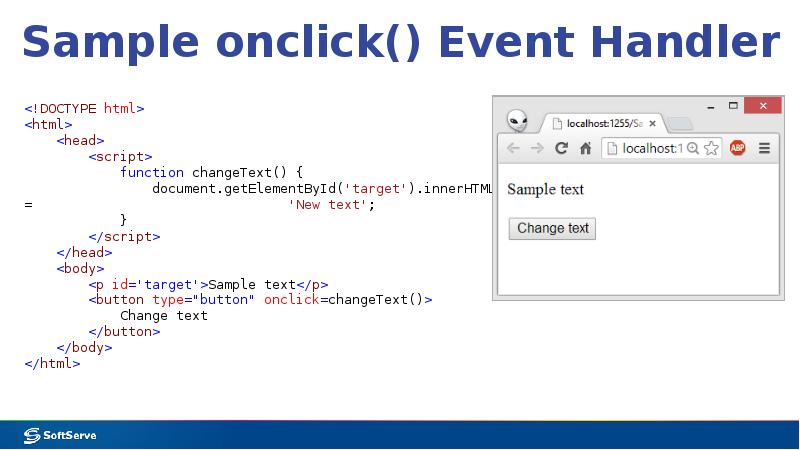
Sample onclick() Event Handler
Слайд 19
Описание слайда:
Cookies and Storages
Слайд 20
Описание слайда:
What are Cookies?
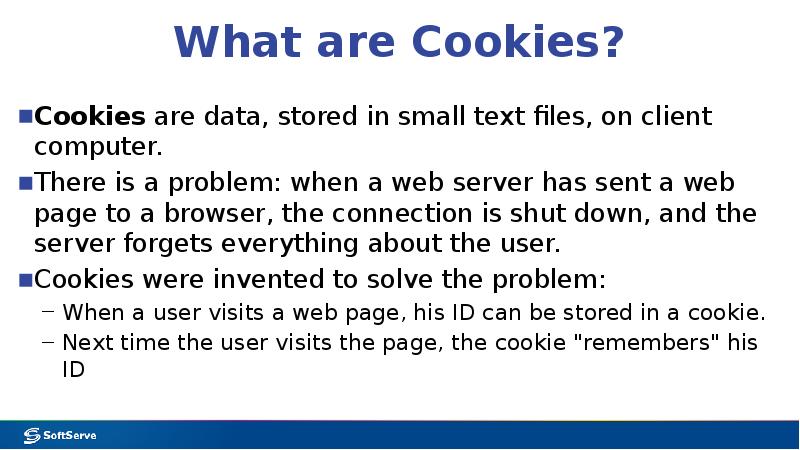
Cookies are data, stored in small text files, on client computer.
There is a problem: when a web server has sent a web page to a browser, the connection is shut down, and the server forgets everything about the user.
Cookies were invented to solve the problem:
When a user visits a web page, his ID can be stored in a cookie.
Next time the user visits the page, the cookie "remembers" his ID
Слайд 21
Описание слайда:
Create a Cookie with JavaScript
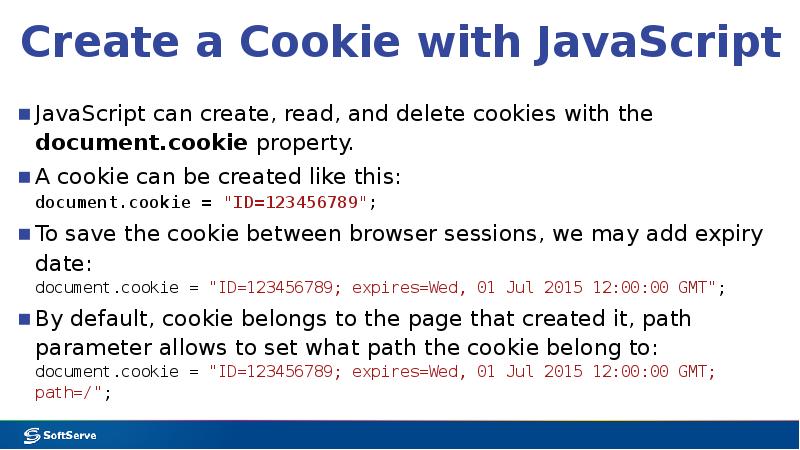
JavaScript can create, read, and delete cookies with the document.cookie property.
A cookie can be created like this:
document.cookie = "ID=123456789";
To save the cookie between browser sessions, we may add expiry date:
document.cookie = "ID=123456789; expires=Wed, 01 Jul 2015 12:00:00 GMT";
By default, cookie belongs to the page that created it, path parameter allows to set what path the cookie belong to:
document.cookie = "ID=123456789; expires=Wed, 01 Jul 2015 12:00:00 GMT; path=/";
Слайд 22
Описание слайда:
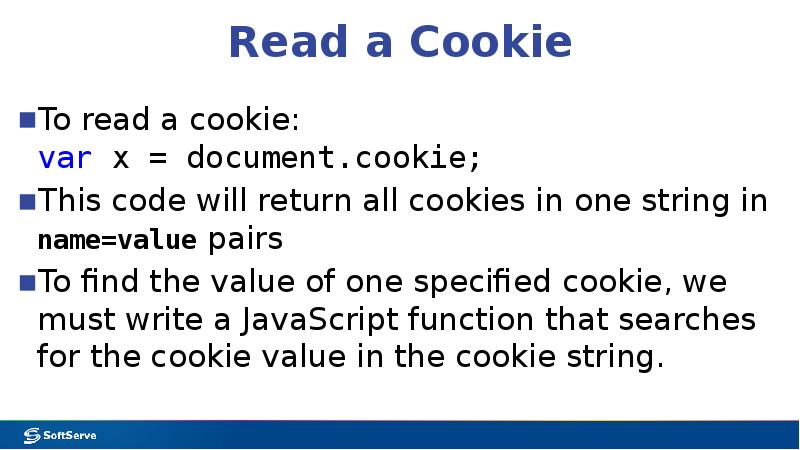
Read a Cookie
To read a cookie:
var x = document.cookie;
This code will return all cookies in one string in name=value pairs
To find the value of one specified cookie, we must write a JavaScript function that searches for the cookie value in the cookie string.
Слайд 23
Описание слайда:
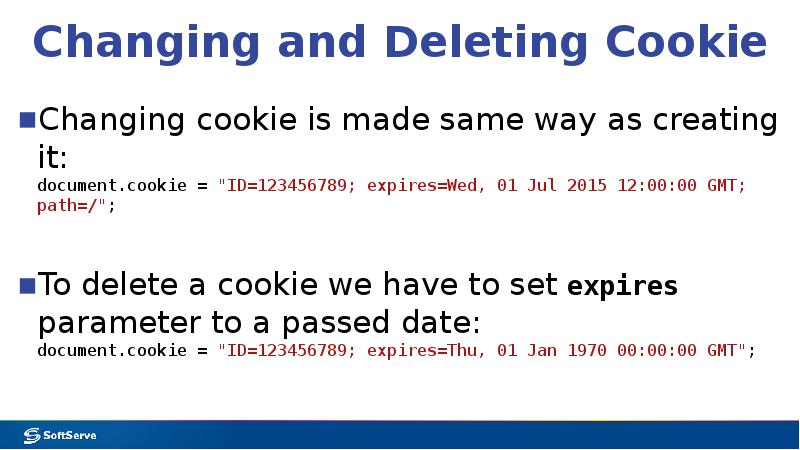
Changing and Deleting Cookie
Changing cookie is made same way as creating it:
document.cookie = "ID=123456789; expires=Wed, 01 Jul 2015 12:00:00 GMT; path=/";
To delete a cookie we have to set expires parameter to a passed date:
document.cookie = "ID=123456789; expires=Thu, 01 Jan 1970 00:00:00 GMT";
Слайд 24
Описание слайда:
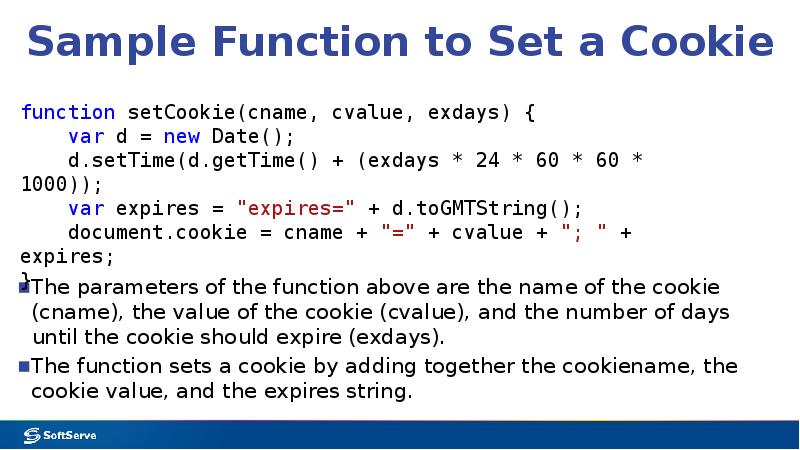
Sample Function to Set a Cookie
The parameters of the function above are the name of the cookie (cname), the value of the cookie (cvalue), and the number of days until the cookie should expire (exdays).
The function sets a cookie by adding together the cookiename, the cookie value, and the expires string.
Слайд 25
Описание слайда:
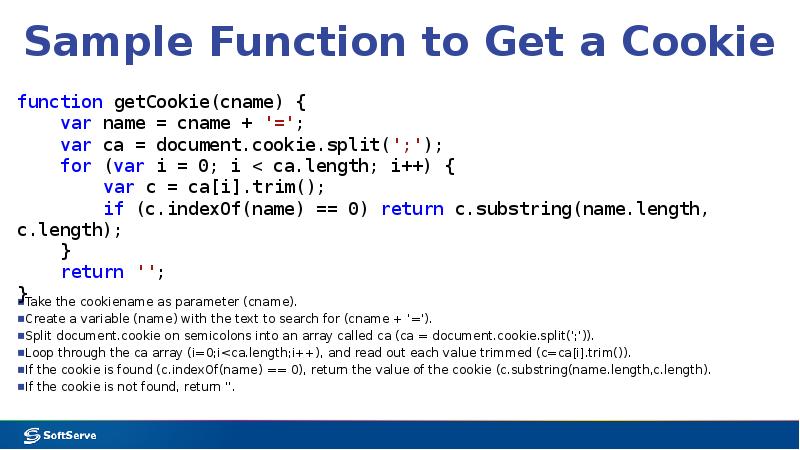
Sample Function to Get a Cookie
Take the cookiename as parameter (cname).
Create a variable (name) with the text to search for (cname + '=').
Split document.cookie on semicolons into an array called ca (ca = document.cookie.split(';')).
Loop through the ca array (i=0;i<ca.length;i++), and read out each value trimmed (c=ca[i].trim()).
If the cookie is found (c.indexOf(name) == 0), return the value of the cookie (c.substring(name.length,c.length).
If the cookie is not found, return ''.
Слайд 26
Описание слайда:
HTML5 Web Storage
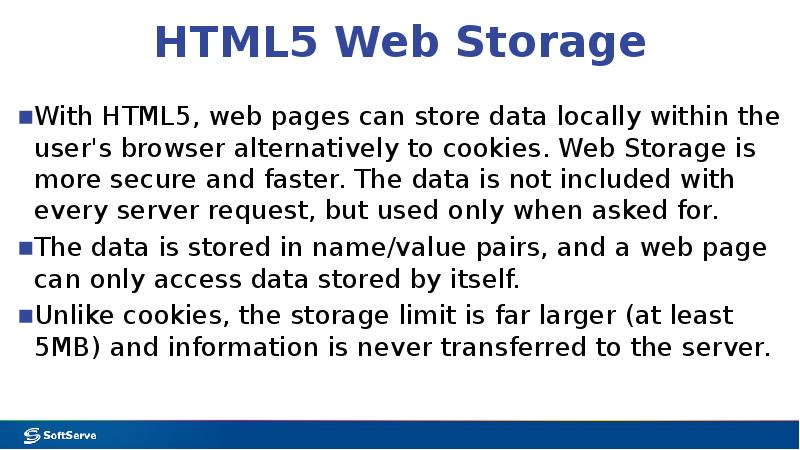
With HTML5, web pages can store data locally within the user's browser alternatively to cookies. Web Storage is more secure and faster. The data is not included with every server request, but used only when asked for.
The data is stored in name/value pairs, and a web page can only access data stored by itself.
Unlike cookies, the storage limit is far larger (at least 5MB) and information is never transferred to the server.
Слайд 27
Описание слайда:
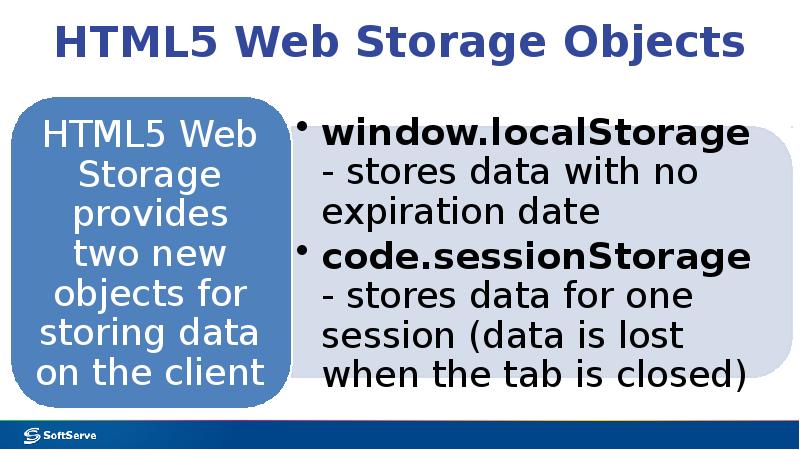
HTML5 Web Storage Objects
Слайд 28
Описание слайда:
Initial Check
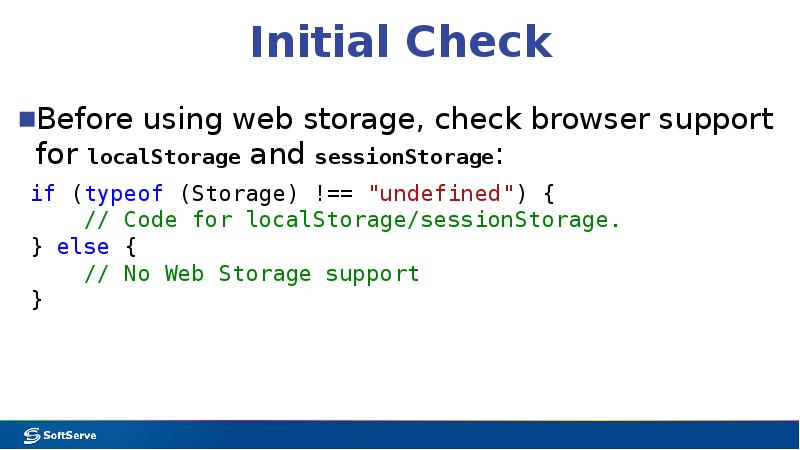
Before using web storage, check browser support for localStorage and sessionStorage:
Слайд 29
Описание слайда:
Using Storage Objects
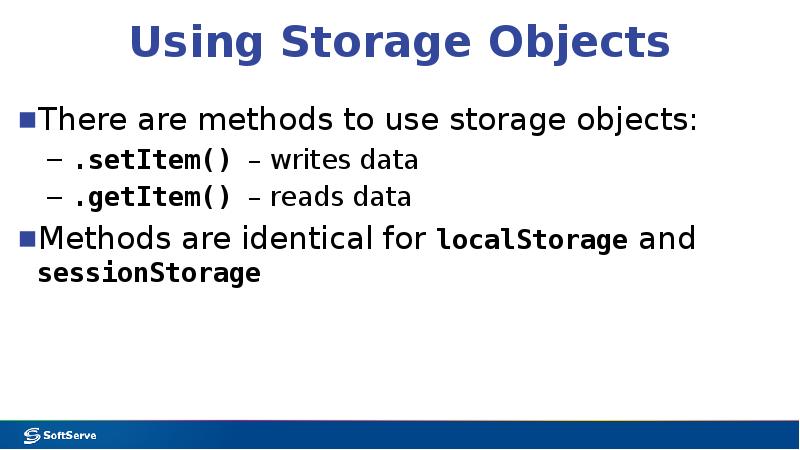
There are methods to use storage objects:
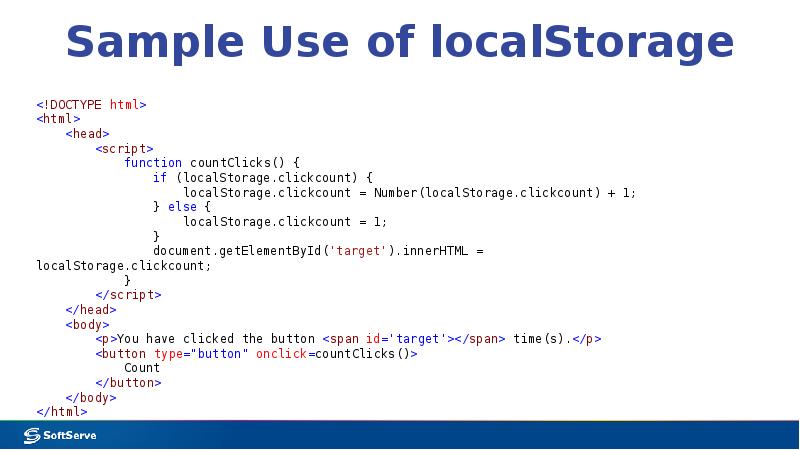
.setItem() – writes data
.getItem() – reads data
Methods are identical for localStorage and sessionStorage
Слайд 30
Описание слайда:
Sample Use of localStorage
Слайд 31
Описание слайда:
Useful links
Слайд 32
Описание слайда:
Useful Links
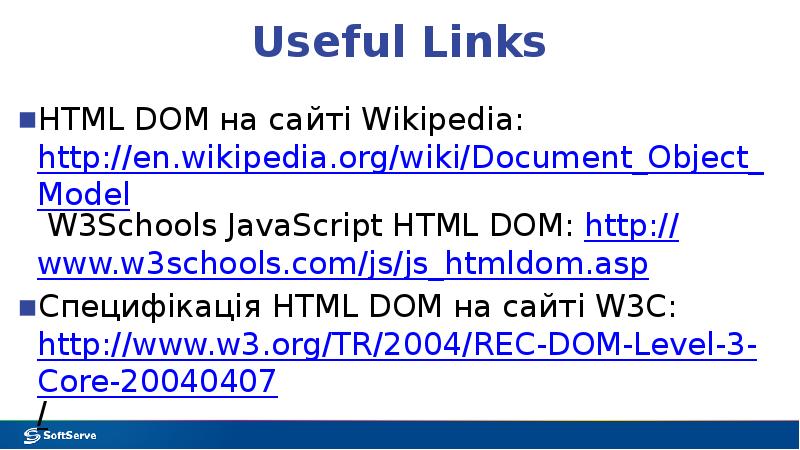
HTML DOM на сайті Wikipedia: http://en.wikipedia.org/wiki/Document_Object_Model W3Schools JavaScript HTML DOM: http://www.w3schools.com/js/js_htmldom.asp
Специфікація HTML DOM на сайті W3C: http://www.w3.org/TR/2004/REC-DOM-Level-3-Core-20040407/
Слайд 33
Описание слайда:
Thank you!
Скачать презентацию на тему Module 7: Accessing DOM with JavaScript можно ниже: