Web Development & Design Foundations with HTML5 8th Edition презентация
Содержание
- 2. Learning Outcomes In this chapter, you will learn how to ...
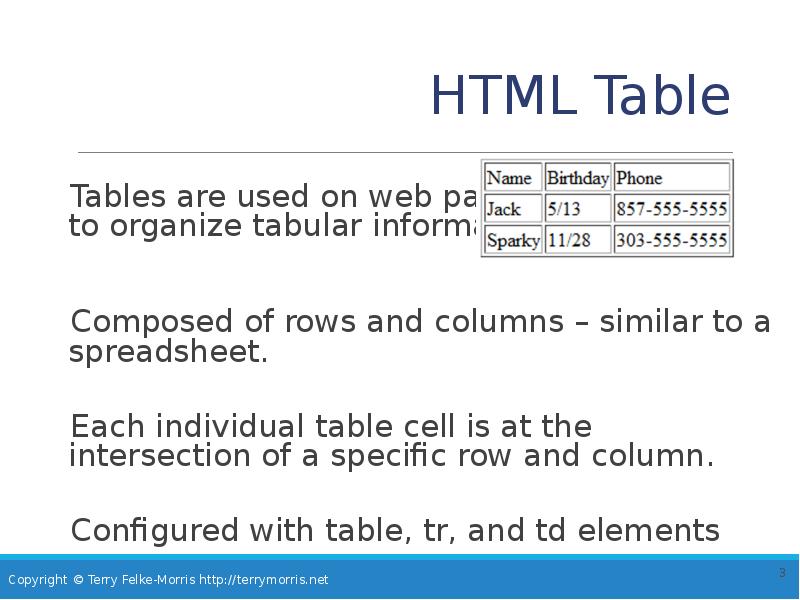
- 3. HTML Table Tables are used on web pages to organize tabular
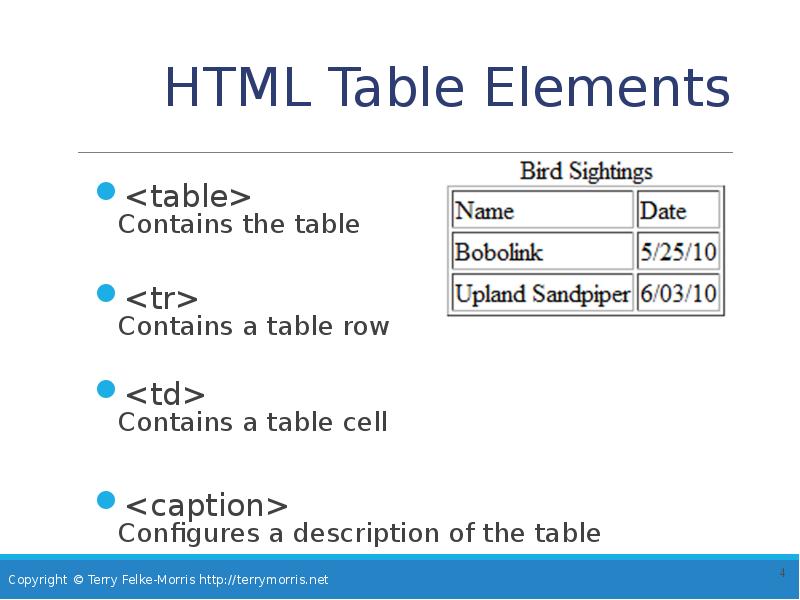
- 4. HTML Table Elements <table> Contains the table <tr> Contains a
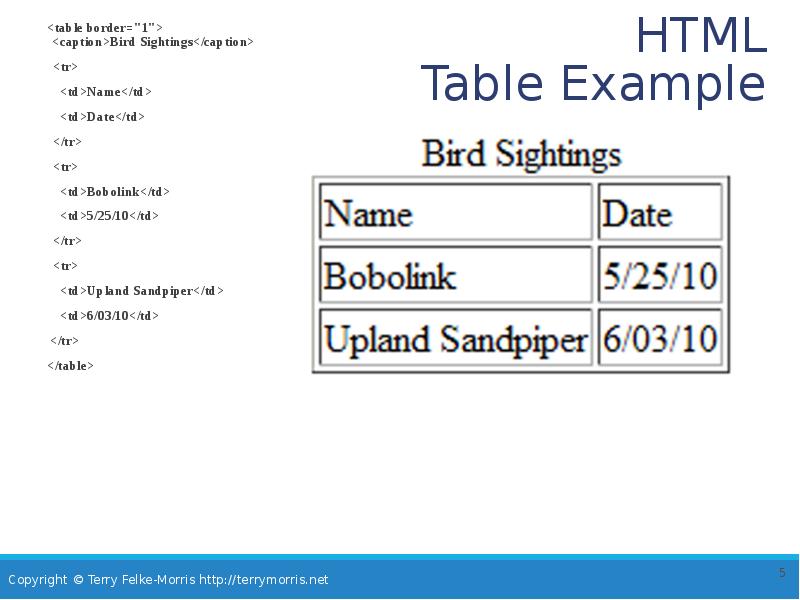
- 5. HTML Table Example <table border="1"> <caption>Bird Sightings</caption> <tr> <td>Name</td>
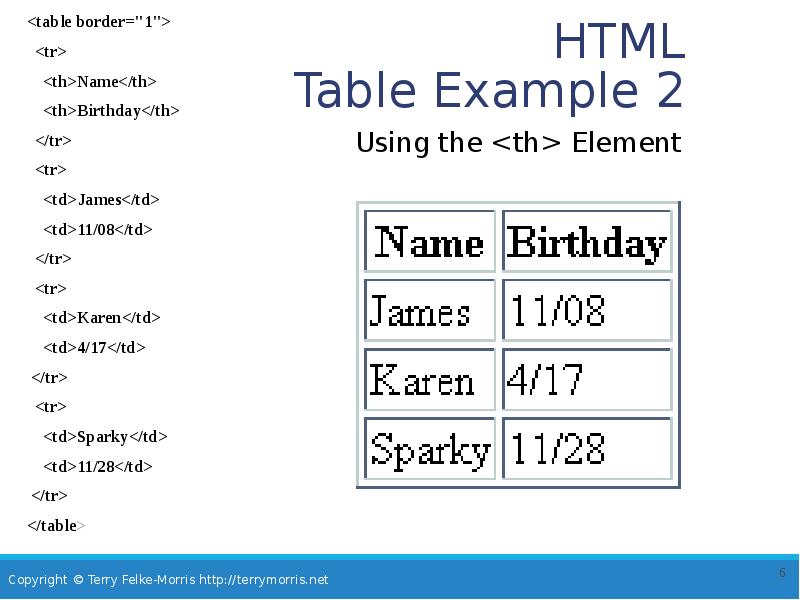
- 6. HTML Table Example 2 <table border="1"> <tr> <th>Name</th> <th>Birthday</th>
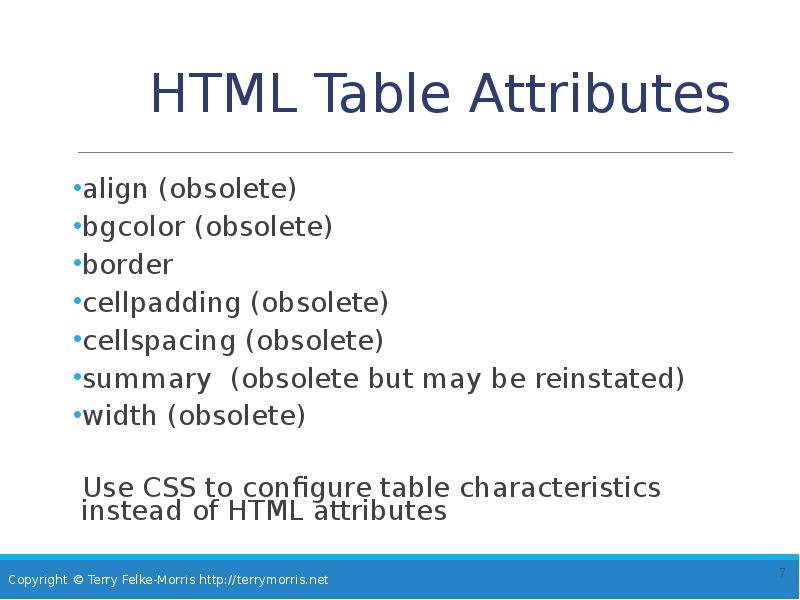
- 7. HTML Table Attributes align (obsolete) bgcolor (obsolete) border cellpadding (obsolete)
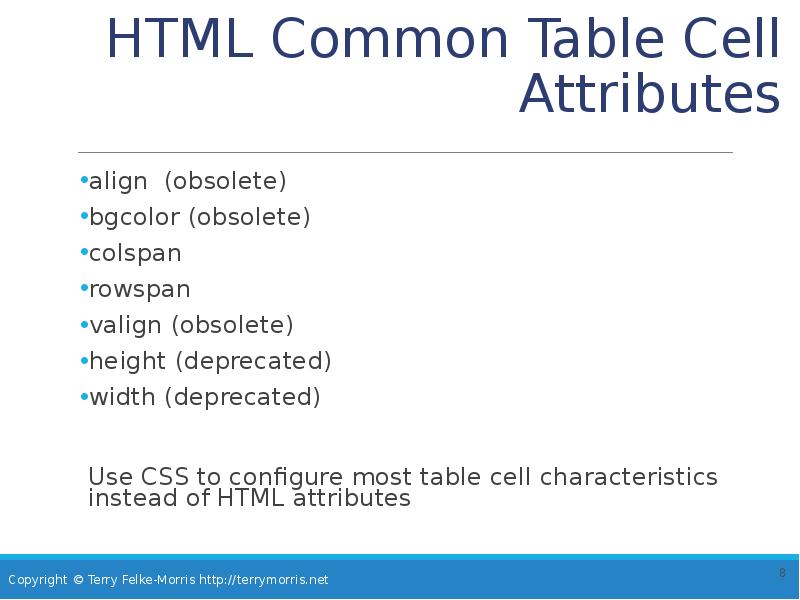
- 8. HTML Common Table Cell Attributes align (obsolete) bgcolor (obsolete) colspan rowspan
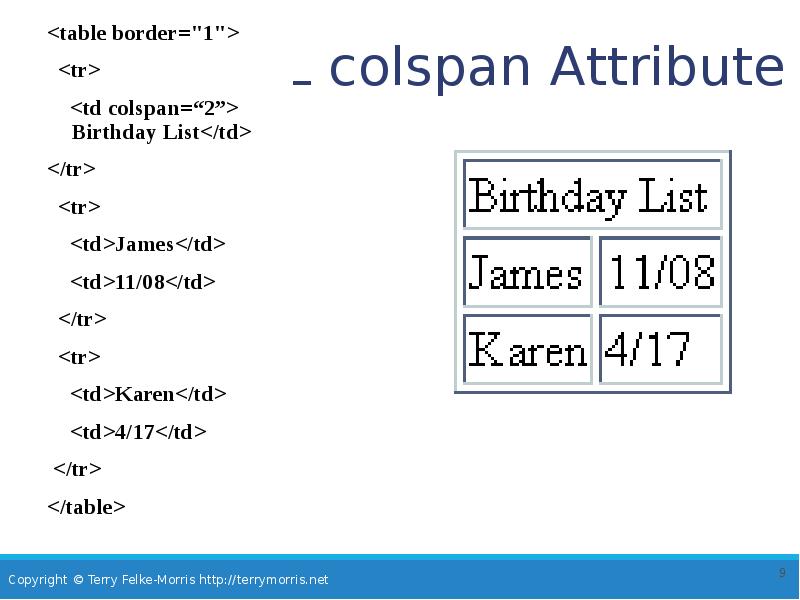
- 9. HTML colspan Attribute <table border="1"> <tr> <td colspan=“2”> Birthday List</td>
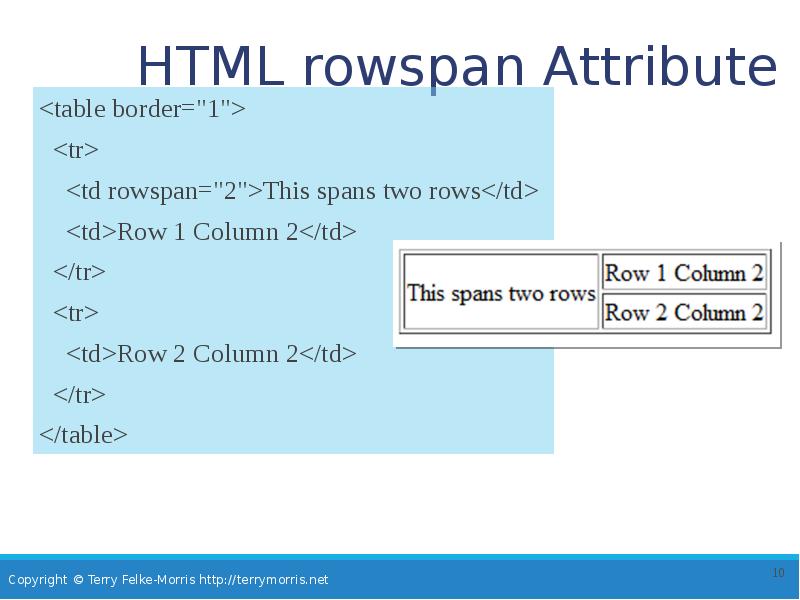
- 10. HTML rowspan Attribute <table border="1"> <tr> <td rowspan="2">This spans two
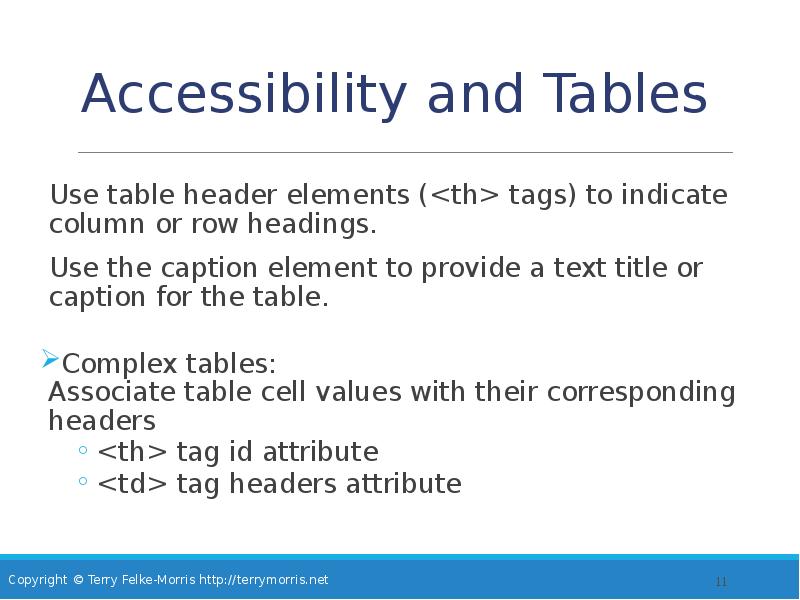
- 11. Accessibility and Tables Use table header elements (<th> tags) to indicate
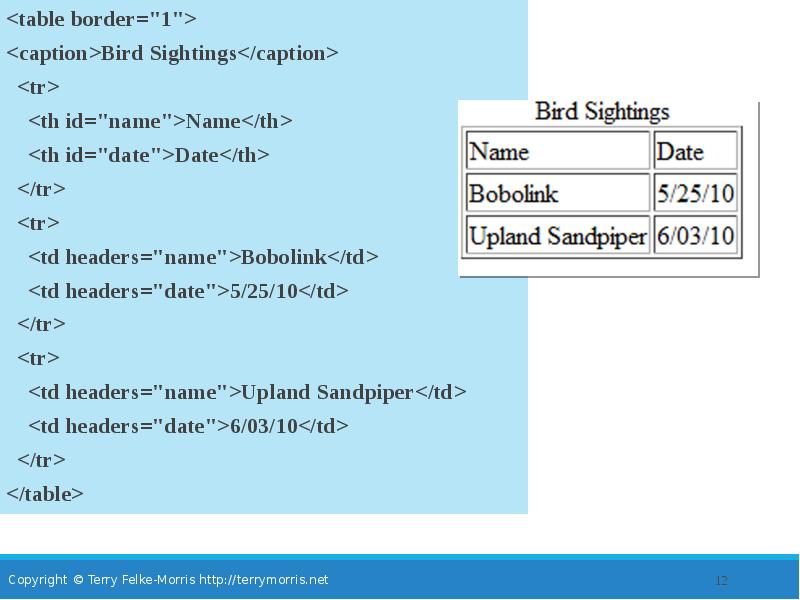
- 12. <table border="1"> <table border="1"> <caption>Bird Sightings</caption> <tr> <th id="name">Name</th>
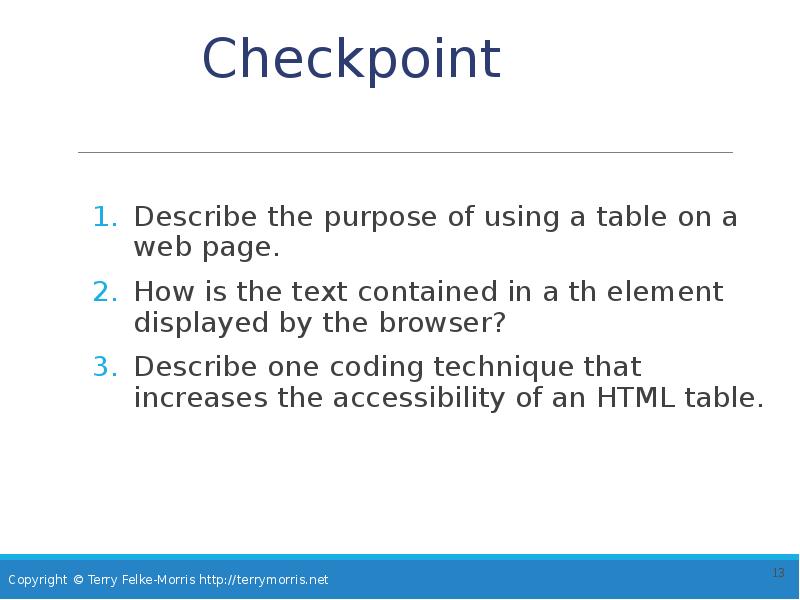
- 13. Checkpoint Describe the purpose of using a table on a web
- 14. Using CSS to Style a Table
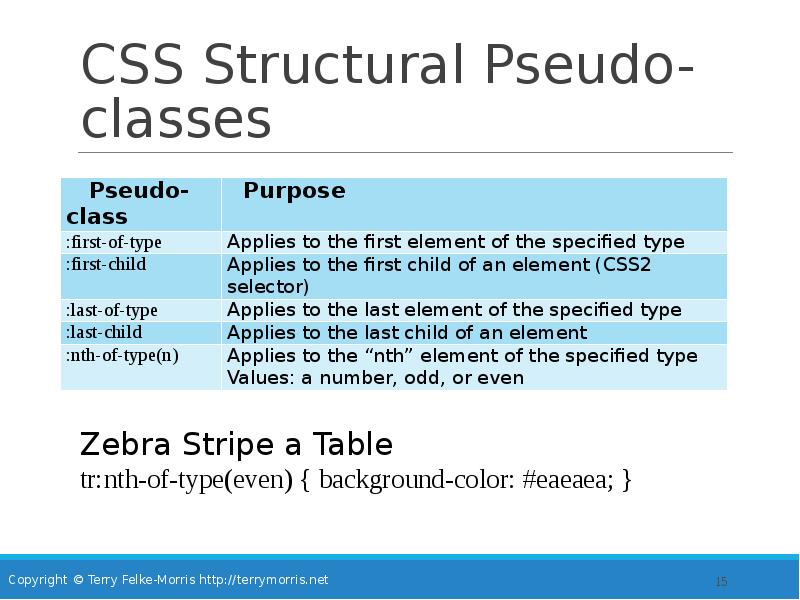
- 15. CSS Structural Pseudo-classes
- 16. Table Row Groups <thead> table head rows <tbody > table body
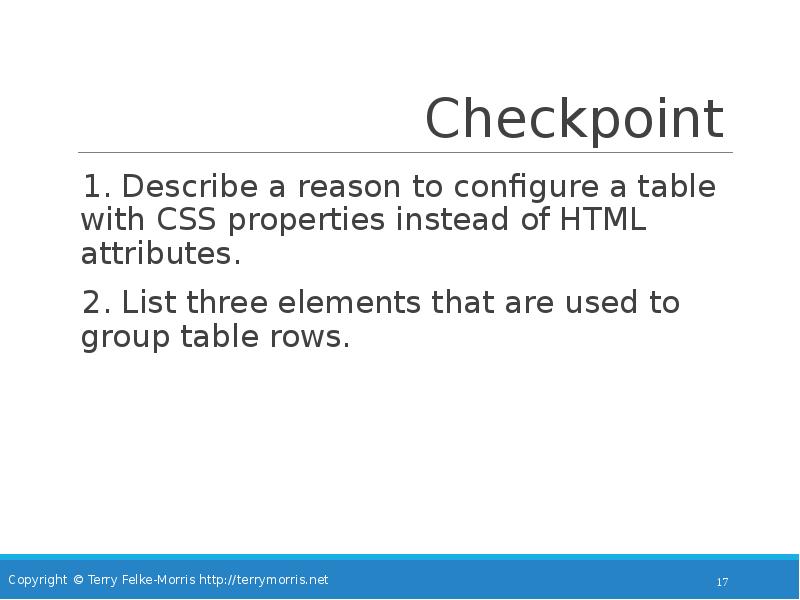
- 17. Checkpoint 1. Describe a reason to configure a table with CSS
- 18. Summary This chapter introduced the HTML and CSS techniques used to
- 19. Скачать презентацию



Слайды и текст этой презентации
Слайд 1
Описание слайда:
Web Development & Design Foundations with HTML5
8th Edition
CHAPTER 8
KEY CONCEPTS
Слайд 2
Описание слайда:
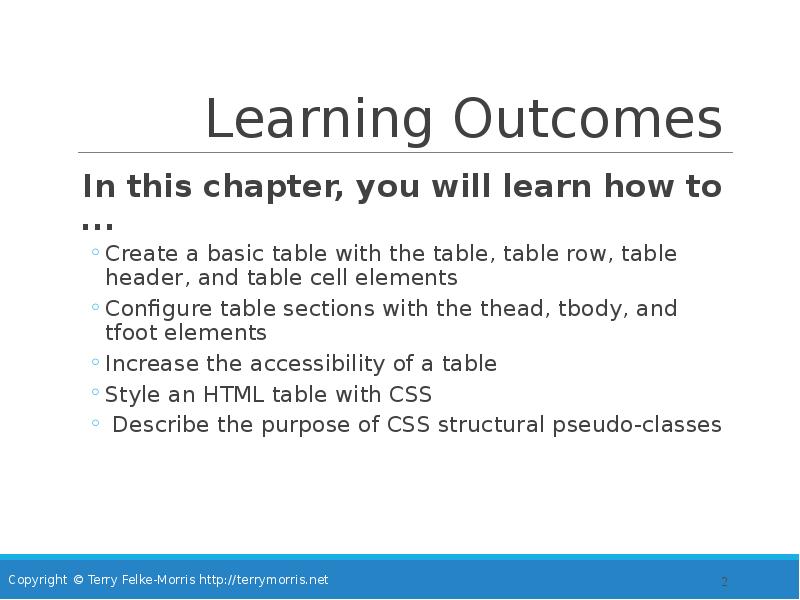
Learning Outcomes
In this chapter, you will learn how to ...
Create a basic table with the table, table row, table header, and table cell elements
Configure table sections with the thead, tbody, and tfoot elements
Increase the accessibility of a table
Style an HTML table with CSS
Describe the purpose of CSS structural pseudo-classes
Слайд 3
Описание слайда:
HTML Table
Tables are used on web pages
to organize tabular information
Composed of rows and columns – similar to a spreadsheet.
Each individual table cell is at the intersection of a specific row and column.
Configured with table, tr, and td elements
Слайд 4
Описание слайда:
HTML Table Elements
<table>
Contains the table
<tr>
Contains a table row
<td>
Contains a table cell
<caption>
Configures a description of the table
Слайд 5
Описание слайда:
HTML
Table Example
<table border="1">
<caption>Bird Sightings</caption>
<tr>
<td>Name</td>
<td>Date</td>
</tr>
<tr>
<td>Bobolink</td>
<td>5/25/10</td>
</tr>
<tr>
<td>Upland Sandpiper</td>
<td>6/03/10</td>
</tr>
</table>
Слайд 6
Описание слайда:
HTML
Table Example 2
<table border="1">
<tr>
<th>Name</th>
<th>Birthday</th>
</tr>
<tr>
<td>James</td>
<td>11/08</td>
</tr>
<tr>
<td>Karen</td>
<td>4/17</td>
</tr>
<tr>
<td>Sparky</td>
<td>11/28</td>
</tr>
</table>
Слайд 7
Описание слайда:
HTML Table Attributes
align (obsolete)
bgcolor (obsolete)
border
cellpadding (obsolete)
cellspacing (obsolete)
summary (obsolete but may be reinstated)
width (obsolete)
Use CSS to configure table characteristics instead of HTML attributes
Слайд 8
Описание слайда:
HTML Common Table Cell Attributes
align (obsolete)
bgcolor (obsolete)
colspan
rowspan
valign (obsolete)
height (deprecated)
width (deprecated)
Use CSS to configure most table cell characteristics instead of HTML attributes
Слайд 9
Описание слайда:
HTML colspan Attribute
<table border="1">
<tr>
<td colspan=“2”>
Birthday List</td>
</tr>
<tr>
<td>James</td>
<td>11/08</td>
</tr>
<tr>
<td>Karen</td>
<td>4/17</td>
</tr>
</table>
Слайд 10
Описание слайда:
HTML rowspan Attribute
<table border="1">
<tr>
<td rowspan="2">This spans two rows</td>
<td>Row 1 Column 2</td>
</tr>
<tr>
<td>Row 2 Column 2</td>
</tr>
</table>
Слайд 11
Описание слайда:
Accessibility and Tables
Use table header elements (<th> tags) to indicate column or row headings.
Use the caption element to provide a text title or caption for the table.
Complex tables:
Associate table cell values with their corresponding headers
<th> tag id attribute
<td> tag headers attribute
Слайд 12
Описание слайда:
<table border="1">
<table border="1">
<caption>Bird Sightings</caption>
<tr>
<th id="name">Name</th>
<th id="date">Date</th>
</tr>
<tr>
<td headers="name">Bobolink</td>
<td headers="date">5/25/10</td>
</tr>
<tr>
<td headers="name">Upland Sandpiper</td>
<td headers="date">6/03/10</td>
</tr>
</table>
Слайд 13
Описание слайда:
Checkpoint
Describe the purpose of using a table on a web page.
How is the text contained in a th element displayed by the browser?
Describe one coding technique that increases the accessibility of an HTML table.
Слайд 14
Описание слайда:
Using CSS to Style a Table
Слайд 15
Описание слайда:
CSS Structural Pseudo-classes
Слайд 16
Описание слайда:
Table Row
Groups
<thead>
table head rows
<tbody >
table body rows
<tfoot>
table footer rows
Слайд 17
Описание слайда:
Checkpoint
1. Describe a reason to configure a table with CSS properties instead of HTML attributes.
2. List three elements that are used to group table rows.
Слайд 18
Описание слайда:
Summary
This chapter introduced the HTML and CSS techniques used to create and configure tables on web pages.
Скачать презентацию на тему Web Development & Design Foundations with HTML5 8th Edition можно ниже: