Project Management Tools - PERT and CPA презентация
Содержание
- 2. Learning Outcomes What are the different Project Management Tools – PERT
- 3. Project Management Tools Techniques and tools used during the planning process
- 4. PERT Charts Programme Evaluation and Review Technique Also based on the
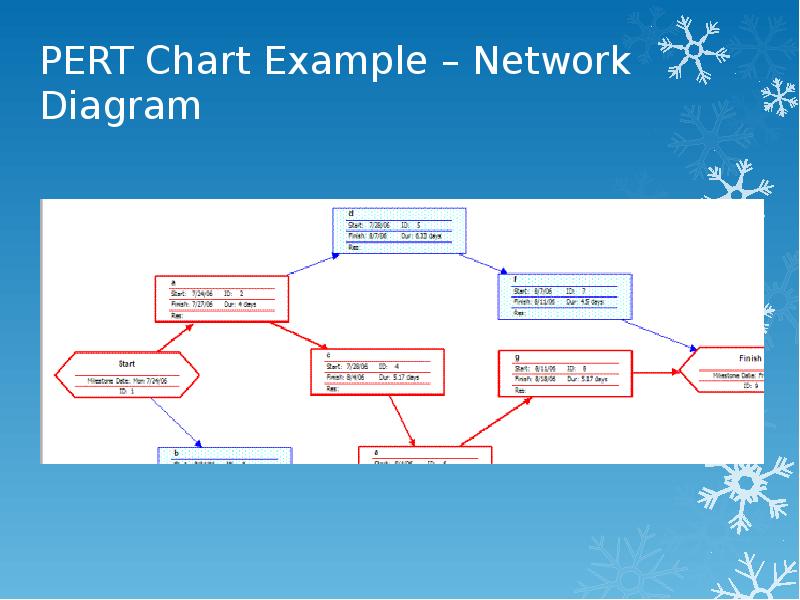
- 5. PERT Chart Example – Network Diagram
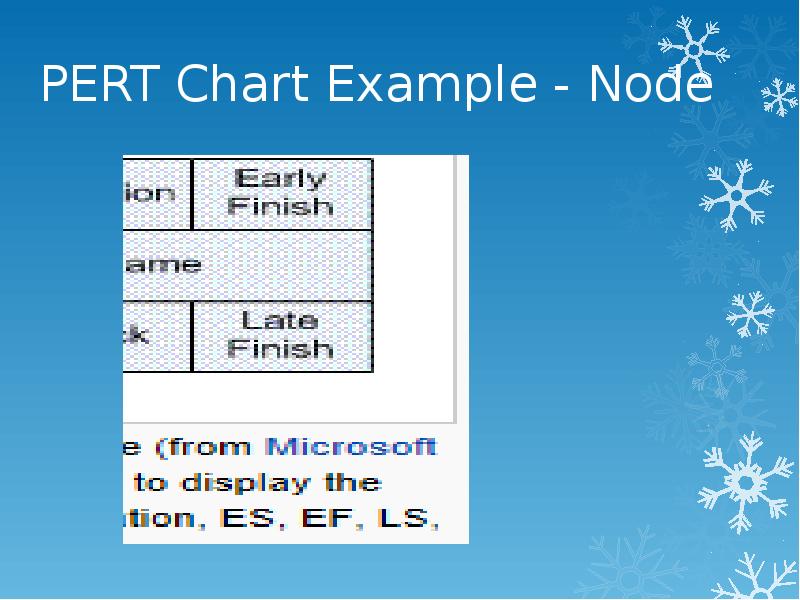
- 6. PERT Chart Example - Node
- 7. Critical Path Analysis (CPA) Is a visual technique that uses diagrams
- 8. Critical Path Analysis (CPA) The basis for the method is attempting
- 9. Critical Path Analysis (CPA) These questions are answered by addressing the
- 10. Critical Path Analysis (CPA) See “Project Management Tools – CPA” PowerPoint
- 11. Скачать презентацию

Слайды и текст этой презентации
Слайд 1
Описание слайда:
Unit 17: IT Project
Project Management Tools - PERT & CPA (Network Diagrams)
Слайд 2
Описание слайда:
Learning Outcomes
What are the different Project Management Tools – PERT and CPA
Be able to build a CPA diagram in order to:
Plan a project
Identify the Critical Paths
Identify the Slack Time
Identify the Earliest Start Time & Latest Finish Time
Слайд 3
Описание слайда:
Project Management Tools
Techniques and tools used during the planning process
Enabling managers to control the development of projects by providing a framework against which projects can be measured
Common project management tools include:
Gantt charts
PERT charts (Programme Evaluation & Review Technique
Critical Path Analysis (CPA)
Project management software i.e. Microsoft Project
Слайд 4
Описание слайда:
PERT Charts
Programme Evaluation and Review Technique
Also based on the identification and definition of task-oriented concepts
Recognises that there is an element of probability, when some tasks may not take the amount of time or resources first estimated
PERT charts are created incorporating probability theory
Planning shown visually is often easier to understand and more obvious than a simple list of tasks
See http://en.wikipedia.org/wiki/Program_Evaluation_and_Review_Technique
Слайд 5
Описание слайда:
PERT Chart Example – Network Diagram
Слайд 6
Описание слайда:
PERT Chart Example - Node
Слайд 7
Описание слайда:
Critical Path Analysis (CPA)
Is a visual technique that uses diagrams
This method looks for the route through the activities where there is the least flexibility
It is centred on the concept of logic & efficiency
As with Gantt Charts:-
There will be some activities that must be carried out sequentially
Other can be carried out simultaneously
Слайд 8
Описание слайда:
Critical Path Analysis (CPA)
The basis for the method is attempting to answer a set of questions:-
How long will it take to fully complete the project?
Which activities are inflexible and thus help to fix the project time?
Which activities can be shortened or should we give more resources to?
Слайд 9
Описание слайда:
Critical Path Analysis (CPA)
These questions are answered by addressing the following:-
Identify the tasks that need to be undertaken
Identify the resources needed to achieve the project
Establish the priority of the individual tasks
Establish the sequence of activities and how long each should take
Decide where there is a possibility for activities to be carried out in parallel
Calculate the shortest time in which the project can be completed allowing for all the necessary activities to have been undertaken
Слайд 10
Описание слайда:
Critical Path Analysis (CPA)
See “Project Management Tools – CPA” PowerPoint
Скачать презентацию на тему Project Management Tools - PERT and CPA можно ниже: